Video Not in Suggested or Recommended? Browse Features Diagnosis (2026)
 CreatorPlaybook Team
- 01 Nov, 2026
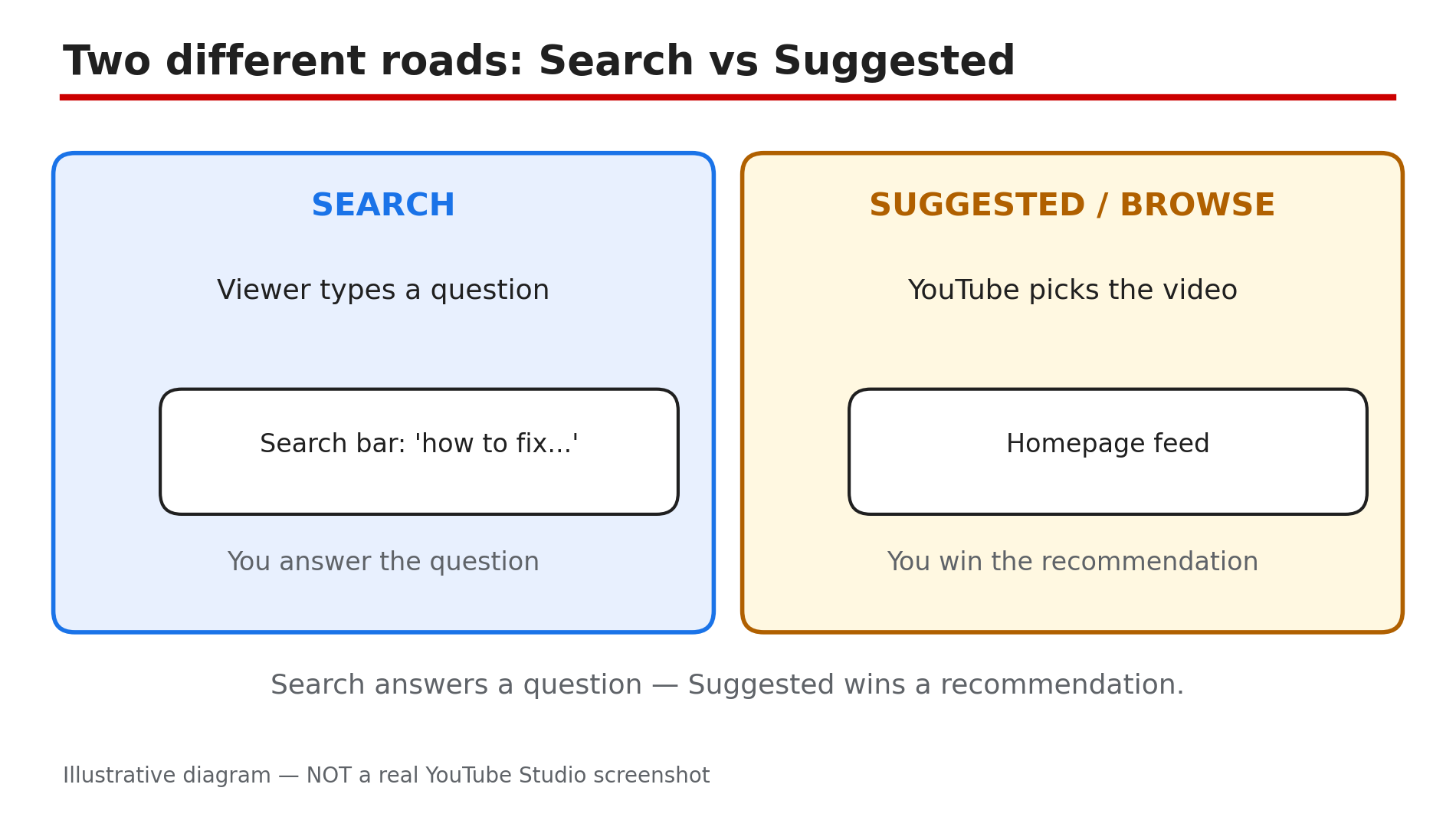
Your video is public and even shows up in search — but it never appears on the YouTube homepage or in the “Up next” list beside other videos. That is a different problem from a search problem. Search answers a question a viewer typed. Suggested videos and Browse features (the homepage feed) are YouTube choosing your video for a viewer who never asked. YouTube’s own Help page says its recommendation system learns from over 80 billion signals a day — watch and search history, subscriptions, likes, dislikes and satisfaction surveys. In practice, three things decide it: whether people click, whether they stay, and whether the video clearly belongs next to the one they just watched. This guide gives you a six-step diagnosis. Search-ranking checks are not repeated here — if your video is missing from search too, read our search guide first; if your whole channel has stopped growing, read our channel-growth guide (both linked in Sources).
What You Will Learn
- How to read the Suggested and Browse rows in Analytics
- What low CTR, a weak first 30 seconds, or a topic mismatch look like in your data
- How to spot when your video is tested with the wrong audience
- How session behaviour (what viewers watch next) affects recommendations
- A six-step fix to repeat for every stalled video
Step 1 — Confirm it is really Suggested and Browse
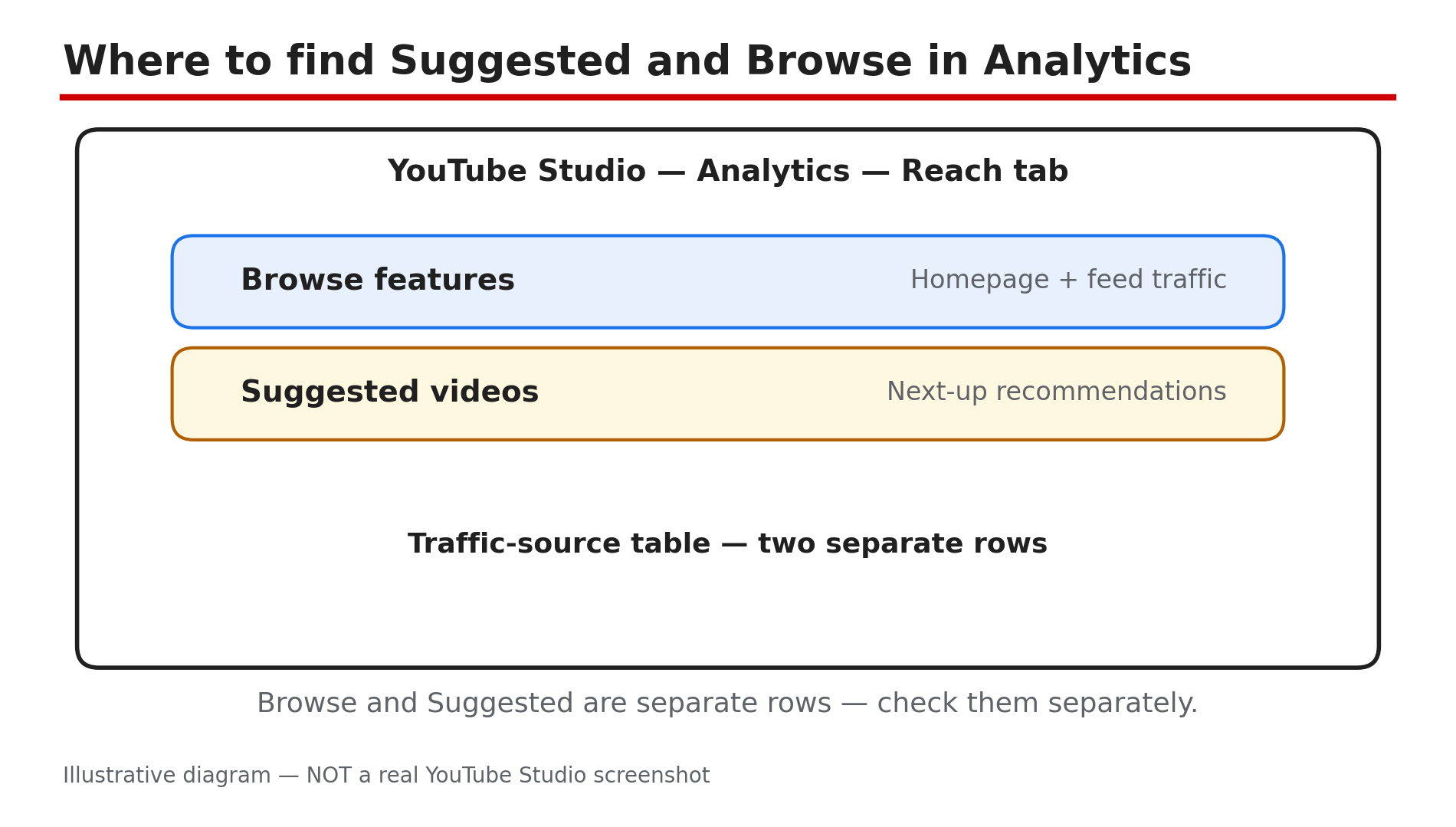
What to do: In YouTube Studio, open Analytics → Reach → Traffic source types for this one video, last 28 days.
How: Click the video in Content, open Analytics, and select the Reach tab. You will see rows such as Browse features, Suggested videos, YouTube search, External and Channel pages. If Search brings steady views but Suggested and Browse show almost nothing, your problem is recommendations, not visibility. If all rows are near zero, the video may simply be too new — wait 48 to 72 hours before diagnosing.
Example: A cooking video gets 400 views from Search but 12 from Suggested in 28 days — findable, but not being chosen.
Common mistake: Judging a video after one day — YouTube tests new videos with small audiences first, as reported, so a flat first 24 hours is normal.
Illustrative diagram — NOT a real YouTube Studio screenshot.
Step 2 — Check impressions and CTR
What to do: In the same Reach tab, check Impressions and Impressions click-through rate for Browse and Suggested separately.
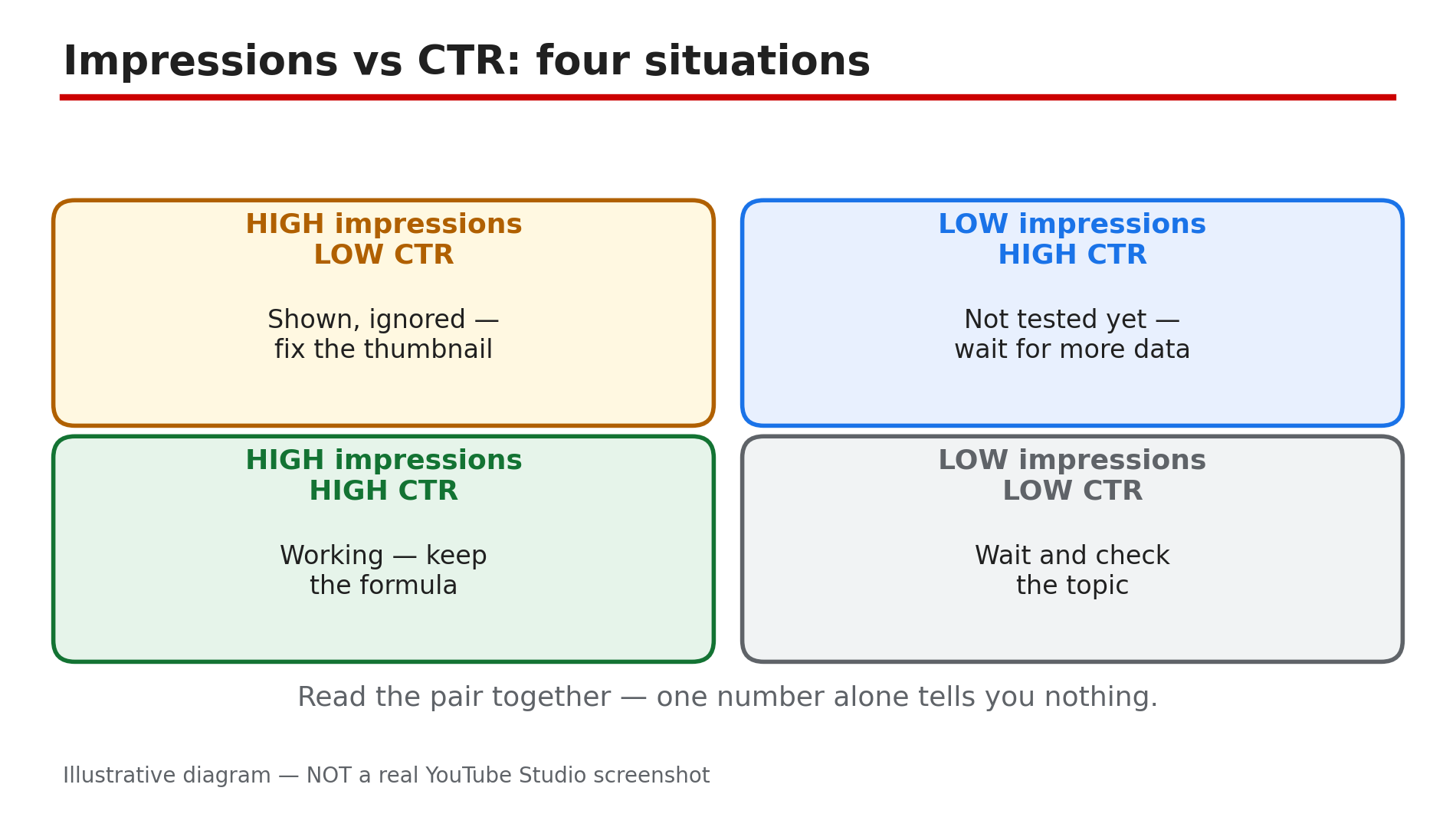
How: Impressions count how often your thumbnail was shown on that surface; CTR is clicks divided by impressions. YouTube Help reports that half of all channels sit between 2% and 10% impressions CTR, so 2–3% is not automatically broken. What matters is the trend: thousands of Browse impressions at 1% CTR means the video is being shown and ignored. With only 50 impressions, CTR means little.
Example: 8,000 Browse impressions at 1.4% CTR means viewers saw it and scrolled past — fix the thumbnail and title, not the video. At 60 impressions and 6% CTR, the packaging works; it just has not been pushed further yet.
Common mistake: Chasing a high CTR with a misleading thumbnail — a click that ends in eight seconds tells the system the video disappointed viewers, which hurts more than a low CTR.
Illustrative diagram — NOT a real YouTube Studio screenshot.
Step 3 — Read the first 30 seconds of retention
What to do: In Analytics, open Engagement and study the audience retention curve, especially the first 30 seconds.
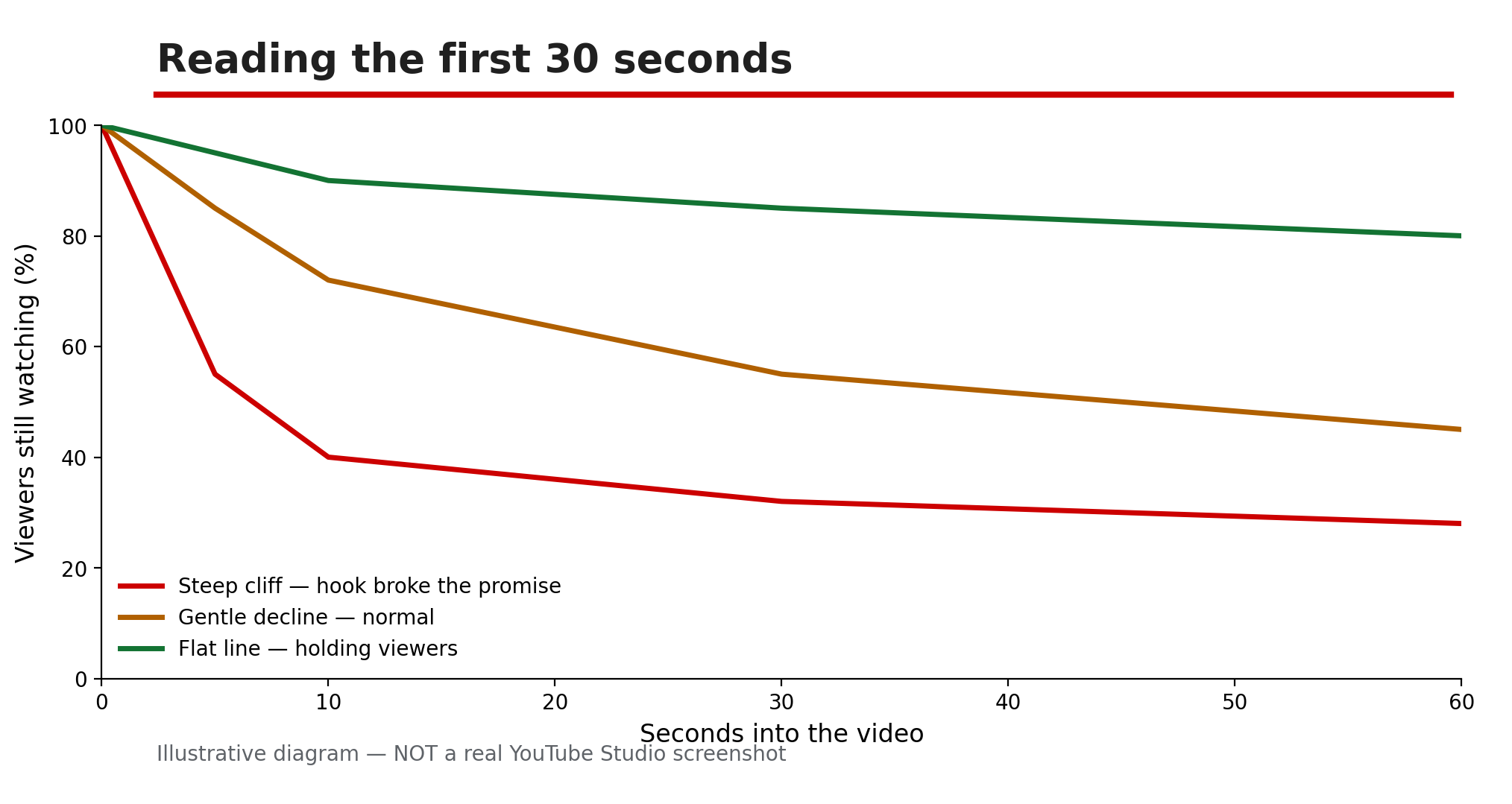
How: The retention graph shows what share of viewers is still watching at each moment. A steep drop in the first 30 seconds means the hook broke the title’s promise. A mid-video dip points to one slow section to tighten. A gentle, steady decline is normal. YouTube compares each video with your own recent uploads of similar length, as reported — there is no universal retention target to chase.
Example: A 10-minute tutorial keeps 70% of viewers past 30 seconds and ends at 45% average percentage viewed. The same video with only 30% left after 30 seconds will rarely get Suggested traffic, even with a good CTR.
Common mistake: Re-editing the whole video when only the opening is weak. Cut the slow intro, restate the payoff in the first 10 seconds, and move the background story later.
Illustrative diagram — NOT a real YouTube Studio screenshot.
Step 4 — Check topic relevance
What to do: Find out which videos YouTube pairs yours with, and whether those pairings make sense.
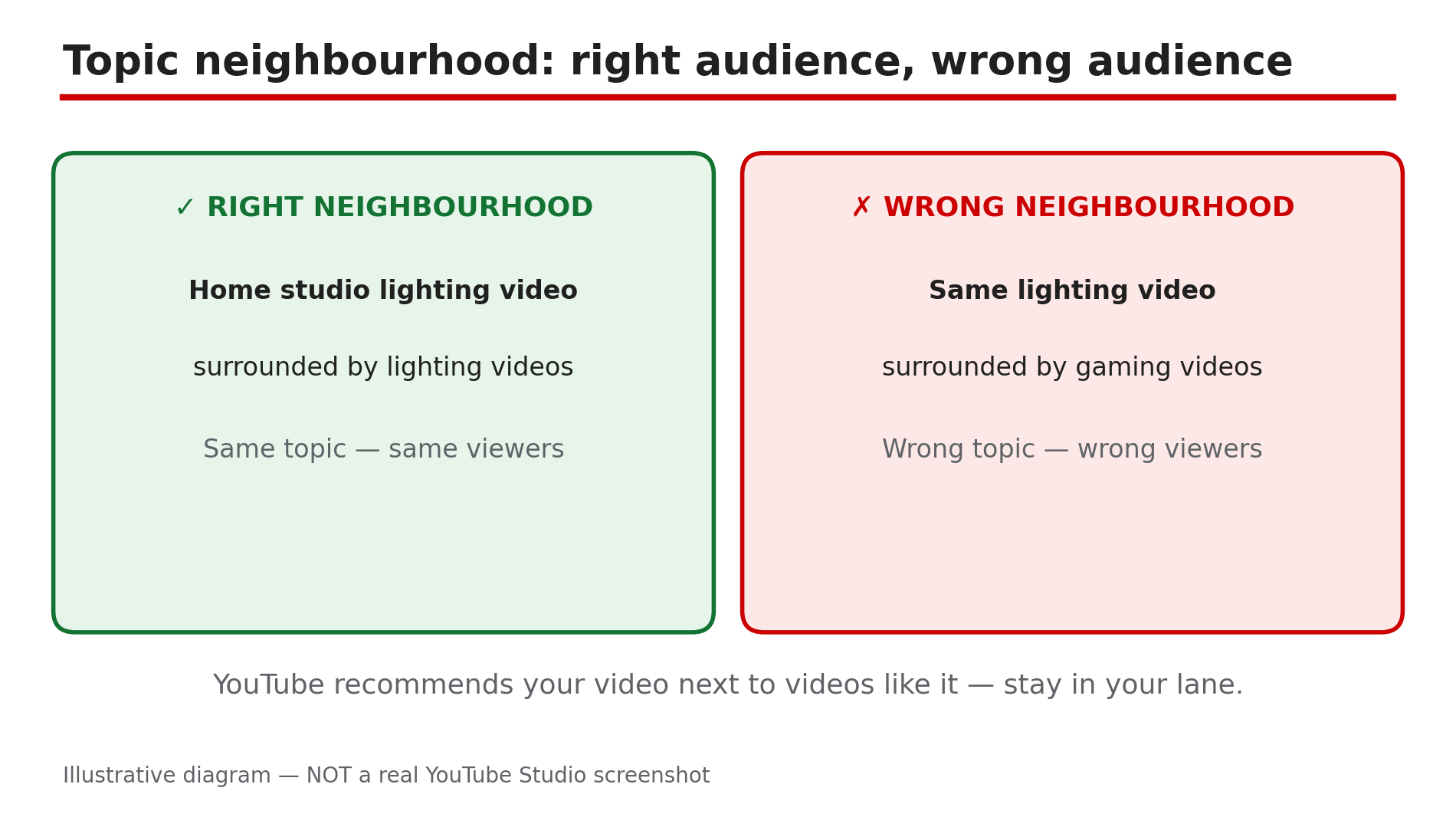
How: In Analytics, open Reach, then look at “Videos suggesting your content” under Suggested videos traffic — it shows which videos sent viewers to yours. Also check “Other videos your audience watched” in the Audience tab. If the suggesting videos cover a different topic, language or age group, YouTube is testing your video with the wrong audience. Fix the signals so the title, first two description lines, first minute of speech and playlist all name the same topic.
Example: A “budget home studio lighting” video keeps appearing next to gaming setup tours because its thumbnail shows a gaming chair. A thumbnail showing the lights and a title naming lighting moves it into the right neighbourhood, as reported.
Common mistake: Covering five topics at once — lighting, microphones, editing and room treatment gives the system no clear topic to match. One video, one clear topic, one clear audience.
Illustrative diagram — NOT a real YouTube Studio screenshot.
Step 5 — Check session behaviour
What to do: Look at what viewers do when your video ends, and how long they stay on YouTube afterwards.
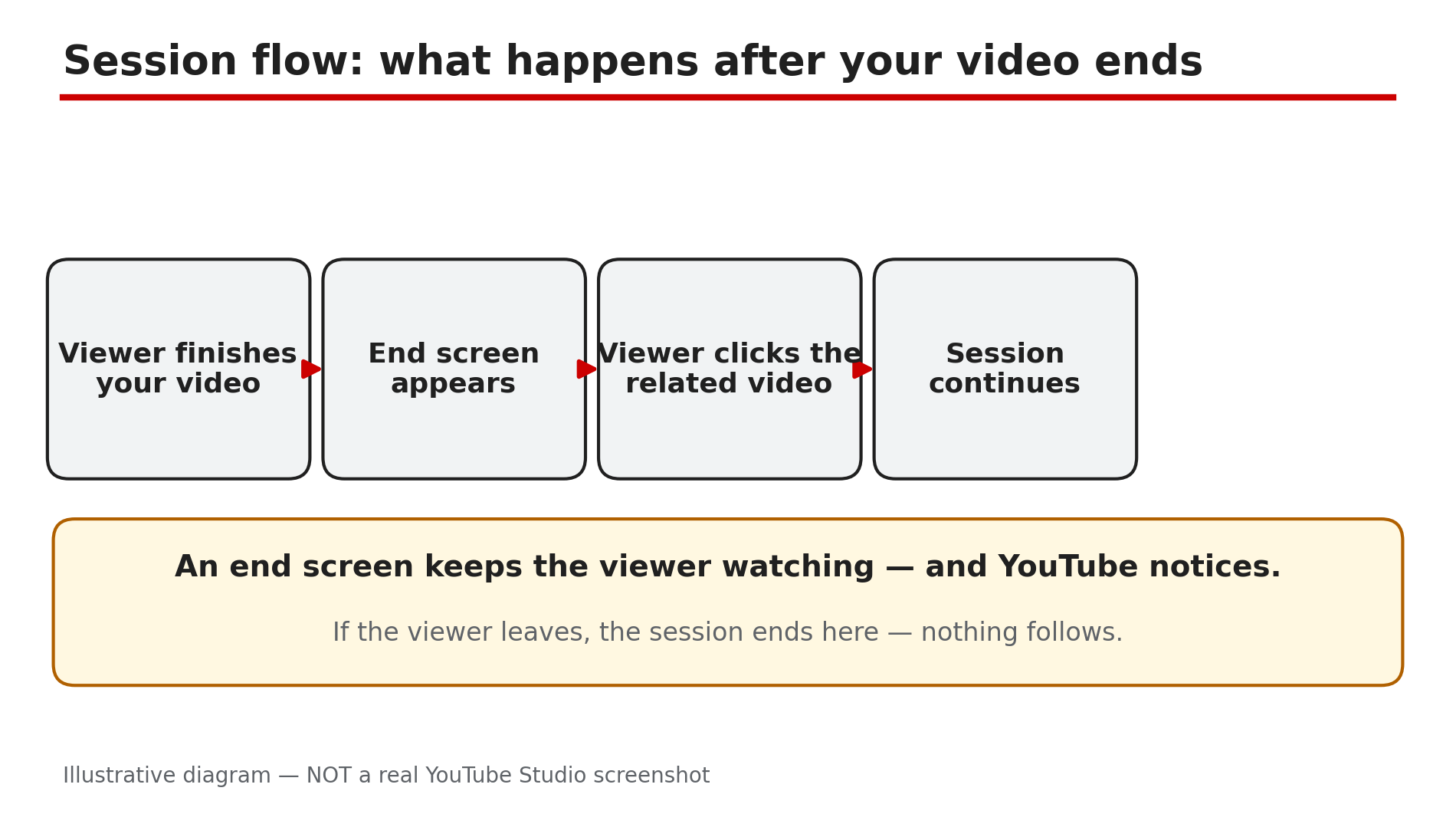
How: YouTube’s system is reported to favour videos that keep viewers watching more YouTube, not just your video. In Analytics, check returning vs new viewers in the Audience tab and end-screen and card click rates in Engagement. If viewers finish your video and leave YouTube at once, the session ends with you — a weaker recommendation signal. Add an end screen to your closest next video, link a playlist in the description, and end with a clear next step instead of a slow goodbye.
Example: A creator adds an end screen to her closest related video; end-screen clicks rise from 1% to 4%, and within two weeks Suggested traffic to the first video rises too.
Common mistake: Pointing the end screen at your newest video, not the most related one. A viewer who just watched a video about thumbnails wants another video about thumbnails, not your latest vlog.
Illustrative diagram — NOT a real YouTube Studio screenshot.
Step 6 — Give the video a clean second test
What to do: After fixing the thumbnail, title, opening and end screen, measure the same two rows again after some time.
How: Change one thing at a time — thumbnail first, then title — and wait at least 7 days, because recommendations data lags behind changes. Compare the 28 days before and after the fix on the same two rows. Impressions up but CTR low means the packaging still needs work; CTR up but retention down means the hook needs work. If nothing moves after two clean tests, the topic may simply have low demand right now.
Example: A channel changes only the thumbnail: Browse impressions climb from 300 to 4,000 in a week, CTR holds at 5%, and Suggested views follow. The video was never broken — it never got a fair test.
Common mistake: Changing the thumbnail, title, description and opening all on the same day — when views move, you will not know which change did it.
Illustrative diagram — NOT a real YouTube Studio screenshot.
Checklist
- ☐ Suggested and Browse rows checked separately from Search
- ☐ Video is at least 48–72 hours old before any diagnosis
- ☐ Impressions and CTR read per surface, not blended across all traffic
- ☐ First 30 seconds of retention checked against your own typical curve
- ☐ “Videos suggesting your content” list reviewed for topic match
- ☐ End screen points to the most related video, not the newest one
- ☐ One change at a time, judged after 7 days on the same two rows
FAQs
1. My video gets views from Search but none from Suggested. Is it shadowbanned?
No — YouTube does not use the term “shadowban”, and this split is normal. Search answers a typed query; Suggested needs a click and a stay from viewers who never searched.
2. How long should I wait before deciding a video is not being recommended?
Wait 48 to 72 hours for initial testing, then judge on 28 days of data. Recommendations can pick up older videos weeks later when topic interest returns.
3. What CTR is good enough for Browse features?
YouTube Help reports half of all channels sit between 2% and 10% impressions CTR, so there is no single passing score. Compare with your own average, and watch CTR with retention — a high CTR with fast drop-offs hurts more than a modest CTR with strong retention.
4. Does changing my thumbnail or title reset the video’s recommendations?
As reported, editing metadata does not reset a video, but it can change which audience YouTube tests it with — change one thing at a time.
5. My video appears next to unrelated videos. Can I choose which videos suggest mine?
No — creators cannot pick suggesting videos directly. You influence the pairing through topic clarity: title, description, spoken content and playlists. Keep one video to one clear topic (Step 4).
Sources
- YouTube Help — “How YouTube recommendations work” (verified live 1 Nov 2026): https://support.google.com/youtube/answer/16089387?hl=en-GB
- CreatorPlaybook — “YouTube Video Not Showing in Search? Diagnose It Step by Step” (topic 28): /blog/youtube-video-not-showing-in-search
- CreatorPlaybook — “YouTube Channel Not Growing? Diagnose the Real Reason” (topic 38): /blog/youtube-channel-not-growing-diagnose-4