YouTube Monetization and the Partner Program Explained
 CreatorPlaybook Team
- 25 Oct, 2026

Monetization is how creators can earn money from YouTube, usually through the YouTube Partner Program. It takes time, and it works best when you build an audience first. This guide explains the program in simple terms: what it is, what creators generally need to qualify, which earning features exist, what policies matter, and how to plan for income without damaging your channel. Requirements can change, so always check the current rules in YouTube Studio before you act.
This post is educational only. It does not apply for any program on behalf of this blog, add ad code, or promise earnings. Think of monetization as a result of serving viewers well, not as a shortcut to income.
What You Will Learn
- What the YouTube Partner Program is, in plain language
- The general eligibility ideas creators should understand
- How to build watch time with videos people finish and return for
- How to keep a channel policy-friendly and original
- Which earning features exist beyond advertising
- How to track revenue and plan realistically
Step 1: Understand What the Partner Program Is
What to do: Learn the basic idea first. The Partner Program allows eligible creators to earn from certain YouTube features, such as advertising on suitable videos, channel memberships, Super Thanks, and other tools where available. YouTube shares revenue according to its current terms, and not every video or feature earns the same amount.
How to do it in simple steps:
- Read the official Partner Program overview in YouTube Studio or YouTube Help.
- Note which features are available in your country and for your channel type.
- Understand that advertising income depends on views, audience, topic, and advertiser demand.
- Do not compare your early revenue with large channels in different niches.
Practical example: Two channels with 10,000 views can earn different amounts because their audiences, topics, and video lengths differ. A finance tutorial and a comedy Short may both be valuable, but their advertising value and watch patterns are not the same.
Common mistake to avoid: Believing monetization means instant income. Early earnings are usually small. The program rewards consistent, original videos that viewers watch and trust, over months, not days.
Illustrative image: Monetization rewards consistent, original videos over time. This is an illustrative image, not a screenshot of your channel or another creator’s work.
Step 2: Build the Audience and Watch Time That Qualify You
What to do: Focus on videos people finish, return for, and share. In general, the Partner Program requires a channel to meet subscriber and watch-time thresholds, follow YouTube policies, and have an associated payments account. Check the current thresholds in Studio, because they can change and can differ for Shorts and other features.
How to do it in simple steps:
- Publish a series for one audience, so viewers have a reason to return.
- Make titles, thumbnails, and openings that match the video honestly.
- Use playlists and end screens to guide viewers to a related video.
- Track watch time and returning viewers, not only subscriber count.
Practical example: A creator who publishes one clear tutorial each week for six months builds a library that keeps earning watch time from search. A creator who chases one viral video may get a spike, but without a library, watch time falls quickly after the spike.
Common mistake to avoid: Buying views, subscribers, or watch time. Artificial growth can lead to rejection, loss of monetization, or channel penalties. Real watch time from real viewers is slower, but it is the only sustainable path.
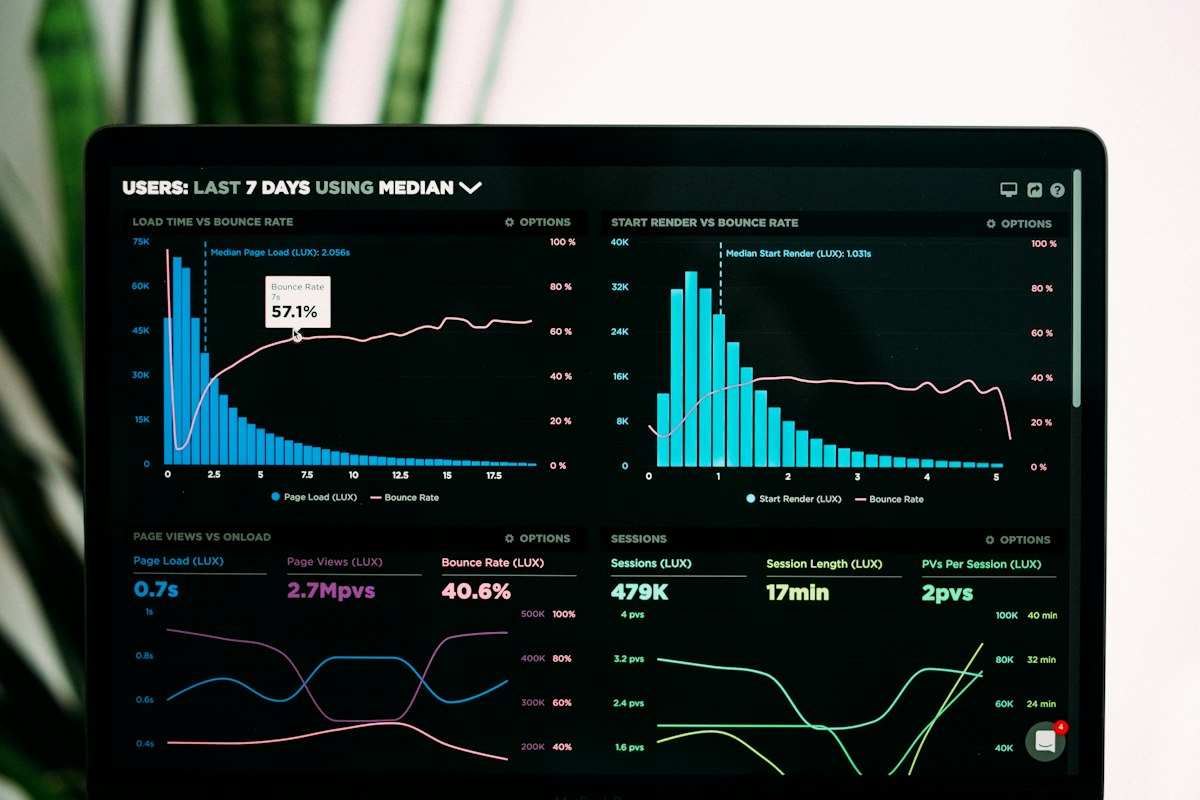 Illustrative image: A library of helpful videos builds watch time more reliably than one spike. This is an illustrative image, not a screenshot of your channel or another creator’s work.
Step 3: Keep Your Channel Policy-Friendly and Original
What to do: Create original content, respect copyright, and avoid reused, misleading, or harmful material. Policy problems can delay or remove monetization, even for a channel with good numbers.
How to do it in simple steps:
- Use your own voice, footage, and explanations, or properly licensed material.
- Avoid re-uploading other creators’ videos with little added value.
- Check music rights before publishing, and keep proof of any licences you use.
- Read YouTube’s advertiser-friendly and community guidelines before you publish sensitive topics.
Practical example: A reaction channel that adds real commentary, structure, and teaching may be treated differently from a channel that simply replays long clips with no added value. Original contribution matters, not just editing a clip together.
Common mistake to avoid: Using popular music, clips, or images without rights because ‘everyone does it.’ Copyright claims can limit earnings, block videos, or create strikes. Safe, original content protects your income and your channel.
 Illustrative image: Original content protects both your channel and your future earnings. This is an illustrative image, not a screenshot of your channel or another creator’s work.
Step 4: Understand the Main Earning Features
What to do: Learn the main ways eligible creators can earn, so you do not rely only on advertising. Availability depends on eligibility, country, and channel type, so check Studio for what applies to you.
How to do it in simple steps:
- Learn how advertising works on long videos, and how Shorts revenue differs.
- Explore channel memberships, Super Thanks, and Super Chat where eligible.
- Consider merchandise, affiliate links, or sponsorships only if they fit your audience.
- Disclose paid promotions clearly, following YouTube and local rules.
Practical example: A tutorial creator might earn mainly from advertising, plus a small membership that offers extra templates. A live-streaming creator might earn more from Super Chat during streams. The right mix depends on how your audience watches and supports you.
Common mistake to avoid: Adding too many ads, promotions, or paid links early. If every video feels like a sales pitch, viewers leave, watch time falls, and long-term income falls with it. Help first, earn second.
 Illustrative image: Advertising is only one way an eligible channel can earn. This is an illustrative image, not a screenshot of your channel or another creator’s work.
Step 5: Apply Carefully and Wait Patiently, When You Are Ready
What to do: When your channel meets the current requirements shown in Studio, you can review the monetization section, complete the steps there, and wait for a review. Reviews take time, and not every application is approved on the first try.
How to do it in simple steps:
- Confirm your channel meets the current subscriber, watch-time, and policy requirements in Studio.
- Complete the steps shown in the Earn section, including any payments setup.
- While waiting, keep publishing original videos and fixing any policy issues.
- If you are not approved, read the feedback, fix the stated issues, and reapply when eligible.
Practical example: A creator whose channel is mostly reused clips may be asked to add more original value before approval. Instead of reapplying immediately with the same content, the creator publishes original tutorials for several weeks, then reapplies with a stronger, original library.
Common mistake to avoid: Applying repeatedly without changing anything. Each review checks your channel as it is. Fix the underlying issue first, whether it is reused content, policy problems, or thin original value.
 Illustrative image: A review is easier when your library is already original and policy-friendly. This is an illustrative image, not a screenshot of your channel or another creator’s work.
Step 6: Track Revenue and Plan Realistically
What to do: In Analytics, look at estimated revenue, revenue per thousand views, and which videos earn most. Use that information to plan more of what your audience values, without chasing only money.
How to do it in simple steps:
- Check estimated revenue monthly, not daily, so you see real patterns.
- Note which topics and formats earn most, and which earn least.
- Remember that revenue varies by season, audience location, and advertiser demand.
- Keep a simple record of income and costs for tax and planning purposes.
Practical example: If detailed tutorials earn more per view than short news updates, the creator may plan more tutorials, while still publishing occasional updates for community reasons. The data guides the plan, but it does not replace audience trust.
Common mistake to avoid: Quitting a helpful niche because early revenue is low, or switching to a ‘high-paying’ niche you do not understand. Audiences can tell when a creator is only chasing money. A trusted channel in a smaller niche can earn steadily and grow more reliably.
 Illustrative image: Monthly revenue patterns guide planning better than daily checks. This is an illustrative image, not a screenshot of your channel or another creator’s work.
Related reading: How to Earn Money on YouTube, and Monetization Beyond AdSense: Affiliate, Sponsorship, Membership.
Official source: YouTube Partner Program overview & eligibility.
Checklist for Monetization Readiness
- Current Partner Program requirements checked in YouTube Studio
- A library of original, policy-friendly videos for one audience
- Consistent watch time from returning viewers, not artificial growth
- Copyright and music rights checked before publishing
- Main earning features understood, including options beyond ads
- Revenue tracked monthly, with realistic expectations
Frequently Asked Questions
Can I earn money before joining the Partner Program? Some creators earn through affiliate links, sponsorships, or selling their own products, where allowed. Those options still need an audience and trust, and they must be disclosed clearly. They are not a replacement for a healthy channel.
Do Shorts count toward monetization? Shorts have their own rules and revenue model, which can differ from long videos. Check the current Shorts eligibility and revenue information in YouTube Studio, because the details change over time.
Why do some videos earn less than others? Revenue depends on views, watch time, audience, topic, season, and advertiser demand. A video can be helpful and popular with viewers yet earn less advertising revenue than a different topic. That does not mean the video failed.
Can I lose monetization after being approved? Yes, if a channel breaks policies, uses reused or misleading content, or no longer meets requirements. Keeping content original and policy-friendly is an ongoing job, not a one-time application step.
Should I focus on money or growth first? Focus on helping one audience well. Growth, watch time, and trust come first; monetization follows a healthy channel. Creators who chase money first often lose the audience that would have made income possible.
Monetization follows a healthy channel, not the other way around. Build useful, original videos, respect policies and copyright, understand the earning features that fit your audience, and plan income realistically. That approach protects your channel and gives monetization a real chance to grow.