YouTube SEO Basics for Beginners
 CreatorPlaybook Team
- 25 Oct, 2026

YouTube SEO is about helping the right viewers find your videos. It is not about tricks. It is about matching your video to what people are already searching for and watching. When your title, description, thumbnail, and video all point to the same clear topic, YouTube can understand who should see it. This guide shows you that process step by step.
What you will learn: how to find a main keyword phrase, how to write a clear title and helpful description, how to use tags and captions well, how to match your thumbnail to search intent, and how to check results after publishing. The images in this guide are illustrative examples. They are not screenshots of your own channel.
Step 1: Find a main keyword phrase
What to do: Find the exact words a viewer would type when they need the help your video offers.
How to do it:
- Write your video idea in one sentence, such as “teach beginners to edit videos on a phone.”
- Type the first words into the YouTube search box and read the suggestions. These are real phrases people search.
- Open two or three top videos and note their titles and the words they repeat.
- Choose one main phrase that is specific, such as “how to edit videos on a phone,” rather than just “editing.”
- Write the phrase at the top of your plan and use it as a guide, not as a list to repeat.
Practical example: For a gardening video, “how to grow tomatoes in pots” is much clearer than “gardening tips.” A viewer who types the longer phrase already knows what they want.
Common mistake to avoid: Do not choose a very broad keyword and hope YouTube will guess your topic. Broad words face more competition and tell YouTube less about your ideal viewer.
Illustrative image: Searching and comparing results before choosing a keyword. Do this: collect three real search phrases, then choose the one that best matches your video.
Step 2: Make the title clear and specific
What to do: Write a title that tells a viewer exactly what the video teaches, for whom, and what result to expect.
How to do it:
- Put the main phrase near the start of the title when it still sounds natural.
- Add one useful detail: the audience, the tool, the time, or the result.
- Read the title aloud. If a stranger would not know what the video teaches, rewrite it.
- Keep the title under about 60 characters when possible, so it is not cut off on small screens.
- Check that the video actually delivers the result the title promises.
Practical example: Compare “Editing Tips” with “How to Edit Videos on a Phone in 10 Minutes.” The second title helps the right viewer click, and helps the wrong viewer skip it, which is also good for retention.
Common mistake to avoid: Do not use a vague title that promises a specific result for a specific viewer, then deliver a general chat. Viewers leave quickly, and that hurts the video.

Illustrative image: Drafting and editing a title on paper. Do this: write three title options, then choose the clearest one that still sounds natural.
Step 3: Write a helpful description
What to do: In the first two or three lines, explain what the video covers and who it is for. Then add useful details, chapters, and links later in the description.
How to do it:
- Start with one or two sentences that repeat the topic in natural words.
- List the main steps or questions the video answers.
- Add timestamps if the video has clear sections, so viewers can jump to the part they need.
- Link to related videos or tools only when they genuinely help the viewer.
- End with a simple question or next step, such as “Try step one today and tell me how it goes.”
Practical example: A description might begin: “Learn how to edit videos on a phone, step by step. This guide is for beginners using a free app, and it covers cutting clips, adding text, and exporting in good quality.”
Common mistake to avoid: Do not fill the description with a long list of keywords or unrelated links. That looks unhelpful and does not help viewers trust the video.

Illustrative image: Organized notes for a video description. Do this: write the first two lines first, then add steps, chapters, and only useful links.
Step 4: Use tags and captions sensibly
What to do: Add a few relevant tags that describe the topic, and use captions when possible. They help accessibility and can help YouTube understand your content.
How to do it:
- Add your main phrase as one tag, plus two or three close variations.
- Add tags for the tool, the audience, and the problem, such as “phone editing,” “beginner,” and “free app.”
- Turn on captions or upload a caption file, and check the first minute for errors.
- Say key words clearly in the video itself, because spoken words also help YouTube understand the topic.
- Do not add tags for famous creators or unrelated trends just to attract clicks.
Practical example: For the phone editing video, sensible tags could be “how to edit videos on a phone,” “phone video editing for beginners,” and “free video editing app.” Each tag matches the actual video.
Common mistake to avoid: Do not treat tags as the main SEO strategy. A clear title, a matching video, and good retention matter far more than a long tag list.
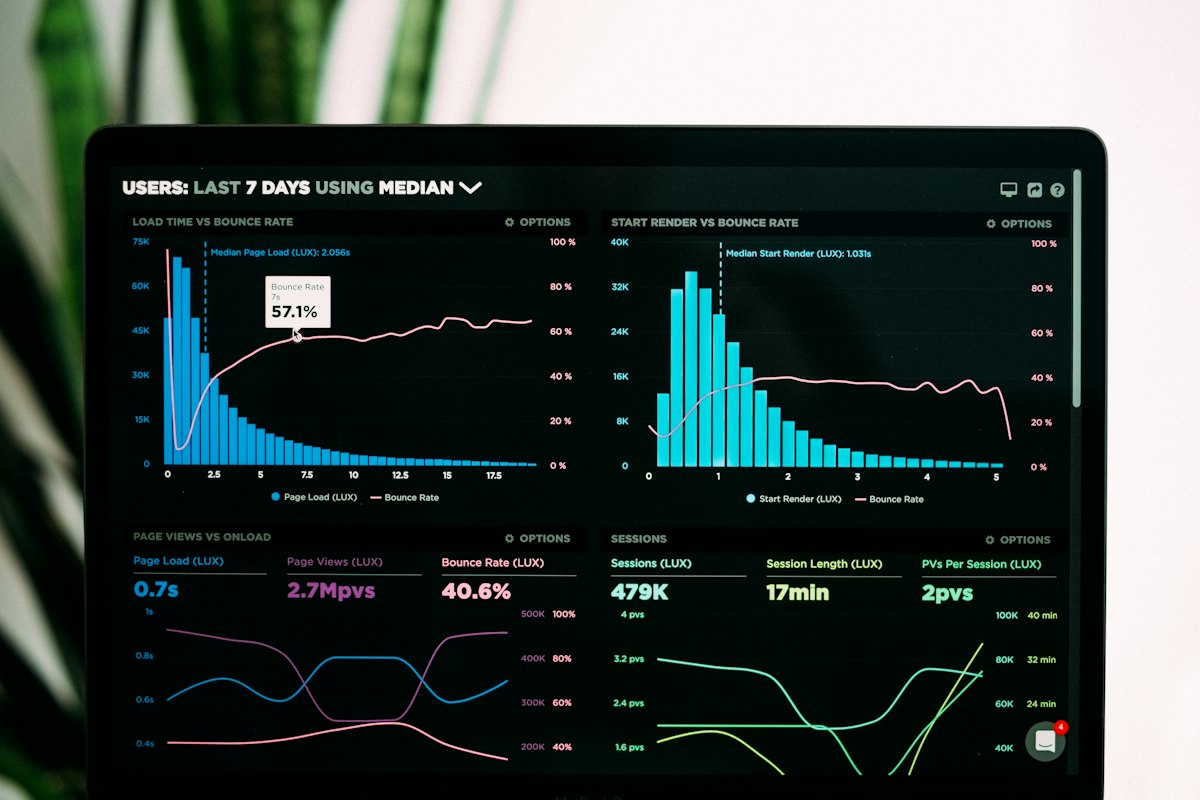
Illustrative image: Reviewing simple data and labels. Do this: choose five or fewer honest tags, then check your captions for errors in the opening minute.
Step 5: Match the thumbnail to the search intent
What to do: Your thumbnail should show the topic at a glance. When someone searches for a tutorial, they should be able to tell from the image that your video teaches that skill.
How to do it:
- Choose one main image that shows the action or result, such as a phone with an editing screen.
- Add no more than five words, in large, readable text.
- Use strong contrast so the image is clear even when it is small.
- Check the thumbnail next to your title: together, they should make one clear promise.
- Test two versions when you can, and keep the one with better clicks and retention, not just clicks alone.
Practical example: A thumbnail that shows a phone, a simple before-and-after clip, and the words “Edit on Your Phone” matches the search “how to edit videos on a phone” much better than a random smiling face with no context.
Common mistake to avoid: Do not use a shocking image that has nothing to do with the video. It may get clicks, but viewers will leave, and YouTube will learn that the video does not satisfy that search.

Illustrative image: Design tools for creating a clear thumbnail. Do this: shrink your thumbnail to phone size and check that the main image and words are still clear.
Step 6: Check what happens after publishing
What to do: Look at search traffic, click-through rate, and retention in YouTube Analytics. Use what you learn to improve the next video, not to panic about one result.
How to do it:
- Wait at least a few days, and longer for search traffic, before judging a video.
- Check which search terms brought viewers to the video.
- If clicks are low, improve the title or thumbnail while keeping the promise honest.
- If viewers leave early, improve the opening or make the topic clearer in the first minute.
- Write down one lesson for the next video, such as “put the result in the first 15 seconds.”
- Repeat the same format a few times, so you can compare results fairly.
Practical example: If a video gets search traffic for “phone editing for beginners” but viewers leave after 30 seconds, the problem may be a slow opening, not the keyword. A faster, clearer opening is the next test.
Common mistake to avoid: Do not change the title, thumbnail, and topic all at once after one day. When you change everything, you cannot tell which change helped.

Illustrative image: Checking analytics after publishing. Do this: note the top search term, the click rate, and where viewers stop watching, then choose one improvement.
Related reading: YouTube Keyword Research Step by Step, YouTube SEO: Tags, Description and Hashtags, and How to Write Titles That Get Clicks Without Clickbait.
Checklist: SEO for your next video
- Choose one specific main keyword phrase from real searches.
- Write a clear, specific title that matches the video.
- Write a helpful first two lines in the description, plus steps or chapters.
- Add a few honest tags and check captions.
- Make a thumbnail that shows the topic at a glance.
- Check search traffic and retention, then improve one thing next time.
FAQ
Should I repeat my keyword many times? No. Use it naturally in the title, once or twice in the description, and in the spoken video. Repeating it many times looks unhelpful and does not replace a good video.
How long does YouTube SEO take to work? Search traffic often builds slowly. Some videos grow over weeks or months, especially if they answer a question people keep searching for.
Are tags still important? Tags help a little, especially for new channels, but they are not the main factor. Title, thumbnail, viewer satisfaction, and retention matter more.
Should I copy a big channel’s title? You can learn from successful titles, but make your title your own and keep it honest. Copying a title exactly does not guarantee the same result, and it can confuse viewers if your video is different.
What if my video ranks but viewers leave quickly? Check whether the title promises more than the video delivers, and whether the opening is clear. Fix the opening first, then test a clearer title or thumbnail.
Conclusion: Good YouTube SEO starts with a real viewer question, a clear title, and a video that delivers on its promise. Repeat that process, and search can become a steady source of new viewers.