Showing Posts From
Made for kids
 CreatorPlaybook Team
- 02 Nov, 2026
Made for Kids on YouTube: Revenue Limits, Disabled Features and How to Fix a Wrong Audience Setting
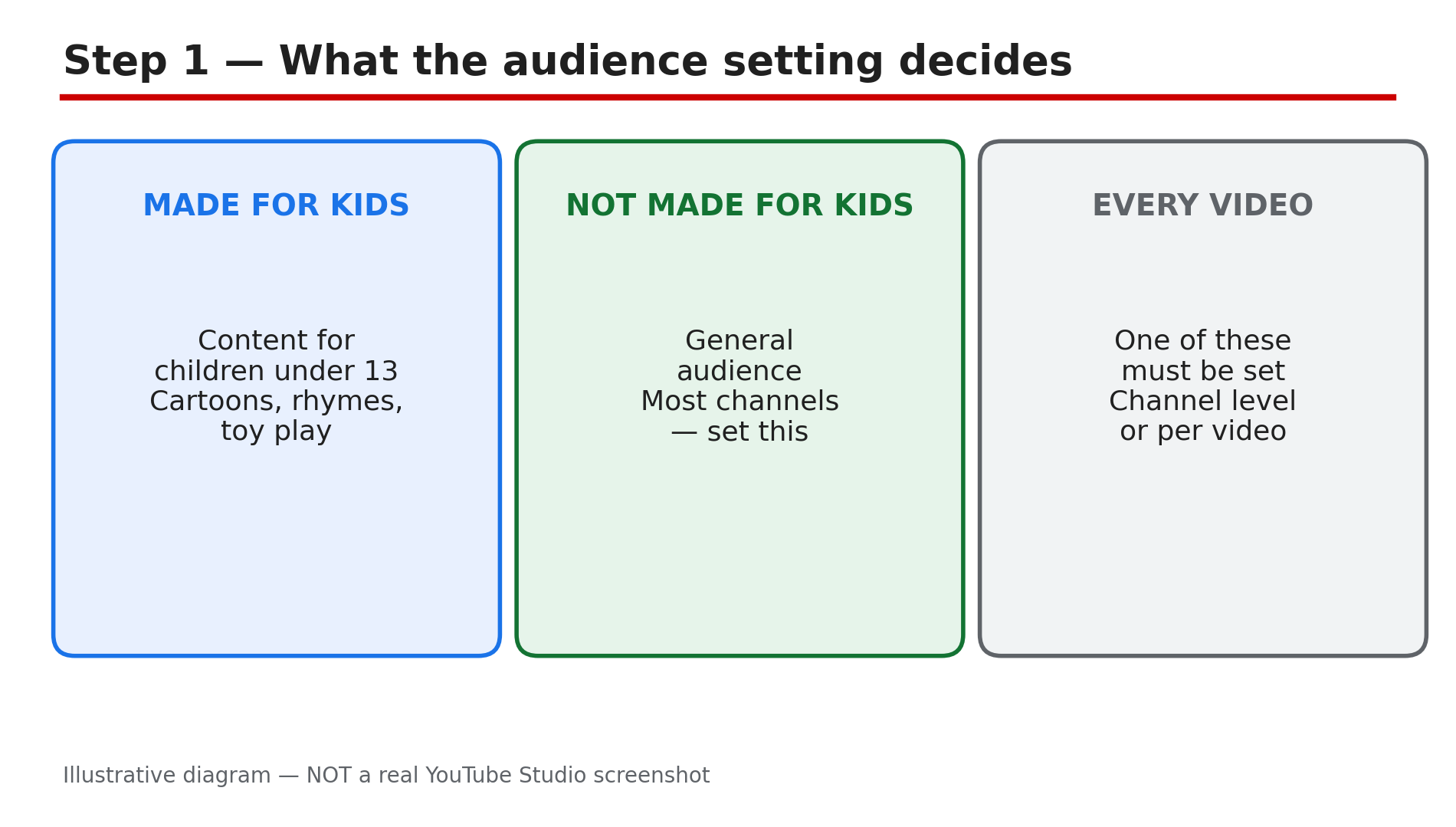
A creator uploads a cartoon-style video, and the next morning the comments are gone, the notification bell is off, and the earnings look far lower than a similar video. Nothing was deleted and no strike arrived. The cause is usually one setting: the video was marked "Made for Kids", either by the creator or by YouTube itself. The audience setting is a legal requirement, not a preference. YouTube must limit data collection on content for children, so it switches off a long list of features and serves only non-personalised ads. This guide explains what changes, what it does to revenue, and how to fix a setting that is wrong — without breaking the rules. What You Will LearnWhat "Made for Kids" means and why every creator must set it Which features switch off on a Made for Kids video or channel Why revenue is usually lower on Made for Kids content How to tell whether you or YouTube set the audience How to fix a wrong setting, and when YouTube locks it The 2026 COPPA update and the penalty for getting it wrongStep 1 — Understand what the audience setting is What to do: Learn why the setting exists before you touch it. How: YouTube's Help page "Set your channel or video's audience" says every creator must tell YouTube whether their videos are Made for Kids or not — even creators who never make content for children. The rule comes from a settlement with the US Federal Trade Commission, and it exists to help creators comply with the US Children's Online Privacy Protection Act (COPPA). You can set the audience at channel level or per video. The FTC's amended COPPA Rule took effect on 23 June 2025, and civil penalties can reach $53,088 per violation, as reported by legal guides. Example: A gaming channel that never targets children still has to set its audience to "not Made for Kids". Leaving it unset does not avoid the rule — YouTube will keep asking. Common mistake: Thinking the setting is only for kids' channels. It applies to every channel, and failing to set it accurately can bring FTC compliance problems.Illustrative diagram of the two audience choices every creator must make. Step 2 — Learn which features switch off What to do: Know the full list, so a missing feature stops looking like a bug. How: YouTube's Help page lists what disappears when a video is set as Made for Kids: autoplay on home, cards and end screens, video watermarks, channel memberships, comments, the donate button, likes and dislikes on YouTube Music, live chat and live chat donations, merchandise and ticketing, the notification bell, personalised advertising, playback in the miniplayer, Super Chat and Super Stickers, and saving to a playlist or Watch Later. If the whole channel is set as Made for Kids, the channel also loses memberships, the notification bell, Posts and Ask Studio. Example: A creator wonders why Super Thanks is missing on a cartoon video. The answer is the audience setting: fan funding is disabled on Made for Kids content. Common mistake: Trying to fix the missing features one by one. None of those settings are the cause — the audience setting is the only thing that changes the list.Illustrative diagram of the features that switch off on Made for Kids videos. Step 3 — Understand why revenue is lower What to do: Accept the revenue trade-off honestly, so you can plan around it instead of fighting it. How: The biggest revenue change is advertising. YouTube's Help page says it will not serve personalised ads on Made for Kids content, as COPPA requires. Only non-personalised, contextual ads run, and those usually pay less per view. A study of 300 channels by MilX and AIR (May 2025–May 2026) reported a kids' median of about $0.33 per 1,000 views against about $2.30 across all niches, and only 32% of kids' views carried an ad — as reported, not YouTube's own numbers. Example: Two videos each get 100,000 views. The general-audience video earns from personalised ads plus Super Thanks; the Made for Kids video earns from contextual ads only. Common mistake: Marking a general-audience video as Made for Kids "to be safe" and then wondering why the earnings fell. The safe choice is the accurate choice.Illustrative diagram of the three reasons Made for Kids revenue is lower. Step 4 — Check who set the audience: you or YouTube What to do: Find out whether the setting came from you or from YouTube's classifier, because the fix is different. How: In Studio, go to Content and use the filter to sort by Made for Kids. YouTube shows three states: "Made for Kids (set by you)", "Set to Made for Kids (by YouTube)" and "Not made for kids". If you set it yourself, you can change it. If YouTube set it, its machine learning judged the video to be clearly directed at a young audience. When YouTube has locked a video as "Set to Made for Kids", you cannot change the setting directly; you can only appeal it. Example: A creator finds five old videos marked "Set to Made for Kids (by YouTube)". Each one needs an appeal rather than a simple edit. Common mistake: Flipping the setting back on every video at once after YouTube locked it. That does not work — appeal the locked videos one at a time.Illustrative diagram for checking who set a video's audience. Step 5 — Fix a wrong setting the right way What to do: Correct your own mistakes in bulk, and appeal YouTube's mistakes properly. How: If you set the audience yourself and it is wrong, fix it in Studio. Select the videos in Content, click Edit, then Audience, and choose the correct option. For a channel-level mistake, go to Studio, then Settings, then Channel, then the Advanced settings tab, and change the Audience option. If YouTube locked the video as "Set to Made for Kids" and you disagree, appeal it: on a computer, go to Studio, then Content, hover over "Set to Made for Kids" and click Appeal, then enter your reason. Example: A creator who makes toy reviews for adult collectors appeals a locked video by explaining the audience: the review is for adult collectors, not children. Common mistake: Changing the setting and expecting the features back instantly. Give it time to propagate, and check in an incognito window. And never falsely mark real kids' content as not for kids.Illustrative diagram of the three ways to fix a wrong audience setting. Step 6 — Set the audience correctly from now on What to do: Build a routine so the setting is right at upload time, every time. How: Decide the audience before you record, not after you upload. If your content is primarily for children under 13 — cartoons, nursery rhymes, toy play aimed at young children — it is Made for Kids. If children are not the primary audience, it is not, even if some children watch it. YouTube's Help page says it cannot advise you on whether your content is accurately set, and suggests reading the FTC's guidance or seeking legal counsel if you are unsure. Set the channel-level default to match what you mostly upload. Example: A family channel sets the channel default to Made for Kids, but sets its behind-the-scenes video for parents to "not Made for Kids" at upload time. Common mistake: Leaving the audience unset on new uploads. YouTube will keep prompting you, and an unset video can be classified by the system instead of by you.Illustrative diagram of a routine for setting the audience correctly every time. Checklist — Before You Publish☐ I set the audience on every video ☐ The channel default matches what I mostly upload ☐ I checked the Content list with the Made for Kids filter ☐ I know which videos YouTube set, and which I set myself ☐ I appealed locked videos instead of flipping them back ☐ I did not falsely mark real kids' content as not for kids ☐ I expect lower revenue and no fan funding on Made for Kids videos ☐ I set the audience at upload time, not weeks laterFAQs 1. Why are comments and notifications off on my video? Because the video is set as Made for Kids. YouTube switches off comments, the notification bell, live chat, cards and end screens on Made for Kids content. The features return only if the audience setting changes. 2. Can I change a video YouTube set as Made for Kids? If YouTube locked it as "Set to Made for Kids", you cannot change the setting directly — you can only appeal it from Studio, on a computer or in the Studio app. If you set it yourself, you can change it in Content by selecting the video and editing its Audience setting. 3. Does Made for Kids affect my earnings? Yes. Only non-personalised ads run on Made for Kids content, and fan funding — Super Chat, Super Stickers and memberships — is disabled. A study of 300 channels reported a kids' median of about $0.33 per 1,000 views, against about $2.30 across all niches. 4. What happens if I set the audience wrong? Failing to set the audience accurately may bring compliance issues with the FTC, and YouTube may take action on your account. Marking real children's content as not for kids is the serious mistake. 5. Is my whole channel Made for Kids if one video is? No. The audience is set per video unless you choose a channel-level setting. A single Made for Kids video only affects that video. But if you set the channel itself to Made for Kids, it applies to all existing and future videos on the channel. SourcesYouTube Help — "Set your channel or video's audience" (official page, opened live 2 Nov 2026): https://support.google.com/youtube/answer/9527654?hl=en-GB&co=GENIE.Platform%3DDesktop CreatorPlaybook — "YouTube Upload Stuck, Comments Disabled or Made for Kids? How to Fix It": </blog/youtube-upload-stuck-comments-disabled> CreatorPlaybook — "Earn Tab Features Missing? Super Thanks, Memberships and Shopping Not Showing": </blog/earn-tab-features-missing-super-thanks>