Showing Posts From
Youtube memberships
 CreatorPlaybook Team
- 13 Nov, 2026
YouTube Premium Family Plan Invite Not Working or Member Paused? Fix It
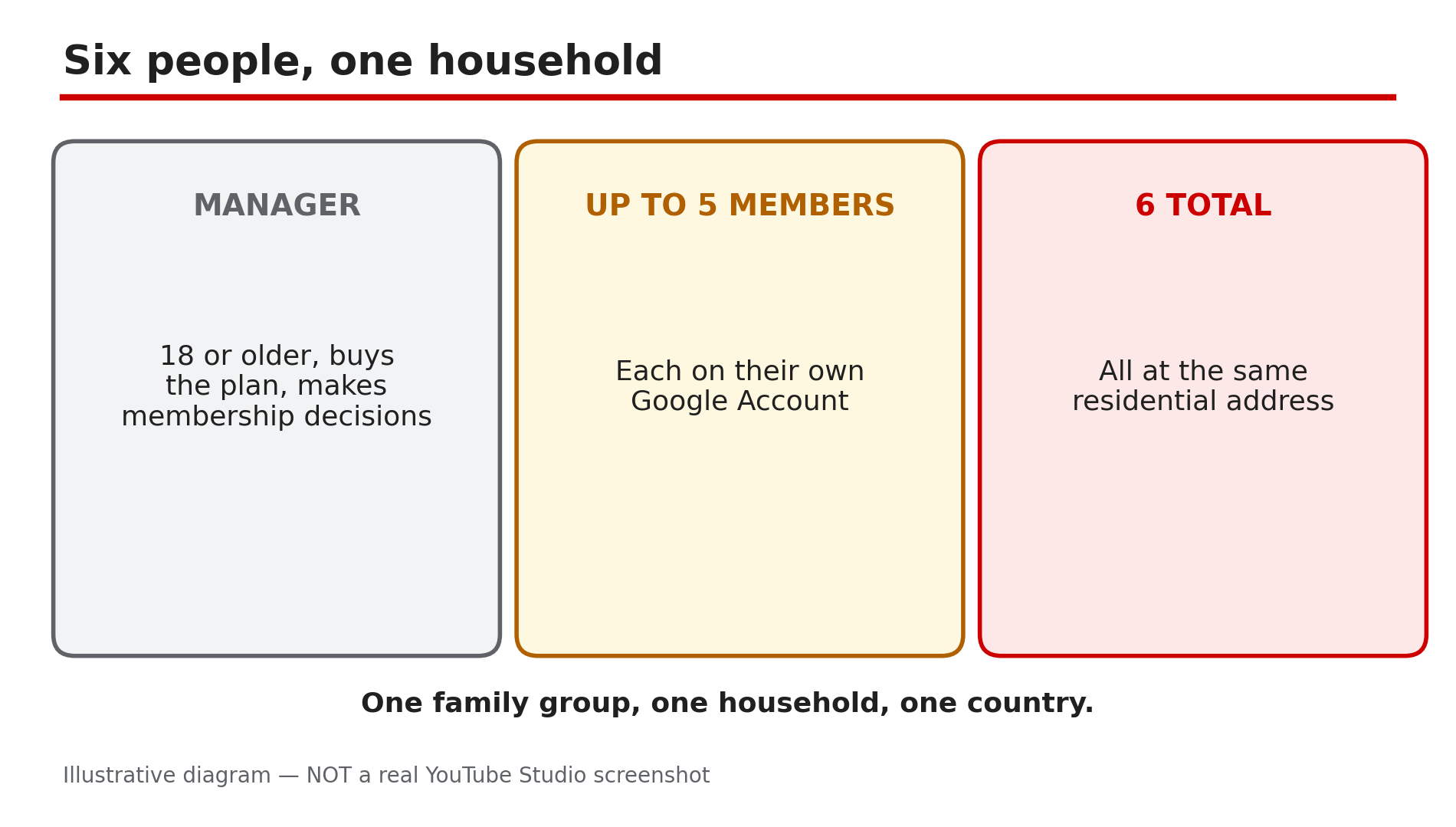
You send a YouTube Premium family plan invite and it fails, or a family member gets an email saying their Premium membership will be paused — even though you all pay for the same plan. There is no single "fix family plan" button: every member must live at the same residential address as the family manager, and YouTube checks that electronically every 30 days. Most failures trace back to that rule, the 12-month switch limit, or an account mix-up. What You Will LearnWho can join: manager plus up to five members, six people in total What the same-household rule requires, and how the 30-day check works What a paused membership means — and what it does not mean Why an invite fails: already in a group, 12-month limit, Workspace account, wrong account How a Google Pay country mismatch blocks setup, and how to fix it What the family plan costs in the US, and why prices vary by countryStep 1 — Check the basics first: six people, one household, one country What to do: Confirm your group fits the plan's shape before digging into errors — manager plus up to five members, all at one address, in one country. How: YouTube's Help page "Sign up for & manage a YouTube Premium or YouTube Music Premium family plan", opened live on 13 November 2026, says the family manager can share the membership with up to five other family members — six people in total, each on their own Google Account. The same page says family members must live in the same household as the manager, and that you can only change family groups once every 12 months. Only the manager, who must be 18 or older, can buy the plan or make membership decisions. If you already belong to a Google family group, you cannot buy a family plan yourself; only your group's manager can. Example: A father invites his wife, two children and his brother — five members, six people in total, all at the same address. Common mistake: Inviting a seventh person. The plan holds six, and each person belongs to one group only.Illustrative diagram: who can join a YouTube Premium family plan. / Step 2 — Understand the 30-day household check: YouTube verifies the address electronically, every month What to do: Learn how the household check works, because it explains most surprise pauses. How: YouTube's Help page states the rule plainly: "To be eligible to share a YouTube family membership, each family member must live at the same residential address as the family manager. Every 30 days, an electronic check-in will confirm this requirement." The check is automatic. YouTube does not publish which signals it uses; third-party reports describe location signals such as IP address and network. The rule has been in YouTube's terms since 2023, as reported, but enforcement tightened from September 2025. Example: A student goes home for the holidays and watches from the family Wi-Fi for a week. The next 30-day check sees the same household signals — short trips do not break the rule. Common mistake: Thinking the check happens once at signup. It repeats every 30 days, so a member who moves out later can be flagged long after the invite worked.Illustrative diagram: how the 30-day electronic household check works. Step 3 — Read the pause warning carefully: a paused member stays in the group but loses Premium benefits What to do: If a member gets a warning email, read exactly what it says — a pause is not a removal. How: When YouTube cannot confirm a member's household, the member sees an alert that Premium access will be paused and is told to check YouTube's email for instructions. Reports of the warning email, first covered by Android Police and Droid Life in September 2025, quote it as saying the membership "will be paused in 14 days" and that once paused, the member stays in the family group and watches YouTube with ads, but loses Premium benefits. The 14-day figure comes from reported emails, not YouTube's Help page, which publishes no standard deadline — go by the date in your own email. While paused, the member loses ad-free viewing, background play and downloads. The warning email and the in-app alert link a form to confirm eligibility, as reported. Example: A daughter moves to another city for a job and gets the warning email. She keeps watching YouTube with ads after the pause.Illustrative diagram: what a paused family member loses and what they keep. Step 4 — Fix the invite itself: the five reasons an invite fails before anyone is paused What to do: Match the invite failure to its cause, because each one has a different fix — and some have no quick fix at all. How: First, the member may already be in another family group — they must leave it before accepting your invite. Second, the 12-month rule: YouTube's Help page says you can only switch family groups once every 12 months, so a member who left or joined a group recently cannot join yours until that year is up. Third, a Google Workspace account cannot join a family group, as reported — use a personal Google Account instead. Fourth, the invite may have been opened under the wrong Google Account — the member must accept it signed in to the exact account it was sent to. Fifth, the manager's purchase can fail if they belong to a group they do not manage. Example: A son accepts an invite while signed in to his school Workspace account. He signs in to his personal account, accepts again, and joins. Common mistake: Re-sending the same invite five times. An invite fails for a reason — find it first.Illustrative diagram: three common reasons a family plan invite fails. Step 5 — Fix the country mismatch: the Google Pay profile must match where the member actually lives What to do: If setup fails with a "Family is not supported" or "Country is not supported" error, check the Google Pay country on each account. How: YouTube's Help page addresses this error directly: "If you're encountering an error message that: 'Family is not supported' or 'Country is not supported' — the country/region listed in your Google Pay account might not match your current location." Its fix is to update the Google Pay profile to match the current location; a member whose country does not match the manager's cannot join. Several Google Play payments profiles can also cause trouble at purchase time, the Help page notes. Update the profile to where the person actually lives — never invent an address or pick a cheaper country to game the price, because the 30-day check will flag the mismatch anyway. Example: A manager moved countries but never updated his Google Pay profile, so every invite fails with "Country is not supported" until he updates it. Common mistake: Creating a second Google Pay profile in another country to get a lower price. That mismatch is exactly what the setup error warns about.Illustrative diagram: how a Google Pay country mismatch blocks family plan setup. Step 6 — Check the price and the billing rules: US family plan is $26.99 a month, and prices vary by country What to do: Confirm the price for your own country before paying, and know the billing rules that catch people out. How: In the US, the family plan costs $26.99 a month, Individual is $15.99 a month or $159.99 a year, and Student and Premium Lite are $8.99 a month — confirmed by a price check reading youtube.com on 13 November 2026. That $26.99 is US-only: check the price in your own YouTube app before subscribing. The India figure of Rs 299 a month from September 2025 coverage is stale. Two billing rules: upgrading during a trial longer than one month shortens the trial to one month; and an annual Individual plan must expire before you can upgrade. Example: Six people share the US family plan at $26.99 a month — about $4.50 each. Common mistake: Budgeting from an old price in another country's currency. Prices differ by country — always read the price in your own app.Illustrative diagram: US YouTube Premium prices for Individual, Family, Student and Lite plans. Checklist — Fix a family plan invite or a paused member☐ Group is manager plus up to five members, six in total ☐ Every member lives at the same address as the manager ☐ Read the warning email and noted the pause date ☐ Member is not already in another family group ☐ Member has not switched groups in the last 12 months ☐ Invite opened under the right account, not a Workspace account ☐ Every Google Pay country matches where the person lives ☐ Checked the price in your own country before payingFAQs 1. How many people can join a YouTube Premium family plan? Six in total: the family manager plus up to five other family members, each on their own Google Account. The manager must be 18 or older. 2. My Premium was paused but I am still in the family group — what happened? YouTube could not confirm you live at the same address as the family manager during its 30-day electronic check. You stay in the group and keep watching YouTube with ads, but lose ad-free viewing, background play and downloads. 3. How long do I have after the warning email before Premium pauses? Reported warning emails have given 14 days. YouTube's Help page publishes no standard deadline, so go by the date in your own email. 4. I just left another family group — why can I not join a new one? You can only change family groups once every 12 months, per YouTube's Help page. If you switched within the last year, you must wait it out. 5. Why does setup say "Family is not supported" or "Country is not supported"? The country or region in a Google Pay profile does not match the person's actual location. YouTube's Help page says to update the Google Pay profile to match the current location. SourcesYouTube Help — "Sign up for & manage a YouTube Premium or YouTube Music Premium family plan" (official page, opened live 13 Nov 2026): https://support.google.com/youtube/answer/12156000 CreatorPlaybook — "YouTube Premium Not Working? How to Fix It" (internal link, URL copied from the plan file): </blog/youtube-premium-not-working-how-to-fix>