A Simple Content System for Consistent Uploads
 CreatorPlaybook Team
- 25 Oct, 2026

Consistency is hard when every video starts from a blank page. A simple content system turns uploading into a repeatable routine, so you can publish regularly without burning out, forgetting ideas, or spending a whole week on one video. You do not need complicated software or a large team. You need a clear schedule, a bank of ideas, a simple template, and a habit of reviewing what works.
This guide shows you how to build that system step by step. It is designed for beginners and small creators who have limited time. By the end, you will have a weekly workflow you can repeat, a list of ideas ready to use, and a buffer of videos so one busy week does not break your momentum.
What You Will Learn
- How to choose a realistic upload schedule you can keep
- How to build an idea bank so you never start from zero
- How to batch similar tasks and save hours each week
- How to use a simple video outline for faster recording and editing
- How to keep a buffer and review your system every month
Step 1: Choose a Realistic Schedule You Can Keep
What to do: Pick one upload day and one frequency that fits your real life for the next three months. A schedule you can keep is better than an ambitious schedule you abandon.
How to do it in simple steps:
- Look at your week honestly and find two or three blocks of free time.
- Choose one upload day, for example every Saturday, and tell viewers.
- Start with one video per week unless you already have extra time and footage.
- Put idea, recording, and editing days on your calendar as fixed appointments.
Practical example: A student with classes on weekdays might plan ideas on Sunday, record on Wednesday evening, edit on Friday, and publish on Saturday. The exact days matter less than keeping the same pattern, so viewers learn when to return.
Common mistake to avoid: Promising daily uploads to grow faster. Daily posting often leads to rushed videos, poor sleep, and a sudden stop. One strong weekly video builds trust and skills more reliably than seven rushed ones.
Illustrative image: A weekly plan turns uploading into a habit. This is an illustrative image, not a screenshot of your channel or another creator’s work.
Step 2: Build an Idea Bank With 20 Ready Topics
What to do: Create a simple list of at least 20 video ideas, each written as a clear title or question. When it is time to record, you choose from the bank instead of searching for inspiration.
How to do it in simple steps:
- Write down questions viewers ask you, in comments, messages, or real life.
- Note problems you solved recently and lessons you learned the hard way.
- Turn each problem into a title, such as ‘How to Fix Blurry Phone Video in 5 Minutes.’
- Add five new ideas every week and remove ideas that no longer excite you.
Practical example: A cooking creator might list ‘5 Breakfasts in 10 Minutes,’ ‘How to Store Herbs So They Last Longer,’ and ‘Beginner Knife Skills Without Fancy Tools.’ Even if one idea feels weak, the bank means there is always another ready to use.
Common mistake to avoid: Keeping ideas only in your head. Good ideas disappear when you are busy or tired. A written bank protects you on low-energy days and makes planning much faster.
 Illustrative image: Writing ideas down means you never start from a blank page. This is an illustrative image, not a screenshot of your channel or another creator’s work.
Step 3: Batch Similar Tasks Together
What to do: Group similar work into one session. Record two videos in one setup, edit several thumbnails together, or write all your titles for the month in one sitting. Batching reduces setup time and decision fatigue.
How to do it in simple steps:
- List your repeat tasks: planning, scripting, recording, editing, thumbnails, and uploading.
- Assign each task to a specific day or block, rather than doing a little of everything daily.
- Set up your camera, lights, and microphone once and record more than one video.
- Use the same checklist and folder structure for every video, so nothing is forgotten.
Practical example: Instead of setting up lights four times for four videos, a creator records two short tutorials on Sunday morning, then edits them on two different evenings. The total time is lower, and the videos look consistent because the setup did not change.
Common mistake to avoid: Switching tasks every 20 minutes. Constant switching wastes time and makes each job feel unfinished. Finish one type of work before you move to the next.
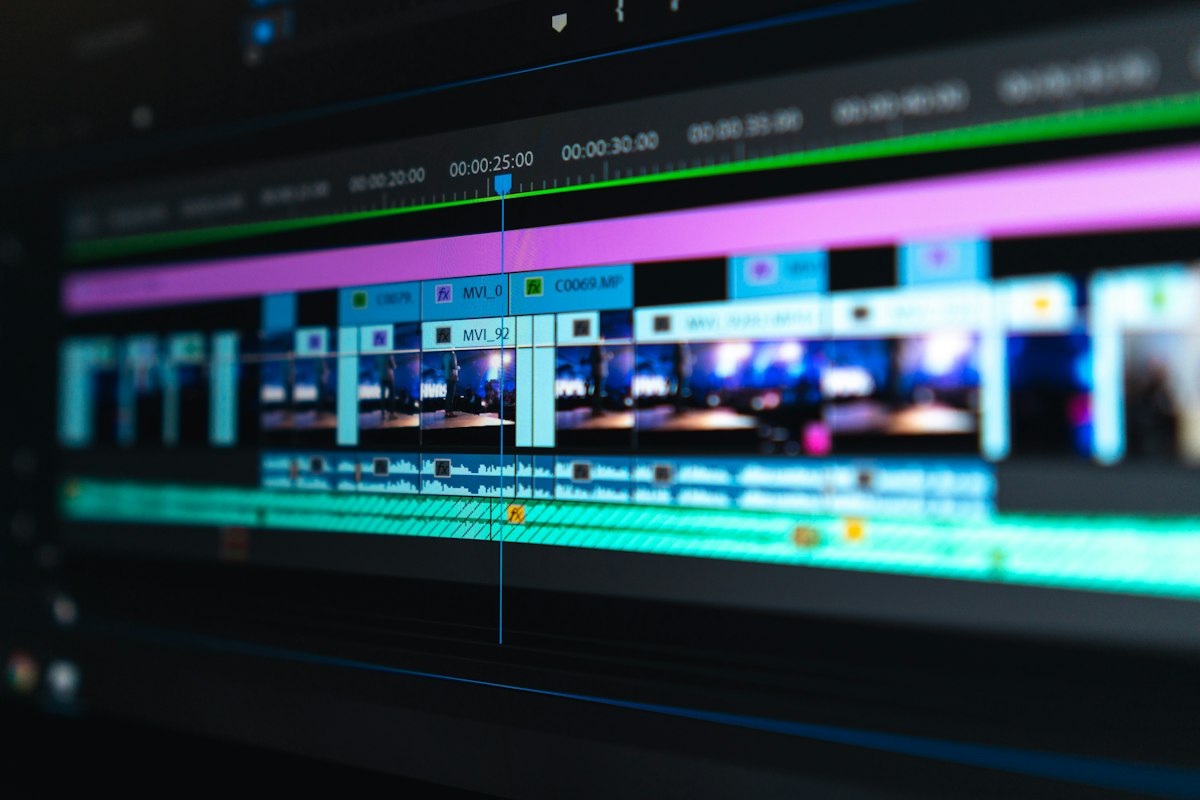 Illustrative image: Batching editing sessions saves setup time and keeps videos consistent. This is an illustrative image, not a screenshot of your channel or another creator’s work.
Step 4: Use the Same Simple Outline for Every Video
What to do: Use a repeatable outline: hook, promise, steps, example, mistake to avoid, and recap. A template speeds up scripting and helps viewers follow you, because they learn your style.
How to do it in simple steps:
- Write the hook: the result the viewer will get in one sentence.
- List three to six main points, in the order a beginner needs them.
- Add one real example for each point, even a small one.
- End with a short recap and one clear next step for the viewer.
Practical example: For a video about thumbnails, the outline might be: hook (‘Make a thumbnail people actually click’), point one (one clear subject), point two (large readable text), point three (contrast and colour), example (before and after), mistake (too many words), and recap. Recording from this outline takes far less time than writing every word perfectly.
Common mistake to avoid: Writing a full word-for-word script for every video when you do not need one. Full scripts can sound stiff and take hours. Bullet points keep you natural and flexible, while still keeping you on topic.
 Illustrative image: A simple outline keeps recording focused and natural. This is an illustrative image, not a screenshot of your channel or another creator’s work.
Step 5: Keep a Buffer of One or Two Finished Videos
What to do: Aim to have one video ready before the next one is due. A buffer protects your schedule when life gets busy, you get sick, or editing takes longer than expected.
How to do it in simple steps:
- After your first month, try to record one extra video in a good week.
- Store finished videos in a folder labelled with the planned publish date.
- Use the buffer only for real emergencies, then rebuild it the following week.
- If the buffer grows to three or four videos, take a lighter week to rest and plan.
Practical example: A creator who publishes on Fridays keeps one finished video ready by Thursday. When a family event fills the weekend, the ready video still goes out on time, and viewers never notice the busy week behind the scenes.
Common mistake to avoid: Publishing everything the moment it is finished, with nothing in reserve. Without a buffer, one delay becomes a missed week, then a missed month, and the habit is much harder to restart.
 Illustrative image: A small buffer keeps your channel steady during busy weeks. This is an illustrative image, not a screenshot of your channel or another creator’s work.
Step 6: Review and Simplify Your System Every Month
What to do: Once a month, spend 30 minutes reviewing what helped and what slowed you down. Keep the steps that work, remove steps that do not, and make one small improvement for the next month.
How to do it in simple steps:
- Ask which videos took the longest and why: topic, recording, or editing?
- Check which topics and titles earned the most watch time and comments.
- Remove one tool, template, or habit that added work without adding value.
- Choose one improvement only, such as better hooks or faster thumbnails.
Practical example: If editing takes five hours because you re-record often, the fix may be a better outline, not new software. If ideas run out, the fix may be ten minutes of audience research each week, not a new camera.
Common mistake to avoid: Copying a large creator’s system exactly. A full-time team can batch ten videos a week; a beginner with a job cannot, and should not try. Build a system for your time, energy, and goals, then grow it slowly.
 Illustrative image: A monthly review shows which parts of your system actually help. This is an illustrative image, not a screenshot of your channel or another creator’s work.
Related reading: How to Stay Consistent Without Burnout, How to Find Video Ideas That People Search For, and How to Review Your Channel Every Month and Improve.
Checklist for Your Content System
- One realistic upload day and frequency, kept for three months
- An idea bank with at least 20 ready topics
- Batch days for planning, recording, and editing
- A simple outline used for every video
- A buffer of one finished video, ready before it is due
- A 30-minute monthly review to simplify the system
Frequently Asked Questions
How far ahead should I plan? Plan titles and topics two to four weeks ahead. That is far enough to stay calm and close enough to adapt if viewers ask new questions or a topic changes.
What if I run out of ideas? Return to viewer questions, your own beginner mistakes, and the basics of your niche. Most channels do not need exotic ideas; they need clear answers to common problems, explained better than before.
Should I schedule uploads in advance? Yes, when you can. Scheduling a finished video removes last-minute stress and helps you keep your promised day, even if you are away from your computer.
How do I stay consistent when I am busy? Lower the scope, not the habit. A shorter, simpler video on your normal day keeps the routine alive. You can return to longer videos when you have more time.
Is a content system the same as a content calendar? A calendar shows dates. A system shows how ideas become finished videos: where ideas live, how they are outlined, when they are recorded, and how they are reviewed. You need both, but the system is what makes the calendar possible.
A content system is not about being perfect. It is about making the next video easier than the last one, so you can keep showing up for your audience. Start with one schedule, one idea bank, and one outline, and improve them one month at a time.