Audience Retention: How to Keep Viewers Watching
 CreatorPlaybook Team
- 25 Oct, 2026
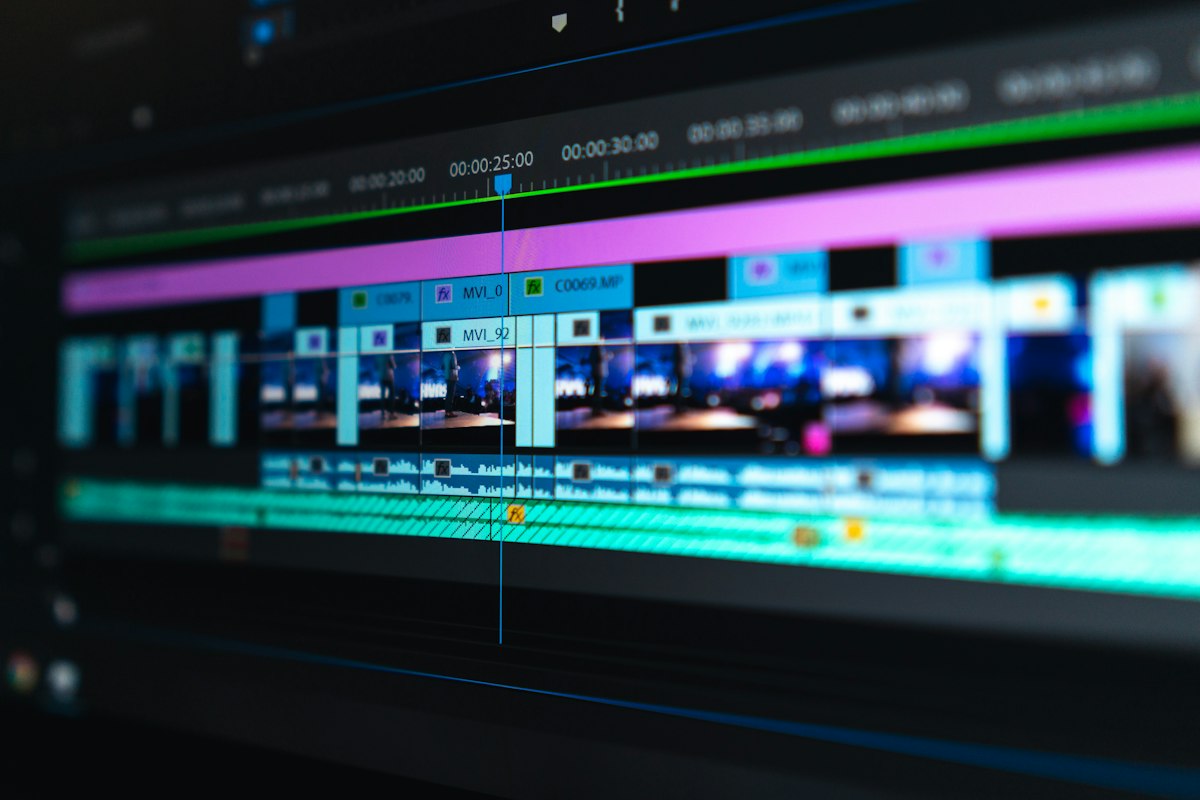
Audience retention measures how much of your video viewers watch. High retention tells YouTube that your video is satisfying, which can help it reach more people. But retention is not about tricks, fast cuts for their own sake, or shouting to keep attention. It is about respecting viewers’ time, delivering on your promise quickly, and making every minute useful, clear, and interesting.
This guide shows you how to keep viewers watching without making your videos stressful to create. You will learn how to open strongly, remove slow parts, use open loops, vary the pace, and end with value so viewers want to return.
What You Will Learn
- Why the first 30 seconds decide most of a video’s fate
- How to cut slow sections without losing important information
- How to use curiosity and structure to carry viewers forward
- How to vary visuals, examples, and pace at the right moments
- How to review retention and improve one section at a time
Step 1: Deliver the Promise in the First 30 Seconds
What to do: In the first 30 seconds, show viewers they are in the right place. State what they will learn or see, and start giving value right away. Do not save the main point for later.
How to do it in simple steps:
- Write one opening sentence that states the result, not your life story.
- Show or name the first useful point within 30 seconds.
- Preview the steps briefly, so viewers know the video has a plan.
- Move to step one before viewers have a reason to leave.
Practical example: For a thumbnail tutorial, a strong opening is: ‘In the next five minutes, you will learn three thumbnail rules that make people click, and I will fix a real example at the end.’ A weak opening spends two minutes on greetings, apologies, and channel news before any teaching begins.
Common mistake to avoid: Long introductions that repeat the title. Viewers already clicked because they are interested. Repeating the title wastes the most important seconds of the video.
Illustrative image: The first 30 seconds must prove the video is worth watching. This is an illustrative image, not a screenshot of your channel or another creator’s work.
Step 2: Remove Slow Parts That Add No Information
What to do: Cut long introductions, repeated points, and pauses that do not add information. A tighter video is easier to finish than a longer one, even if the longer one contains more words.
How to do it in simple steps:
- Watch your edit once and mark every moment you feel bored or confused.
- Cut filler words, repeated explanations, and unrelated stories.
- Keep only sections that help the viewer reach the promised result.
- If a section is useful but slow, shorten it or move it later in the video.
Practical example: A creator explains lighting in 90 seconds, then repeats the same point with three more examples. Cutting two examples keeps the lesson clear and saves a minute of viewer patience for a later, more important point.
Common mistake to avoid: Keeping a section because you worked hard on it. Effort does not equal value for the viewer. If a clip slows the video, cut it, even if it took time to film.
 Illustrative image: Tight editing removes slow moments before viewers leave. This is an illustrative image, not a screenshot of your channel or another creator’s work.
Step 3: Use Open Loops to Create Curiosity
What to do: Mention a tip, result, or example that will come later in the video. This gives viewers a reason to keep watching, as long as you actually deliver it.
How to do it in simple steps:
- Choose one strong payoff for the middle or end, such as a before-and-after result.
- Mention it early in one sentence, without giving away the full answer.
- Remind viewers briefly before the payoff, so they do not forget it.
- Deliver the payoff clearly when you reach it, and do not delay it unfairly.
Practical example: A creator says, ‘Later I will show you the one thumbnail change that doubled my clicks on a similar video.’ Viewers who want that answer stay. At the promised moment, the creator shows the old and new thumbnails side by side and explains the change.
Common mistake to avoid: Fake open loops that never pay off. Saying ‘stay until the end for a secret’ and then offering nothing important breaks trust, and viewers will not believe the next promise.
 Illustrative image: A promised payoff gives viewers a reason to stay, if you deliver it. This is an illustrative image, not a screenshot of your channel or another creator’s work.
Step 4: Change the Visual Pace When a Section Gets Long
What to do: Use B-roll, on-screen text, examples, or a change of scene when a section goes on too long. Small changes help viewers stay focused, especially in teaching videos.
How to do it in simple steps:
- Break long explanations into short blocks of 30 to 60 seconds.
- Add a visual example, a simple graphic, or on-screen words for each key point.
- Change camera angle or location only when it helps understanding, not constantly.
- Read your script aloud: if a paragraph feels long, split it with an example.
Practical example: A five-minute explanation of camera settings becomes easier when each setting is shown on screen, with a short clip of the result. Viewers see the difference, not just hear a list, and they stay engaged longer.
Common mistake to avoid: Adding fast cuts, loud music, and effects to hide a weak explanation. Visual energy cannot replace clarity. Fix the explanation first, then add visuals that support it.
 Illustrative image: A visual example at the right moment re-engages viewers better than effects alone. This is an illustrative image, not a screenshot of your channel or another creator’s work.
Step 5: Check Where Viewers Leave and Fix That Section
What to do: In YouTube Analytics, look at the retention graph. If many viewers leave at the same point, that part may be confusing, slow, or off-topic. Fix that section in your next video.
How to do it in simple steps:
- Open the retention graph for a recent video and find the largest drop.
- Watch that exact section and ask what a new viewer would feel.
- Decide whether to cut it, shorten it, move it, or explain it more simply.
- Apply the same lesson to your next outline before you record.
Practical example: If viewers leave during a two-minute story before the tutorial starts, the fix is simple: start the tutorial first and tell the story later, or cut the story to 20 seconds. The next video should hold viewers longer at that same point.
Common mistake to avoid: Re-recording an entire video because retention was low. Usually one or two sections cause most of the drop. Fix those sections and keep what already worked.
 Illustrative image: One large drop in a graph usually points to one section to fix. This is an illustrative image, not a screenshot of your channel or another creator’s work.
Step 6: End With Value, Not Filler
What to do: Finish with a short recap and a clear next step, and suggest a related video. Viewers who finish are more likely to watch again, so the ending should reward them, not waste their time.
How to do it in simple steps:
- Summarise the main result in two or three sentences.
- Give one action the viewer can try today.
- Suggest one related video that continues the same topic.
- Keep the ending short, then stop, rather than repeating the whole video.
Practical example: Instead of a three-minute goodbye, a creator ends with: ‘Today you learned three retention rules: start with value, cut slow parts, and promise one payoff. Try fixing your opening today, and watch this next video on strong hooks.’ Viewers leave with a plan and a reason to return.
Common mistake to avoid: Ending with long apologies, repeated requests to subscribe, or unrelated announcements. A short, confident ending respects viewers and leaves a better final impression.
 Illustrative image: A short, useful ending rewards viewers who stayed to the end. This is an illustrative image, not a screenshot of your channel or another creator’s work.
Related reading: How to Write a Strong Video Hook in the First 30 Seconds, Storytelling for YouTube Videos, and Understanding YouTube Analytics.
Checklist to Keep Viewers Watching
- Promise and first value delivered in the first 30 seconds
- Slow, repeated, or unrelated sections cut
- One clear open loop, with a real payoff later
- Visual examples or on-screen text for long explanations
- Retention graph checked, with one section to fix next time
- Short recap, one action, and one related video at the end
Frequently Asked Questions
What is a good retention rate? It depends on video length, topic, and audience. A short tutorial may keep a higher percentage than a long documentary, even if the documentary earns more total watch time. Compare similar videos on your own channel, and look at the graph shape, not only the percentage.
Should my videos be shorter to improve retention? Not always. A video should be as long as it needs to be to deliver its promise well. Cutting useful content to chase a percentage can make a video less helpful. Focus on removing slow parts, not on an arbitrary length.
Do fast cuts improve retention? Only when they support clarity. Fast cuts can help pace, but they cannot fix a confusing topic, a weak hook, or a boring script. Start with structure and examples, then use editing to support them.
Why do viewers leave at the same point in many videos? Often because of a repeated habit, such as long introductions, a slow second section, or a topic change that was not promised. If the same pattern appears in several videos, change that habit in your next outline.
Is retention more important than views? Both matter, but retention shows satisfaction. A video with fewer views and strong retention may serve its audience very well and grow through search over time. A video with many clicks but poor retention usually disappoints viewers and fades faster.
Retention is not about tricks. It is about respecting viewers’ time, delivering on your promise, and making every minute useful. Fix one section at a time, and your videos will become easier to finish, and easier to recommend.