Best Time to Upload on YouTube
 CreatorPlaybook Team
- 25 Oct, 2026

Every creator asks the same question: what is the best time to upload on YouTube? The honest answer is that there is no single perfect time for every channel. The best time for you depends on where your audience lives, when they are free to watch, what kind of videos you make, and whether your videos are found through search, browse, or subscriptions.
This guide shows you how to find your own best time, step by step, using YouTube Analytics, a simple testing method, and common patterns as a starting point. You will learn why consistency matters more than a magic hour, how to read the ‘when your viewers are on YouTube’ report, and how to test times without confusing your results.
What You Will Learn
- Why there is no universal best upload time
- How to find when your own viewers are online in Analytics
- How different video types need different timing
- How to choose a starting time based on audience location and habits
- How to test two times fairly over a month
- How to use scheduling so timing never becomes stressful
Step 1: Understand Why Timing Helps, But Does Not Replace Quality
What to do: Treat timing as a small boost, not a growth strategy. A good video published at an average time will usually beat a weak video published at a perfect time, because viewers watch for value, not for the clock.
How to do it in simple steps:
- Make the video clear, useful, and well titled before you worry about timing.
- Choose a time when your audience is likely awake and free, not asleep or at work.
- Publish at the same time each week, so viewers learn when to return.
- Judge timing only after several videos, not after one upload.
Practical example: A tutorial for working adults may do well in the early evening, when viewers are home and ready to learn. The same tutorial published at 3 a.m. in the audience’s timezone may sit unnoticed for hours, even if it is excellent, because its first viewers are asleep.
Common mistake to avoid: Chasing a ‘viral hour’ you read online while ignoring your own audience. A time that works for a gaming channel in the United States may fail for a cooking channel whose viewers are mainly in India or the United Kingdom.
Illustrative image: Timing is a small boost; quality and consistency matter more. This is an illustrative image, not a screenshot of your channel or another creator’s work.
Step 2: Find When Your Viewers Are on YouTube
What to do: In YouTube Studio, open the Audience report and look for the chart that shows when your viewers are on YouTube. Darker blocks show busier times. Use that chart as your starting point, once you have enough data.
How to do it in simple steps:
- In YouTube Studio, go to Analytics, then Audience.
- Look for the ‘When your viewers are on YouTube’ chart, if it is available.
- Note the darkest days and hours, and the timezone shown.
- Choose a time one to two hours before a peak, so the video is ready when viewers arrive.
Practical example: If the chart shows viewers are most active on Saturday and Sunday afternoons, a creator might publish on Saturday late morning. The video has time to gather early views and comments before the afternoon peak, rather than appearing after the peak has passed.
Common mistake to avoid: Trusting the chart too early. Very small channels may not have this chart, or it may be based on too little data. In that case, start with audience location and general habits, then refine the time as data grows.
 Illustrative image: Your own audience chart beats a generic best-time list. This is an illustrative image, not a screenshot of your channel or another creator’s work.
Step 3: Match Timing to Your Video Type
What to do: Different videos are watched at different times. Search tutorials can grow slowly over weeks, so timing matters less. News, trends, and community videos depend more on being early and on viewers being online.
How to do it in simple steps:
- For evergreen tutorials, focus on clarity and search keywords, and publish at a steady time.
- For news or trend videos, publish as soon as the video is accurate and ready.
- For entertainment or Shorts, aim for leisure times: evenings and weekends for many audiences.
- For live streams, choose a time your regular viewers can actually join live.
Practical example: A ‘how to fix blurry video’ tutorial may earn views for months through search, so its exact upload hour matters little. A video about a new phone launch, however, loses value if it appears days late, because viewers have already found other coverage.
Common mistake to avoid: Using the same timing logic for every video. A search tutorial, a live stream, and a trending Short do not need the same schedule. Match the timing to how viewers will find and watch that specific video.
 Illustrative image: Evergreen tutorials and live streams need different timing. This is an illustrative image, not a screenshot of your channel or another creator’s work.
Step 4: Consider Where Your Audience Lives
What to do: Check your top audience countries in Analytics, and think about timezones. If most viewers are in one country, publish for that timezone. If viewers are spread across the world, choose a time that is reasonable for your largest group, and accept that search will help the rest.
How to do it in simple steps:
- In Analytics, check Audience geography for your top three countries.
- Convert your planned upload time to the main audience timezone.
- Avoid publishing in the middle of the night for your largest audience.
- If you have two large regions, test a time that is evening in one and morning in the other.
Practical example: A channel with most viewers in the United States and a smaller group in the United Kingdom might publish at 12 p.m. Eastern Time, which is 5 p.m. in London. That gives both groups a reasonable chance to see the video on the same day.
Common mistake to avoid: Publishing at a convenient time for you, without checking where viewers live. A creator in one timezone who always publishes at midnight their time may be publishing at dawn for their main audience, and missing the first-day peak.
 Illustrative image: Audience location and timezone shape the best upload window. This is an illustrative image, not a screenshot of your channel or another creator’s work.
Step 5: Test Two Times Fairly Over a Month
What to do: Instead of guessing forever, test two reasonable times over several weeks. Keep everything else similar: same day of week, similar topics, and similar quality. Then compare early views, watch time, and comments, not just one video.
How to do it in simple steps:
- Choose two candidate times, such as Tuesday 6 p.m. and Saturday 11 a.m. in your audience timezone.
- Publish at least three or four videos at each time, on similar topics.
- Compare the first 24 to 48 hours for each group, plus total watch time after a week.
- Keep the winning time for a month, then test again only if your audience changes.
Practical example: A creator tests weekday evenings against weekend mornings. Weekday evenings earn faster comments, but weekend mornings earn more total watch time because viewers watch longer. The creator chooses weekend mornings, because watch time and completion matter more for that channel than speed of comments.
Common mistake to avoid: Changing times every week based on one video. One video can fail for many reasons: topic, title, thumbnail, or opening. Testing needs repetition, or you will chase noise instead of a real pattern.
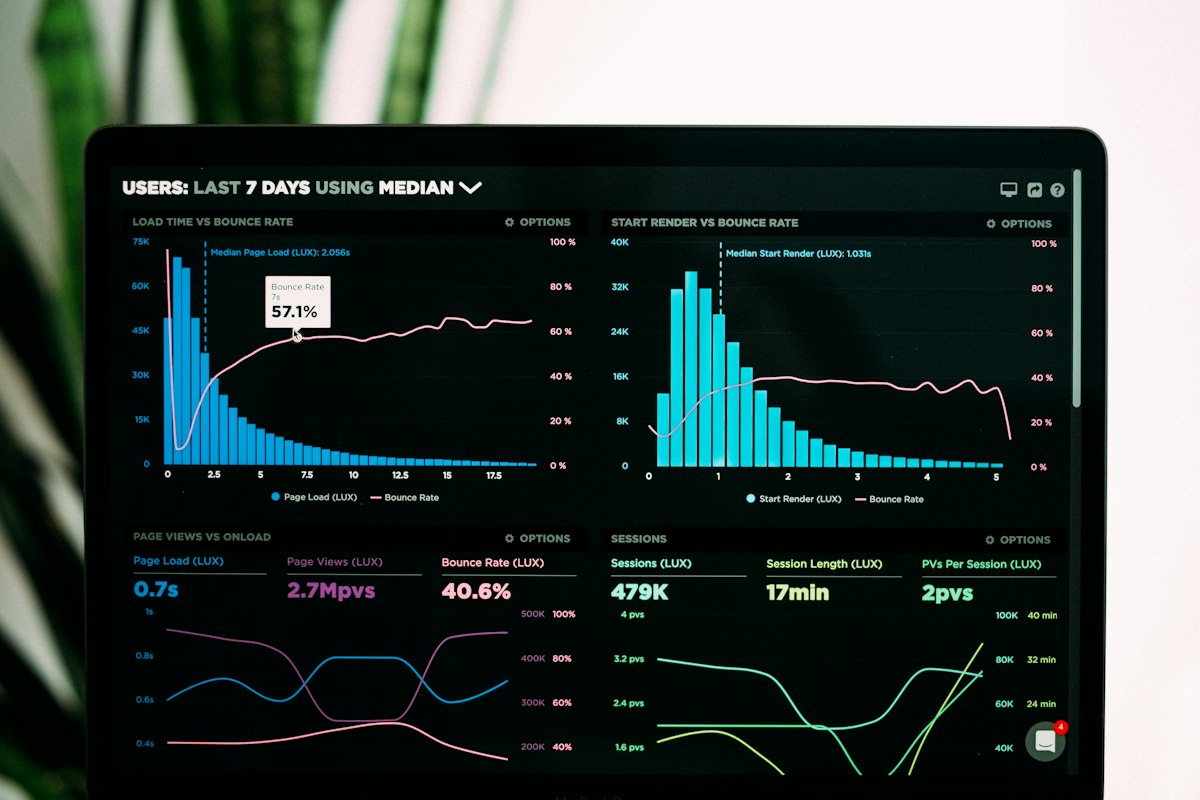 Illustrative image: Fair testing needs several videos at each time, not just one. This is an illustrative image, not a screenshot of your channel or another creator’s work.
Step 6: Schedule in Advance and Keep the Habit
What to do: Use YouTube’s scheduling feature to publish at your chosen time, even if you are busy that day. Scheduling removes last-minute stress and protects your consistent day, which matters more than any single hour.
How to do it in simple steps:
- Finish and upload the video at least a day before your publish day.
- Set the scheduled time in your audience timezone, and double-check it.
- Use the waiting time to prepare the description, thumbnail, and community post.
- If a video is not ready, publish a shorter, simpler video on your normal day rather than skipping.
Practical example: A creator finishes a video on Thursday, schedules it for Saturday 11 a.m., and spends Friday on the next idea instead of rushing an upload. Viewers still get their Saturday video on time, and the creator keeps a buffer for busy weeks.
Common mistake to avoid: Uploading at random times because you finished editing late. Random timing confuses regular viewers and makes testing impossible. A scheduled, consistent time is easier for viewers, and easier for you to measure.
 Illustrative image: Scheduling protects your consistent day, even on busy weeks. This is an illustrative image, not a screenshot of your channel or another creator’s work.
Related reading: Understanding YouTube Analytics, How to Stay Consistent Without Burnout, and How to Review Your Channel Every Month and Improve.
Checklist for Finding Your Best Time
- Video quality and clear title checked before worrying about timing
- Audience chart checked in YouTube Studio, when available
- Video type matched to timing: search, news, entertainment, or live
- Top audience countries and timezones considered
- Two times tested fairly, with several videos at each time
- Chosen time scheduled in advance, on a consistent day
Frequently Asked Questions
What is the best time to upload on YouTube in general? Many guides suggest weekday late afternoons and weekend mornings, but those are starting points, not rules. Your audience chart, location, and video type matter more than any generic list.
Does upload time affect the algorithm? Timing can affect early views, because a video shown to active viewers may earn faster watch time and comments. But the algorithm mainly responds to whether viewers click and stay. A good video at an average time usually outperforms a weak video at a perfect time.
Should I upload at the same time every week? Yes, if you can. A consistent day and time helps regular viewers return, makes scheduling easier, and makes testing meaningful. If you must change, tell viewers and keep the new time for several weeks.
Does best time matter for Shorts? Less than for long videos, in some ways, because Shorts are often discovered through a feed over days. Still, publishing when your audience is active can help early views. Focus first on a strong hook and one clear idea per Short.
What if my audience is in many timezones? Choose the time that works for your largest audience group, and rely on search, playlists, and notifications for the rest. You cannot be perfect for every timezone, and a clear, searchable video will keep working after its first day.
The best time to upload is the time your own viewers are free, on a day you can keep, for a video worth watching. Find that time in Analytics, test it fairly, schedule it in advance, and then focus your energy where it matters most: making the next video clearer and more helpful than the last.