How to Make Educational Videos That Rank
 CreatorPlaybook Team
- 25 Oct, 2026

Educational videos rank when they answer a clear question, teach a skill completely, and keep viewers watching until they understand it. A video that is accurate but confusing will not rank, and a video that is entertaining but incomplete will not satisfy searchers. The best educational videos combine clear teaching with search-friendly structure, so both viewers and YouTube can see their value.
Related guides: How to Script a YouTube Video, How to Write a Strong Video Hook in the First 30 Seconds, and Voiceover Tips for Clear Audio.
What You Will Learn
- How to choose a teachable question viewers search for
- How to structure a lesson for retention and search
- How to explain simply without losing accuracy
- How to use examples, visuals, and practice
- How to write titles and descriptions that match the lesson
- How to improve an educational video after publishing
Step 1: Choose One Clear Question to Answer
What to do: Build each educational video around one question a viewer would type into search. A single, clear question gives the video a title, a structure, and a satisfying ending.
How to do it in simple steps:
- Write the question in a viewer’s words, such as “How do I set up budget lighting?”
- Check that the question is specific enough to answer in one video.
- Note what the viewer should be able to do after watching.
- If the question needs several videos, split it into a series.
Practical example: Instead of “All about lighting,” a creator makes “How to light a talking-head video with one lamp.” The specific question ranks better, and viewers know exactly what they will learn.
Common mistake to avoid: Trying to teach a whole subject in one video. Broad videos confuse viewers and search, while focused videos satisfy both.
Illustrative image: One clear question gives a lesson focus and a searchable title. This is an illustrative image, not a screenshot of your channel or another creator’s work.
Step 2: Structure the Lesson Like a Teacher, Not a Lecture
What to do: Open with the outcome, teach in small steps, and end with a recap and a next action. This structure helps viewers follow, remember, and finish the video.
How to do it in simple steps:
- Start by stating what the viewer will learn and why it matters.
- Break the lesson into three to five steps, in logical order.
- Teach one step at a time, with an example for each.
- Recap the steps at the end, and suggest what to try next.
Practical example: A tutorial opens, “By the end, you will light a video with one lamp,” then teaches placement, diffusion, and colour, and ends with a simple checklist. Viewers stay because they always know where they are.
Common mistake to avoid: Starting with background history or theory before the viewer knows what they will gain. Viewers leave before the useful part begins.
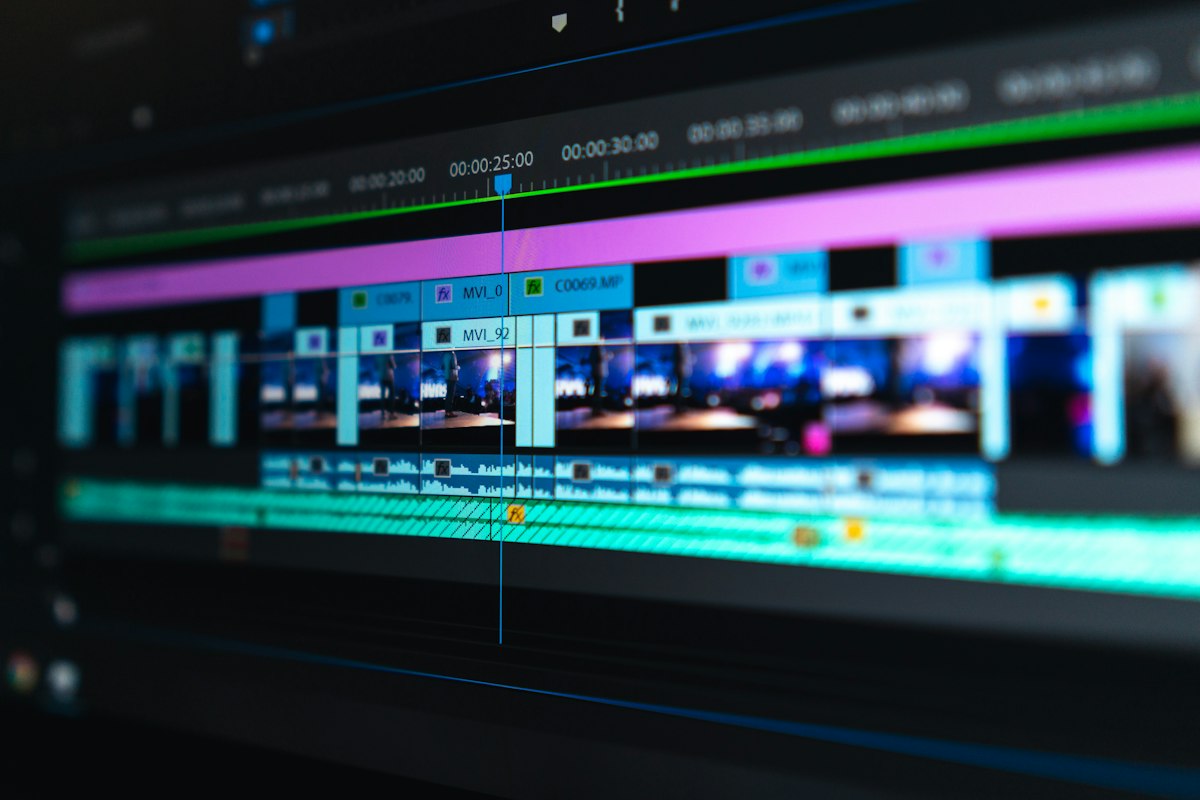 Illustrative image: Outcome first, then steps, then recap keeps learners watching. This is an illustrative image, not a screenshot of your channel or another creator’s work.
Step 3: Explain Simply, and Define Every New Term
What to do: Use plain language, short sentences, and a definition for every term a beginner might not know. Simplicity is not dumbing down; it is good teaching.
How to do it in simple steps:
- Replace jargon with everyday words, or define jargon immediately.
- Use one idea per sentence in complex sections.
- Repeat key terms in context, so viewers learn them naturally.
- Ask, “Would a complete beginner follow this?” after each section.
Practical example: Instead of saying “Use a key light with diffusion,” a creator says, “Your key light is your main light. Diffusion means softening it, for example with a thin curtain.” Beginners understand instantly.
Common mistake to avoid: Using expert language to sound knowledgeable. If beginners cannot follow, they cannot learn, and they will not return.
 Illustrative image: Plain language and quick definitions help beginners learn faster. This is an illustrative image, not a screenshot of your channel or another creator’s work.
Step 4: Show, Don’t Just Tell, With Examples and Visuals
What to do: Show every step on screen, with examples, before-and-after comparisons, and simple visuals. Viewers learn a skill by seeing it done, not only by hearing about it.
How to do it in simple steps:
- Demonstrate each step while you explain it.
- Show a common mistake, then the correct version.
- Use on-screen text for key steps, names, and numbers.
- Keep visuals simple and focused on the point being taught.
Practical example: A lighting tutorial shows a dark face, then the same face with a lamp moved, then with diffusion added. Viewers see the difference in seconds, and remember it far better than a verbal description.
Common mistake to avoid: Talking over a static slide or your own face while describing a visual skill. If viewers cannot see the step, they cannot copy it.
 Illustrative image: Demonstrations and before-and-after examples teach skills faster. This is an illustrative image, not a screenshot of your channel or another creator’s work.
Step 5: Match Title, Description, and Chapters to the Lesson
What to do: Use the viewer’s question in the title, summarise the lesson in the description, and add chapters for each step. This helps search, and it helps viewers find the part they need.
How to do it in simple steps:
- Put the main question or skill in the title, in plain words.
- Open the description with what the viewer will learn.
- Add timestamps for each step, so viewers can jump back.
- Use tags and hashtags that describe the skill, not unrelated trends.
Practical example: A video titled “How to Light a Talking-Head Video With One Lamp” has chapters for placement, diffusion, and colour, and a description that lists the same steps. Search and viewers both understand it immediately.
Common mistake to avoid: A vague title like “Lighting Tips Part 3” with no description. Even a great lesson will not rank if search cannot tell what it teaches.
 Illustrative image: Title, description, and chapters should all describe the same lesson. This is an illustrative image, not a screenshot of your channel or another creator’s work.
Step 6: Invite Practice, and Improve From Comments
What to do: End with a small practice task, invite viewers to share results or questions, and use their comments to improve the next lesson. Educational channels grow by teaching better each time, not by teaching more topics.
How to do it in simple steps:
- Give one simple task viewers can try in five minutes.
- Ask a specific question, such as “Which step was hardest?”
- Read comments for points of confusion, and note them.
- Make a follow-up video or update that answers the most common question.
Practical example: A creator asks viewers to try one-lamp lighting and comment on their result. Many ask about colour, so the next video explains colour temperature simply, and it ranks well because it answers a real question.
Common mistake to avoid: Ending with only “Like and subscribe.” A practice task and a question turn passive viewers into learners who return.
 Illustrative image: A small practice task turns viewers into learners who return. This is an illustrative image, not a screenshot of your channel or another creator’s work.
Checklist for Educational Videos That Rank
- One clear, searchable question per video
- Lesson structured as outcome, steps, and recap
- Plain language, with new terms defined
- Each step demonstrated with examples and visuals
- Title, description, and chapters matched to the lesson
- Practice task given, and comments used to improve
Frequently Asked Questions
How long should an educational video be? As long as the lesson needs, and no longer. A focused 8-minute video that teaches completely beats a padded 20-minute video that loses viewers.
Should I script educational videos? Yes, at least an outline with steps, definitions, and examples. Scripting keeps lessons clear and prevents rambling.
Do I need to be an expert to teach? You need to be a few steps ahead of your viewer, and honest about your level. Teaching what you have recently learned can be especially clear, because you remember the confusion.
How do I handle mistakes in a lesson? Correct them in a pinned comment or a short follow-up, and update future videos. Honest correction builds trust.
Can educational videos also entertain? Yes. Clear examples, humour, and a friendly tone help learning, as long as they do not distract from the lesson.
Teach one question well, show every step, and make the lesson easy to find. That combination is what helps educational videos rank and keeps learners coming back.