YouTube Realtime Views Stuck? Why the Counter Freezes and What to Do
 CreatorPlaybook Team
- 05 Nov, 2026
You published a video, friends tell you they watched it — but the Realtime counter in YouTube Studio has not moved for hours.
The first instinct is to assume something is broken. Most of the time it is not. YouTube’s Realtime report is an estimate, not a final count, and YouTube deliberately slows, freezes or even changes the public counter while it checks that the playbacks behind it are real. This guide explains what the counter shows, how long a freeze can last, and how to tell a normal lag from a real distribution problem.
What You Will Learn
- What the Realtime report measures, and why it is only an estimate
- Why YouTube freezes or changes a view count while it verifies playbacks
- How the 24 August 2026 view-counting change affects what you see
- Why replaying your own video does not move the counter
- How to tell a verification lag from a video that is not being shown to anyone
- What a view count going backwards means
Step 1 — Realtime is an estimate, not the final count
What to do: Before you panic, learn what the number on your screen actually is.
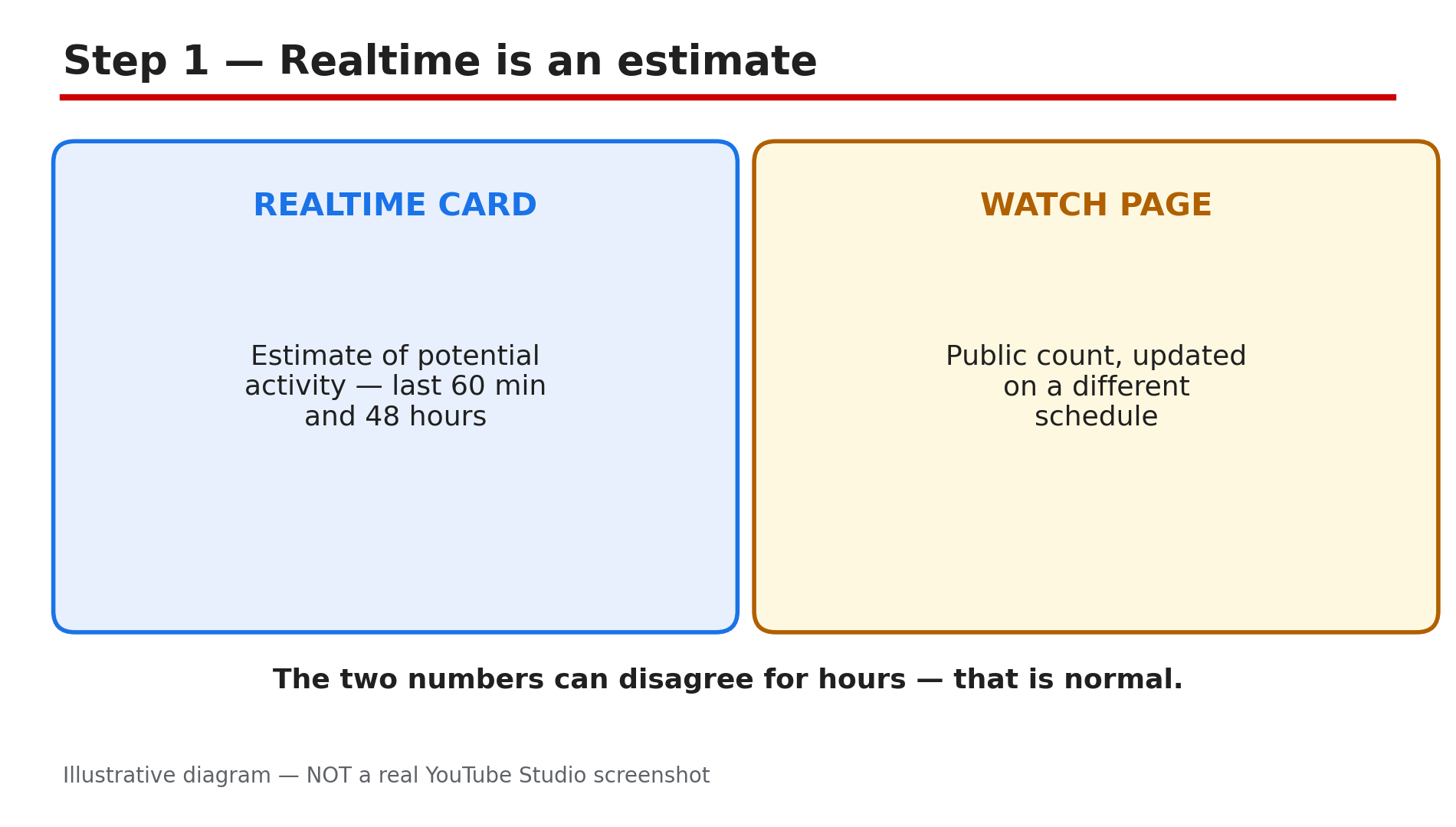
How: In Studio, go to Analytics and look at the Realtime card. YouTube’s Help page, “How engagement metrics are counted”, says Realtime activity only shows estimates of potential view activity, and it might not match the number on the watch page. The card covers roughly the last 60 minutes and the last 48 hours, and those figures are provisional. The two can disagree for hours because they update on different schedules. A frozen Realtime number with a slowly rising watch-page count is normal — the estimate is lagging, not the video.
Example: A creator uploads at 6 pm, sees 42 views on the watch page at 9 pm, but the Realtime card still shows 18. Both catch up by morning.
Common mistake: Treating the Realtime card as the official count and refreshing it every few minutes.
Illustrative diagram showing why the Realtime estimate and the watch-page count can differ.
Step 2 — Expect a slow start in the first few hours
What to do: Give a new upload time before you judge the counter.
How: YouTube’s Help page states that it may take time for your metrics to appear in the system during the first few hours after your video is published. The timing varies with a video’s popularity. Verified metrics can take several days to fully update in your Earn tab milestones. If your video is only a few hours old, the verification pipeline most likely has not caught up yet — check again after 24 hours.
Example: A tutorial shows 30 views at noon and 400 by the next morning, most of the jump happening overnight as verified numbers land.
Common mistake: Deleting the video and re-uploading a few hours later — that resets every counter to zero and restarts the wait.
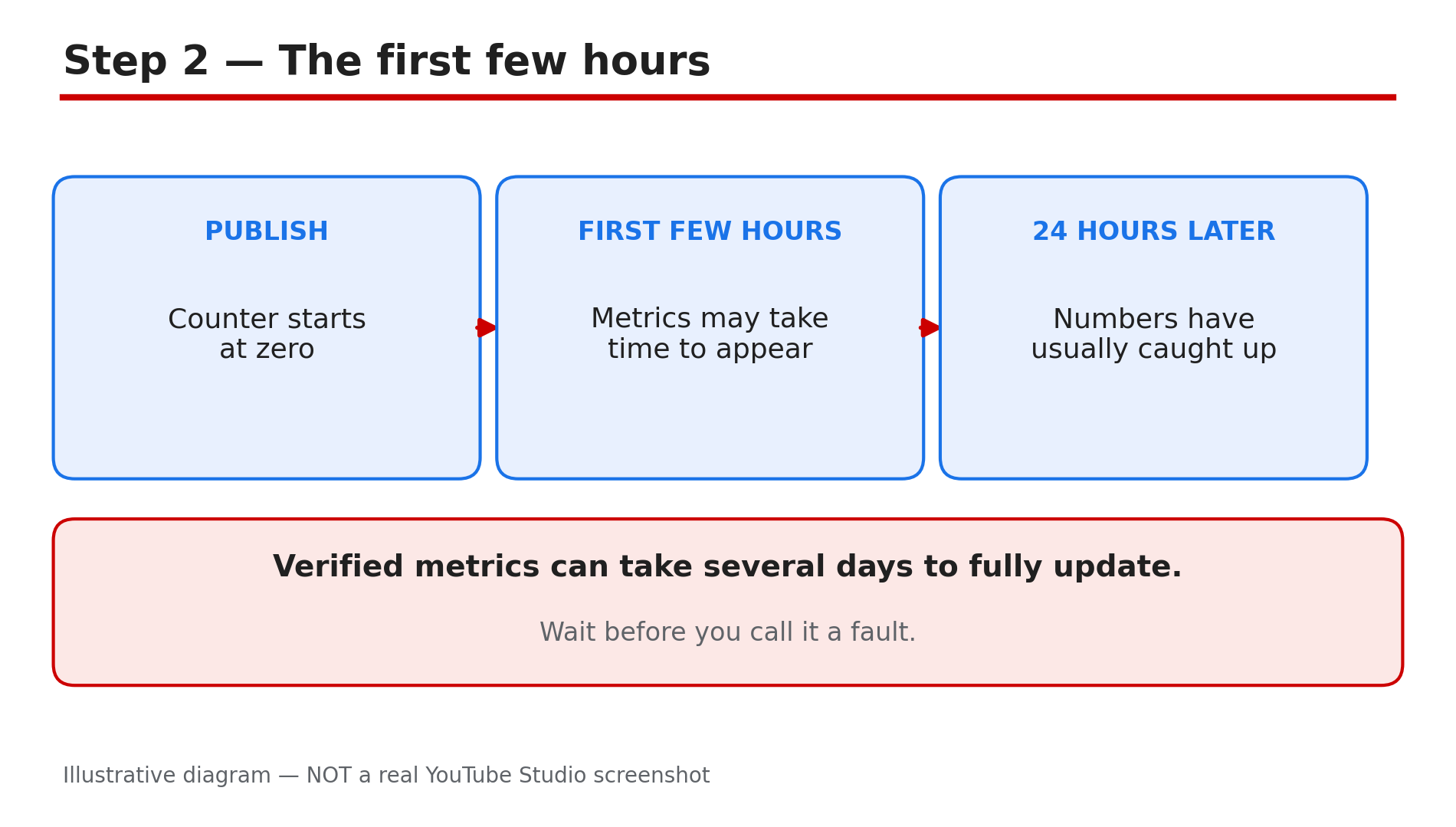
Illustrative diagram of how view counts normally appear in the first hours after publishing.
Step 3 — Understand why YouTube freezes a count on purpose
What to do: Learn the freeze mechanism so you stop reading it as a bug.
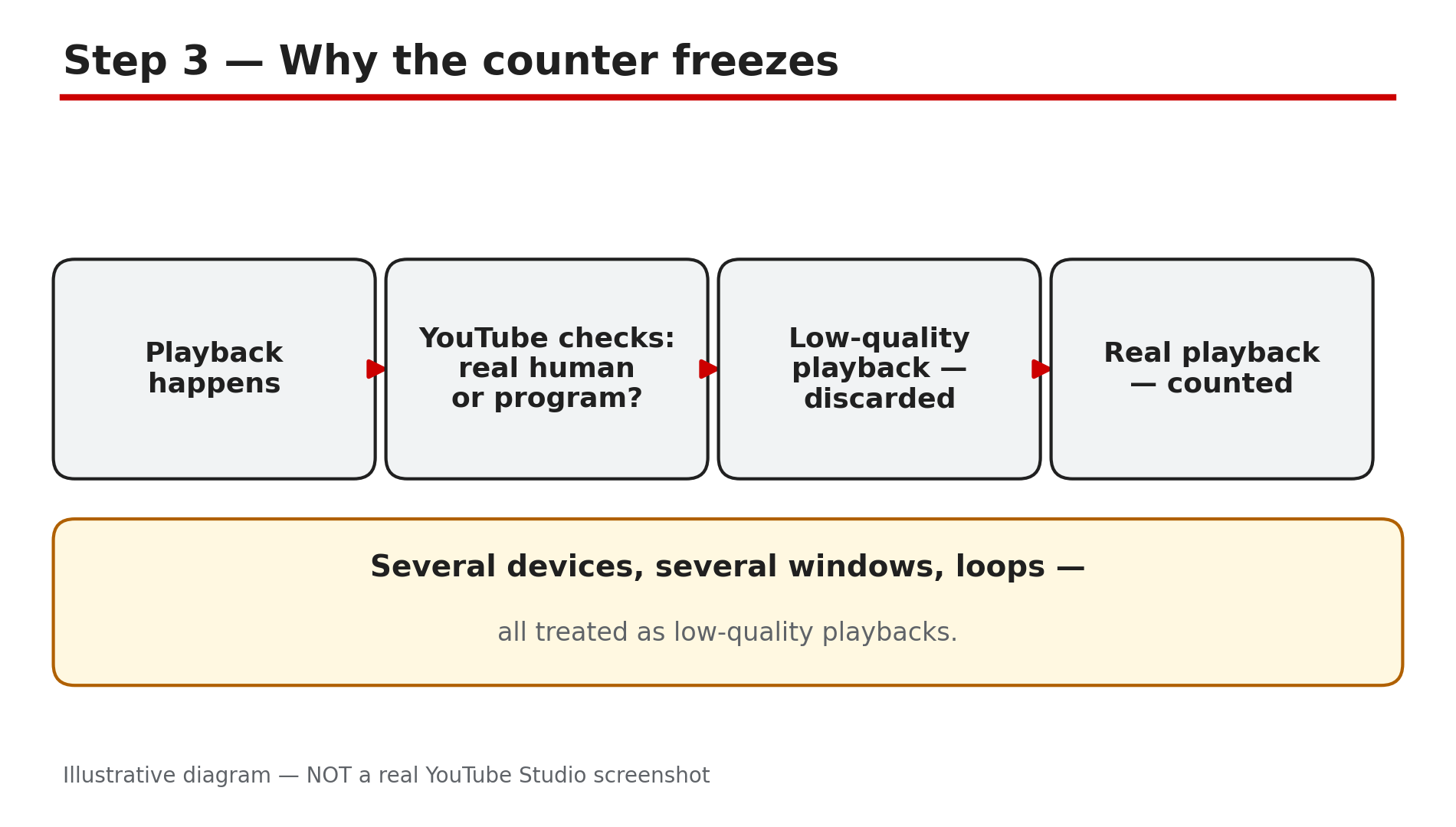
How: YouTube wants its metrics to come from actual humans, not computer programs. To verify that metrics are accurate, it may temporarily slow down, freeze or change your metric count, and discard low-quality playbacks. “Low-quality playback” is YouTube’s own term — its example is watching the same video on several devices, or streaming it across several windows and tabs. Those playbacks are removed, which is why the number can stay still — or even go down — while real people are watching. YouTube publishes no refresh deadline: the timing varies by video. The old “301 views freeze” is not a current rule — it was removed in 2015.
Example: A video jumps to 120 views, freezes for a day, then moves to 180 — the pause was YouTube confirming the first wave, not a penalty.
Common mistake: Buying views or asking a group chat to loop the video — those are exactly the playbacks YouTube discards.
Illustrative diagram of how YouTube verifies playbacks before counting them.
Step 4 — Know what changed on 24 August 2026
What to do: Update your idea of what a “view” is, because the old one is out of date.
How: Beginning on 24 August 2026, YouTube counts a view the moment a video starts to play, across all formats — Shorts, long-form videos and live streams. The public count can therefore rise faster than it used to, which makes a freeze feel more alarming than it is: the counter fills up quickly, then pauses while playbacks are verified. Two things did not change. Partner Programme earnings are still based on engaged views and engaged watch hours, not the public view count, and YPP eligibility is still based on qualified views. A frozen public count does not mean your earnings are frozen.
Example: A Short shows 5,000 public views but only 1,200 engaged views — the gap is the new counting rule working as designed.
Common mistake: Treating a public-view milestone as a monetisation milestone.
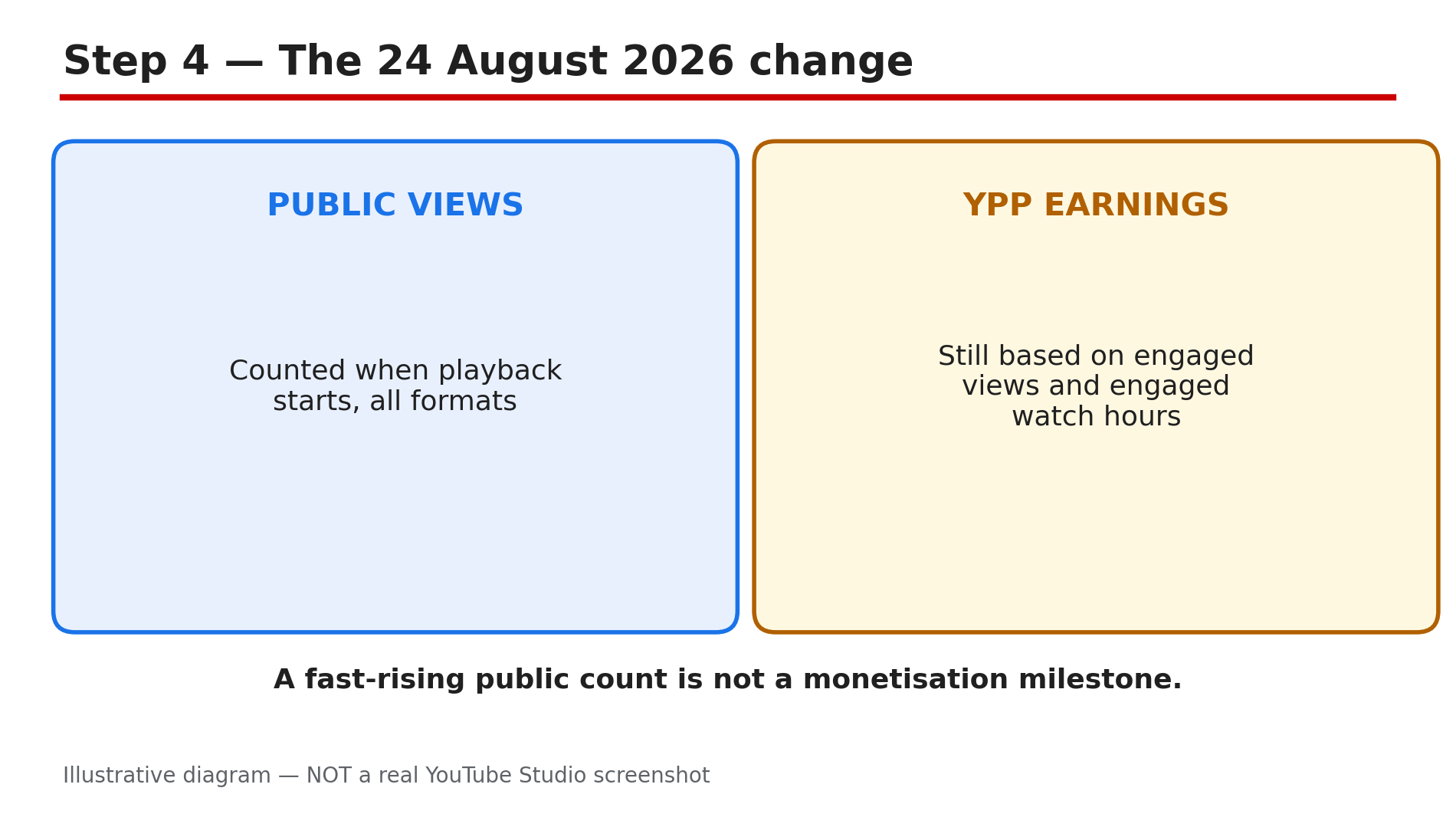
Illustrative diagram of the 24 August 2026 view-counting change and what it did not change.
Step 5 — Stop testing the counter with your own replays
What to do: Do not use your own devices to check whether the counter is working.
How: The most common self-inflicted freeze is the creator replaying their own video on two phones, a laptop and a tablet, then watching the number refuse to move. YouTube names exactly this as a low-quality playback: using several devices to watch the same video, or streaming it across several windows and tabs. Those replays are discarded, so the test tells you nothing except that the filter works. The same applies to asking friends to loop the video, or refreshing the watch page yourself — none of it is counted, and a burst of it can trigger a longer pause. To see whether real viewers are reaching the video, look at traffic sources in Analytics instead.
Example: A creator replays a new video ten times on two phones, sees the count stay at 7, and assumes the video is broken — while its search traffic the next day shows genuine viewers arriving normally.
Common mistake: Treating your own replays as a test of the counter.
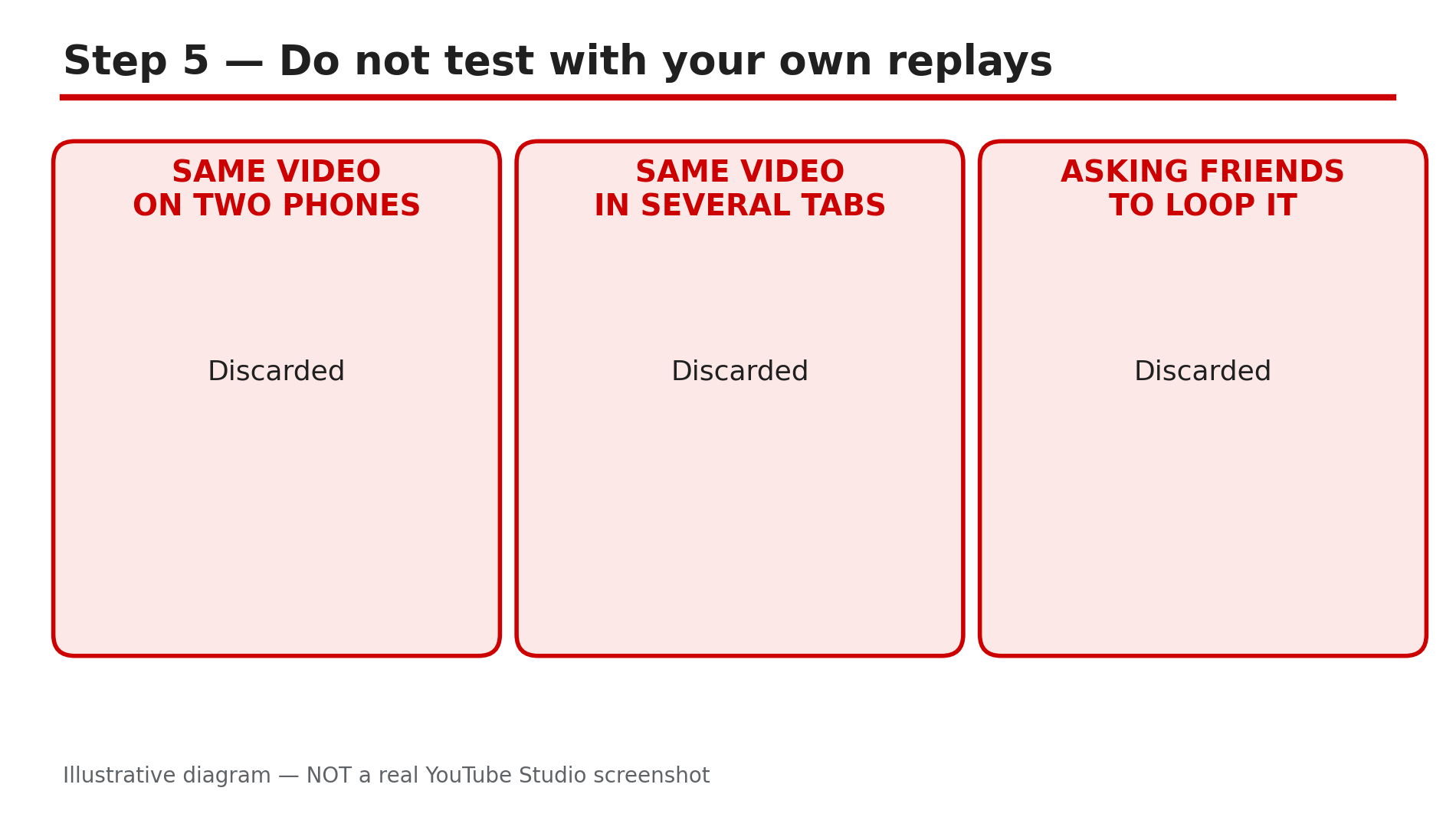
Illustrative diagram of the self-replay habits that YouTube treats as low-quality playbacks.
Step 6 — Tell a verification lag from a real distribution problem
What to do: Use two simple tests to decide whether to wait or to act.
How: First, look at the number itself. A counter that is frozen but non-zero, with views still trickling in over a day or two, is almost always verification lag — wait, and check the Earn tab milestones a few days later. A Short that is still at zero a full day after publishing, with no impressions in Analytics at all, is a different problem: the video is probably not being distributed. Check the basics in Studio — the video is Public (not Private or Unlisted by mistake), the audience setting is correct, and there is no restriction in the Restrictions column. Second, watch the direction of the count. A count that goes backwards is not a glitch: it means YouTube removed playbacks it decided were invalid. If the count keeps falling while real viewers say they watched, check traffic sources — a sudden loss of one source is a distribution issue, not a counting one.
Example: A gaming Short sits at zero views after 24 hours — it was uploaded as Unlisted by mistake. Switching it to Public starts impressions within the hour.
Common mistake: Waiting a week on a video that was never Public.
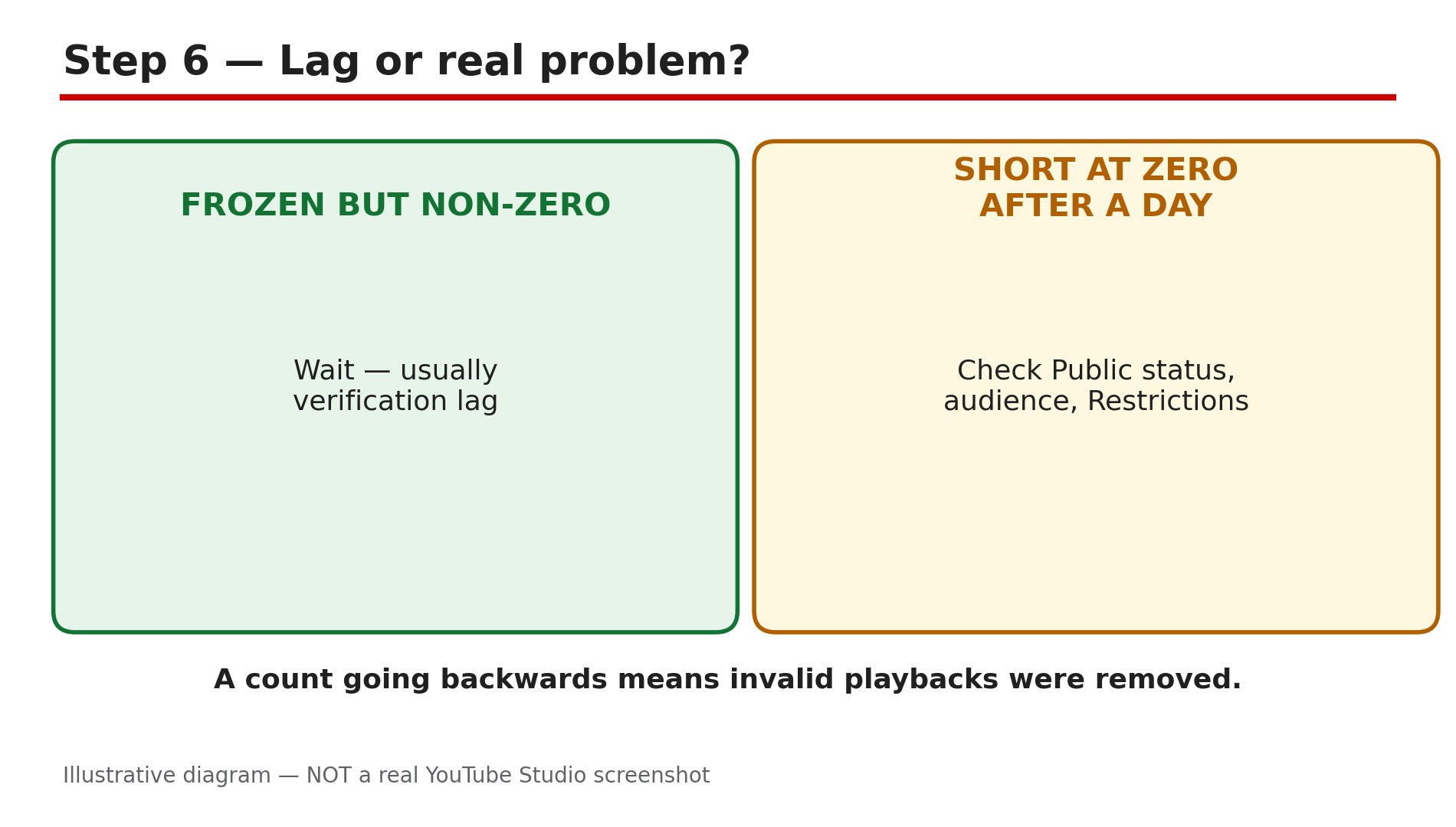
Illustrative diagram for deciding whether a stuck counter is a verification lag or a distribution problem.
Checklist — Before You Worry About a Stuck Realtime Counter
- ☐ The video is at least 24 hours old — first-hours delays are normal
- ☐ I compared the Realtime card with the watch-page count, not just one of them
- ☐ I have not been replaying the video on my own devices or asking others to loop it
- ☐ The video is Public, with the right audience setting and no restriction in Studio
- ☐ A Short at zero after a day got a distribution check, not just a longer wait
- ☐ I know a small drop means invalid playbacks were removed, not a bug
- ☐ I checked traffic sources in Analytics instead of refreshing the counter
- ☐ I gave verified metrics several days before judging the Earn tab
FAQs
1. Why are my YouTube Realtime views stuck?
Realtime is an estimate. YouTube may slow down, freeze or change the count while it verifies playbacks are from real humans, and discards low-quality playbacks.
2. How long does a Realtime views freeze last?
YouTube publishes no fixed deadline. Metrics may take time to appear in the first few hours, and verified metrics can take several days to fully update. A freeze of a day or two on a new video is usually normal.
3. Why did my view count go down?
YouTube removes invalid or low-quality playbacks — for example, the same video watched on several devices or across several windows and tabs. A small drop after a spike is the filter working.
4. Does a frozen view count affect my YouTube earnings?
No — Partner Programme earnings are based on engaged views and engaged watch hours, not the public view count.
5. My Short is still at zero views after a day — is that the same problem?
Usually not. A frozen-but-non-zero count is normally verification lag, but a Short at zero after a day with no impressions points to a distribution problem — check the video is Public and the Restrictions column in Studio.
Sources
- YouTube Help — “How engagement metrics are counted” (official page, opened live 5 Nov 2026): https://support.google.com/youtube/answer/2991785?hl=en
- CreatorPlaybook — “YouTube Video Not Showing in Search? Diagnose It Step by Step”: </blog/youtube-video-not-showing-in-search>
- CreatorPlaybook — “YouTube Channel Not Growing? Diagnose the 4 Real Reasons”: </blog/youtube-channel-not-growing-diagnose-4>