Showing Posts From
Click through rate
 CreatorPlaybook Team
- 31 Oct, 2026
YouTube CTR Suddenly Dropped After the 24 August 2026 View-Counting Change: What Happened and How to Fix It
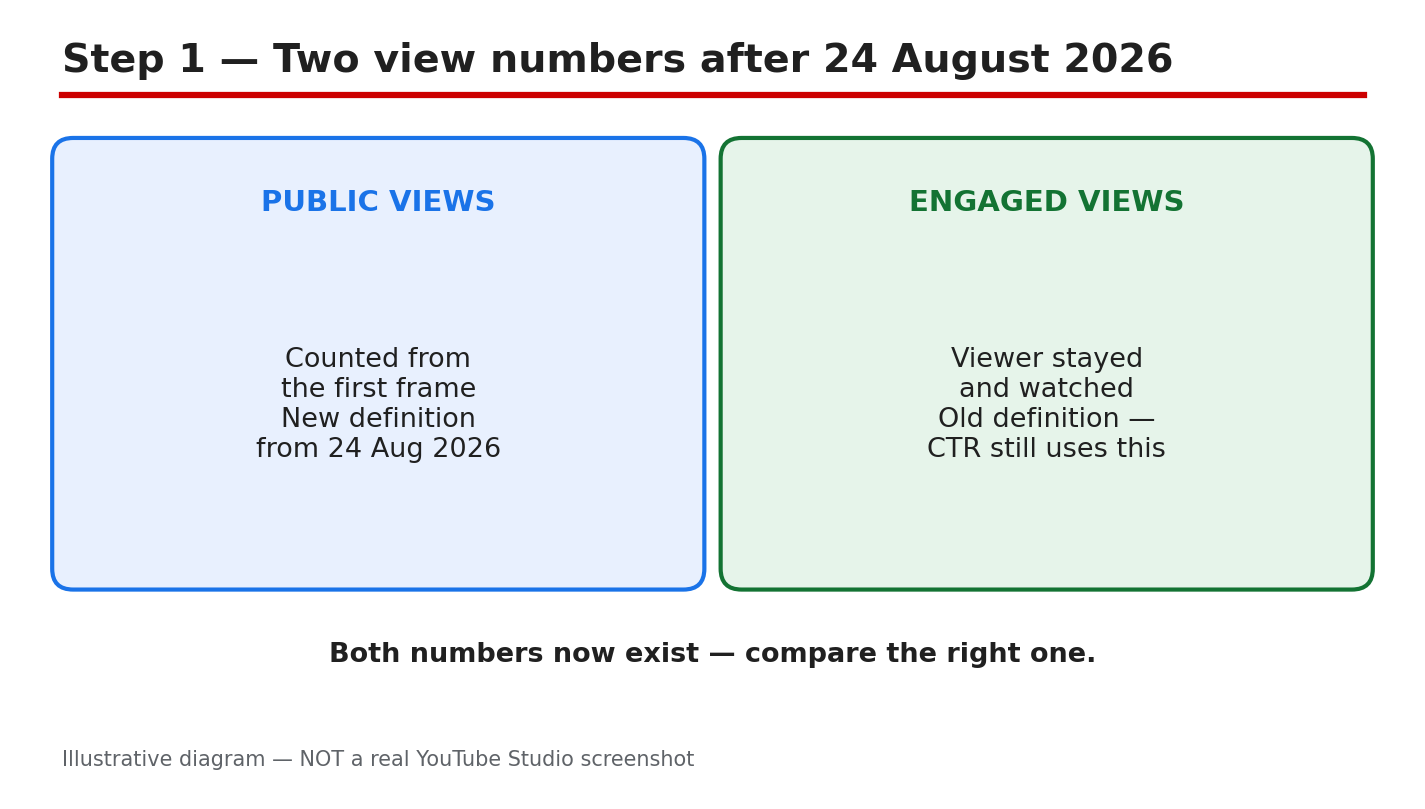
Your CTR looked fine in July, then fell sharply in late August 2026 — and you changed nothing. Before you blame your thumbnails, check the calendar. As reported, YouTube changed how it counts public views from 24 August 2026: a view now counts the moment a video starts to play, across long-form, live, and podcasts. The old, stricter definition did not disappear — it lives on in Studio as “engaged views”. That switch can make ratios that use views fall overnight, even when your channel did nothing wrong. This guide explains what changed, and how to fix the real problems. What you will learnWhat the reported 24 August 2026 change changed, and what it did not How to check in Studio whether your CTR really fell How to split a CTR drop by traffic source How to fix a real CTR problem with packaging and openingsStep 1: Understand what actually changed on 24 August 2026 What to do: Learn the two view numbers before you read any chart. How to do it: As reported, from 24 August 2026 a public view counts the moment a video starts to play, on every format. Before that, a long-form view was reported to need a viewer who chose to keep watching. The old rule was renamed “engaged views” and kept in Analytics. As reported, CTR, average view duration, and retention still use engaged views. Example: A tutorial shows 10,000 public views but only 6,000 engaged views — “playback started” versus “the viewer stayed”. Common mistake: Quoting a seconds threshold as fact because a blog said so — check the Help page instead.Illustrative diagram (mock-up) comparing the two view counts — not a real YouTube Studio screenshot. Step 2: Check whether your CTR really fell, in Studio What to do: Compare the same metric over equal periods on both sides of 24 August 2026. How to do it: In Studio, open Analytics, pick a video, and open the Reach tab. Look at impressions, click-through rate, and views together — never CTR alone. Compare equal periods, such as the 28 days before 24 August with the 28 days after it, using engaged views instead of public views. If your Studio CTR is steady, the drop is measurement, not performance. Example: A creator’s Studio CTR holds at 4.5%, but likes per public view fall by a third. The channel is fine. Common mistake: Comparing a 28-day Analytics total with a lifetime public count. Different ranges produce a false drop.Illustrative diagram (mock-up) — not a real YouTube Studio screenshot. Step 3: Split the fall by traffic source What to do: Break the CTR drop down by where viewers found the video. How to do it: In the Reach tab, open the traffic source report and look at CTR separately for Search, Browse, Suggested videos, and the Shorts feed. Search usually has the highest CTR; Browse usually has the lowest. As reported, feed surfaces produce many public views but far fewer engaged views, because autoplay can start a public view without a real choice to watch. If the fall sits in Browse while Search CTR is steady, blame the wider, lower-intent audience. Example: A how-to video keeps 7% CTR from Search but drops from 5% to 3% from Browse as impressions double — expanding reach, not failure. Common mistake: Averaging all traffic sources into one number and fixing the wrong thing.Illustrative diagram (mock-up) — not a real YouTube Studio screenshot. Step 4: Fix the packaging if the CTR problem is real What to do: If Studio CTR fell within one traffic source, fix the thumbnail and title first. How to do it: Pick the video with the most impressions and the lowest CTR in its source, and test one change at a time. Make the thumbnail readable at phone size: one main subject, strong contrast, four words or fewer. Make the title specific — topic, benefit, one honest detail — with the main keyword near the start. Then use Test & Compare in Studio, where available, and wait one to two weeks. Example: A creator changes only the thumbnail on a 2%-CTR video; after two weeks, CTR rises to 4%. Common mistake: Changing the thumbnail, title, description, and tags all on the same day.Illustrative diagram (mock-up) — not a real YouTube Studio screenshot. Step 5: Fix the first seconds so clicks become engaged views What to do: Make sure viewers who click stay past the first few seconds. How to do it: Open the Engagement tab and look at the retention curve for the first 30 seconds. If many viewers leave in the first seconds, the opening is the problem, not the thumbnail. State the promise of the title in the first five seconds, show the result early, and cut any long greeting or intro. Match the opening to the thumbnail exactly: if it shows a finished result, open with that result on screen. Example: A tutorial opens with 20 seconds of greeting and loses half its viewers in 10 seconds; moving the result to the first frame fixes it. Common mistake: Treating a CTR fix as complete when clicks rise but retention falls.Illustrative diagram (mock-up) — not a real YouTube Studio screenshot. Step 6: Set a fair baseline and track the recovery What to do: Build a fresh baseline from engaged views. How to do it: Write down, for your last five uploads, the engaged views, Studio CTR by traffic source, and average view duration, all from the same 28-day window after 24 August. That is your new normal. Check it weekly, on the same day, and judge a video against your own recent uploads, not a universal “good CTR” number. If engaged views and CTR hold steady on the new baseline, the August fall was measurement. Example: A creator’s baseline is 4% CTR from Search. A new video gets 3.8% — no alarm; another gets 1.5% — new thumbnail time. Common mistake: Panicking over one slow day and rewriting every thumbnail. One day of data is noise.Illustrative diagram (mock-up) — not a real YouTube Studio screenshot. Checklist☐ Know public views vs engaged views after 24 August 2026 ☐ Compared Studio CTR and engaged views over equal periods either side of the change ☐ Split the CTR drop by traffic source before fixing anything ☐ Tested one packaging change at a time on the lowest-CTR video ☐ Fixed the opening so clicks become engaged views; checked “stayed to watch” ☐ Recorded a new post-change baseline; check it weeklyFrequently asked questions Did YouTube change how views are counted on 24 August 2026? As reported, yes: from 24 August 2026 a public view is counted the moment a video starts to play, across long-form, live, and podcasts. The old definition continues as “engaged views” in Studio. Why did my CTR drop if the algorithm did not change? As reported, CTR in Analytics is still calculated on engaged views, and recommendations were reported as unchanged. What often falls is a ratio you calculate yourself using public views — the denominator grew overnight, so the ratio falls even if clicks stayed the same. Check the Studio CTR, not a home-made ratio. Does the view-counting change affect my earnings or Partner Program eligibility? As reported, no: earnings and eligibility are still based on engaged views and engaged watch hours, not the public count. What is a good CTR after the change? There is no single good number. As reported, half of all channels and videos sit between 2% and 10% CTR. Compare your videos with your own recent uploads, within the same traffic source. Should I change all my thumbnails because CTR dropped? No. First check whether the Studio CTR actually fell within one traffic source. If it did, test one new thumbnail on the highest-impression, lowest-CTR video and measure it over one to two weeks. SourcesYouTube Help: Decoding CTR & impressions in your Analytics How YouTube Counts Views in 2026: Public Views vs Engaged Views Explained How to Improve Click-Through RateNo official YouTube video is embedded here: none was verified live in this run. Change dates and figures are reported claims — confirm them in Studio.