Showing Posts From
India
 CreatorPlaybook Team
- 29 Oct, 2026
How to Get Monetized on YouTube in India: Approval Steps That Actually Work
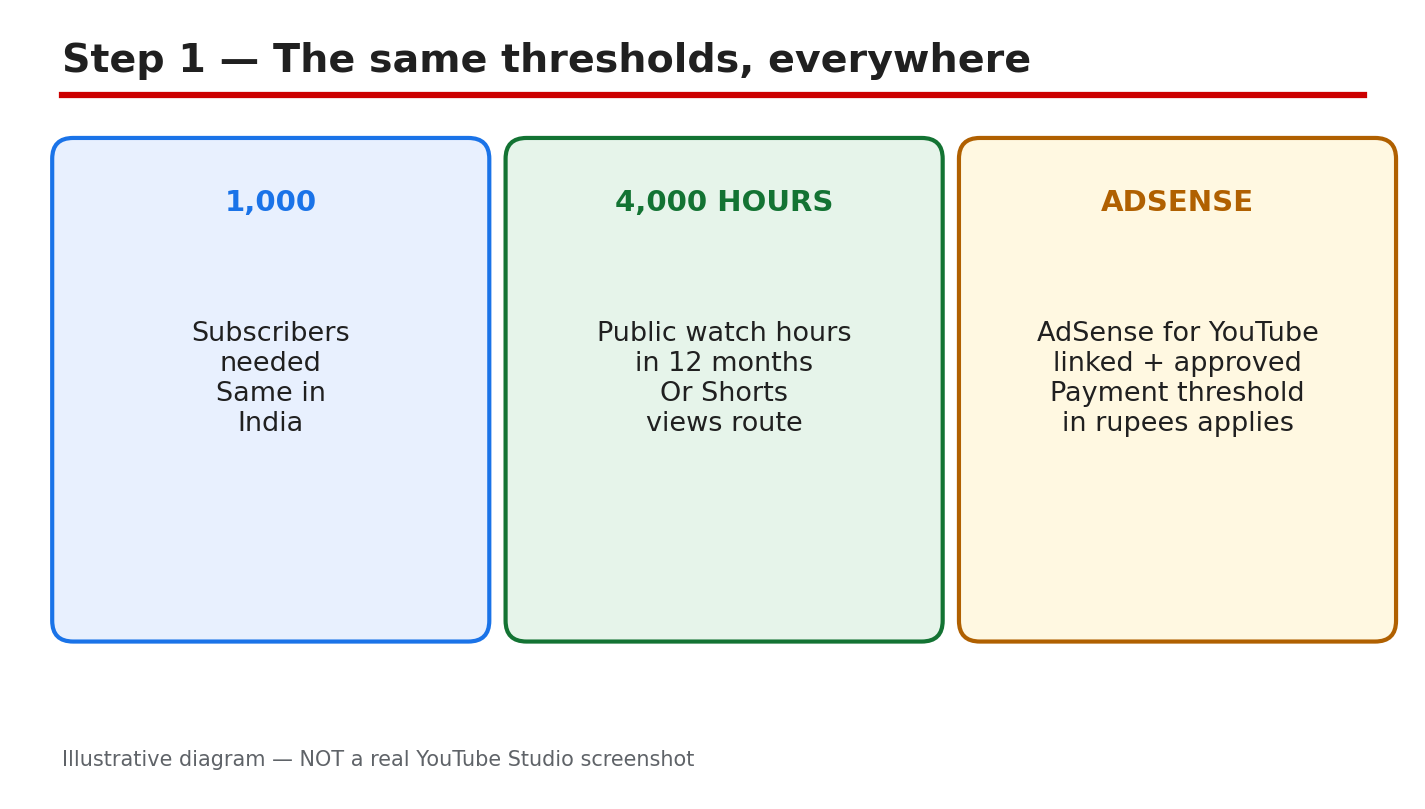
Getting monetized in India follows the same YouTube Partner Program rules as everywhere else. There is no separate India shortcut, no local office to call, and no paid route that makes YouTube approve a channel faster. What is different is the work around the application: the kinds of reused clips that commonly cause rejections, the clean-up that helps a reviewer see original work clearly, and the patience to apply only when the numbers are truly met. This guide gives you a plain, step-by-step plan. You will check the thresholds, apply through the Earn tab in Studio, fix the reused-content problem that is commonly reported in India, clean up your channel before you apply, and understand the money facts without invented figures. Check the official Help pages linked in Sources before you rely on a number, because eligibility wording can change. What You Will LearnThe exact thresholds, and the Shorts views route. How to apply in Studio, step by step. The reused-content trap commonly reported in India, and the fix. A pre-apply clean-up for your channel and recent videos. Money facts: AdSense, RPM, and what approval really means.Step 1: Check the Thresholds First What to do: Before you do anything else, confirm that you meet every requirement. You need 1,000 subscribers, plus either 4,000 valid public watch hours in the last 12 months or 10 million valid public Shorts views in the last 90 days. You also need an AdSense for YouTube account linked and approved, and no active Community Guidelines strike. If any part is missing, keep publishing and re-check. Studio path: YouTube Studio > Earn > check the subscriber, watch-hour, and Shorts-view figures shown, then check your AdSense link status. Example: Your channel shows 1,240 subscribers and 4,350 watch hours, with AdSense linked. You meet the long-form route, so you can move to Step 2. Common mistake: Counting private, deleted, or Shorts views as watch hours, or counting subscribers bought from a seller. Only valid public watch hours count, and bought growth can harm your channel.Illustrative diagram/mock-up, NOT a real Studio screenshot: the monetization thresholds. Step 2: Apply Through the Earn Tab What to do: Apply only when the figures in Step 1 are met. Open the Earn tab, accept the YouTube Partner Program terms, link your AdSense for YouTube account if it is not linked yet, and submit the application. Then wait. Review typically takes about a month, so wait for the status to change. Studio path: YouTube Studio > Earn > Apply Now > accept the terms > link AdSense for YouTube > submit, then check Earn for the review status. Example: You accept the terms on a Monday, link AdSense, and submit. You keep uploading as normal while the review runs, instead of changing your channel name or deleting videos mid-review. Common mistake: Applying at 900 subscribers in the hope that YouTube will wait. An early application is not a place in a queue; meet the numbers first, then apply once.Illustrative diagram/mock-up, NOT a real Studio screenshot: the Earn tab application path. Step 3: Fix the Reused-Content Problem What to do: Look honestly at your recent videos. The commonly reported India rejection cause is reused content: Bollywood film clips, cricket broadcast clips, and template videos with little original input, presented as if they were your own work. This is reported by creators, not stated as an official YouTube India statistic. The fix is a run of original videos: your own voice, your own commentary or teaching, and your own editing choices. Studio path: YouTube Studio > Content > open each recent video > check the footage, audio, and credits, then plan replacements or new original videos before you apply. Example: A channel posts cricket highlights with a copied commentary track. The fix is not a new thumbnail; it is several new videos where you film, explain, and edit the content yourself. Common mistake: Keeping the reused clips, adding a short intro, and calling the result original. A brief intro does not turn someone else's film or broadcast footage into your original work.Illustrative diagram/mock-up, NOT a real Studio screenshot: the common rejection cause. Step 4: Run the Pre-Apply Clean-Up What to do: Before you apply, make the channel easy to review. Set a clear channel theme and About section that match what you actually upload. Check your newest 10 videos one by one: each should be original, with honest titles, descriptions, and tags that describe the video itself. Resolve any active strike and any unresolved copyright claim before you apply, or wait until the issue is settled. Studio path: YouTube Studio > Customization > Basic info for the theme and About text; YouTube Studio > Content > Restrictions to check strikes and claims. Example: Your newest 10 videos include two old clip compilations. You unlist or replace them, publish two new original videos, and only then check the Earn tab. Common mistake: Cleaning up only the channel banner and leaving misleading titles on the videos. Reviewers look at the videos, so fix the videos first.Illustrative diagram/mock-up, NOT a real Studio screenshot: the pre-apply clean-up. Step 5: Understand the Money Facts What to do: Get the money facts right before you expect payment. Check the AdSense payment threshold amount in your own AdSense account; do not use a figure copied from a social post. RPM varies by topic, audience, advertiser demand, and season, so do not trust a single India RPM figure. Approval is YouTube's decision alone: never pay anyone for approval, and never buy subscribers or watch hours. Studio path: YouTube Studio > Analytics > Revenue to see your own RPM range; AdSense > Payments to check the payment threshold in your account. Example: Two channels in India show very different RPMs because one covers finance and the other covers comedy. The difference is the topic and audience, not a fixed national rate. Common mistake: Paying an agent who promises approval in a week. No agent can approve a channel, and bought subscribers or watch hours can lead to removal from the program.Illustrative diagram/mock-up, NOT a real Studio screenshot: money facts for India. Step 6: Follow the Apply-and-Recheck Plan What to do: Make a simple plan and stick to it. Week one: check the numbers and finish the clean-up in Step 4. Week two: publish original videos and re-check Earn. When the numbers are met, apply, then keep publishing original videos during the review. If the application is rejected, read the reason, fix that exact problem with new original work, and re-apply only when the fix is visible on the channel. Studio path: YouTube Studio > Earn > re-check eligibility weekly; YouTube Studio > Content > confirm the newest videos are original before each re-check. Example: You are rejected for reused content. You publish six original videos over the next month, remove the reused clips, and re-apply with a channel that now shows the fix. Common mistake: Re-applying the next day with nothing changed, or deleting the rejection email without reading it. A repeat application with the same problem wastes the review and your time.Illustrative diagram/mock-up, NOT a real Studio screenshot: the apply-and-recheck plan. Checklist: Before You Apply1,000 subscribers reached, with valid public watch hours or Shorts views. AdSense for YouTube linked and approved. Newest 10 videos original, with honest titles and descriptions. No active strike and no unresolved copyright claim. No bought subscribers, watch hours, or paid approval promised.Frequently Asked Questions Can I apply before I reach 1,000 subscribers? No. Apply only when the subscriber and watch-hour or Shorts-view figures are met, with AdSense linked. An early application does not hold your place. Is the threshold different in India? No. The subscriber, watch-hour, and Shorts-view thresholds are the same everywhere. What differs is your audience, topic, and RPM, not the entry numbers. How long does the review take? Review typically takes about a month. Keep publishing original videos while you wait, and check the Earn tab for the status instead of re-applying. What if I am rejected for reused content? Read the reason, remove or replace the reused videos, and publish a run of original videos with your own voice and editing. Can someone approve my channel for a fee? No. Never pay anyone for approval. Approval is YouTube's decision, based on your channel and the Partner Program policies, and paid approval claims are scams. A Simple Plan to Remember Meet the numbers, clean the channel, apply once, and keep publishing original work while you wait. If you are rejected, treat the reason as a task list, not as a verdict on your channel. Fix the exact problem, show the fix in your newest videos, and apply again. Do not buy growth, do not pay for approval, and do not copy clips and hope the review misses them. Build the channel you would be proud to show a reviewer, one original video at a time. Sources — Check It Yourself Check these sources yourself before you apply. Eligibility wording can change, so use the official Help pages for the current numbers.YouTube Help: YouTube Partner Program overview & eligibility YouTube Help: YouTube channel monetization policies CreatorPlaybook: How to Earn Money on YouTube