Showing Posts From
Video chapters
 CreatorPlaybook Team
- 31 Oct, 2026
YouTube Video Chapters Not Showing? How to Fix Timestamps That Don't Work
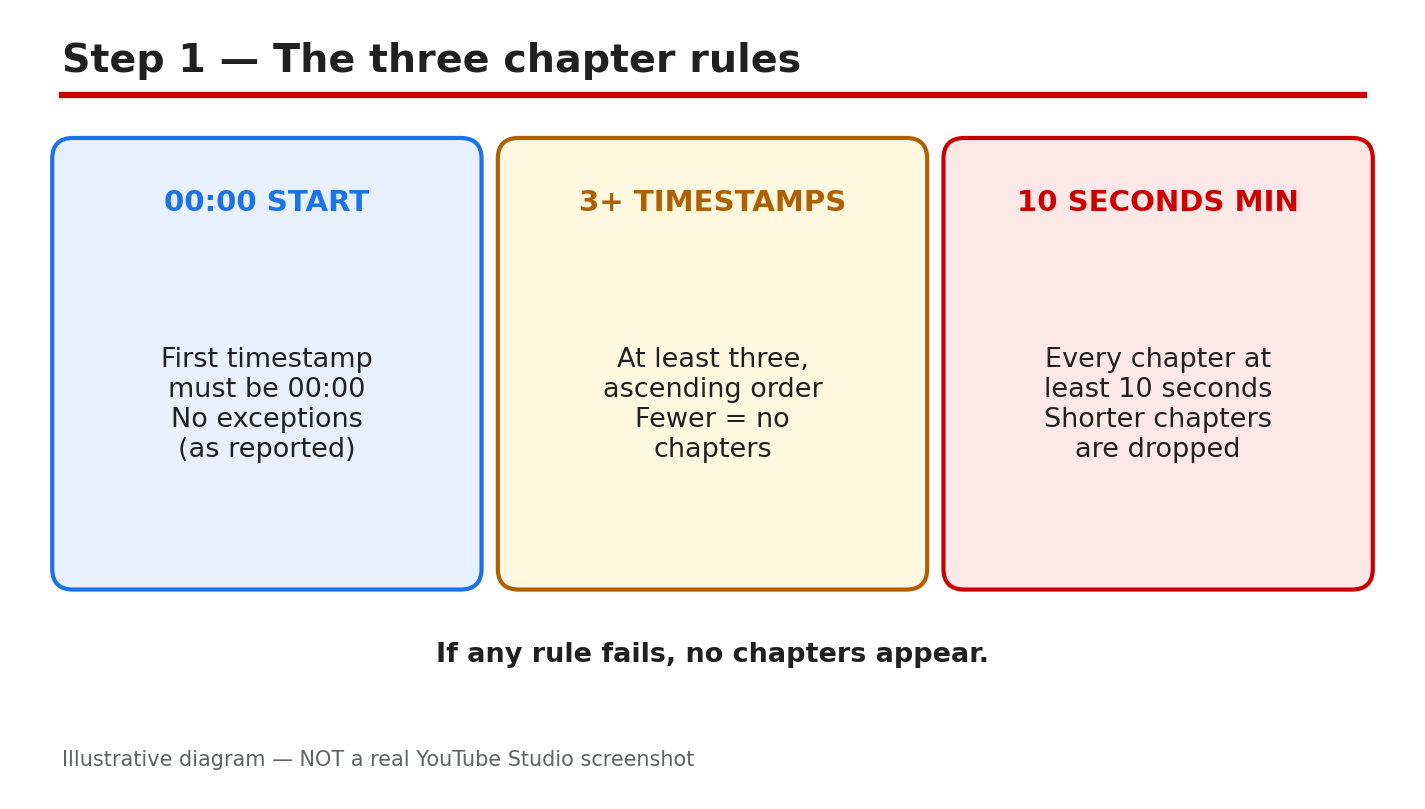
You added timestamps to your video description, saved the changes, and waited — but the progress bar is still one solid line with no chapter segments. Chapters help viewers find the part they need, and when they do not appear, the cause is usually a small formatting mistake or a missed setting. This guide covers the rules YouTube reports for chapters, how to add them correctly, and how to fix the most common problems. What you will learnThe timestamp rules YouTube reports for video chapters How to add chapters correctly in your video description How to check automatic chapters and channel settings How to fix the most common chapter mistakes without re-uploadingStep 1: Check the three timestamp rules first What to do: Check your list against YouTube's three reported rules: first timestamp 00:00, at least three timestamps in ascending order, and every chapter at least 10 seconds long. How to do it: Open the video in YouTube Studio and read its saved description. If the first line starts at 00:15, YouTube will not treat it as chapters. Count the timestamps: two sections are not enough. Check every gap — a chapter under 10 seconds breaks the rule. Example: A tutorial lists "00:00 Intro, 00:08 Tools, 03:00 Main steps". The 00:08 chapter lasts only eight seconds, so no chapters appear. Changing it to "00:45 Tools" fixes it. Common mistake: Assuming a clickable timestamp is also a valid chapter. A link can work even when the list fails the chapter rules.Illustrative diagram (mock-up) — not a real YouTube Studio screenshot. Step 2: Write the chapter list in the right format What to do: Rewrite your chapter list as one clean line per chapter: a timestamp, then a short title for that section. How to do it: In the video description in YouTube Studio, put each chapter on its own line, such as "00:00 Introduction" and "02:30 Setting up". Use minutes and seconds separated by a colon, or hours, minutes, and seconds for videos over an hour. Give every chapter a real title, not just "Part 1". Keep the list in one block, and save, then reopen the description to confirm it saved as typed. Example: A cooking video uses "00:00 Introduction, 01:20 Ingredients, 03:40 Cooking, 07:10 Plating, 09:00 Final tips" — one timestamp and one clear title per line, in order, every section over 10 seconds. Common mistake: Putting the title before the time, such as "Introduction — 00:00", or mixing timestamps into sentences.Illustrative diagram (mock-up) — not a real YouTube Studio screenshot. Step 3: Check the last chapter and the video length What to do: Check the final chapter, which most creators forget: it runs to the end of the video and also needs at least 10 seconds. How to do it: Subtract the last timestamp from the total video length. If your video is 5 minutes 30 seconds long and the last chapter starts at 05:25, that final chapter is only five seconds long, so the whole list fails. Move that last timestamp earlier or merge the final two sections. Example: A 6-minute video ends with "05:50 Outro" — 10 seconds exactly. One second of trimming would break it, so moving it to "05:40 Outro" gives a safer margin. Common mistake: Checking only the gaps between timestamps, and never the final chapter against the end of the video.Illustrative diagram (mock-up) — not a real YouTube Studio screenshot. Step 4: Check automatic chapters and your channel's feature access What to do: If your manual list is correct but chapters still do not appear, check the automatic chapters setting and your channel's feature access. How to do it: In YouTube Studio, open the video, click Show More, and find the Automatic Chapters setting. As reported, this box is checked by default, and allowing automatic chapters lets YouTube generate chapters for eligible videos — but not every eligible video gets them. A manual list overrides automatic chapters. Then check feature access in Studio under Settings, then Channel, then Feature eligibility. Example: A creator fixes the timestamp list three times with no result, then finds the channel's advanced features were never verified. After verification, the same list starts working. Common mistake: Rewriting a correct list over and over while the real problem is feature access or an active strike.Illustrative diagram (mock-up) — not a real YouTube Studio screenshot. Step 5: Check the video itself — audience setting and content What to do: Check the video-level settings that can block chapters, especially the audience setting. How to do it: In YouTube Studio, open the video details and check the audience. As reported, videos set to "Made for Kids" do not get chapters, so if your video is marked for kids, chapters will not appear no matter how perfect the list is. Change the setting only if it is genuinely wrong — never mislabel a kids' video to unlock a feature. YouTube also reports that videos with active strikes, or content that may be inappropriate to some viewers, may not be eligible. Example: A creator adds chapters to a video marked "Made for Kids" and sees nothing. The timestamps are correct, but the audience setting is the blocker. Common mistake: Assuming the problem is the timestamp format when the audience setting is the real reason.Illustrative diagram (mock-up) — not a real YouTube Studio screenshot. Step 6: Save, wait, and verify on the public watch page What to do: Save your fixed list, then verify chapters on the public watch page — not just in the Studio editor. How to do it: After editing the description, click Save, then reopen it to confirm the text saved. Open the public video page: chapters appear as segments along the progress bar, and the chapter title shows as you hover over it. If chapters still do not appear, work through Steps 1 to 5 again instead of deleting and re-uploading — re-uploading would lose all views, comments, and ranking history. Example: A creator fixes a seven-second chapter, saves, and checks the watch page. The progress bar now shows clear segments, and clicking a chapter title jumps to the right moment. Common mistake: Checking only the Studio editor and concluding the fix failed, when the public watch page already shows them.Illustrative diagram (mock-up) — not a real YouTube Studio screenshot. Checklist☐ First timestamp starts at 00:00 ☐ At least three timestamps, in ascending order, each chapter 10 seconds or longer ☐ One clean line per chapter: timestamp first, then a clear title ☐ Last chapter checked against the end of the video ☐ Automatic chapters setting and feature eligibility checked in Studio ☐ Audience setting checked, then verified on the public watch pageFrequently asked questions Why are my YouTube chapters not showing even though the timestamps are clickable? They are not the same thing. A timestamp can work as a link even when the list breaks a chapter rule — starting after 00:00, fewer than three entries, or a chapter under 10 seconds. Can I add chapters to a Short or a very short video? Chapters suit longer videos with clear sections. A video needs room for three chapters of 10 seconds each, so very short videos are a poor fit. Eligibility and feature access also matter, as reported. Do manual chapters or automatic chapters win? Your manual list wins. YouTube's Help page states that your own chapters override automatic video chapters, so viewers should see your list — if it passes the rules. How long do chapters take to appear after I save? YouTube does not publish a guaranteed time, as reported by independent guides. Save the description, then check the public watch page — a correct list usually appears after the page updates. Why do chapters show on one video but not another? Eligibility differs per video. Check the second video's timestamp list, its audience setting, and any strikes on the channel. One rule, such as a short final chapter, can make the same list fail. SourcesVideo Chapters — YouTube Help YouTube SEO Basics for Beginners How to Write Titles That Get Clicks Without ClickbaitChapter rules follow YouTube's Help page on Video Chapters, verified live during this run. Other details are reported by independent guides.