Showing Posts From
Youtube downloads
 CreatorPlaybook Team
- 10 Nov, 2026
YouTube Downloads Disappeared? Why Offline Videos Vanish
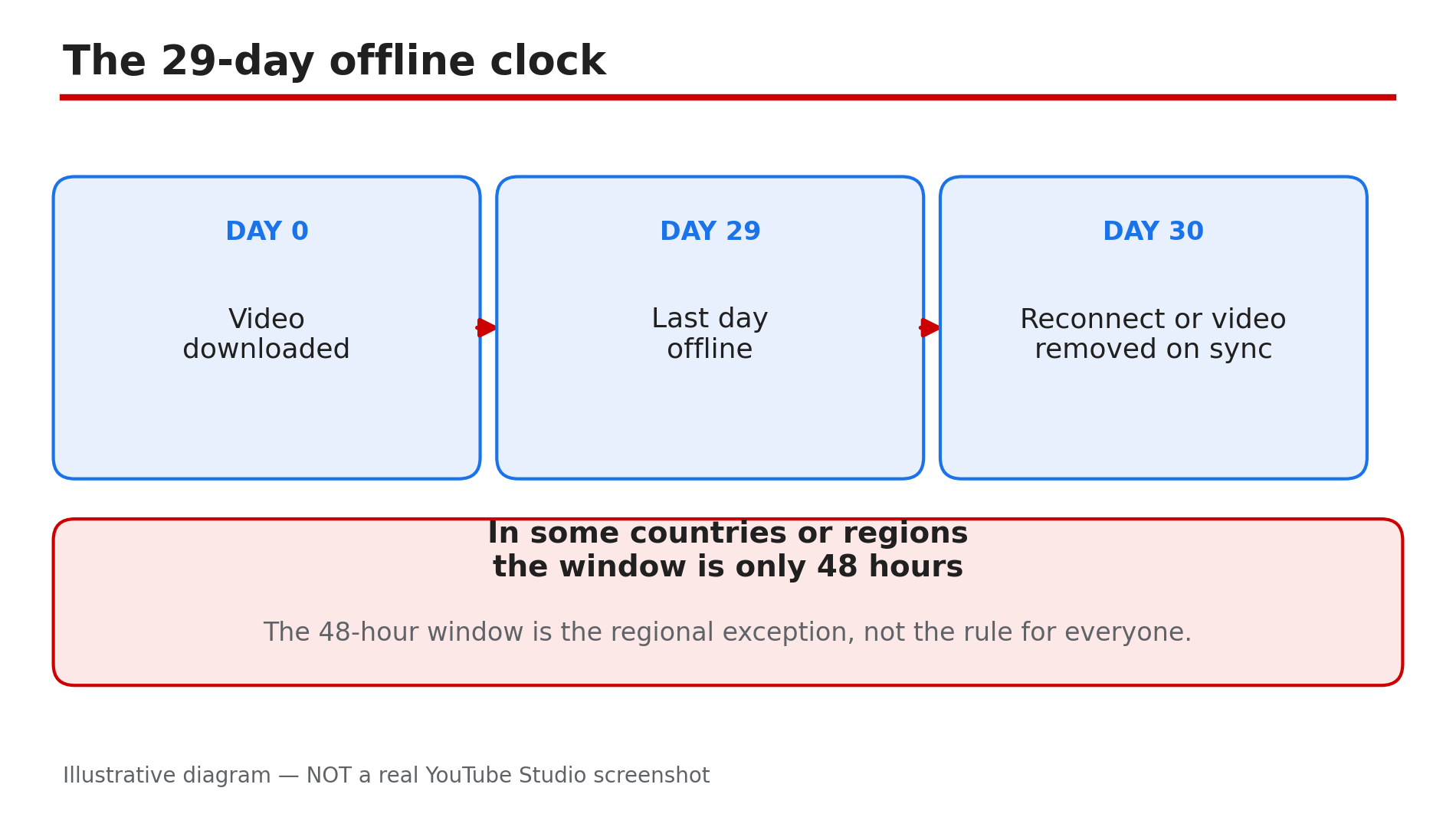
You downloaded a dozen videos for a flight, opened the YouTube app at the airport, and the Downloads list is empty. Nothing was deleted by hand, and the videos still exist on YouTube. What happened is almost always one of a small set of rules doing exactly what they were designed to do: YouTube's Help page says downloaded videos can be played offline for up to 29 days, after which you must reconnect so the app can check for changes — and any video no longer available for offline playback is removed on the next sync. Downloads also live only inside the YouTube app, only on the same Premium account, and only on the device that downloaded them. What You Will LearnWhy downloads expire after 29 days offline — and the 48-hour exception How to tell a wrong-account problem from a real disappearance Why a deleted or private video vanishes from Downloads on sync How downloads work per device, not per account How to rebuild your offline library and stop it vanishing againStep 1 — Check the 29-day offline rule first What to do: Work out whether your downloads simply expired, because that is the most common cause and it needs no fix — only a reconnect. How: YouTube's Help page states that downloaded videos can be played offline for up to 29 days, after which you must reconnect so the app can check for changes to the video or its availability — and any video no longer available is removed on the next sync. So connect to Wi-Fi, open the app, wait a few minutes for the sync, and check the Downloads list again. In some countries or regions the window is only 48 hours — the regional exception, not the universal rule — but the cure is the same: reconnect regularly. Example: A traveller downloads videos for a three-week trip, spends a month without opening YouTube on Wi-Fi, and finds the list empty. Reconnecting restores the downloads that are still available. Common mistake: Re-downloading everything one by one before reconnecting — the sync may restore most of your list on its own once the app checks in.Illustrative diagram: the 29-day offline window for YouTube Premium downloads and what happens when it runs out. Step 2 — Confirm you are on the right account with Premium still active What to do: Check that you are signed in to the same Google Account that downloaded the videos, and that Premium is still active on it. How: Tap your profile picture and check the account name and the Premium badge. YouTube's Help page says you must be signed in to your Premium account to download videos, and videos can be played while signed in with the same account. If Premium lapsed — a failed payment, a paused membership, or a plan that ended — the downloads go away, as reported. Check youtube.com/paid_memberships for the next billing date and whether the membership is paused. Example: A family shares one tablet, and a child signed in to a different Google Account. The parent's downloads are still there — attached to the other account. Common mistake: Checking Downloads on a second phone and concluding the videos are gone — downloads are per device, not per account, as Step 5 explains.Illustrative diagram: downloads only appear on the same account and the same device that made them. Step 3 — Check whether the video itself is gone What to do: Search for the missing video on YouTube, because a video the uploader deleted or made private disappears from Downloads on the next sync. How: Search for the video's title and open its watch page. If it plays normally, the video is fine and your problem is elsewhere. If it is gone, private, or shows "Video unavailable", that is why it vanished: YouTube removes it from your device on the next sync when it is no longer available for offline playback. No setting brings back a video YouTube no longer offers offline. Example: A student downloads a lecture series, and the lecturer later makes half of it private. On the next sync, exactly those videos disappear while the public ones stay. Common mistake: Assuming YouTube deleted your downloads by mistake — in most cases the uploader changed the video, and the sync is working as designed.Illustrative diagram: how a sync removes videos that are no longer available for offline playback. Step 4 — Check storage and download settings What to do: Rule out a full phone and a download setting that stopped new downloads from sticking. How: Check your phone's free storage first: if the device ran out of space, downloads can fail silently. Free up space and try one video again. Then check download quality: tap your profile picture, then Settings, then Background and downloads, then Download quality. YouTube's Help page notes higher-quality videos may take longer to show in the downloads section, so a large 1080p download on a slow connection may look missing when it is simply still finishing. Also check downloads are not set to Wi-Fi only while you are on mobile data. Example: A viewer downloads ten long videos at 1080p on hotel Wi-Fi and finds only three in the list the next morning — the rest were still downloading when he closed the app. Common mistake: Closing the app or switching it off mid-download — downloads pause when the app is killed, and a half-finished download does not appear in the list.Illustrative mock-up: three settings and storage checks that explain downloads that never appear. Step 5 — Re-download properly, on the same device What to do: Download the missing videos again the right way, on the device you will actually watch them on. How: Downloads live inside the YouTube app — encrypted files, not standalone videos in your gallery or Downloads folder, as reported — so you cannot copy them from one phone to another. On the device you will travel with, open the video's watch page, tap Download, and wait for the icon to turn black, which YouTube's Help page says means the download is complete. Then find it in your library under the Downloaded filter and tap it once to confirm it plays with Wi-Fi off. Example: A commuter downloads a podcast episode on her phone, then looks for it on her tablet. It is not there, because downloads are per device — she downloads it on the tablet too. Common mistake: Downloading on one device and expecting the video on another — that is not how YouTube downloads work, and no sync setting changes it.Illustrative diagram: the three steps to re-download a video properly on the device you will watch it on. Step 6 — Stop it happening again before your next trip What to do: Build a small pre-trip routine so your offline library survives the journey. How: Two days before travelling, open the app on Wi-Fi and check the Downloads list while you still have time to fix it. Re-download anything missing, and confirm each video plays with Wi-Fi off. Keep Premium active and your payment method up to date — a failed payment while you are away can end the downloads, as reported. And remember the 29-day rule: on a trip longer than a month, connect to Wi-Fi once so the app can refresh the offline window. Example: A frequent flyer now checks Downloads the night before every flight, and has not lost a single video since — every problem is caught while he still has Wi-Fi. Common mistake: Downloading videos a month before a trip and never opening the app again until the airport — the 29-day clock runs from the last sync, not from the download date.Illustrative diagram: a pre-trip routine that keeps your offline library intact. Checklist — Fix YouTube downloads that disappeared☐ Reconnected to Wi-Fi and let the app sync for a few minutes ☐ Confirmed the 29-day offline window had not expired ☐ Signed in to the same Google Account that made the downloads ☐ Checked Premium is still active and not paused ☐ Searched for the missing video to see if it was deleted or made private ☐ Checked phone storage and download quality settings ☐ Re-downloaded on the same device and waited for the icon to turn black ☐ Tested playback with Wi-Fi switched off ☐ Set a pre-trip Downloads check for the next journeyFAQs 1. How long can I watch a downloaded video without internet? YouTube's Help page says up to 29 days, after which you must reconnect so the app can check the video's availability. In some countries or regions the window is only 48 hours — that is the regional exception, not the rule for everyone. 2. Why did my downloads disappear when Premium expired? Because downloads are a Premium benefit tied to your Premium account, as reported. If the membership lapses or is paused, the downloads go away, and renewing Premium does not restore removed videos — download them again. 3. Can I move my YouTube downloads to another phone? No. Downloads are stored inside the YouTube app on the device that downloaded them, not as standalone files, as reported — download the video again on the second device. 4. A video I downloaded was deleted by its uploader. Can I keep my copy? No. When the app next syncs, a video that is no longer available for offline playback is removed from your device. Only the uploader can restore it. 5. My Downloads list is empty but Premium is active. What should I check first? Reconnect to Wi-Fi and wait for a sync, then check you are signed in to the right account — see our guide on YouTube Premium not working for the full account and payment checks. SourcesYouTube Help — "Watch videos offline with YouTube Premium" (official page, opened live 10 Nov 2026): https://support.google.com/youtube/answer/11977233?hl=en-GB&co=GENIE.Platform%3DiOS CreatorPlaybook — "YouTube Premium Not Working? How to Fix It" (internal link, live-verified published post): </blog/youtube-premium-not-working-how-to-fix> CreatorPlaybook — "YouTube Premium Revenue Explained: How Creators Get Paid" (internal link, live-verified published post): </blog/youtube-premium-revenue-explained-how>