Showing Posts From
India
 CreatorPlaybook Team
- 29 Oct, 2026
YouTube Music Copyright Strikes in India: Safe Music and How to Fix a Claim
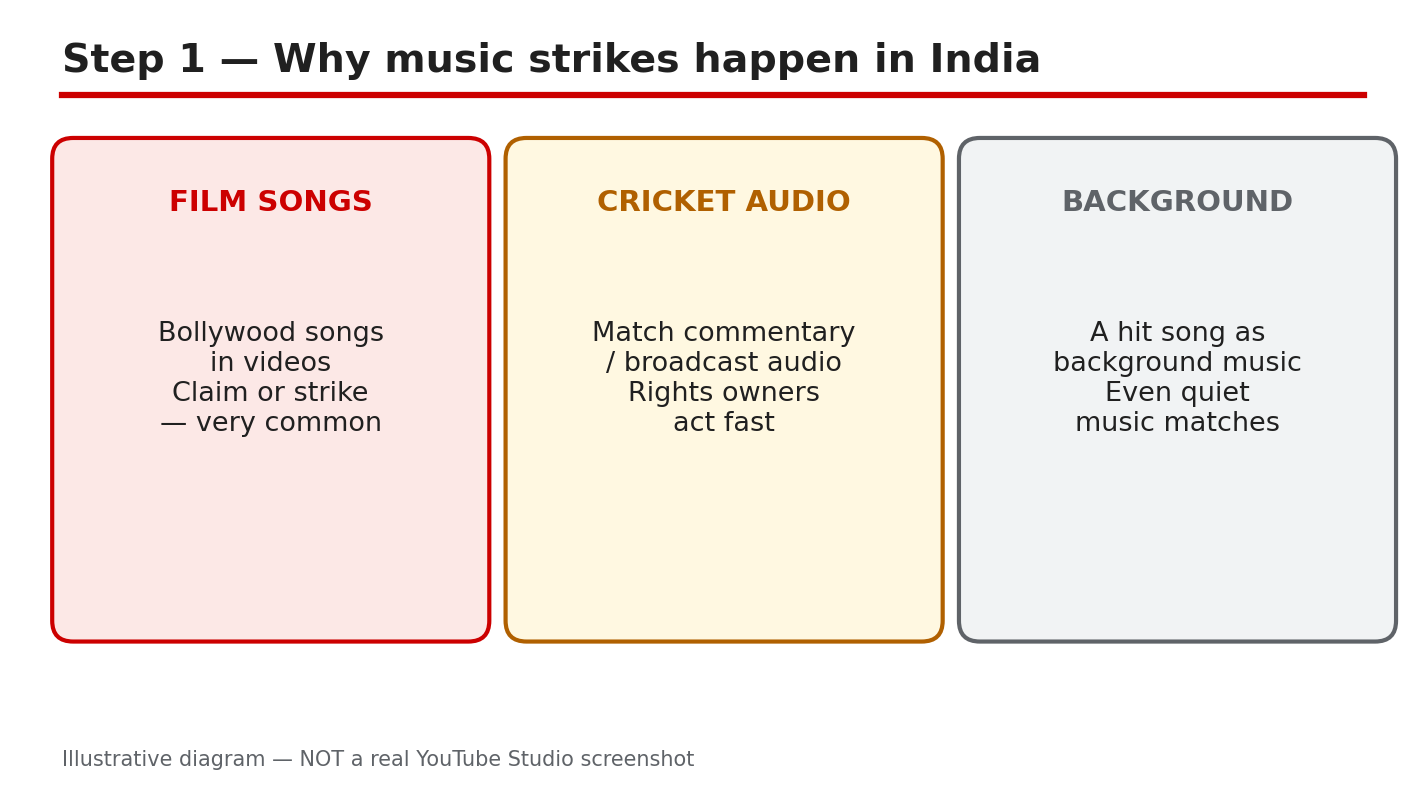
A film song playing quietly in the background can still bring a copyright claim or a strike. YouTube's matching system does not care whether the music was loud, short, or added for atmosphere. If the audio belongs to someone else, the system can find it, and the owner decides what happens next. Film songs and cricket audio are common examples in India. This guide shows you how to check a claim first, choose safe music, run four checks before you use any track, and fix a claimed video in Studio. It also explains the difference between a claim and a strike, so you do not panic over the wrong problem, and do not ignore the serious one. Check Sources for the official Help pages. What You Will LearnWhy film songs and broadcast audio are matched, even when quiet. How to read a claim in Studio, step by step. Safe music sources, and the proof to keep. Four checks to run before you use any track. How to fix a claimed video, and when to dispute.Step 1: Understand Why Strikes Happen Using a hit song, film song, or cricket broadcast audio without permission is a copyright risk, however you use it. Volume and length do not make it safe, and quiet audio can still be matched. If you did not create the music, or you do not hold a licence for it, assume you cannot use it. Decide before you edit, and check every track against Step 4 before you upload. That risk stays even if the music is only in one part of the video, or if you bought the film or the song for personal listening. Studio path: No Studio button fixes this. Decide before editing, and check every track against Step 4 before uploading. Example: A popular film song, played quietly under a travel vlog, is claimed within hours. The owner takes the revenue, and the audio must be fixed or the claim accepted. Common mistake: Crediting the singer or the film in the description is not permission.Illustrative diagram/mock-up, NOT a real Studio screenshot: why strikes happen. Step 2: Check the Claim First Do not guess, and do not delete the video at once. Open the claim and note the song name, the owner, whether it covers the whole video or only part of it, and whether Studio shows a Content ID claim or a copyright strike. Note what Studio shows first, because the right fix depends on which problem you have. Write down the details before you act, so you do not lose them while you work through the fix. Studio path: YouTube Studio > Content > Restrictions > click the claim to see the song, owner, and impact. Then return to Content to act. Example: A film song owned by a music label, with only the music claimed, can be fixed with Replace song or Erase song. It is not a strike appeal. Common mistake: Disputing at once without a licence, or deleting a video that could have been fixed.Illustrative diagram/mock-up, NOT a real Studio screenshot: check the claim first. Step 3: Choose Safe Music Sources Use the YouTube Audio Library, and check the licence terms for each track. You can also use a licensed royalty-free library, with the licence proof kept, or music you created yourself. Save proof for every track you use. A 'no copyright' label on another site is not a licence, and a song downloaded from another video is not safe music. Keep the licence with the video file name, so you can find it months later. Studio path: YouTube Studio > Audio Library in the left menu, or studio.youtube.com > Audio Library. Filter the list, then read the licence before downloading. Example: An Audio Library track allows use with attribution. Add the credit exactly as asked, save a screenshot of the terms, and then use the track. Common mistake: Treating a 'no copyright sounds' channel as a licence.Illustrative diagram/mock-up, NOT a real Studio screenshot: safe music sources. Step 4: Run the Before-Use Checks Run four checks before you use any track. First, the licence must cover YouTube, including monetized videos. Second, check whether attribution is needed, and add it exactly as asked. Third, check whether the track has caused claims for others, as far as you can check. Fourth, save the licence proof where you can find it later. If you are in doubt, choose another track. Do these checks for background music too, not only for songs that play loudly. Studio path: No Studio check replaces the licence check. Do the checks in your notes, upload, then check Studio > Content > Restrictions after processing. Example: A track that covers personal use only is skipped. Use an Audio Library track that covers YouTube instead, and save the licence page before editing. Common mistake: Checking only the price. A free download is not a free licence.Illustrative diagram/mock-up, NOT a real Studio screenshot: before-use checks. Step 5: Fix a Claimed Video Fix the video in Studio first. Use Replace song or Erase song in the video editor, then check Restrictions again after the change. Dispute only if you hold a real licence for that exact track, and you can show it. Do not dispute without proof, because a failed dispute can make the problem worse. After the fix, watch the video once to make sure the new audio fits the pictures. Studio path: YouTube Studio > Content > select the video > Editor > Audio, then Replace song or Erase song. For a dispute, go to Content > Restrictions > claim > Dispute. Example: A vlog is claimed for a film song in the middle of the video. Replace it with an Audio Library track, re-check Restrictions, and the claim is gone without deleting the video. Common mistake: Trimming only the claimed seconds and leaving the rest of the same song in the video.Illustrative diagram/mock-up, NOT a real Studio screenshot: fix a claimed video. Step 6: Build the Music-Safe Habit Keep a short list of tracks you have already checked, with the licence proof saved for each one. Use the same safe sources, check Restrictions after every upload, and fix a claim the same day. Run the checks for every new song, even if a friend recommended it. A small delay before editing is far cheaper than a strike, a lost video, or lost revenue. Share the list with anyone who edits for you, so a helper does not add a risky track. Studio path: YouTube Studio > Content > Restrictions after every upload. For a new safe track, go to YouTube Studio > Audio Library. Example: Pick a checked track, add the credit, upload, and check Restrictions. With no new claim, the video stays monetized. Common mistake: Reusing a risky song 'just for this video.'Illustrative diagram/mock-up, NOT a real Studio screenshot: the music-safe habit. Checklist: Before You Use MusicLicence covers YouTube, including monetized videos. Attribution added exactly as asked. Licence proof saved: licence, download page, and date. No film song, broadcast audio, or hit song without a licence. Restrictions checked after upload, and claims fixed the same day.Frequently Asked Questions Does quiet or short music avoid a claim? No. Matching is about the recording, not about volume or length. Quiet and short music can still be claimed. What is the difference between a claim and a strike? A claim usually affects revenue or availability for that video. A strike is a formal penalty that can restrict the channel. Check Studio to see which one you have. Can I use a song if I credit the owner? No. A credit is not a licence. You need permission or a licence that covers YouTube, and you should keep the proof. Should I dispute a claim for a film song? Only if you hold a real licence for that exact track, and you can show it. Otherwise, use Replace song or Erase song in Studio. Where can I get safe music for free? Start with the YouTube Audio Library. Check the terms for each track, save the proof, and add any attribution asked for. A Simple Rule to Remember If you cannot prove you may use the music, do not use it. Check the claim, choose a safe track, run the four checks, and fix problems in Studio the same day. Safe music keeps the video up. Keep your checked list, keep your proof, and keep the habit. One safe track, checked properly, is worth more than a hit song that brings a claim. Sources — Check It Yourself Check these sources yourself for the current wording.YouTube Help: Use music and sound effects from the Audio Library YouTube Help: Understand copyright strikes CreatorPlaybook: YouTube Copyright and Music: Safe Guide