Livestream Policy Violations on YouTube: Crypto, Gambling & Giveaways — Strikes Explained
 CreatorPlaybook Team
- 01 Nov, 2026
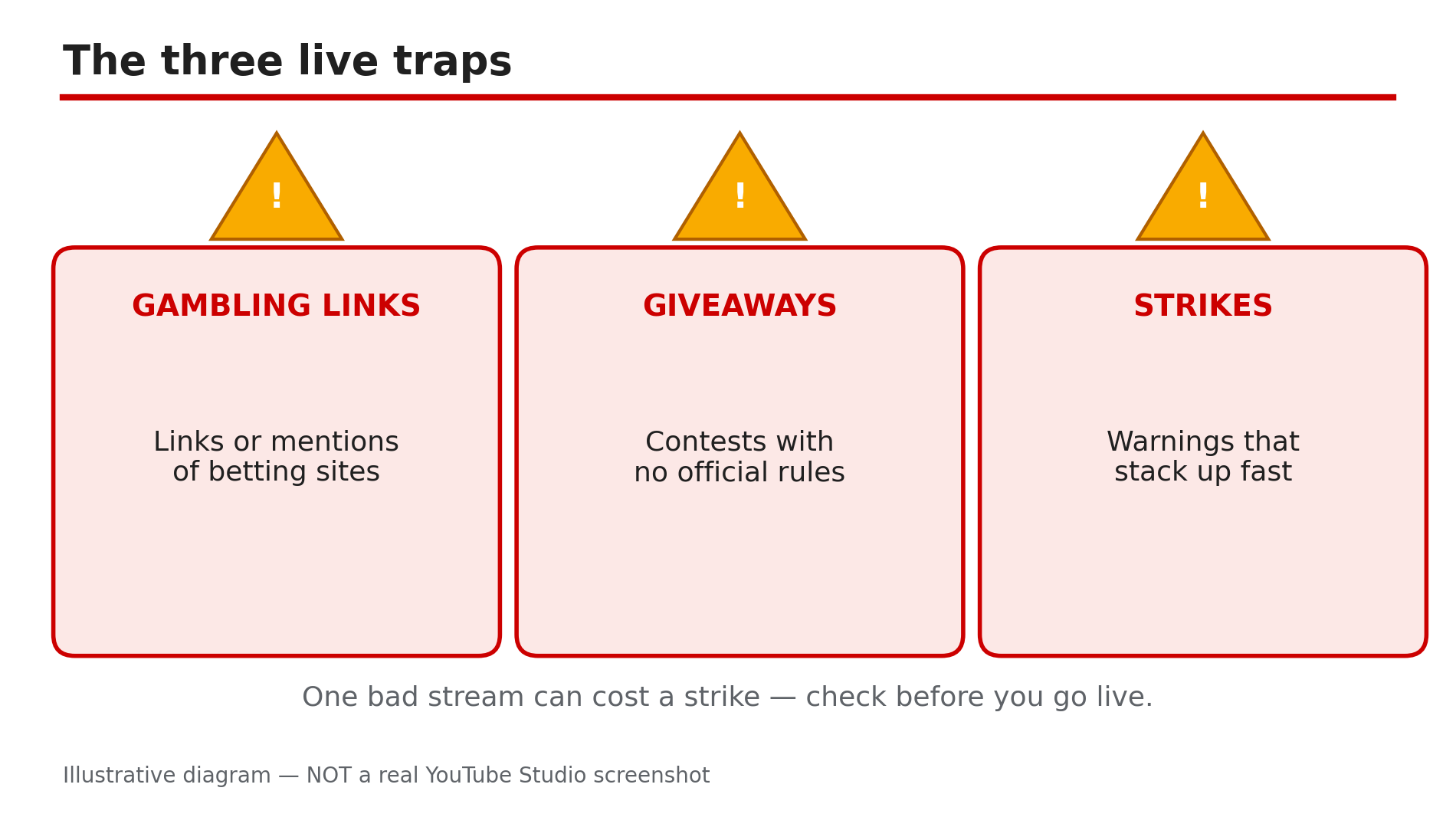
A livestream feels casual — you are talking, the chat is moving, a link or a giveaway seems harmless. But live is the riskiest format for policy mistakes: everything you say, show and link is judged in real time, and one bad stream can cost you a strike, a week without uploads, or your channel.
This post covers the three traps that catch livestreamers most: gambling promotion, contests and giveaways, and the strikes that punish them. The rules below come from YouTube’s Help pages, opened live for this post; anything reported rather than confirmed there is labelled as reported.
What You Will Learn
- What the gambling policy bans on live — and what it does not
- Why crypto itself is not banned, but crypto gambling promotion is
- The gambling update of 28 Oct 2025 (effective 17 Nov 2025)
- The contest rules every live giveaway must follow
- Why “subscribe and like to enter” can get a stream removed
- How live strikes work: warnings, 1- and 2-week bans, termination
Step 1 — Check Every Link Before You Go Live
What to do: Check every link you plan to share — description, pinned chat, on screen, or spoken aloud — and confirm it does not lead to a gambling site or app.
How: YouTube’s regulated-goods policy, opened live for this post, bans content that sells, links to, or facilitates access to “uncertified online gambling sites”. It applies to videos, descriptions, comments and live streams, including verbal direction to other sites. A spoken “link in description” counts the same as a clickable link.
Example: A sponsor offers you money to mention a betting site on a gaming stream. You check Google’s certification list, find it is not certified, and drop the read.
Common mistake: Assuming only clickable links count. Saying a site name, showing it on screen, or a QR code still directs viewers to it.
Illustrative diagram — the three policy traps that catch livestreamers most often. Not a real YouTube Studio screenshot.
Step 2 — Keep Crypto Talk Educational, Never a Gambling Funnel
What to do: Talk about crypto however you like — prices, news, blockchain — but never use it as a bridge to gambling.
How: Crypto itself is not banned on YouTube. The violation is when crypto content becomes gambling promotion — a stream showing a “crypto casino”. As reported, the gambling update (announced 28 Oct 2025, effective 17 Nov 2025) covers gambling with digital goods such as skins and NFTs, and bars directing viewers to uncertified gambling sites and apps. Showing skins or NFTs, or discussing blockchain, is not targeted unless it directs viewers to gambling.
Example: You discuss NFT prices — fine. Then you open a site where viewers can gamble those NFTs on coin flips and read out the sign-up link. That crosses the line.
Common mistake: Believing “crypto is banned”, or the opposite, “anything crypto-related is allowed”. Both are wrong — the question is always: does this content direct viewers to gambling?
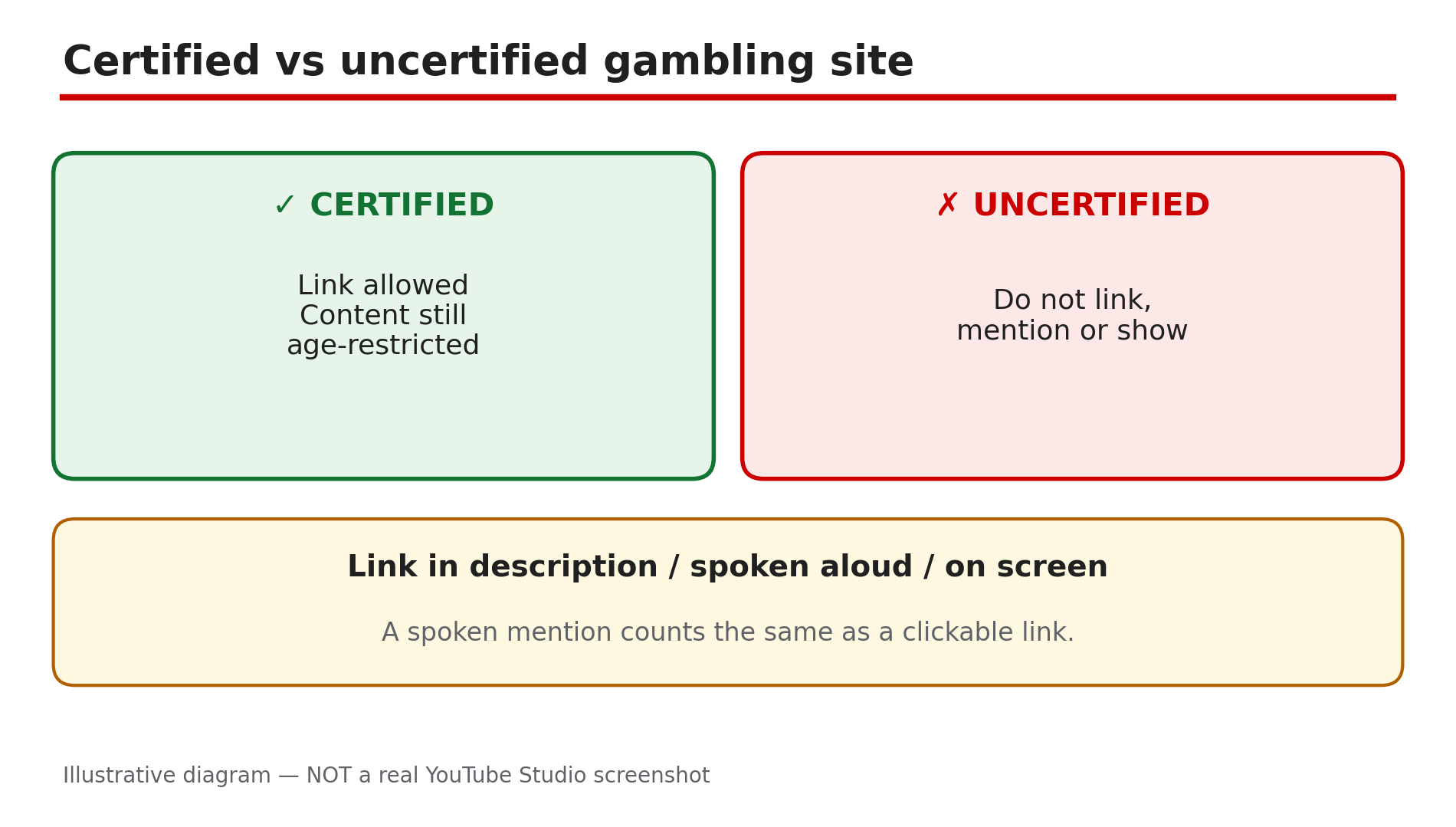
Illustrative diagram — certified vs uncertified gambling sites. Not a real YouTube Studio screenshot.
Step 3 — Age-Restrict Gambling and Social-Casino Content Yourself
What to do: If your stream features gambling or social-casino content at all, set the audience as not suitable for under-18s, and expect YouTube to age-restrict it anyway.
How: The Help page lists as age-restricted anything that “facilitates access to, promotes or depicts online gambling and social/sweepstakes casinos, including content from certified sites”. Even certified-site content is age-restricted. Exception: sports betting from Google-certified providers during a live sporting event may be allowed for all audiences. As reported, the October 2025 update also age-restricted social-casino content with no real money involved.
Example: You stream a free social-casino game with no real money — set it as age-restricted in Studio before going live.
Common mistake: Thinking “no real money, no problem”. A social casino with play chips can still be age-restricted — mark it yourself.
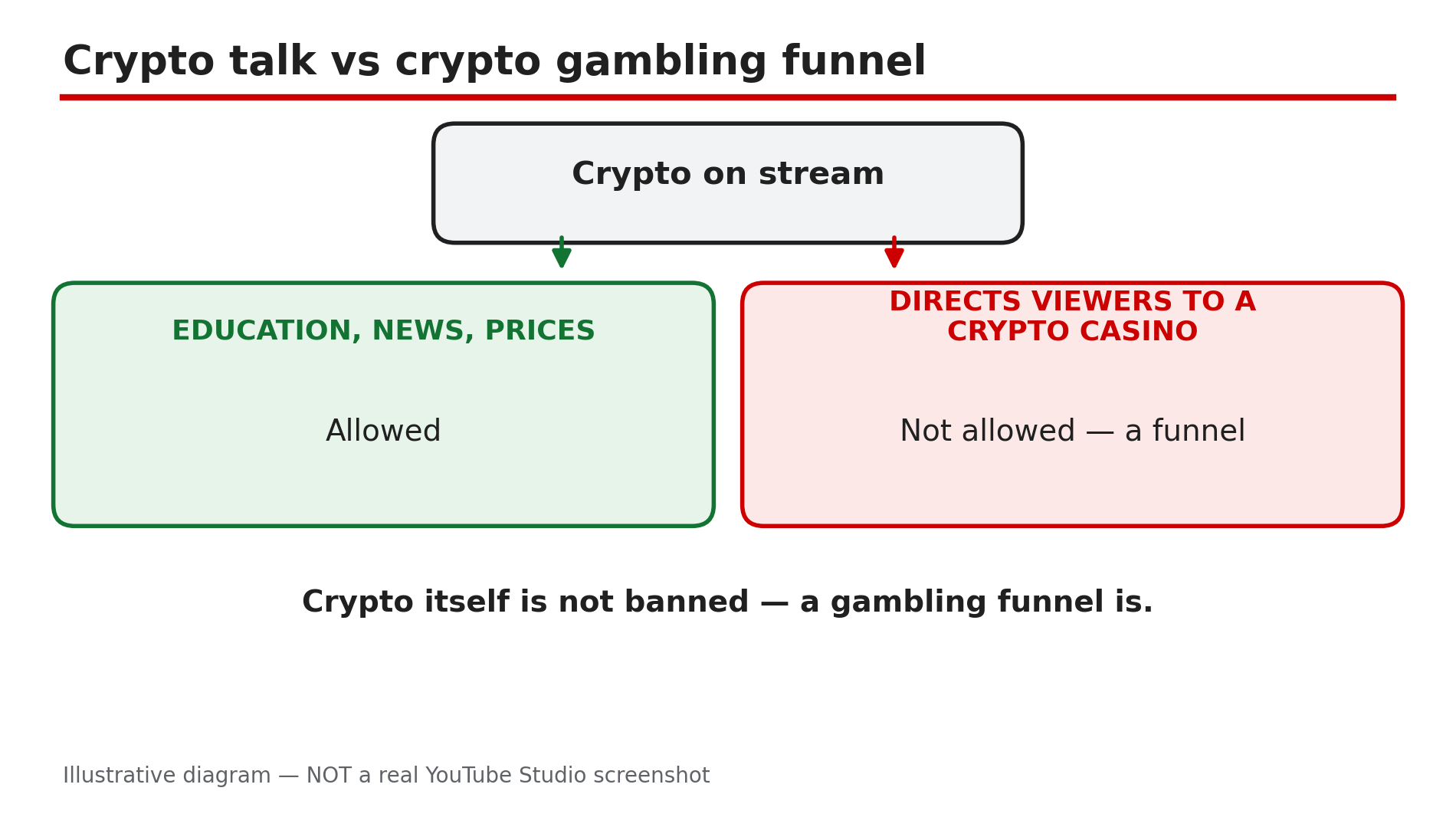
Illustrative diagram — crypto discussion is allowed, a gambling funnel is not. Not a real YouTube Studio screenshot.
Step 4 — Write Official Rules Before Any Live Giveaway
What to do: Never announce a giveaway on a livestream without written official rules viewers can read.
How: YouTube’s contest policy page, opened live for this post, applies to all contests run on YouTube or using YouTube. Official rules must link to the Community Guidelines, state legally required disclosures, state that YouTube is not a sponsor, require viewers to release YouTube from liability, and include a privacy notice for collected personal data. You are solely responsible for your contest, it must follow all relevant laws, and it cannot run through ad units.
Example: Before a live headset giveaway, you publish short rules: who can enter, the deadline, how the winner is picked, the privacy notice, and the line “This giveaway is not sponsored, endorsed or administered by YouTube.”
Common mistake: Announcing the prize and promising to “write the rules later” — if a viewer reports the stream, there are no rules to point to.
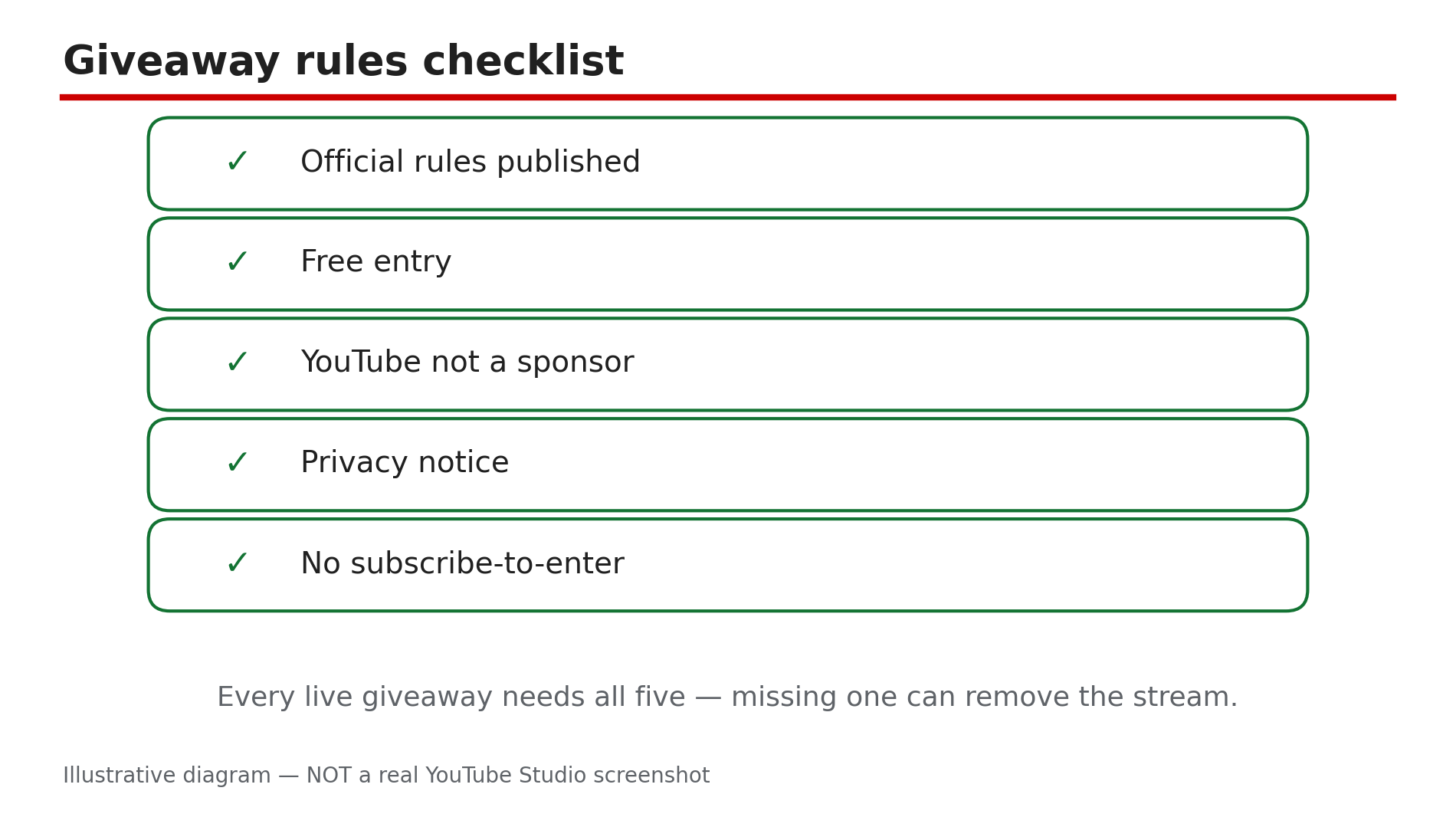
Illustrative diagram — the five things every live giveaway’s official rules must include. Not a real YouTube Studio screenshot.
Step 5 — Never Make Subscribe, Like or Comment the Entry Ticket
What to do: Let viewers enter with a free action that does not inflate your metrics — for example, a chat message with a keyword — with subscribing, liking and commenting optional.
How: The contest policy requires free entry and bans manipulating views, likes, dislikes or subscribers to misrepresent engagement. As reported, the fake-engagement policy goes further: content that exists only to reward engagement can be removed. That is why “subscribe and like to enter” is the most dangerous giveaway line on YouTube.
Example: Entry is typing “!prize” in live chat before a time you announce on screen, while you say subscribing is appreciated but not required.
Common mistake: Making entry conditional on subscribing, liking, or watching for a set time. You may encourage subscribing and liking; you may not make a prize the reason they do it.
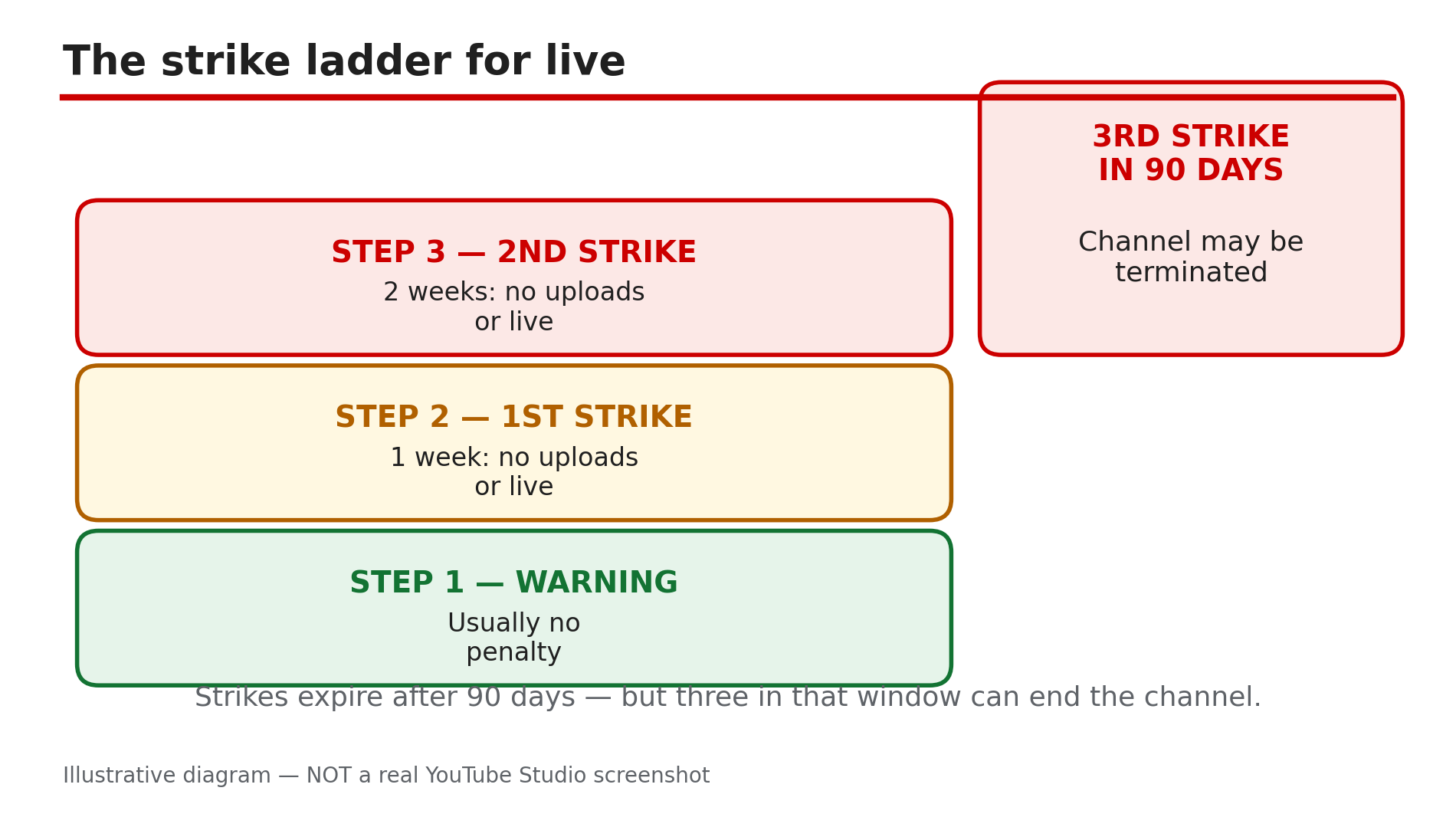
Illustrative diagram — how Community Guidelines strikes escalate for livestreamers. Not a real YouTube Studio screenshot.
Step 6 — If You Get a Warning or Strike, Stop and Read the Email
What to do: If a stream is removed or you get a warning or strike, do not go live again with the same content. Read YouTube’s email, find the exact policy named, and decide whether to appeal or wait it out.
How: Violating content is removed and YouTube emails you. A first violation usually gets a warning with no penalty; policy training can let it expire after 90 days. As reported, a first strike blocks uploads, live streams, posts, Premieres and custom thumbnails for one week; a second, two weeks. A copyright removal of an active livestream is also reported to bring a strike plus a 7-day live block (a second, 14 days). Confirm timings in Studio.
Example: Your gambling stream is removed with a warning email naming the regulated-goods policy. You complete the policy training, remove every gambling link, and do not repeat the format.
Common mistake: Deleting the video, or going live to “explain what happened” while a strike is active. Deleting the video does not remove a strike, and a second violation makes things worse.
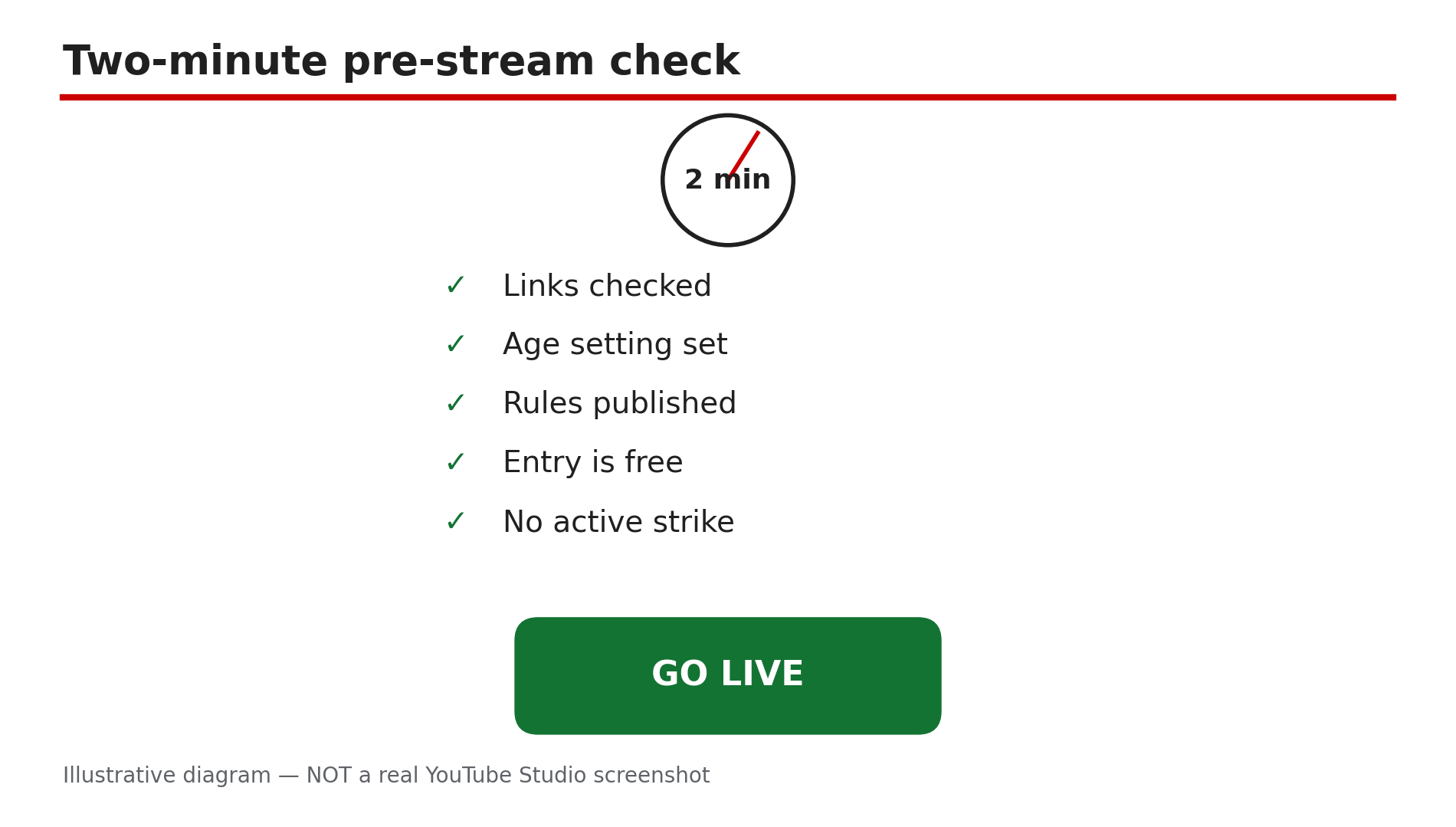
Illustrative diagram — the two-minute pre-stream policy check. Not a real YouTube Studio screenshot.
Checklist — Before Every Livestream
- All links checked — no uncertified gambling site
- No promised guaranteed returns from gambling
- Crypto content educational only — no funnel to a casino
- Gambling or social-casino content set as age-restricted
- Giveaway rules published before the stream
- Entry is free; subscribing, liking, commenting not required
- Rules say YouTube is not a sponsor
- Privacy notice covers personal data collected from entrants
- No active warning or strike in Studio before going live
FAQs
1. Is crypto banned on YouTube livestreams? No. Talking about prices, news or blockchain is allowed. What is banned is using crypto content to promote or direct viewers to uncertified gambling, for example a crypto casino. As reported, the October 2025 update also covers gambling with digital goods.
2. Can I stream myself playing at an online casino? Only with great care. Gambling content is age-restricted even from certified sites. Directing viewers to an uncertified site is not allowed and promising guaranteed returns is banned for any site. Check the Help page in Sources and local laws first.
3. Can I say “subscribe and like to enter” in a live giveaway? You should not. The contest policy bans manipulating views, likes, dislikes or subscribers, and the fake-engagement policy targets content that exists only to reward engagement. Encourage subscribing and liking, but do not make them the price of entry — use a free chat entry instead.
4. What happens if my livestream gets a strike? As reported, a first strike blocks uploads, live streams, posts, Premieres and custom thumbnails for one week; a second, two weeks; a third within 90 days can terminate the channel. A first violation is usually a warning. Check the exact restriction in Studio.
5. My stream was removed but I think it was a mistake — can I appeal? Yes. Appeal in Studio (Settings > Channel > Channel violations > Appeal). Appeals are usually one per strike, filed within the window in YouTube’s email. Keep it short: state what the stream was, which part of the policy was misapplied, and nothing else.
Sources
- YouTube Help — “Illegal or regulated goods or services policies” (opened live 1 Nov 2026): https://support.google.com/youtube/answer/9229611?hl=en-GB
- YouTube Help — “YouTube’s contest policies and guidelines” (opened live 1 Nov 2026): https://support.google.com/youtube/answer/1620498?hl=en-GB
- Related on CreatorPlaybook — “YouTube Monetization Paused vs Disabled vs Rejected”: </blog/youtube-monetization-paused-vs-disabled>
Note: The gambling update (28 Oct 2025 announcement, 17 Nov 2025 effective) and the live strike durations are reported from third-party coverage and the plan file’s pre-verification notes, not from the Help pages opened live for this post. Confirm the current wording in Studio and the Help pages above before you go live.