Shorts Song Missing from the Music Library? Licensing and Country Limits Explained
 CreatorPlaybook Team
- 12 Nov, 2026
You open the Shorts editor, tap Add sound, search for a song you heard everywhere this week — and it is not there. No result, no error, just silence. Before you assume the app is broken, or download the song from somewhere else, stop: a song appears in the Shorts music library only if its publisher has signed a Shorts agreement with YouTube and the track is cleared for your country. When either condition fails, the song is simply absent.
What You Will Learn
- Why a song appears only if its publisher signed an agreement
- How territory ownership decides availability
- The 90-second limit — why some tracks allow less
- Why a song can disappear after a deal lapses
- Why TikTok and Instagram sounds are not licensed for YouTube
- The safe alternative: the YouTube Audio Library
Step 1 — Check the eligibility chain: a song needs a Shorts agreement, an art track and a playable policy
What to do: A missing song is usually a licensing gap — check the chain before trying to fix the app.
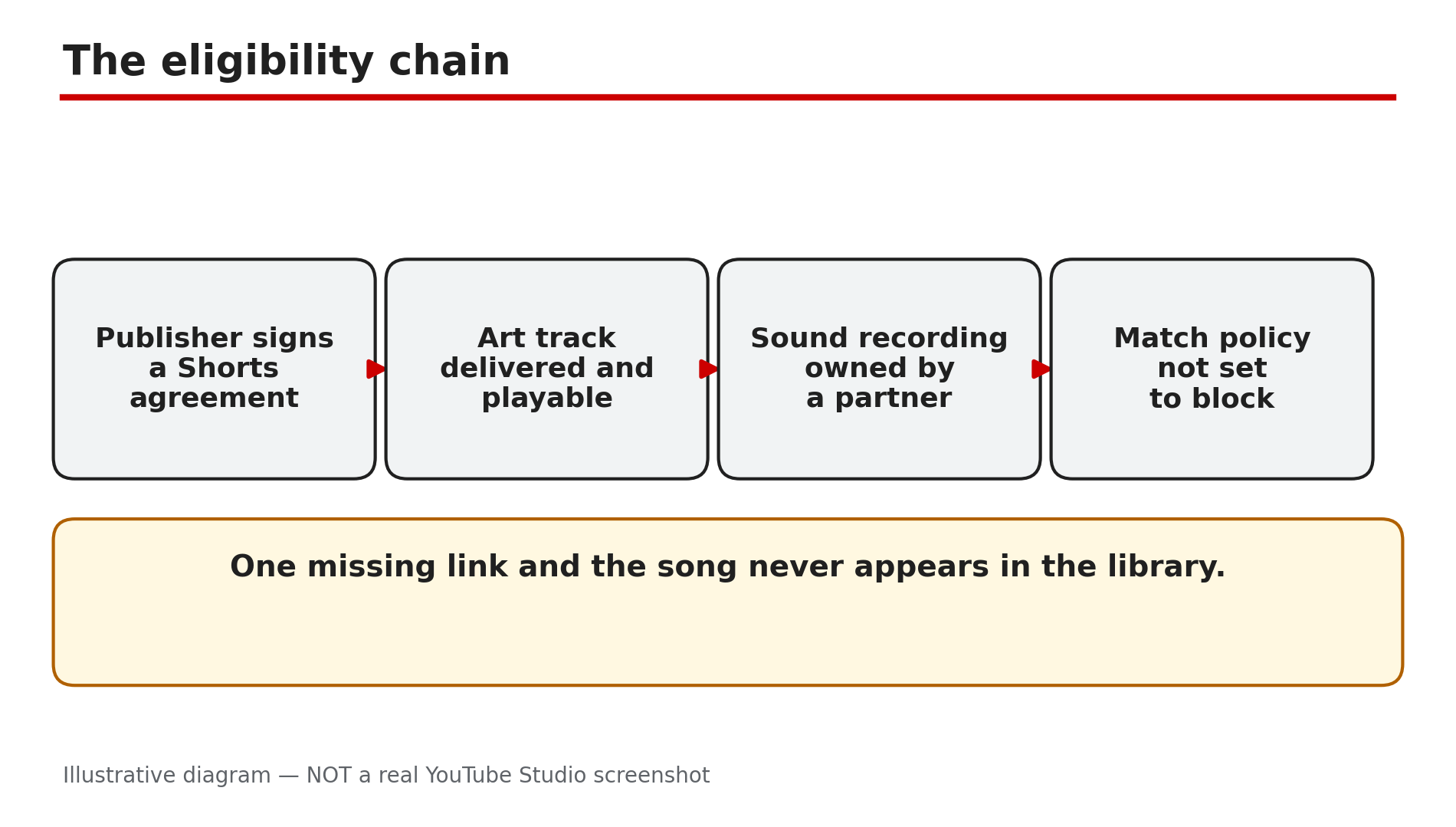
How: YouTube’s Help page “Music eligibility for YouTube Shorts” applies only to music partners who have a Shorts agreement with YouTube. For a song to be eligible, its art track and embedded sound recording must come from a partner who has a Shorts agreement, and the recording’s match policy must be playable and not set to block. If any link in that chain is missing — the publisher never signed, the track was never delivered, or the rights holder set the policy to block — the song does not appear in the library at all.
Example: A creator searches for a chart-topping song and finds nothing, but finds a ten-year-old track instantly — the old track’s label signed a Shorts agreement years ago; the new song’s publisher has not.
Common mistake: Reinstalling the app or switching accounts to “fix” a missing song. The library is the same for every account in the same country.
Illustrative diagram: the four links a song needs before it appears in the Shorts library.
Step 2 — Check territory: a song cleared in one country can be blocked in another
What to do: Availability varies by country — a song your friend abroad can use may not exist in your library.
How: YouTube’s Help page says the art track and the sound recording will not be available in territories where ownership is missing or belongs to a partner who has not agreed to Shorts terms. Rights are negotiated country by country, so a track can be cleared in the United States and blocked in India, or the other way round — and a Short built on it can be muted or unavailable in some regions even after it is published. YouTube’s separate Help page adds that when YouTube and a music partner cannot agree on new terms, content with that partner’s music becomes unavailable in certain regions.
Example: Two creators in different countries search for the same song. One finds it and makes a Short; the other finds nothing.
Common mistake: Using a VPN to make the song appear. Do not do this: it is an attempt to bypass regional music licensing, and it does not give you a licence for the song.
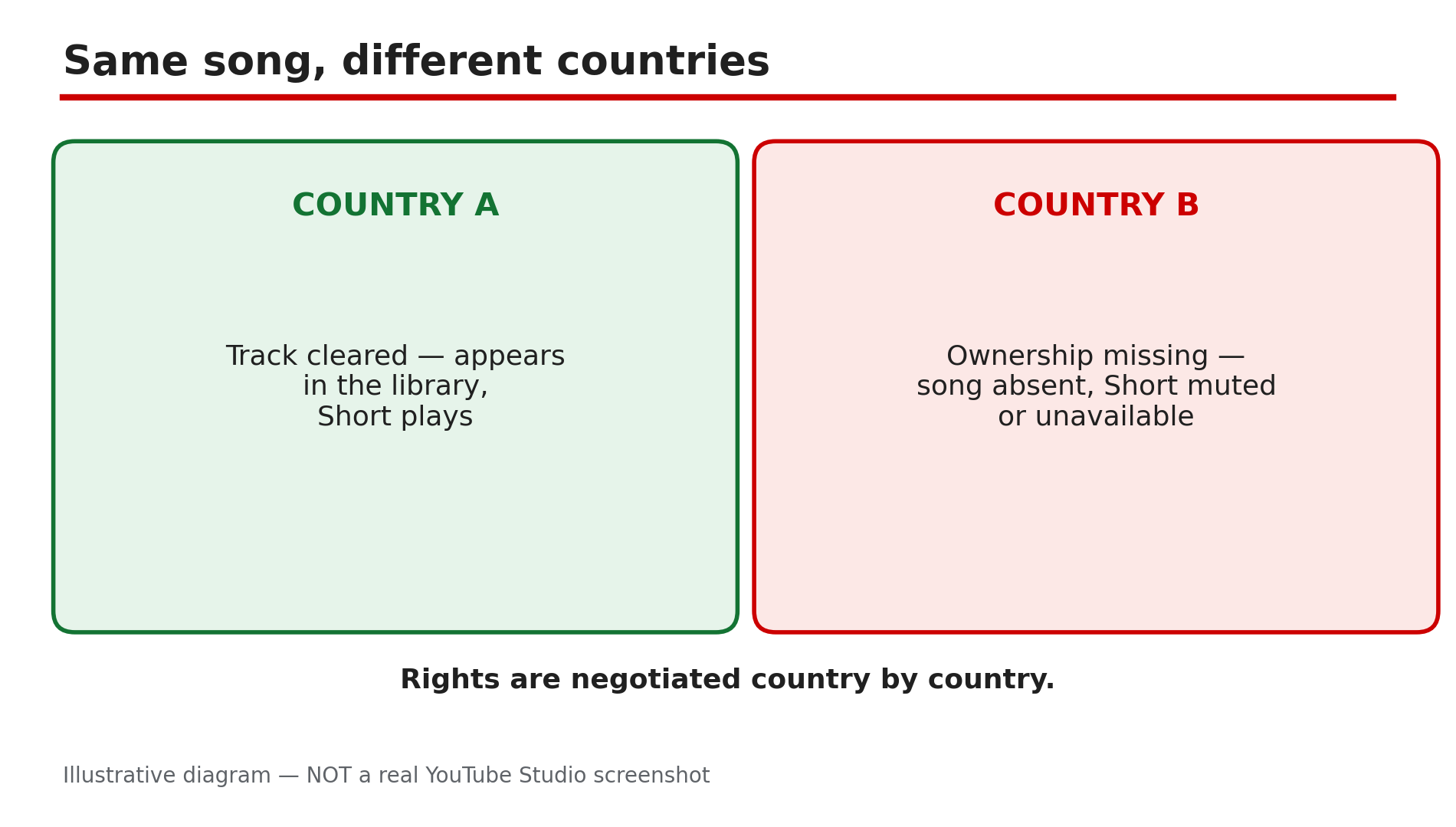
Illustrative diagram: a song can be cleared in one country and blocked in another.
Step 3 — Check the time limit: most tracks allow up to 90 seconds, some only 60 or 30
What to do: When you pick a track, read the seconds it covers — the limit is per track.
How: YouTube’s Help page says that depending on the song, you may be able to add up to 90 seconds of music in your three-minute Short when using YouTube tools, and selecting an audio track shows how many seconds it will cover. Some tracks are limited to 60 or 30 seconds — the cap is set by the rights holder, not by YouTube. A three-minute Short cannot be scored end to end: even the longest allowance covers only 90 seconds.
Example: A creator builds a 90-second Short and picks a track that covers 60 seconds. The music stops two-thirds of the way through — the track’s own limit, shown when she selected it.
Common mistake: Assuming every library song allows 90 seconds. Check the seconds shown for the track you picked.
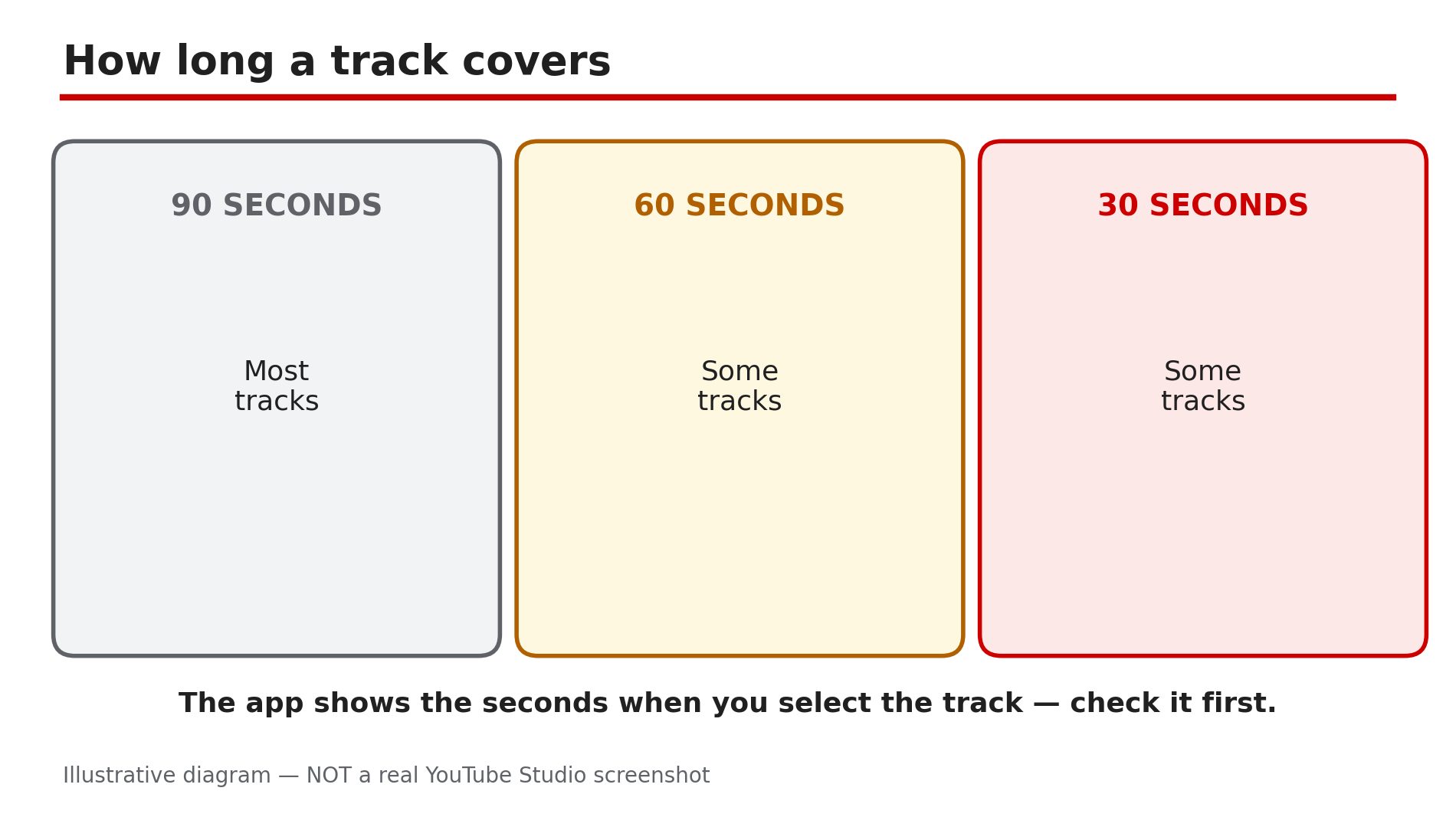
Illustrative diagram: library tracks cover up to 90, 60 or 30 seconds depending on the song.
Step 4 — Check whether the song vanished after a deal lapsed: tracks can disappear mid-use
What to do: If a song you used before is suddenly gone, check whether a deal ended — and check your old Shorts too.
How: YouTube’s Help page on music availability says that when YouTube and a music partner cannot agree on new licensing terms, content containing that partner’s music may become unavailable in certain regions — including Shorts you already made, which “may also become unavailable”. The same page says a new agreement brings the impacted content back automatically. For a Short that has gone unavailable, YouTube says the remove-or-replace tools are not available for Shorts made with its editing tools — download the Short from Studio and upload it again with different audio.
Example: A creator’s most-viewed Short suddenly shows as unavailable in three countries — the label’s deal had lapsed there. Two months later a new deal is signed and the Short reappears on its own.
Common mistake: Deleting the Short and re-uploading it with the same song the day it disappears. The song is still unlicensed in that territory, so the new upload has the same problem.
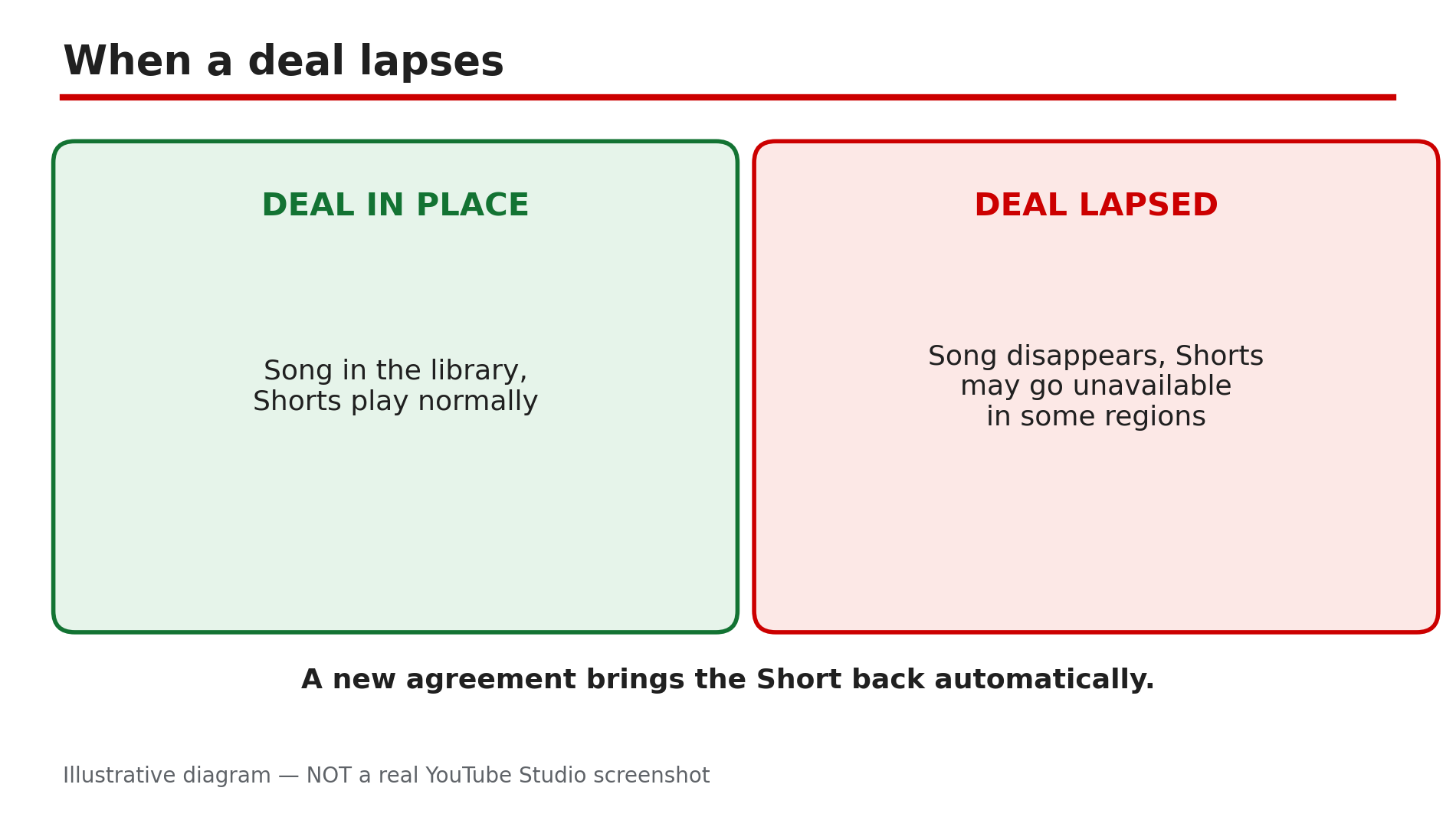
Illustrative diagram: a lapsed licensing deal can make a song and its Shorts unavailable.
Step 5 — Do not borrow sounds from other apps: TikTok and Instagram licences do not carry over
What to do: Use only music from YouTube’s own libraries — a trending sound from TikTok or Instagram is licensed for that app.
How: Each platform negotiates its own licences with labels, and a licence for TikTok covers use inside TikTok, not on YouTube. Downloading a trending sound from another app and adding it to your Short in an external editor means the song did not come from the Shorts audio library, so YouTube treats it as an ordinary copyrighted recording: Content ID can match it, and the rights holder can claim it, block it or take it down. Our guide on Shorts music that disappeared after upload covers what happens when that claim lands — including the reported 24 September 2026 change, under which new one-to-three-minute Shorts with an active claim are no longer automatically blocked.
Example: A creator downloads a viral sound from Instagram, edits it into a Short in CapCut, and uploads it. Content ID matches the recording and the Short is claimed — the same song, picked from the Shorts library, would have been licensed.
Common mistake: Thinking “everyone does it” makes it licensed. Widespread use is not a licence.
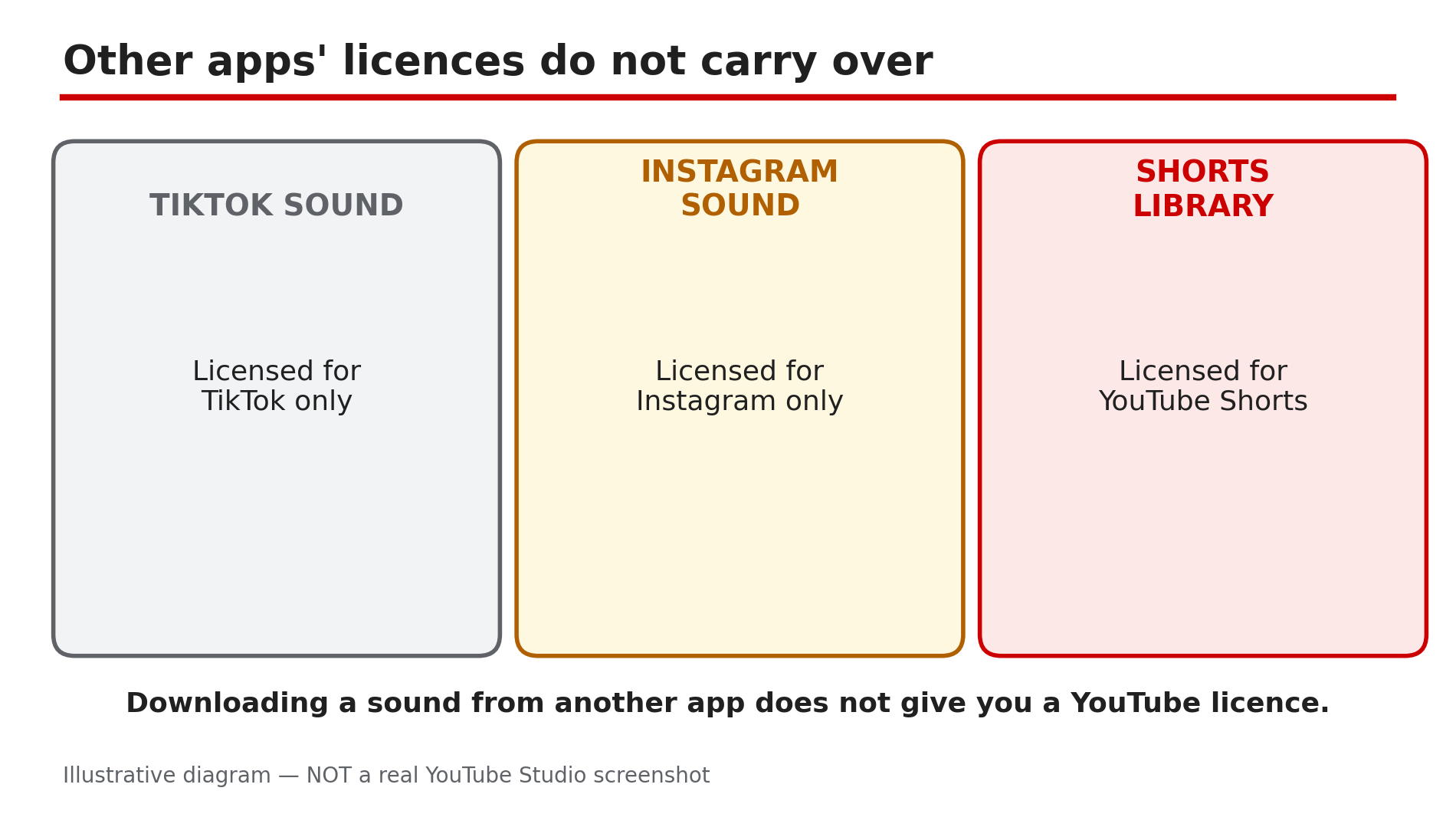
Illustrative diagram: each app’s music licence covers only that app.
Step 6 — Use the safe alternative: the YouTube Audio Library in Studio
What to do: When the song you want is missing, use music from the YouTube Audio Library instead.
How: YouTube’s Help page says you may also use royalty-free music from the YouTube Audio Library, and that royalty-free music will not receive a Content ID claim. Open it in Studio — youtube.com/audiolibrary — and search by mood, genre and duration: most tracks need no attribution, but some Creative Commons tracks do, so read the licence line and credit the artist where it asks. Download the track, add it to your Short, and upload — the audio is cleared for YouTube, so no claim follows. The trade-off is real: Audio Library tracks are production music, not chart hits — but they will not get your Short muted, claimed or blocked in another country either.
Example: A creator cannot find the chart song she wants for a recipe Short. She picks a bright track from the Audio Library, credits the artist as the licence asks, and the Short runs for a year with no claim.
Common mistake: Assuming a track from the Shorts library is cleared for a Short made outside YouTube’s tools. It is licensed for Shorts only — a track from the Audio Library is the one to use when you edit outside the app.
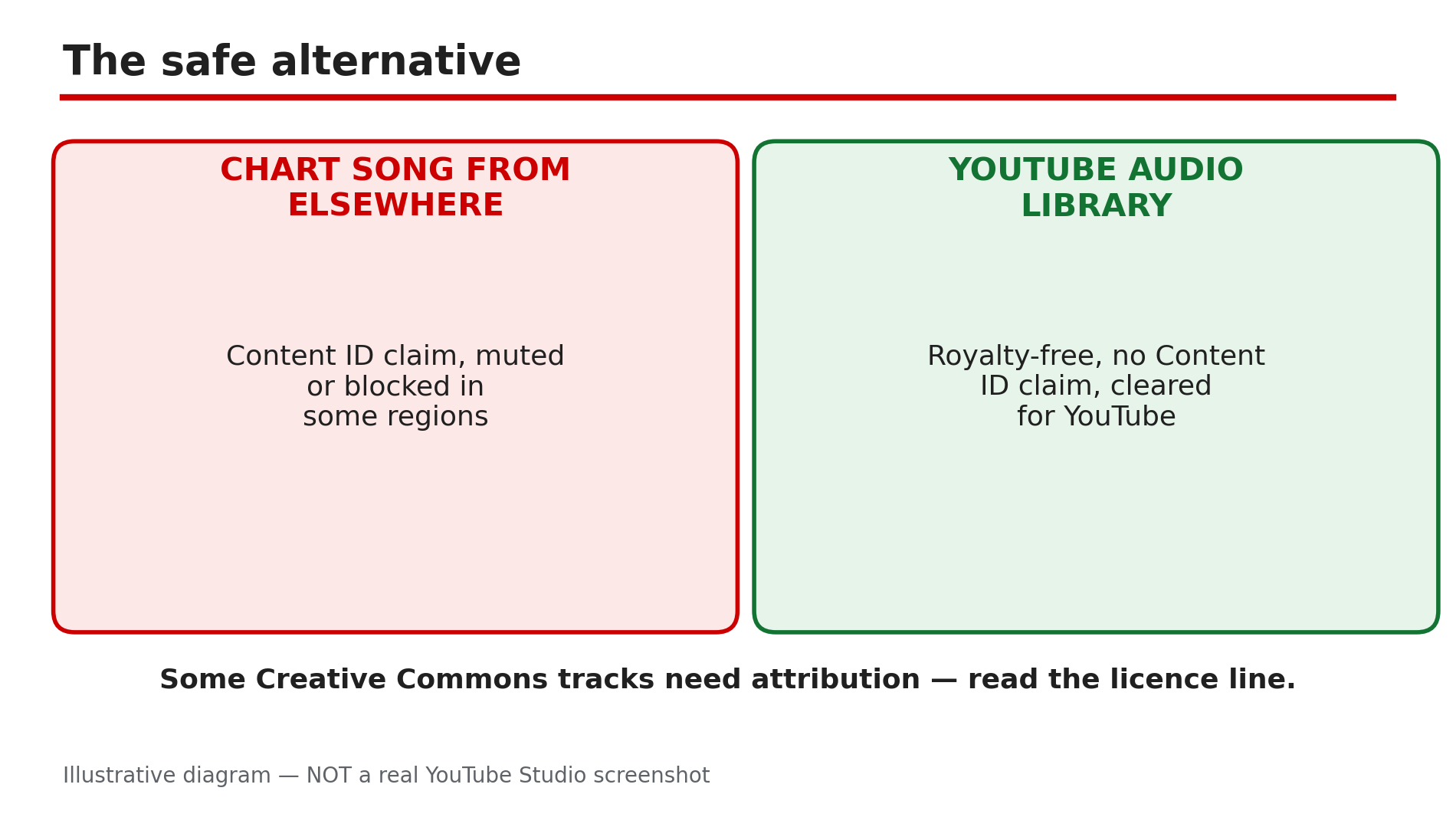
Illustrative diagram: the YouTube Audio Library compared with a song taken from elsewhere.
Checklist — Find music for a Short that will not get claimed or muted
- ☐ Searched the Shorts library inside the app
- ☐ Accepted a missing song as a licensing gap
- ☐ Checked the track is cleared in my country
- ☐ Read the seconds the track covers
- ☐ Did not use a VPN to reach a blocked song
- ☐ Did not download a trending sound from TikTok or Instagram
- ☐ Picked an Audio Library track instead
- ☐ Read the attribution line on Creative Commons tracks
FAQs
1. Why is a famous song missing from the Shorts music library?
Because its publisher has not signed a Shorts agreement with YouTube, has blocked Shorts use, or has not cleared the track in your territory.
2. Can I use a VPN to get a song that is not available in my country?
No — do not. It is an attempt to bypass regional music licensing. Use a track that is cleared where you are.
3. How much of a song can I use in a Short?
Up to 90 seconds in a three-minute Short for most tracks, but some are limited to 60 or 30 seconds. The app shows the seconds when you select a track.
4. My Short used a library song and now it is unavailable — what happened?
A licensing deal between YouTube and that music partner may have lapsed in your region. YouTube says the Short should become available again automatically if a new agreement is reached.
5. Is the YouTube Audio Library really claim-free?
YouTube’s Help page says royalty-free music from the Audio Library will not receive a Content ID claim. Some Creative Commons tracks need attribution — read the licence line.
Sources
- YouTube Help — “Music eligibility for YouTube Shorts” (official page, opened live 12 Nov 2026): https://support.google.com/youtube/answer/13486873?hl=en
- YouTube Help — “Certain music content may be unavailable on YouTube and YouTube Music” (official page, opened live 12 Nov 2026): https://support.google.com/youtube/answer/9218267?hl=en
- CreatorPlaybook — “YouTube Shorts Music Disappeared or Muted After Upload? What to Do” (internal link, URL copied from the plan file): </blog/youtube-shorts-music-disappeared-or>