Thumbnail A/B Testing Guide
 CreatorPlaybook Team
- 25 Oct, 2026
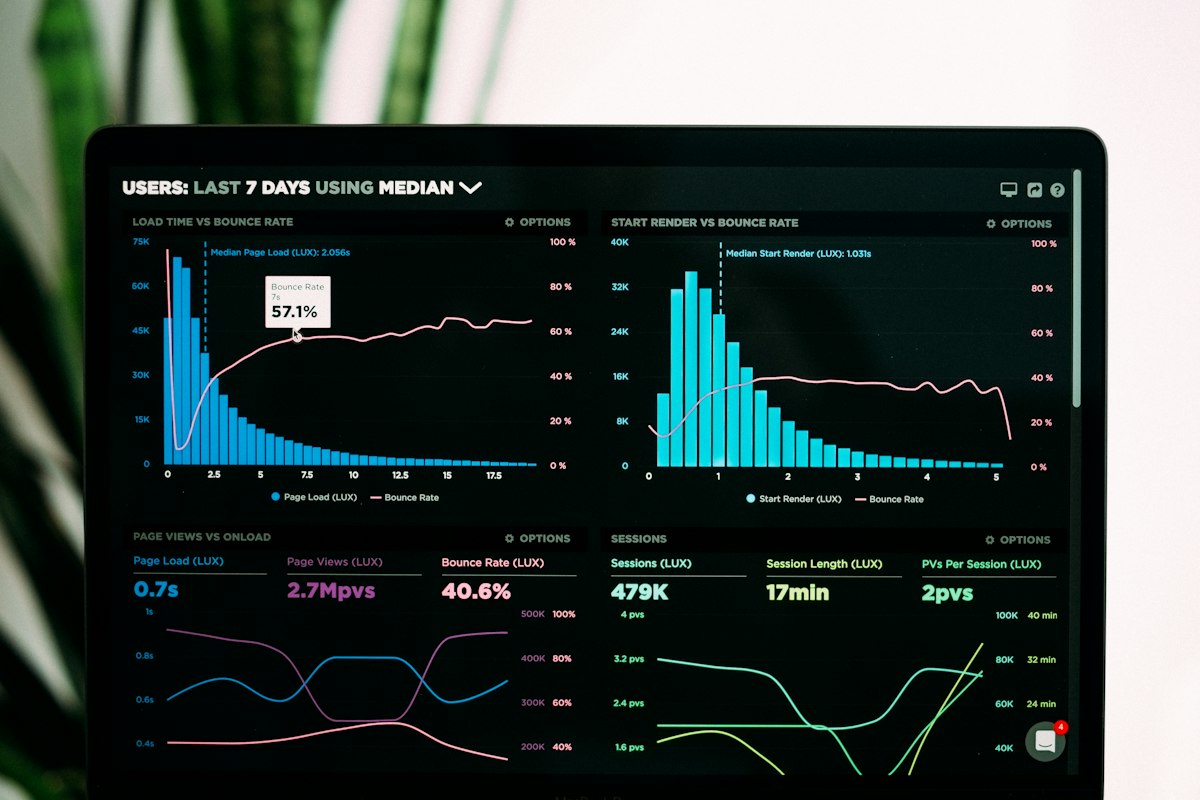
Guessing which thumbnail works best is a gamble. A/B testing removes the guesswork: you show different thumbnails to different viewers, compare how often each one gets clicked, and keep the winner. Done carefully, it can lift clicks without changing your video at all.
This guide explains thumbnail A/B testing in plain language. You will learn how to design two thumbnails that test one idea, how to run a fair test in YouTube Studio, how to read the results without being fooled by small numbers, and how to apply what you learn to future thumbnails.
Related guides: How to Design Clickable Thumbnails, How to Improve Click-Through Rate, and Understanding YouTube Analytics.
What You Will Learn
- What thumbnail A/B testing is, and what it can and cannot prove
- How to design two thumbnails that test one clear variable
- How to set up a test in YouTube Studio
- How long to run a test, and how much data you need
- How to read results and choose a winner with confidence
- How to turn test results into rules for future thumbnails
Step 1: Understand What A/B Testing Actually Tests
What to do: A/B testing compares two versions of a thumbnail, shown to similar audiences, to see which gets more clicks. It tests the thumbnail, not the video, the title, or the audience. Keep everything else the same, so any difference comes from the thumbnail.
How to do it in simple steps:
- Choose one video to test, ideally one that still gets regular impressions.
- Keep the title, description, and video exactly the same during the test.
- Change only the thumbnail, and only one element of it if possible.
- Compare click-through rate, not just total views, because views also depend on impressions.
Practical example: A creator tests two thumbnails for a soup video: one shows the finished bowl, the other shows ingredients. The title stays the same. If the bowl version earns a higher click-through rate, the creator learns that finished food beats ingredients for this audience.
Common mistake to avoid: Changing the title and thumbnail at the same time, then crediting the result to the thumbnail. If two things change, you cannot know which one caused the difference, and the test teaches you nothing reliable.
Illustrative image: Test one thumbnail change at a time. This is an illustrative image, not a screenshot of your channel or another creator’s work.
Step 2: Design Two Thumbnails That Test One Variable
What to do: Make two thumbnails that differ in one clear way: the main image, the text, the colour, or the expression. If the thumbnails differ in everything, a win tells you nothing about what worked.
How to do it in simple steps:
- Start with your current thumbnail as version A.
- Create version B by changing one thing: for example, remove the text, change the background colour, or use a closer photo.
- Keep the size, style, and branding consistent between both versions.
- Check both thumbnails at small size, because most viewers see them on phones.
Practical example: Version A has the text “5-Minute Dinner” over a photo. Version B uses the same photo with no text. If B wins, the creator learns that, for this video, the photo alone is clearer than photo plus text.
Common mistake to avoid: Testing two completely different thumbnails, one with a face and text, the other with a landscape and no text. If one wins, you will not know whether the face, the text, or the image caused the win, and you cannot repeat it.
 Illustrative image: One clear difference makes the result useful. This is an illustrative image, not a screenshot of your channel or another creator’s work.
Step 3: Set Up the Test in YouTube Studio
What to do: In YouTube Studio, use the thumbnail test feature for the video, upload your alternative thumbnails, and let YouTube show them to different viewers. Follow YouTube’s current test options, because the feature and its settings can change.
How to do it in simple steps:
- Open the video in YouTube Studio and find the thumbnail test option.
- Upload version B, and a version C if you want to test a second variable separately.
- Start the test, and note the start date in your own records.
- Do not change the title, thumbnail manually, or promotion during the test.
Practical example: A creator starts a test on Monday for a video that gets about 500 impressions a day. They leave the test alone for two weeks, resisting the urge to check every hour, so the data has time to build up.
Common mistake to avoid: Stopping a test after a few hours because one version is ahead. Early results swing wildly with small numbers, and a version that leads on day one can lose by day ten. Patience is part of a fair test.
 Illustrative image: Let the test run long enough to gather real data. This is an illustrative image, not a screenshot of your channel or another creator’s work.
Step 4: Run the Test Long Enough to Trust It
What to do: A test needs enough impressions to be meaningful. Small channels need more time, because they get fewer impressions per day. A difference based on 50 impressions is not evidence; a difference based on thousands is much stronger.
How to do it in simple steps:
- Check daily impressions for the video before starting, to estimate how long the test needs.
- Run the test for at least one to two weeks, or until each version has a large number of impressions.
- Ignore daily swings, and look at the overall trend instead.
- If impressions are very low, test on a more popular video first, where data builds faster.
Practical example: A video with 200 impressions a day needs about two weeks to give each thumbnail version a few thousand impressions. A video with 20 impressions a day would need months, so it is a poor choice for a first test.
Common mistake to avoid: Declaring a winner from a tiny sample, such as 10 clicks versus 8 clicks. That difference could easily be chance, and acting on it can make your thumbnails worse, not better.
 Illustrative image: Small samples mislead; larger samples reveal real winners. This is an illustrative image, not a screenshot of your channel or another creator’s work.
Step 5: Read the Results and Pick a Winner Carefully
What to do: Compare click-through rates and watch time for each version. A thumbnail that gets clicks but loses viewers quickly may be misleading, so check whether the winning thumbnail also keeps viewers watching.
How to do it in simple steps:
- Compare click-through rate for each thumbnail version over the full test period.
- Check average view duration for viewers who clicked each version.
- Choose the version with the best balance of clicks and watch time, not clicks alone.
- Record the result and the variable you tested, so you can learn from it later.
Practical example: Version B earns more clicks, but viewers leave after 30 seconds, while version A earns fewer clicks but longer viewing. The creator keeps A, or tests a new version that combines B’s clarity with A’s honest promise, because misleading clicks hurt the channel long term.
Common mistake to avoid: Choosing a thumbnail purely because it got the most clicks, even if it promises something the video does not deliver. Clickbait thumbnails may win a test and lose subscribers, which is a bad trade.
Illustrative image: Balance clicks with watch time when choosing a winner. This is an illustrative image, not a screenshot of your channel or another creator’s work.
Step 6: Turn Results into Rules for Future Thumbnails
What to do: After several tests, look for patterns. Do faces win? Does less text win? Do bright backgrounds win? Turn repeated results into simple rules for your channel, and test new ideas against those rules.
How to do it in simple steps:
- Keep a simple log: video, variable tested, winner, and click-through rates.
- After three or four tests, look for a pattern across different videos.
- Write one or two rules, such as “use one clear subject, no more than four words.”
- Apply the rules to new thumbnails, and test exceptions when you have a reason to.
Practical example: After four tests, a creator finds that close-up photos beat wide shots every time, and that text longer than four words loses. Their new rule is simple: one close-up subject, four words or fewer. Future thumbnails start from that rule, not from scratch.
Common mistake to avoid: Treating one test result as a universal law. A result for one video, audience, and topic may not apply to every video. Patterns across several tests are far more reliable than a single win.
 Illustrative image: Patterns across tests become reliable thumbnail rules. This is an illustrative image, not a screenshot of your channel or another creator’s work.
Checklist for Thumbnail A/B Testing
- One video chosen, with title and video kept unchanged during the test
- Two thumbnails differing in one clear variable, checked at small size
- Test set up in YouTube Studio, with start date recorded
- Test run for at least one to two weeks, with enough impressions per version
- Winner chosen on click-through rate and watch time, not clicks alone
- Result logged, with patterns turned into rules after several tests
Frequently Asked Questions
Can small channels A/B test thumbnails? Yes, but tests take longer, because fewer impressions arrive each day. Start with your most-viewed videos, run tests longer, and focus on large, clear differences, which are easier to detect with smaller samples.
Should I test titles too? You can test titles separately, but do not test a title and a thumbnail at the same time. Change one thing, learn from it, then test the next thing. Otherwise you cannot tell which change caused the result.
What if the test shows no clear winner? That is still useful information: it means both thumbnails work similarly for that video. Keep either one, and test a larger difference next time, such as a different image instead of a different colour.
Do I need a third-party tool? YouTube Studio’s built-in test feature is enough for most creators. Third-party tools can add options, but they also add cost and complexity. Start with the built-in feature, and only consider other tools if you need a feature it does not offer.
Can A/B testing hurt my channel? A fair test should not hurt a channel, because each version is shown to only part of the audience. A misleading winning thumbnail can hurt retention, which is why you should check watch time, not just clicks, before keeping a winner.
Thumbnail A/B testing turns opinion into evidence. Test one variable, run the test long enough, read clicks together with watch time, and build rules from patterns, not single wins. Over time, your thumbnails will get clearer, more clickable, and more honest, and your videos will get the audience they deserve.