YouTube Channel Hacked or Terminated? How to Recover It Step by Step
 CreatorPlaybook Team
- 29 Oct, 2026
Losing access to a channel is frightening when videos, subscribers, and income depend on it. Panic causes the worst mistakes: paying a stranger, sharing a code, or sending repeated appeals. This guide separates three problems, secures the Google account first, and follows the correct recovery route. Work in order, keep every notice, and trust no one promising guaranteed recovery. Slow, calm steps protect both the account and the appeal.
Related reading: How to Protect Your Channel from Strikes, Copyright and Reused Content. A hacked, terminated, and suspended channel need different actions, and the wrong form wastes time. Below, each step gives what to do, the exact Studio or Google path, a short example, and a common mistake. Check the official Help pages at the end before acting, because wording and forms can change.
What You Will Learn
- Hacked, terminated, and suspended notices, compared.
- Securing a Google account before any appeal.
- The right recovery route for each problem.
- Evidence that makes an appeal easier to review.
- What never to do, including paying for recovery.
- Rebuilding security after access returns.
Step 1: Tell Hacked, Terminated, and Suspended Apart
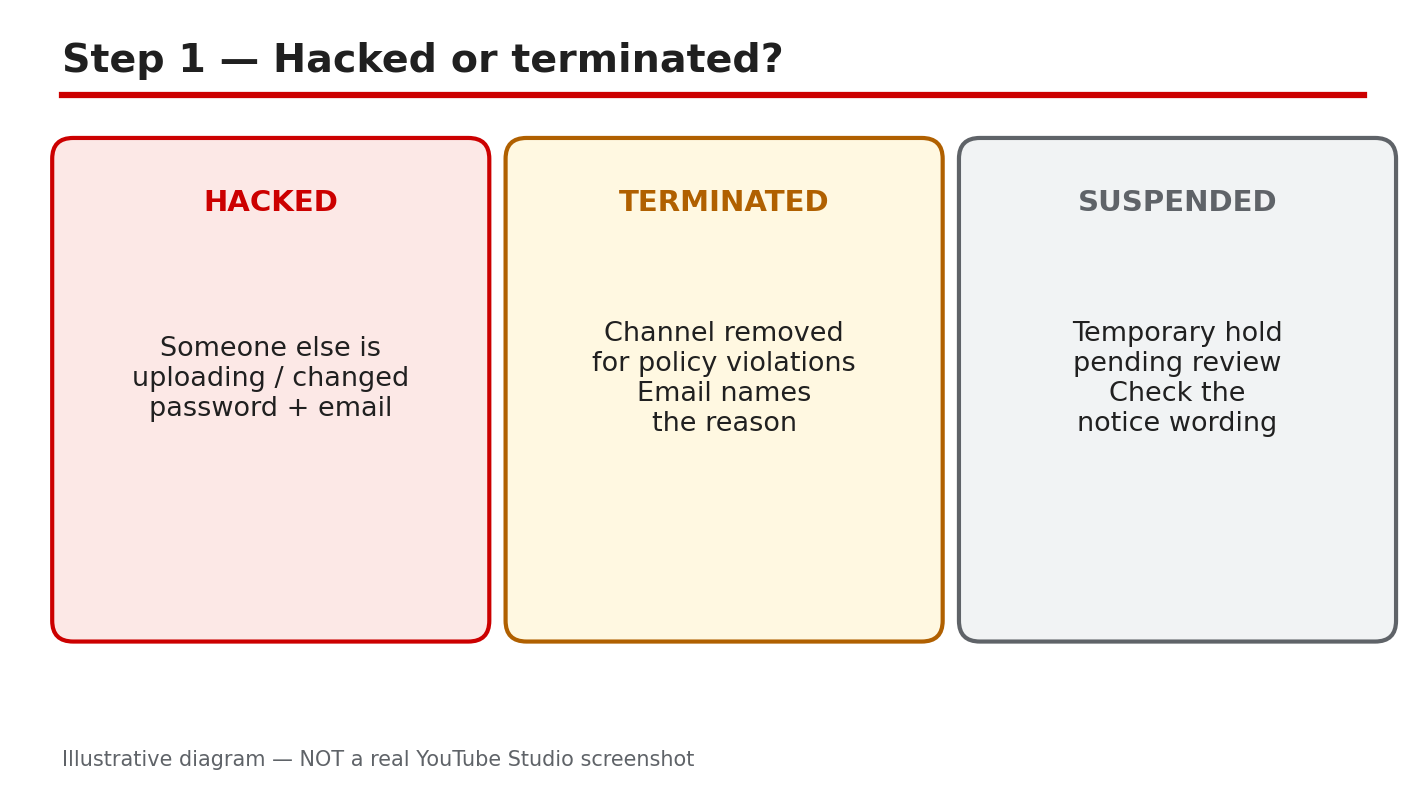
What to do: Read the exact notice first. A hacked channel shows uploads you did not make, changed passwords or recovery details, or unfamiliar sign-ins. A terminated channel is removed for policy reasons, with an email naming the reason. A suspended channel is held temporarily, often during a check. Save the notice, email, and Studio message exactly as shown.
Studio path: YouTube Studio, on sign-in or the Content page. Compare the message word for word with your inbox email before choosing a form.
Example: A creator finds a crypto video uploaded overnight, a changed password, and an unknown recovery email. That points to hacking, so account recovery comes first.
Common mistake: Filing a termination appeal for a hack, or only resetting a password for a termination. The wrong route delays help.
Illustrative diagram/mock-up — NOT a real YouTube Studio screenshot: hacked vs terminated vs suspended.
Step 2: Secure the Google Account First
What to do: Secure the account before appealing, or a hacker may still control it. Recover access, set a new strong password, turn on 2-Step Verification, and review signed-in devices. Remove unfamiliar devices and third-party access, then update your recovery email and phone. Never share passwords or codes with anyone offering recovery.
Studio path: Google Account > Security > How you sign in to Google > 2-Step Verification; then Security > Your devices and Third-party access.
Example: A creator changes the password, turns on 2-Step Verification, and removes two unknown sessions. The hacker cannot return with the old password.
Common mistake: Appealing first, reusing the old password, or skipping 2-Step Verification. That leaves the door open.
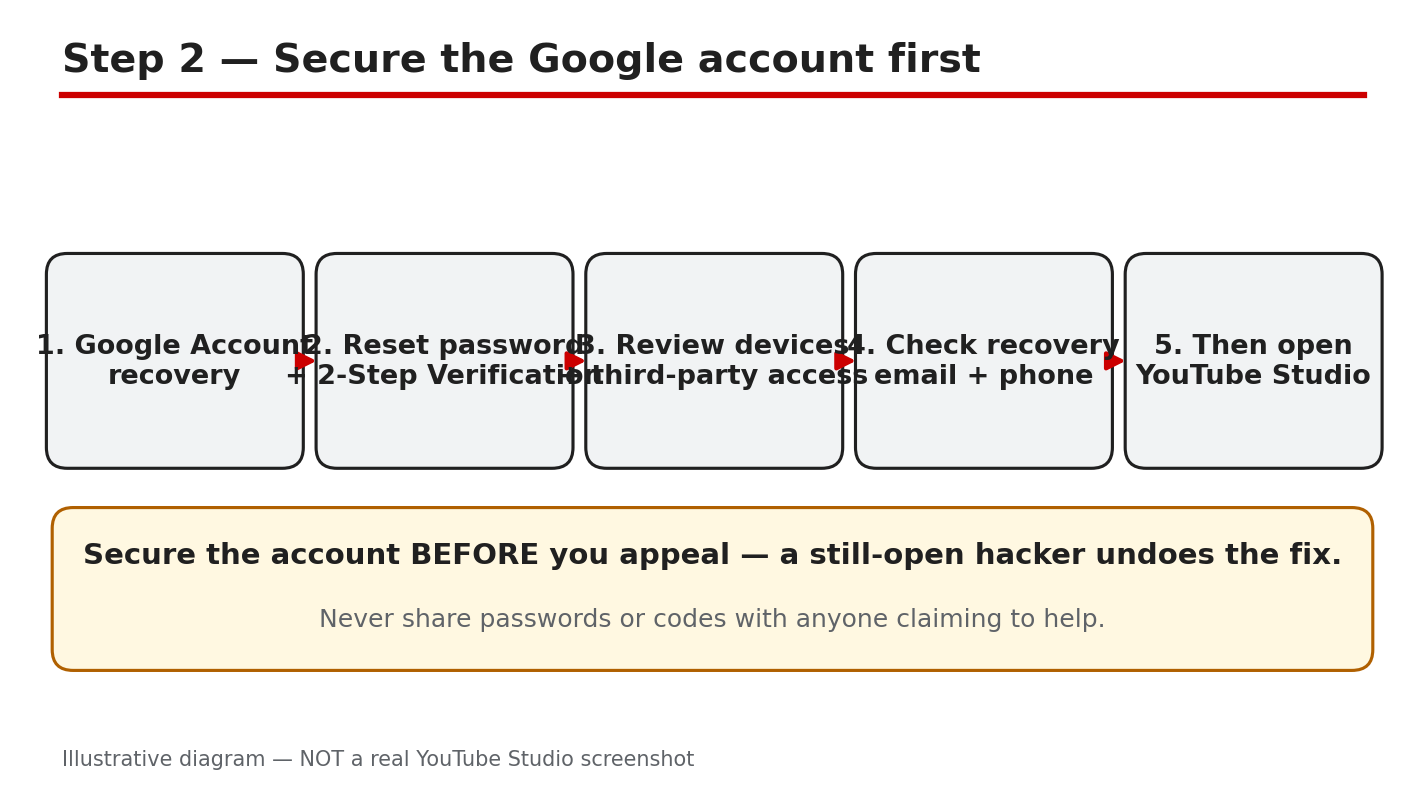
Illustrative diagram/mock-up — NOT a real YouTube Studio screenshot: secure the Google account first.
Step 3: Choose the Correct Recovery Route
What to do: Use the route matching your problem. For a hacked Google account, use Google Account recovery. For a terminated channel, appeal in YouTube Studio, or use the appeal form linked in Help if Studio is unavailable. For a hacked channel, use the hacked-channel report in Help. Some reports mention a 9-month limit for hacking cases; that is reported only, so check current Help wording. The termination Help page opened here says creators have up to 1 year from termination to appeal.
Studio path: YouTube Studio > termination information > Begin Review > Next > Start Appeal > Next > contact email and reason > Submit.
Example: A creator reads the stated policy in Studio, clicks Begin Review, and submits one appeal. No hacking report is filed for the same termination.
Common mistake: Filing every form at once, or filing the same appeal many times. That does not speed review.
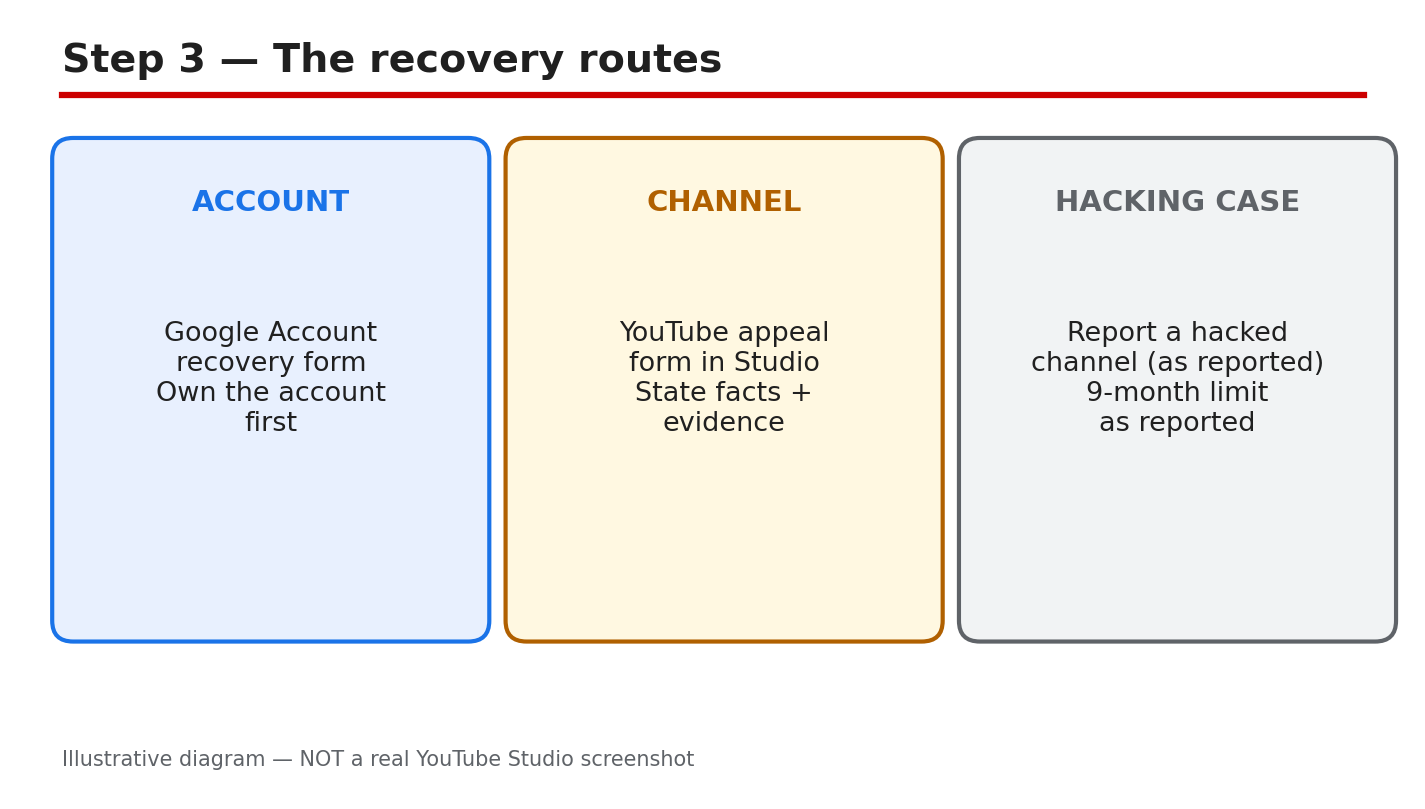
Illustrative diagram/mock-up — NOT a real YouTube Studio screenshot: recovery routes.
Step 4: Build Strong Appeal Evidence
What to do: Give clear, dated evidence in one appeal. List when the problem started and was found, with screenshots and emails exactly as received. Name the exact policy cited, explain calmly why it does not fit, and keep original files. List hacker uploads and whether they were removed, and state fixes already made.
Studio path: YouTube Studio > termination information > Begin Review > Start Appeal. Give dates, policy, and evidence, without unrelated history.
Example: A creator writes: terminated 12 May, email named spam, no bulk uploads made, original files kept, hacker upload deleted 13 May. Each fact is checkable.
Common mistake: A long, emotional appeal with no dates, policy name, or evidence. Vague appeals ask reviewers to guess.
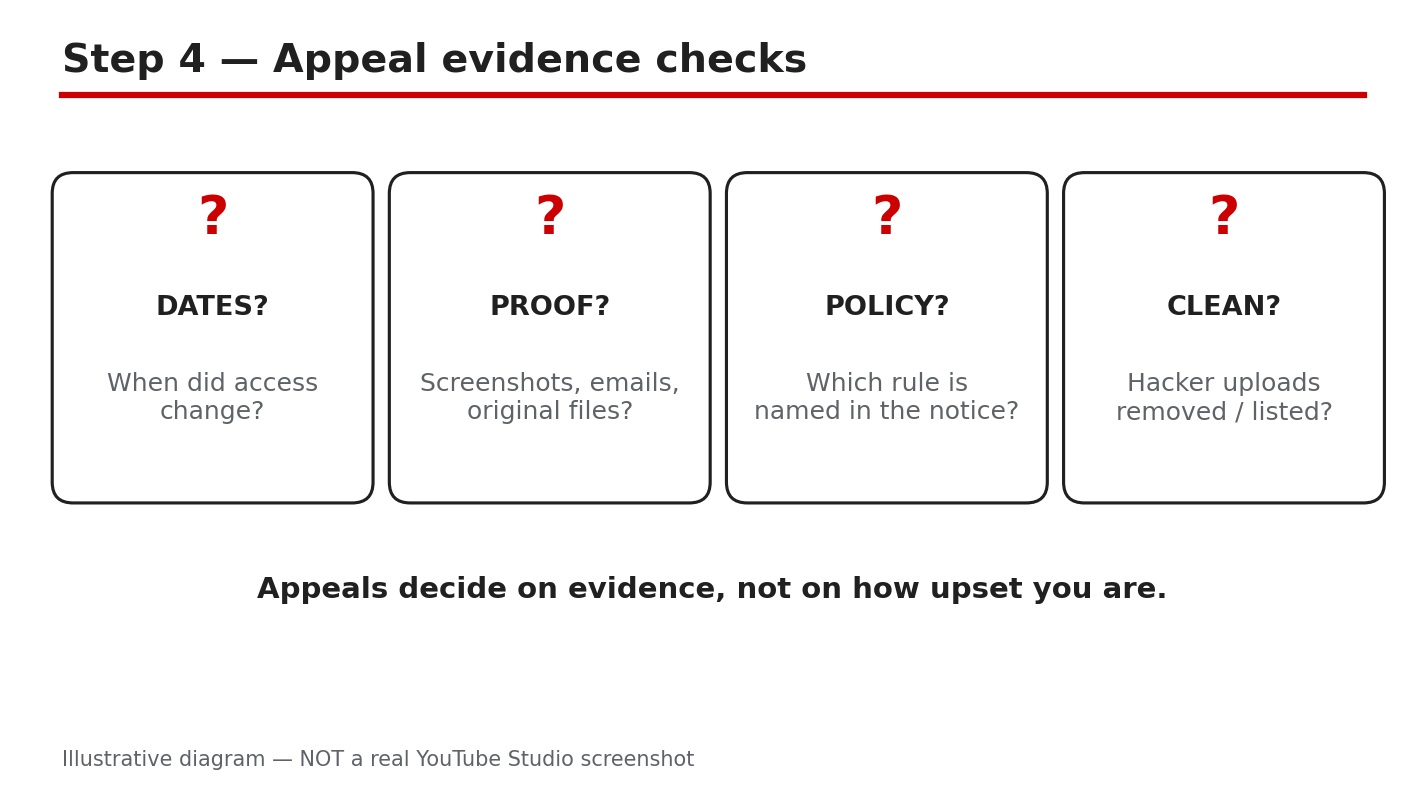
Illustrative diagram/mock-up — NOT a real YouTube Studio screenshot: appeal evidence checks.
Step 5: Avoid Scams and Repeated Appeals
What to do: Never pay for recovery, and never share passwords, codes, or access with anyone offering to fix the channel. Google Help warns against recovery services and says Google does not work with them. Do not spam appeals, reuse the old password, or skip 2-Step Verification. Do not create a new channel to circumvent termination; Help prohibits that.
Studio path: None for paid recovery. If anyone asks for payment, a password, or a code, stop and use only official routes.
Example: A creator is offered guaranteed recovery for a fee, in exchange for a code. The creator refuses and uses the official appeal only.
Common mistake: Trusting a service because it uses YouTube logos or urgency. It is still a scam if it asks for money or a code.
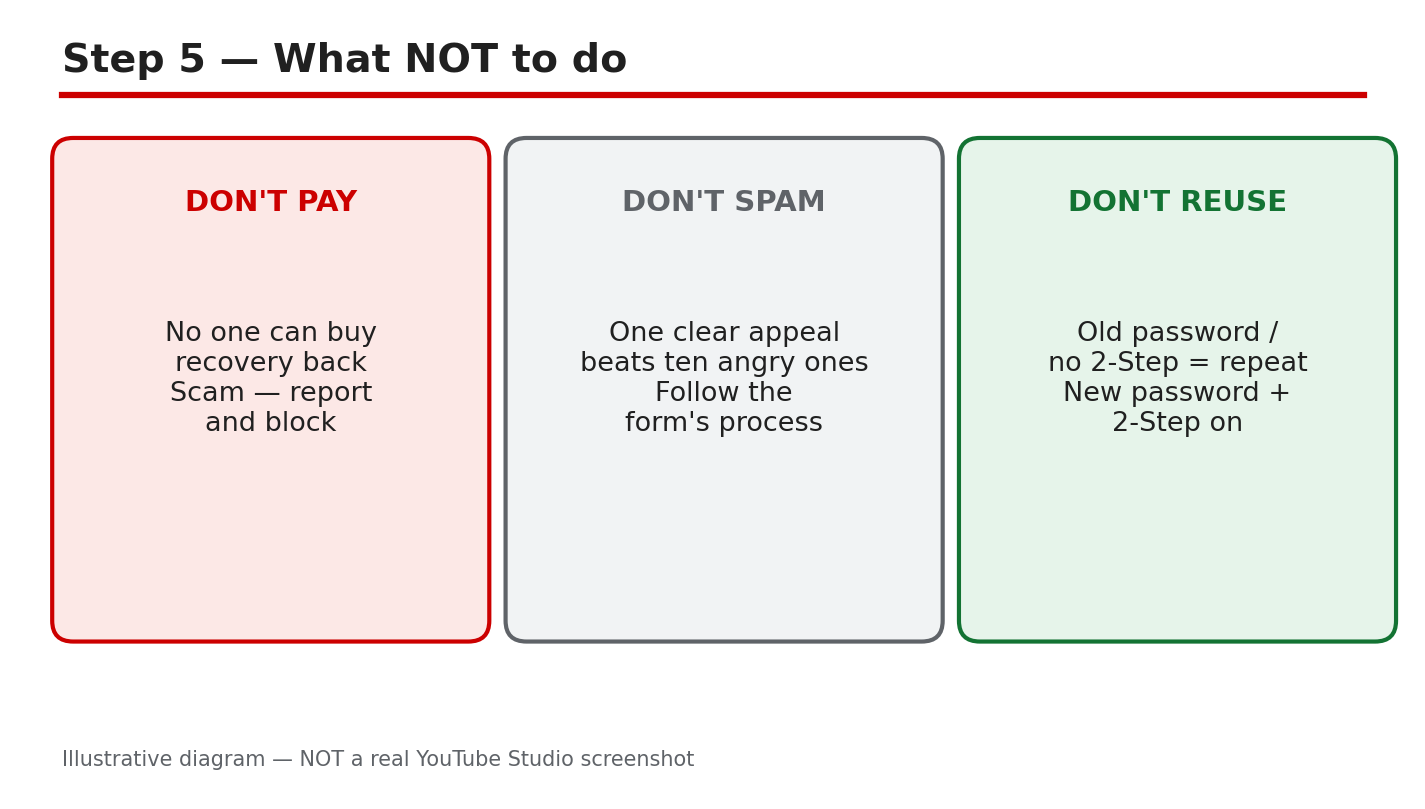
Illustrative diagram/mock-up — NOT a real YouTube Studio screenshot: what never to do.
Step 6: Follow the Recovery Timeline and Rebuild
What to do: Check the appeal status in Studio and watch your contact email for the outcome. Times vary, so do not file duplicates while waiting. If access returns, rebuild security before uploading: keep 2-Step Verification on, confirm recovery details, review devices and third-party access, and keep copies of notices, emails, and your appeal.
Studio path: YouTube Studio > termination information > appeal status and review time. Then Google Account > Security > devices and third-party access.
Example: A creator waits for the email, confirms the appeal in Studio, then removes an old app that still had account access before uploading again.
Common mistake: Uploading at once without rechecking security, or deleting evidence after a good outcome. Records help if trouble returns.
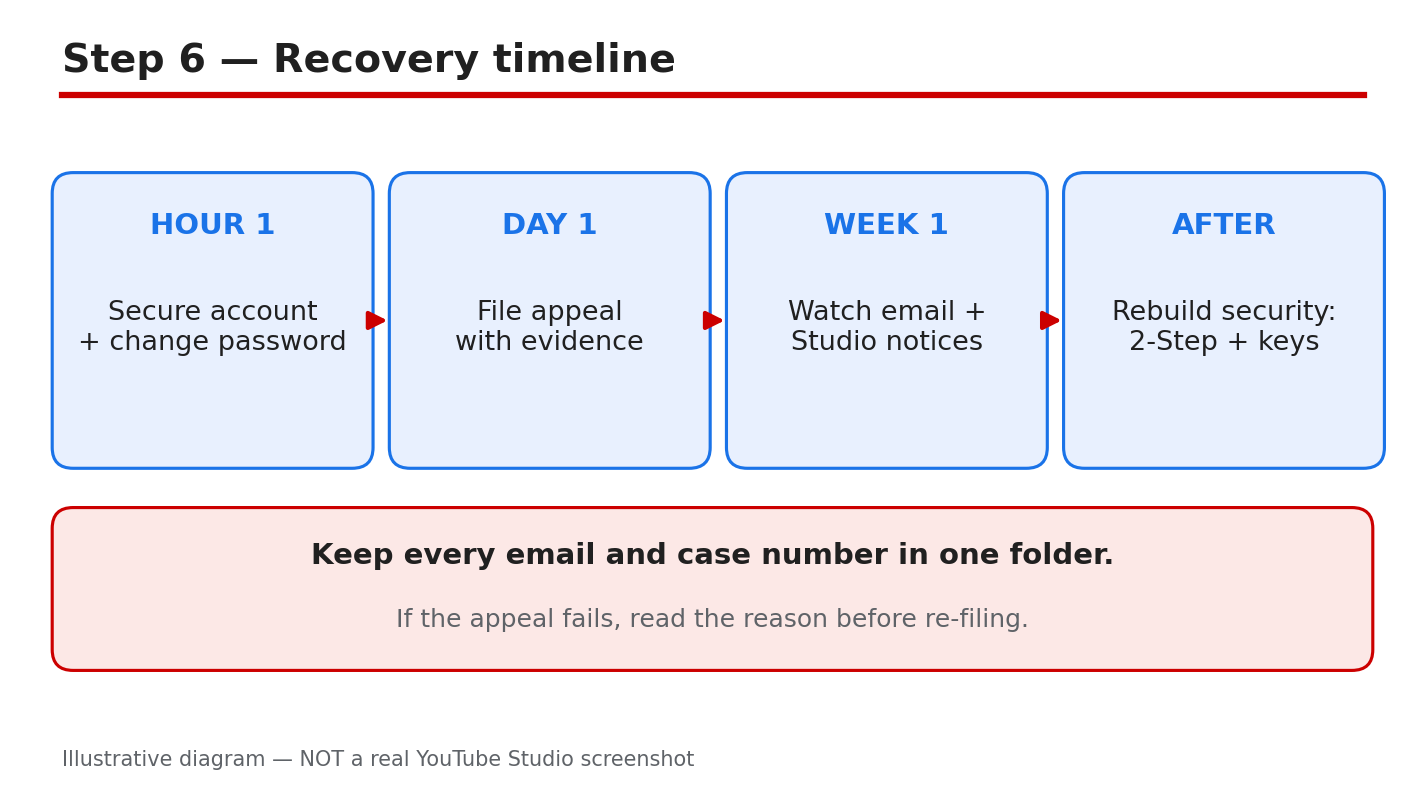
Illustrative diagram/mock-up — NOT a real YouTube Studio screenshot: recovery timeline.
Checklist: Recover Safely, in Order
- Notice saved; hacked, terminated, or suspended identified.
- New, unused strong password set.
- 2-Step Verification on; recovery email and phone checked.
- Devices and third-party access reviewed and cleaned.
- One clear appeal, using the correct route.
- Evidence kept: dates, screenshots, emails, files, policy.
- No payment; no password or code shared.
Frequently Asked Questions
Can I recover my channel if the hacker changed my password and recovery email? Try Google Account recovery, answering as accurately as you can with any remaining recovery phone or email. Wrong guesses do not end the process, per Help. Follow its recovery tips before giving up, and never pay a third party. Use a familiar device and location if possible.
What if my channel was terminated but I believe the decision was wrong? Appeal in Studio with Begin Review and Start Appeal, giving dates, the exact policy, and clear evidence. Help opened here says creators have up to 1 year from termination. Keep it calm and factual, and check Studio and email. Save the appeal confirmation and outcome email.
Should I pay someone who says they can recover my channel? No. Do not pay, or share a password or code. Google Help warns against recovery services and says Google does not work with them. Use only Google recovery, the hacked-channel route, and the official Studio appeal. Report scam messages and keep them as evidence.
How long will an appeal take? Times vary, and no fixed time can be promised here. Check Studio for appeal status and watch your contact email. Do not send duplicates while waiting; that does not speed review. A single, complete appeal is easier to review than several.
What if I cannot sign in at all? Work through Google Account recovery and its tips for completing recovery. If recovery still fails, Help says a new Google Account is a last resort. Do not use a new channel to circumvent termination; Help prohibits it. Keep recovery details up to date to avoid a repeat lockout.
Sources — Check It Yourself
Official pages opened and verified live on 29 October 2026. Check current wording before acting.
- How to recover your Google Account or Gmail — Google Account Help
- Channel or account terminations — YouTube Help
No official YouTube video is embedded here. No exact official video URL was verified live.