AdSense PIN Not Arrived? How to Verify Your Address and Release Held Payments
 CreatorPlaybook Team
- 29 Oct, 2026
A letter that never arrives can hold up your YouTube earnings. AdSense mails a six-digit Personal Identification Number, called a PIN, to the payment address on your account. Until you enter that PIN, AdSense holds your payments. The money is not lost, but it will not reach your bank until the address is verified. This guide explains what the hold means, where the PIN goes, and what to do when the letter is late or the code does not work.
Related reading: How to Earn Money on YouTube. That guide explains how YouTube earnings reach AdSense, so open it if the payment flow is new to you. Below, each step gives what to do, the exact AdSense path, a short example, and a common mistake. Work in order, and never share your PIN. It belongs only in your own AdSense account.
What You Will Learn
- What the PIN hold means.
- Where to enter the PIN.
- What to do when the letter is late.
- How to enter the PIN carefully.
- What to do if the PIN fails.
- A plan to release held payments.
Step 1: What the PIN Hold Is
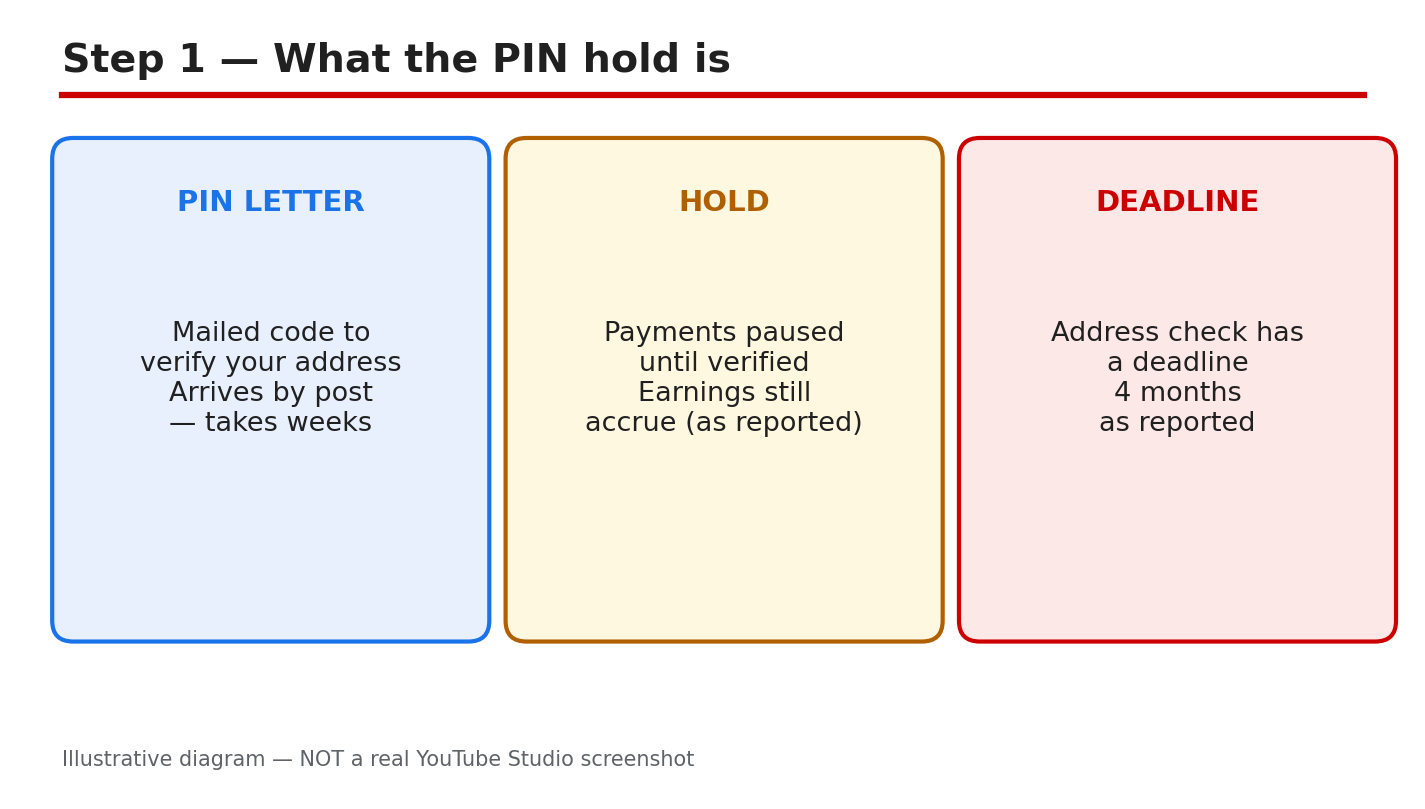
What to do: Understand the hold before you chase the letter. AdSense mails a six-digit PIN to the payment address on your account to prove that the address is real. Until the PIN is entered, AdSense pauses payments. Earnings are reported to keep accruing while payments are held. The verification deadline is reported as four months, so check your own AdSense account for the exact deadline and wording.
AdSense path: AdSense home > Payments > Verification. Look for the address verification task and its deadline. The task shows whether a PIN has been mailed, whether it has been entered, and how much time remains. Read that page first.
Example: A creator sees a payment hold notice and assumes the channel is demonetized. The AdSense verification page shows only an address check is pending, and earnings are still being recorded. The hold is about the address, not the channel.
Common mistake: Asking for a replacement PIN before checking the verification page. A PIN may already be on its way, and a replacement can add confusion. Check the task and the deadline first.
Illustrative diagram/mock-up — NOT a real AdSense screenshot: what the PIN hold is.
Step 2: Where to Enter the PIN
What to do: Enter the PIN only in your own AdSense account, on the verification page. Never type it into an email reply, a chat message, or a site that claims to speed up verification. AdSense will never ask you to share the PIN by email or message. If someone asks for it, stop: it is a scam warning sign.
AdSense path: AdSense > Payments > Verification > enter the six-digit PIN from the letter. Type the code exactly as printed, then submit once. Stay on the page until you see the result, and do not press submit twice.
Example: A creator finds the letter and enters the code from a phone photo. Two digits are unclear, so the creator checks the paper letter under good light before typing anything. The paper letter is the source of truth.
Common mistake: Entering the PIN on a lookalike site reached from a search ad or a message link. Always open AdSense yourself and navigate to Payments, rather than following a link someone sent you.
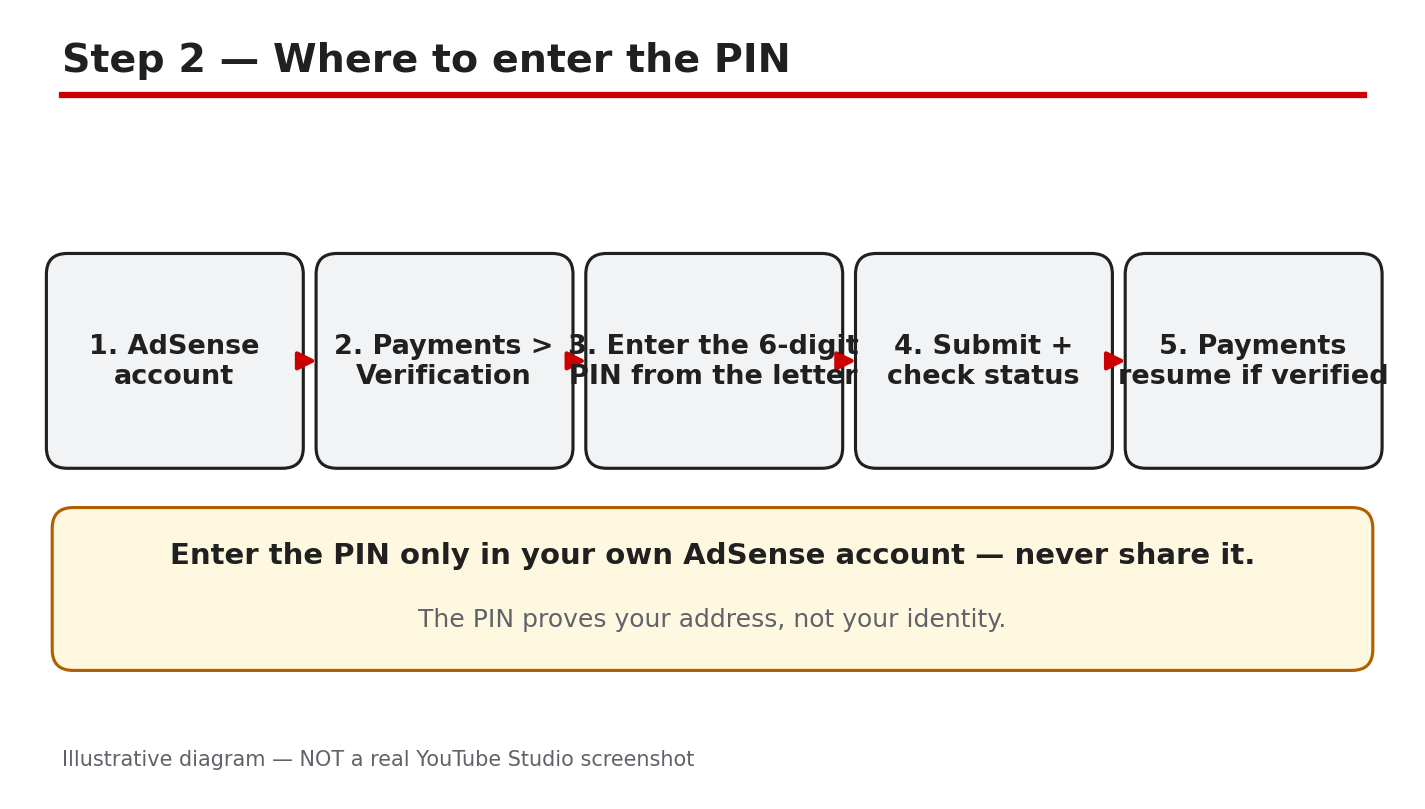
Illustrative diagram/mock-up — NOT a real AdSense screenshot: where to enter the PIN.
Step 3: The PIN Never Arrived
What to do: Wait out the reported mail period before requesting a replacement. Mail is reported to take two to four weeks, and the official overview says it usually takes three weeks, so one week late is not yet lost. Fix the payment address first, so a replacement goes to the right place. Then request a replacement only after the waiting period has passed.
AdSense path: AdSense > Payments > Verification > check the address on file, then use the replacement option shown there. If the address is wrong, update it in the payment settings and confirm the change before requesting the new letter.
Example: A creator moved house and the PIN went to the old address. The creator updates the payment address, waits for the confirmation, and then requests a replacement. The second letter arrives at the new address.
Common mistake: Requesting replacement after replacement while the address is still wrong. Each new letter goes to the same wrong address. Fix the address once, then request one replacement and wait.
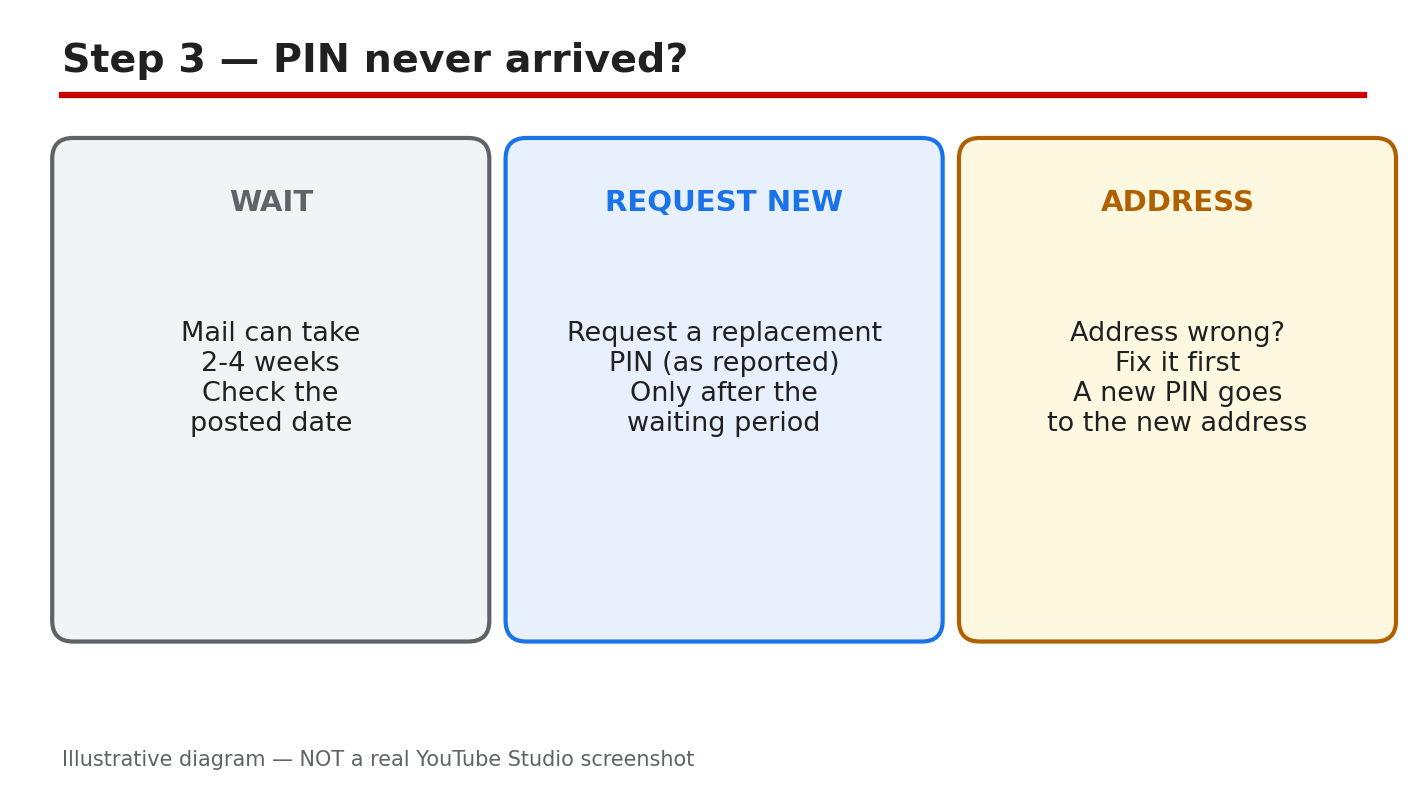
Illustrative diagram/mock-up — NOT a real AdSense screenshot: PIN never arrived.
Step 4: Before You Enter the PIN
What to do: Run four checks before you type anything. First, the address on the letter must match the address in your AdSense account. Second, be signed in to the right AdSense account, the one linked to the channel. Third, read all six digits correctly, and check lookalike digits twice. Fourth, know how many tries remain. Three wrong entries are reported to risk demonetizing the channel; the official overview says they stop the account showing ads. Treat every try as valuable, and check your own account wording.
AdSense path: AdSense > Payments > Verification. Read the letter, the account name, and the tries remaining before you enter anything. If any detail does not match, stop and fix it first.
Example: A creator is about to type the code when the account name looks unfamiliar. The creator stops, signs in to the correct account, and the verification task appears. The letter belonged to the other account.
Common mistake: Guessing a digit you cannot read. A guess uses up a try, and repeated guesses can lock the process. Re-read the letter under good light, or request a fresh PIN instead of guessing.
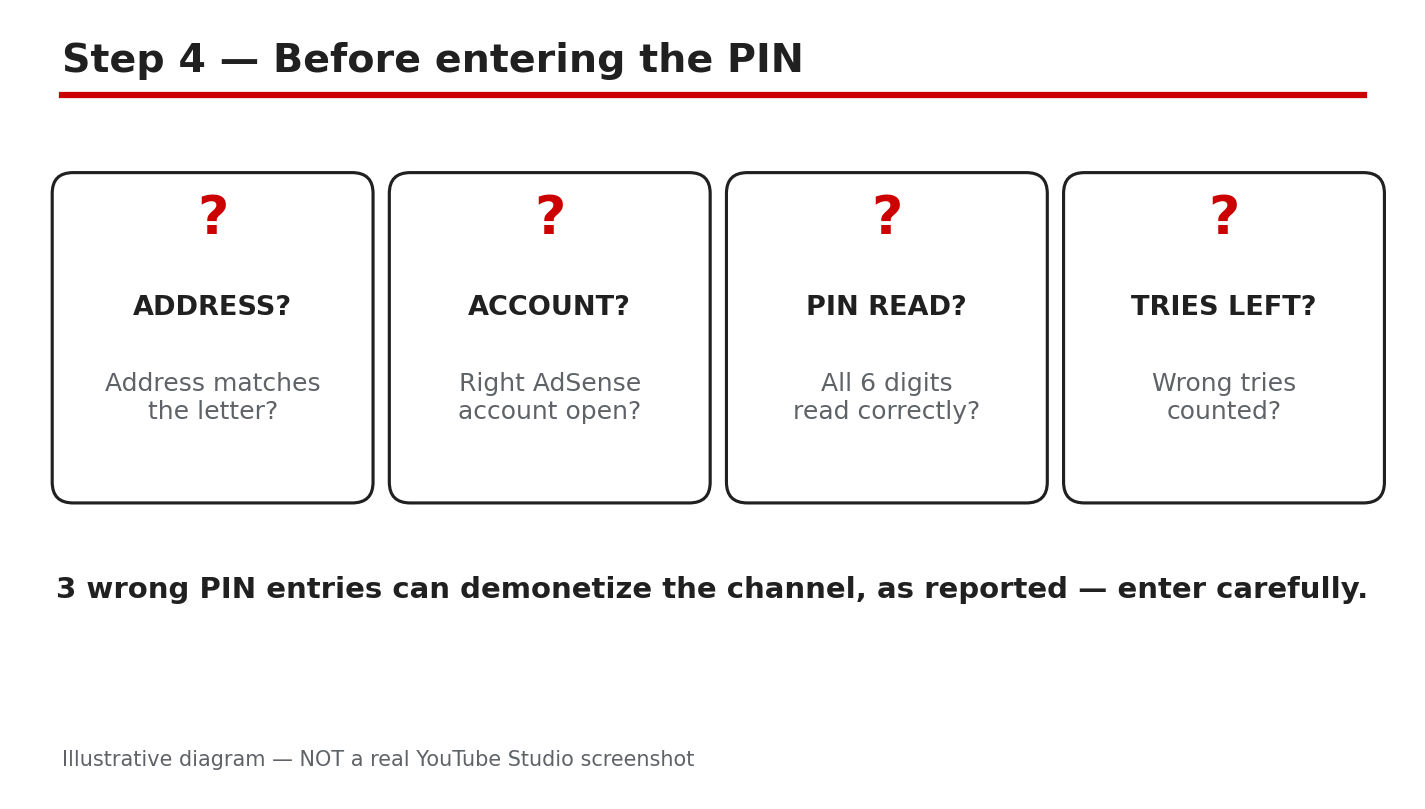
Illustrative diagram/mock-up — NOT a real AdSense screenshot: before entering the PIN.
Step 5: If the PIN Fails
What to do: Re-read the letter once, slowly, and try one more careful entry. If it fails again, do not keep guessing. Request a fresh PIN from the verification page, and wait for the new letter. If the fresh PIN also fails, contact AdSense support with the letter and your account details ready, and describe what the verification page shows.
AdSense path: AdSense > Payments > Verification > request a replacement PIN, then Help or Contact for support. Note the exact message on the verification page before contacting support.
Example: A creator enters the code twice and sees the same error. Instead of a third guess, the creator requests a fresh PIN, and the new letter works first time. The old letter had a misprinted digit.
Common mistake: Trying the same code again and again in frustration. Repeated failures can use up your tries and delay the fix. One careful retry, then a fresh PIN, is the safer order.
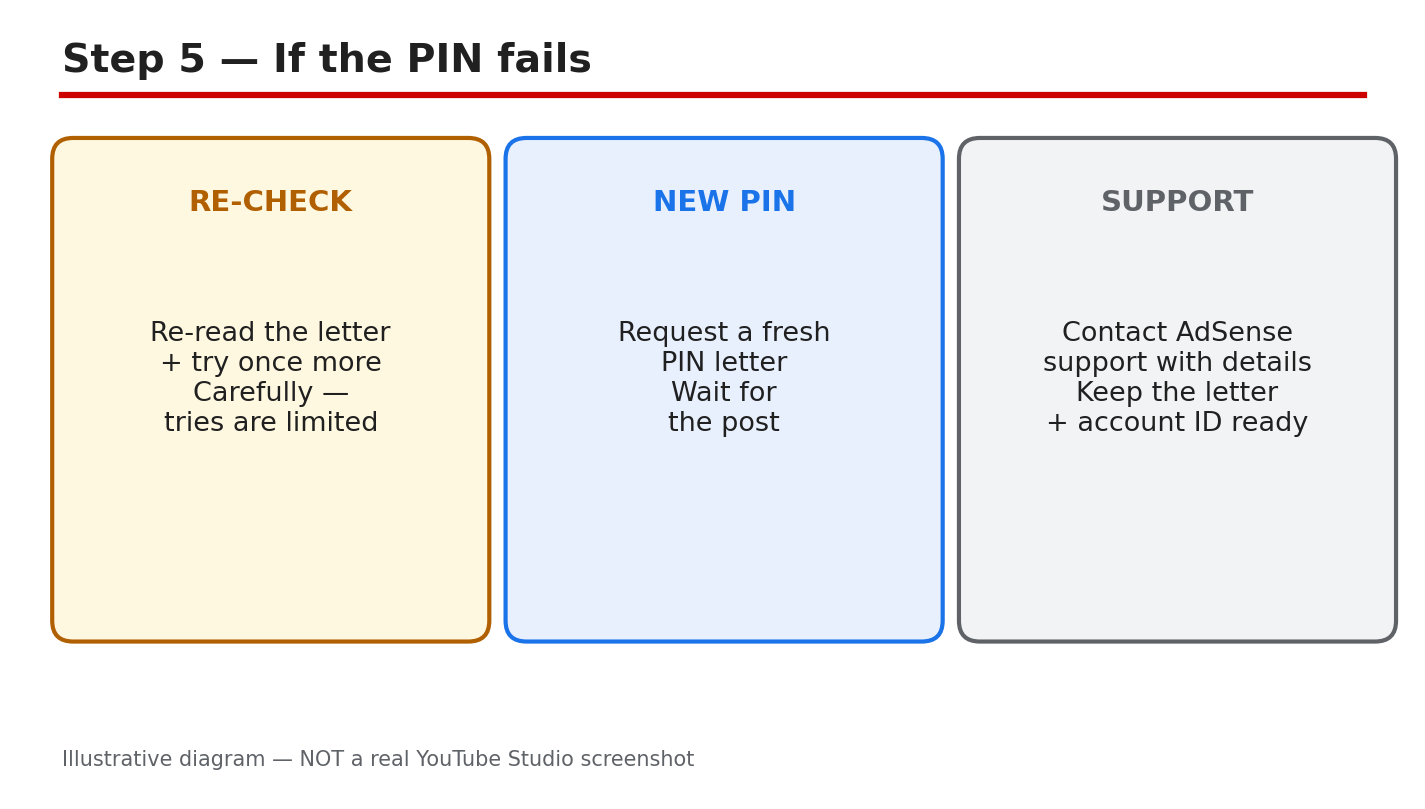
Illustrative diagram/mock-up — NOT a real AdSense screenshot: if the PIN fails.
Step 6: Follow the Payment-Hold Plan
What to do: Work the plan in order. Week one: check the verification page, confirm the address, and wait for the mail. Week two: enter the PIN carefully, or request a replacement if the letter never arrived. After verification: confirm the hold is lifted in Payments, and keep the letter for your records.
AdSense path: AdSense > Payments for the hold status, and Verification for the PIN task. Check both pages after entering the PIN; the hold lifts when verification is confirmed.
Example: A creator enters the PIN on a Monday and checks Payments on Tuesday. The hold is gone, and the next payment cycle includes the held earnings. The creator keeps the letter filed.
Common mistake: Throwing the letter away once the PIN is entered. If verification is questioned later, the letter is your proof. Keep it until the hold has cleared and a payment has gone through.
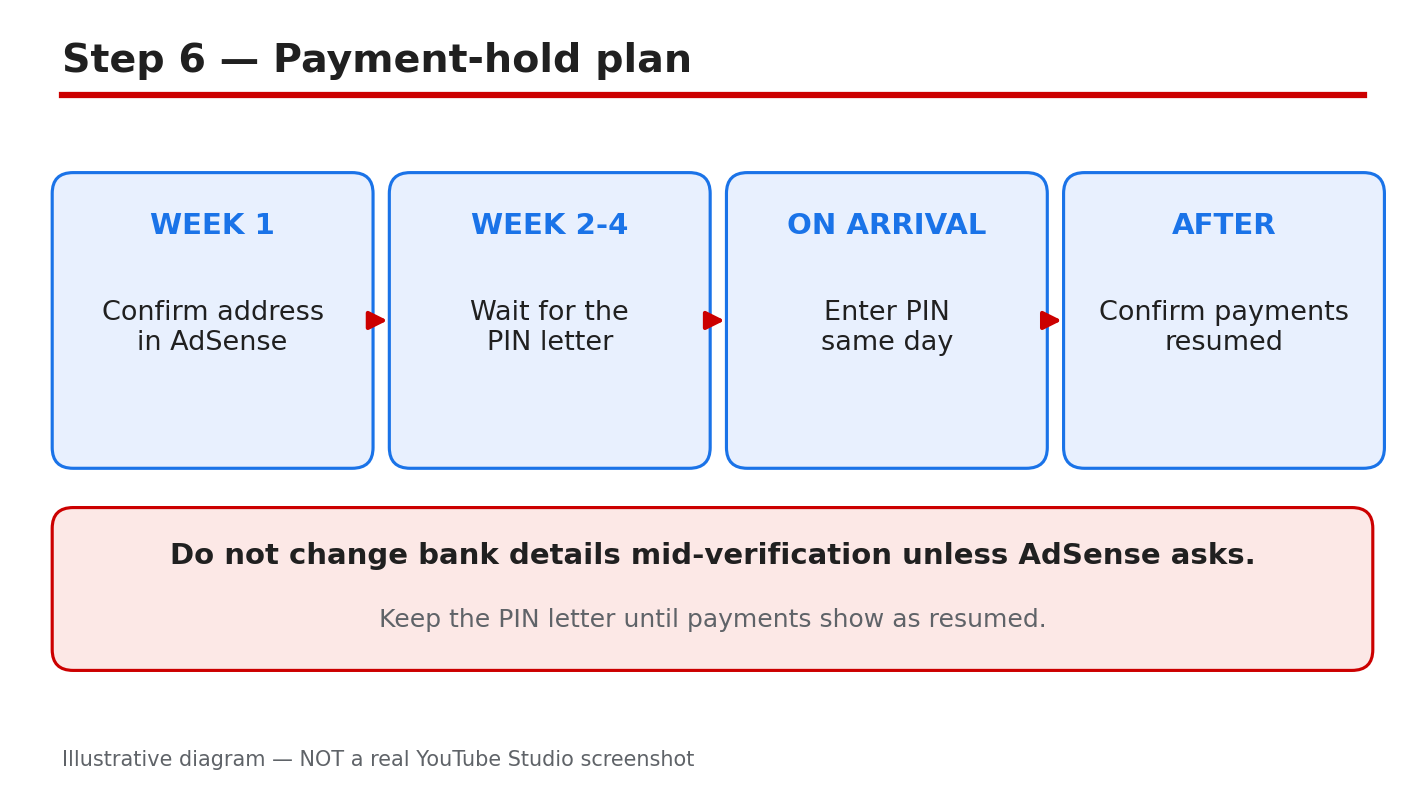
Illustrative diagram/mock-up — NOT a real AdSense screenshot: payment-hold plan.
Checklist
- Verification page checked: task, address, deadline.
- Payment address matches the letter.
- Waiting period respected before a replacement.
- Right AdSense account signed in.
- All six digits read and checked twice.
- PIN entered only in your own AdSense account.
- Hold confirmed lifted in Payments.
Frequently Asked Questions
Why are my payments held?
AdSense is waiting for address verification. Until the PIN is entered, payments pause, while earnings are reported to keep accruing. Check your own AdSense account for the exact deadline.
How long does the PIN letter take?
Mail is reported to take two to four weeks, and the official overview says three weeks is usual. Wait out that period, with the right address on file, before requesting a replacement.
Can I share my PIN with support?
No. Never share the PIN with anyone claiming to be support. Enter it only in your own AdSense account, on the verification page.
What if I enter the wrong PIN?
Stop guessing. Re-read the letter once, try one careful entry, then request a fresh PIN if it fails. Three wrong entries are reported to risk demonetization; the official wording says ads stop showing. Check your own account.
Do I lose earnings while payments are held?
Earnings are reported to keep accruing during the hold; check your own AdSense account for the exact position. Once the hold lifts, held earnings join the normal payment cycle.
Sources — Check It Yourself
Official pages opened and verified live on 29 October 2026. Check current wording before acting.
- Address verification (PIN) overview — Google AdSense Help
- Enter your PIN to verify your payments address — Google AdSense Help
No official YouTube video is embedded here. No exact official video URL was verified live.