YouTube Shorts Not Loading or Stuck Buffering? How to Fix It
 CreatorPlaybook Team
- 10 Nov, 2026
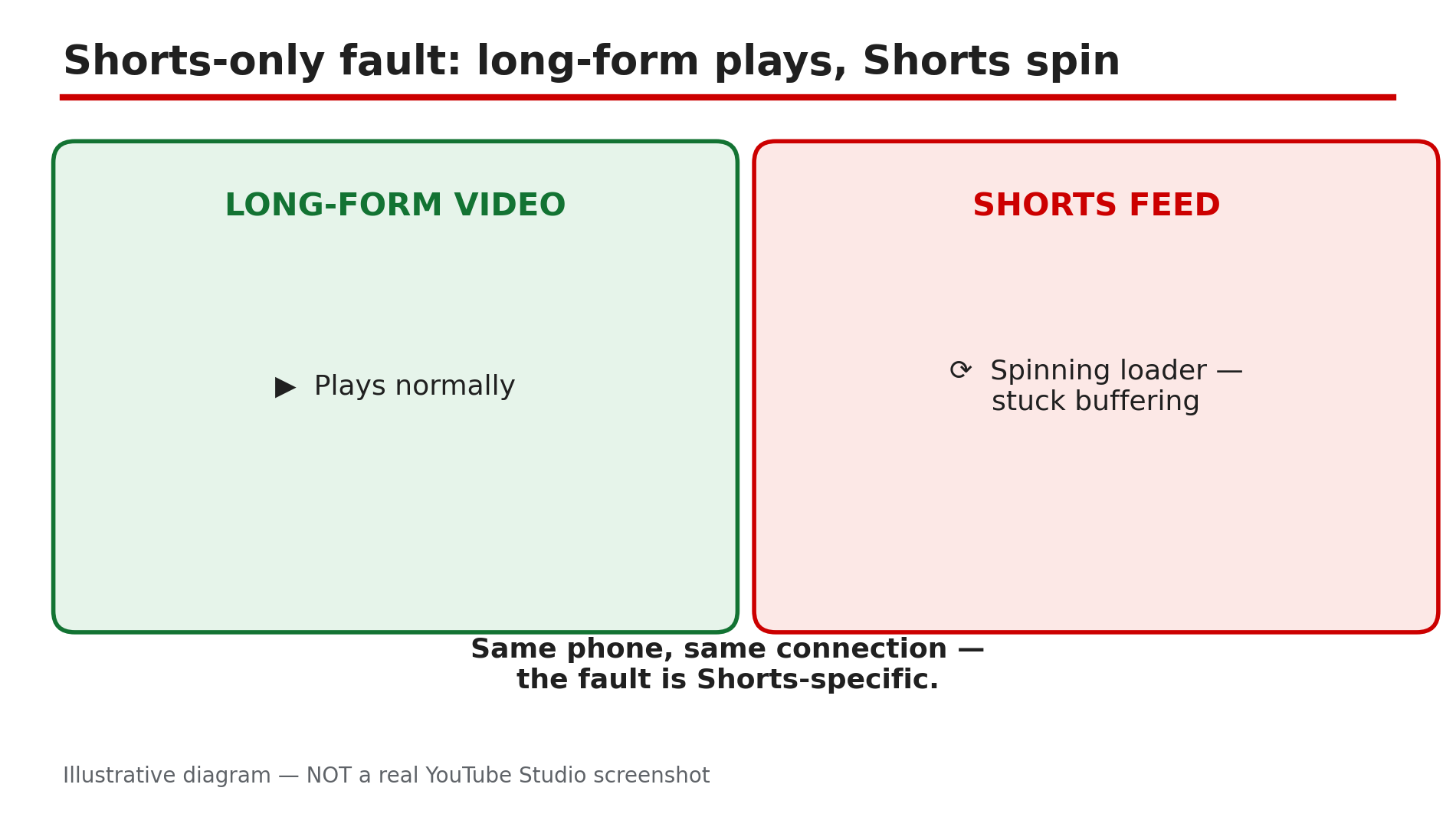
You tap the Shorts tab and get a spinning circle that never stops. The thumbnails may load, the first frame may flash, and then nothing moves. Yet when you go back to a normal video, it plays perfectly. That contrast is the most useful clue you have. Shorts and long-form videos do not fail in the same way: Shorts preload aggressively, swiping from one clip to the next, so a slow or restricted connection stalls the whole feed while a single long video still buffers happily, as reported in guides on this problem. A stale cache entry can also wedge the Shorts tab while search and long-form keep working. This guide walks you through the diagnosis in order — prove it is Shorts-only, fix the connection, clear the wedge, and know when the problem is a bad app update rather than your phone.
What You Will Learn
- How to prove the fault is Shorts-only and not your connection
- How to reconnect cleanly by switching networks
- How to clear the YouTube cache that wedges the Shorts tab
- Why Data Saver and battery restrictions hit Shorts hardest
- When an app update is the cause — and when to simply wait
Step 1 — Prove it is a Shorts-only fault before changing anything
What to do: Confirm that normal videos play while Shorts do not, because that single test decides which fixes are worth trying.
How: Open a regular long-form video and let it play for thirty seconds, then go back to the Shorts tab and swipe through five Shorts. If long-form plays and Shorts do not, the fault is Shorts-specific, as reported, and the steps below apply. If long-form videos also fail, you have a general playback problem instead.
Example: A viewer finds her favourite channel’s new video plays fine, but every Short in the feed spins forever. That contrast tells her the connection is alive and the Shorts feed itself is stuck.
Common mistake: Reinstalling the app as a first step — you lose your downloads and settings for a problem a cache clear usually fixes in a minute.
Illustrative diagram: a long-form video plays while the Shorts feed stays stuck on a loading spinner.
Step 2 — Switch networks to reconnect cleanly
What to do: Test the Shorts feed on a different connection, because Shorts preload so aggressively that a weak or throttled connection stalls them first.
How: If you are on Wi-Fi, switch to mobile data and try the Shorts tab again. If you are on mobile data, switch to Wi-Fi. You can also toggle airplane mode on for ten seconds and off again to force a fresh connection, as reported in guides on this problem. Shorts need a steady stream of small, fast loads as you swipe, so a connection that copes with one long video can still fail on Shorts.
Example: A commuter finds Shorts freeze on the train’s Wi-Fi but play instantly on mobile data — the Wi-Fi is throttling video.
Common mistake: Blaming the phone when the network is at fault — always test a second network before touching any setting.
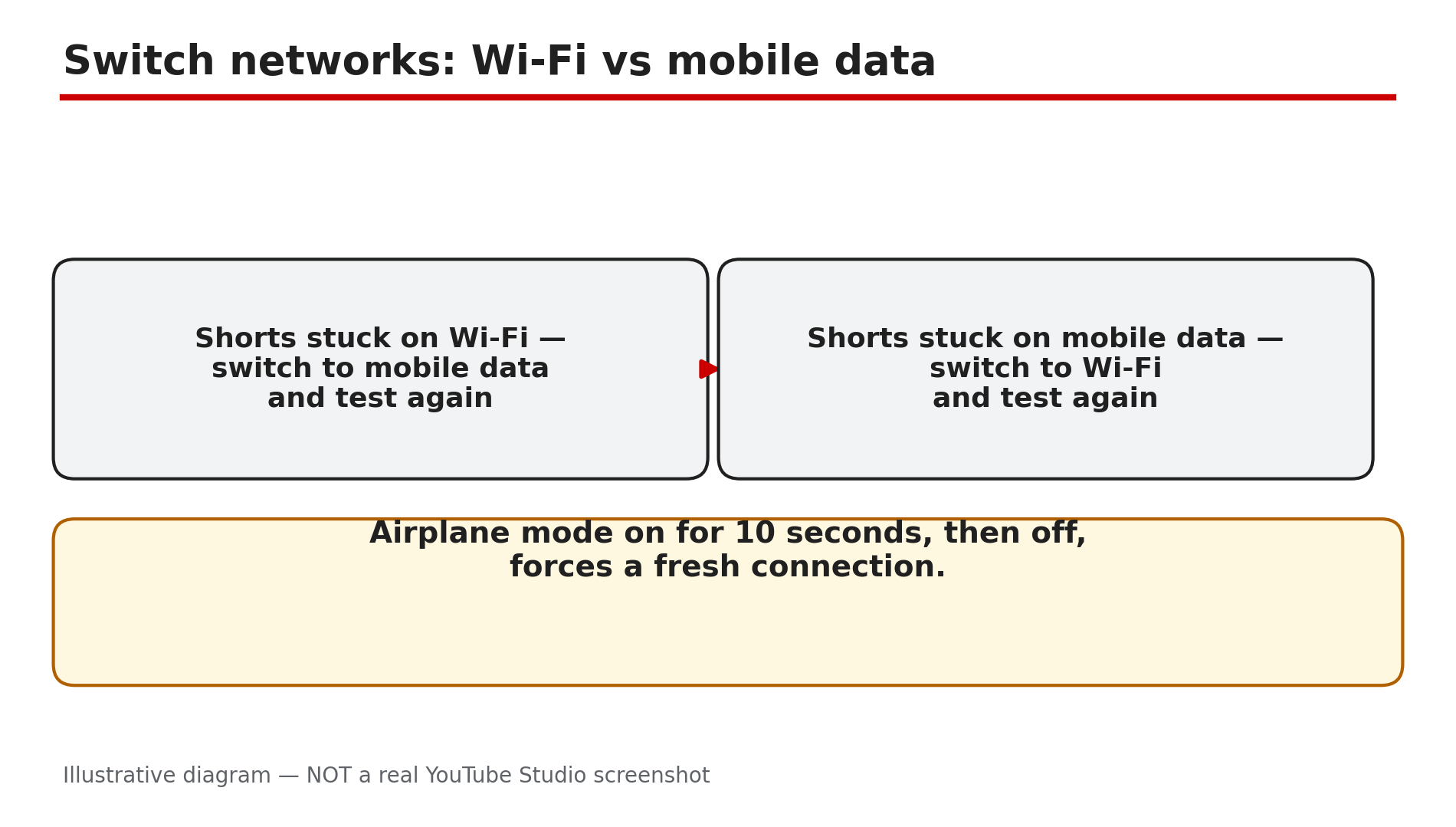
Illustrative diagram: testing the Shorts feed on a second network to find out whether the connection is at fault.
Step 3 — Force stop the app and clear the YouTube cache
What to do: Clear the stale Shorts cache entry that can wedge the tab, without deleting your downloads or your login.
How: On Android, go to Settings, then Apps, then YouTube, then Storage, and tap Clear cache — not Clear data, which signs you out and deletes downloads. Then force stop the app, reopen it, and try the Shorts tab again, as reported. On iPhone there is no per-app cache clear, so offload the app instead: Settings, then General, then iPhone Storage, then YouTube, then Offload App. Offloading keeps your data while replacing the app itself.
Example: A creator’s Shorts feed froze every morning after the first swipe. Clearing the YouTube cache once fixed it, and the feed has worked since.
Common mistake: Tapping Clear data instead of Clear cache on Android — that wipes your downloads and signs you out, and it is not needed for a Shorts loading fault.
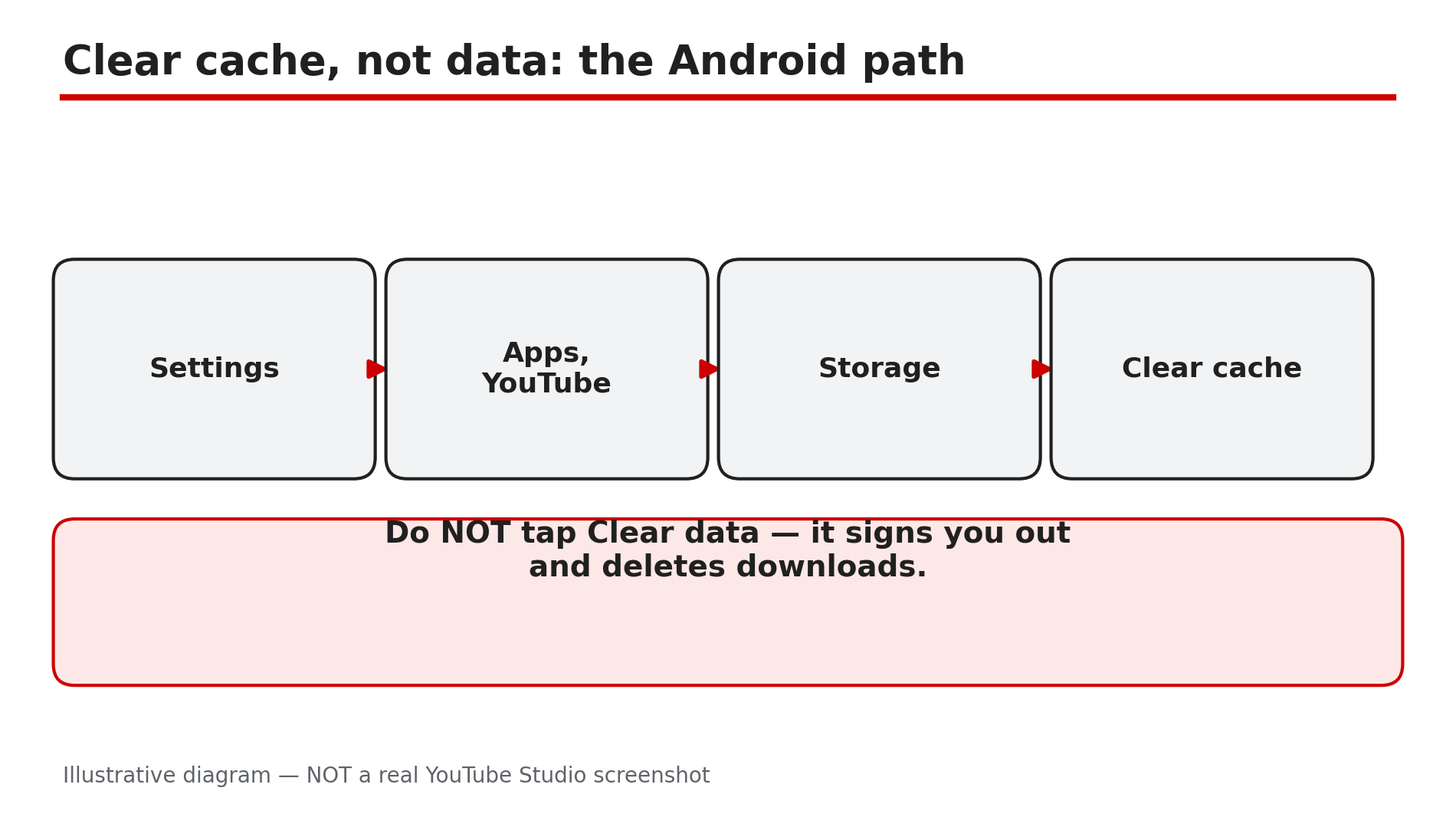
Illustrative mock-up: the Android settings path to clear the YouTube cache without touching downloads.
Step 4 — Turn off Data Saver and battery restrictions
What to do: Check the two settings that quietly throttle Shorts: Data Saver inside YouTube, and battery optimisation on your phone.
How: In the YouTube app, tap your profile picture, then Settings, then Data saving, and turn Data Saver off for a test, as reported in guides on this problem. Data Saver limits how much video YouTube preloads, and Shorts — which preload the next clip before you swipe — are hit hardest. Then check battery settings: on Android, go to Settings, then Apps, then YouTube, then Battery, and make sure the app is not set to Restricted — a restricted app cannot fetch the next Short, so every swipe stalls.
Example: A student on a small data plan finds Shorts buffer endlessly with Data Saver on, but play smoothly the moment he turns it off on Wi-Fi.
Common mistake: Turning Data Saver back on and forgetting it — then blaming YouTube a week later when Shorts stall again on the same setting.
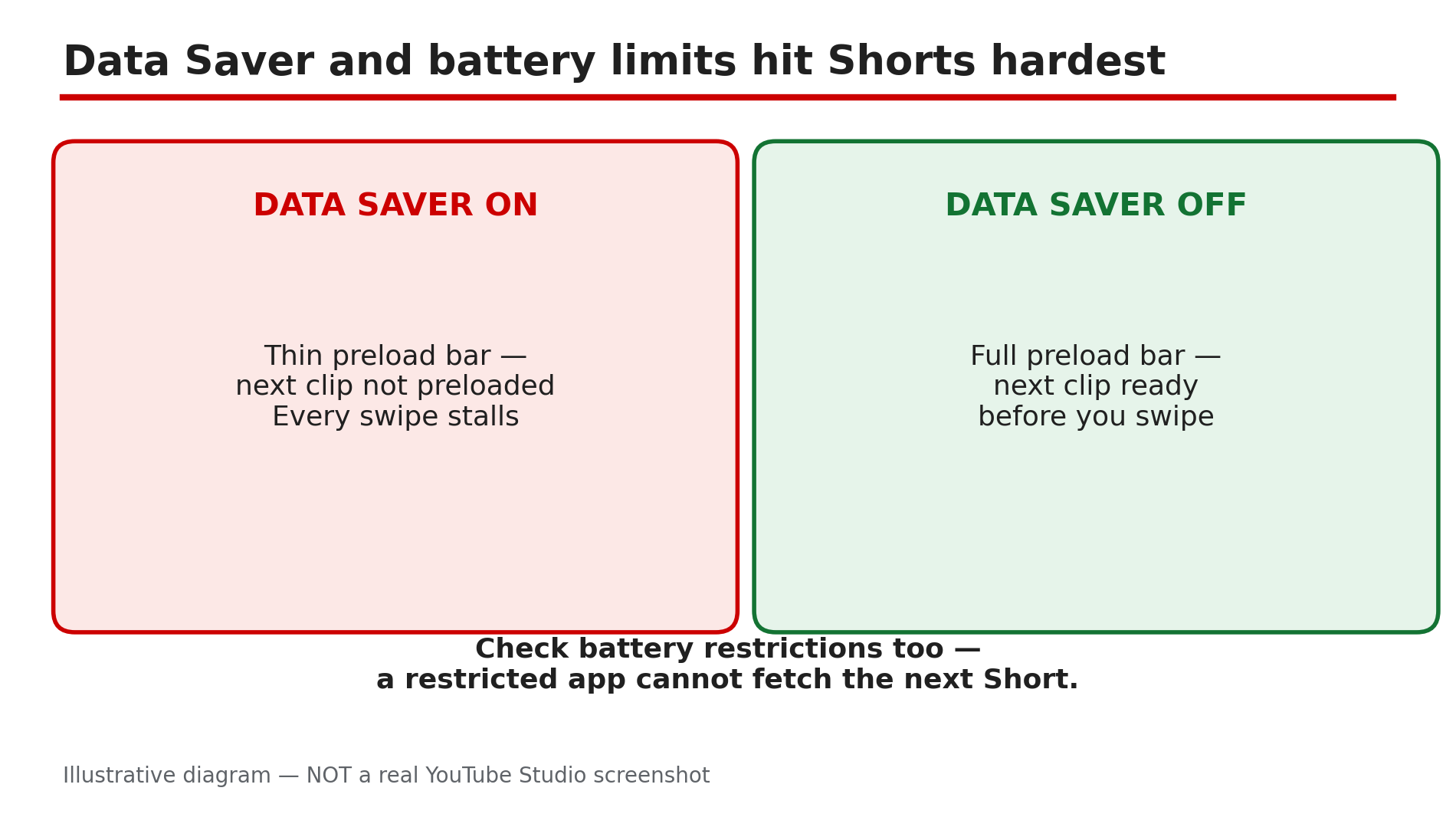
Illustrative diagram: how Data Saver and battery restrictions slow down the Shorts feed.
Step 5 — Update the app and re-sign in
What to do: Rule out a bad app build and a stale signed-in session, in that order.
How: Open your app store and check for a YouTube update — install it if one is waiting, then restart your phone before testing again, as reported. A faulty build can break Shorts first while long-form keeps working. If the feed is still stuck, sign out and sign back in to the same account: an empty personalised feed is sometimes a session problem, not a network one.
Example: A viewer’s Shorts stopped loading the day after an app update. The next update, released three days later, fixed the feed without him changing anything else.
Common mistake: Updating the app and testing immediately without restarting the phone — the old version can keep running in the background until the device restarts.
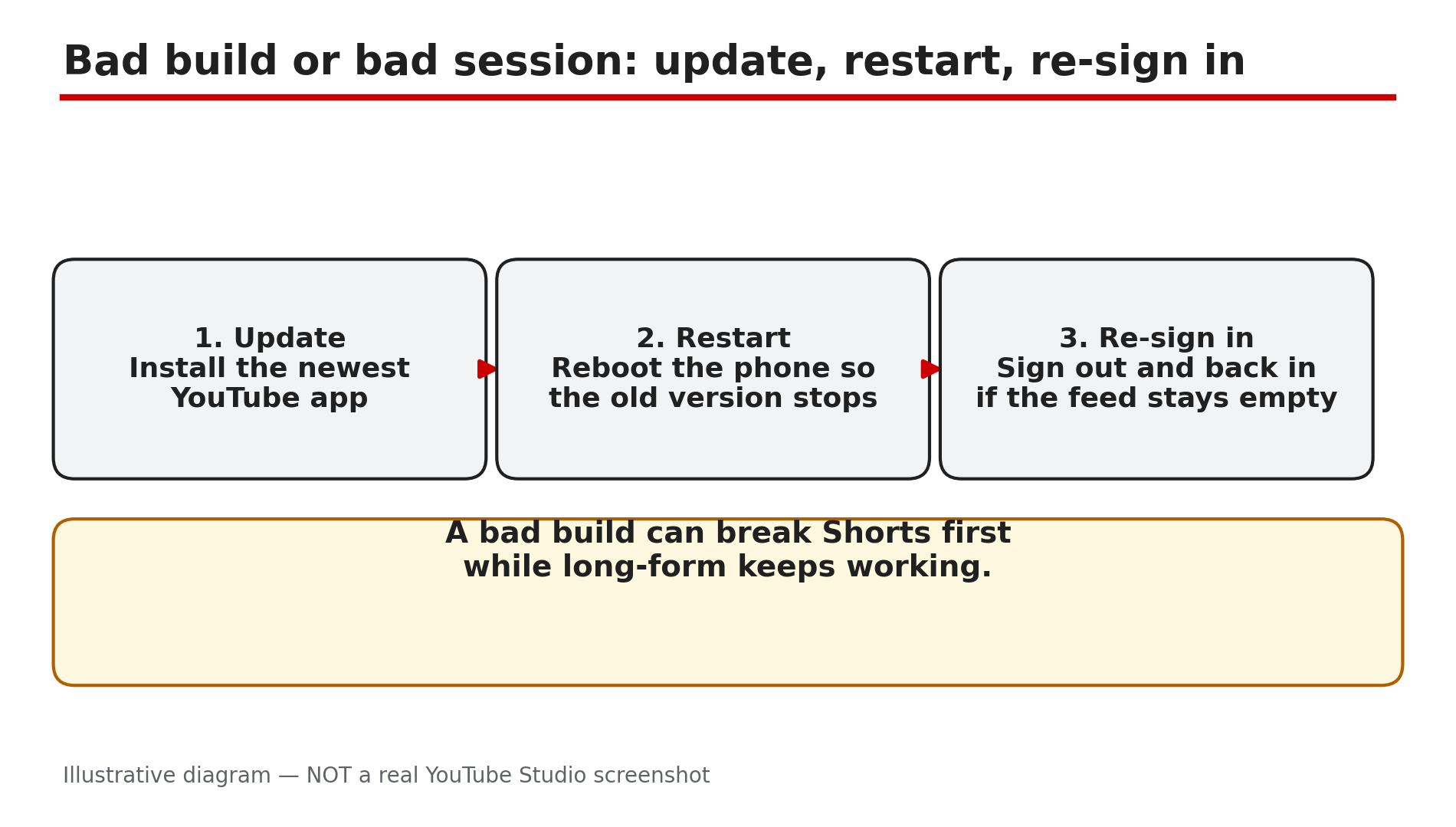
Illustrative diagram: the three steps that rule out a bad app build or a stale signed-in session.
Step 6 — Know when the problem is YouTube’s, and wait it out
What to do: If every fix above fails on every network and every device, check for a wider outage and stop troubleshooting your phone.
How: Try the Shorts tab on a second device, or in a desktop browser at youtube.com/shorts. If Shorts fail everywhere, check a service-status site such as Downdetector for YouTube reports, as reported. A fault that began right after an app update is likely the build itself — the fix is the next update, and no cache clearing will help.
Example: A household finds Shorts frozen on two phones and a tablet at the same time. Downdetector shows a spike of YouTube reports, and the feed recovers by itself within the hour.
Common mistake: Factory-resetting the phone for a YouTube-side fault — an extreme step that never fixes a server or app-build problem.
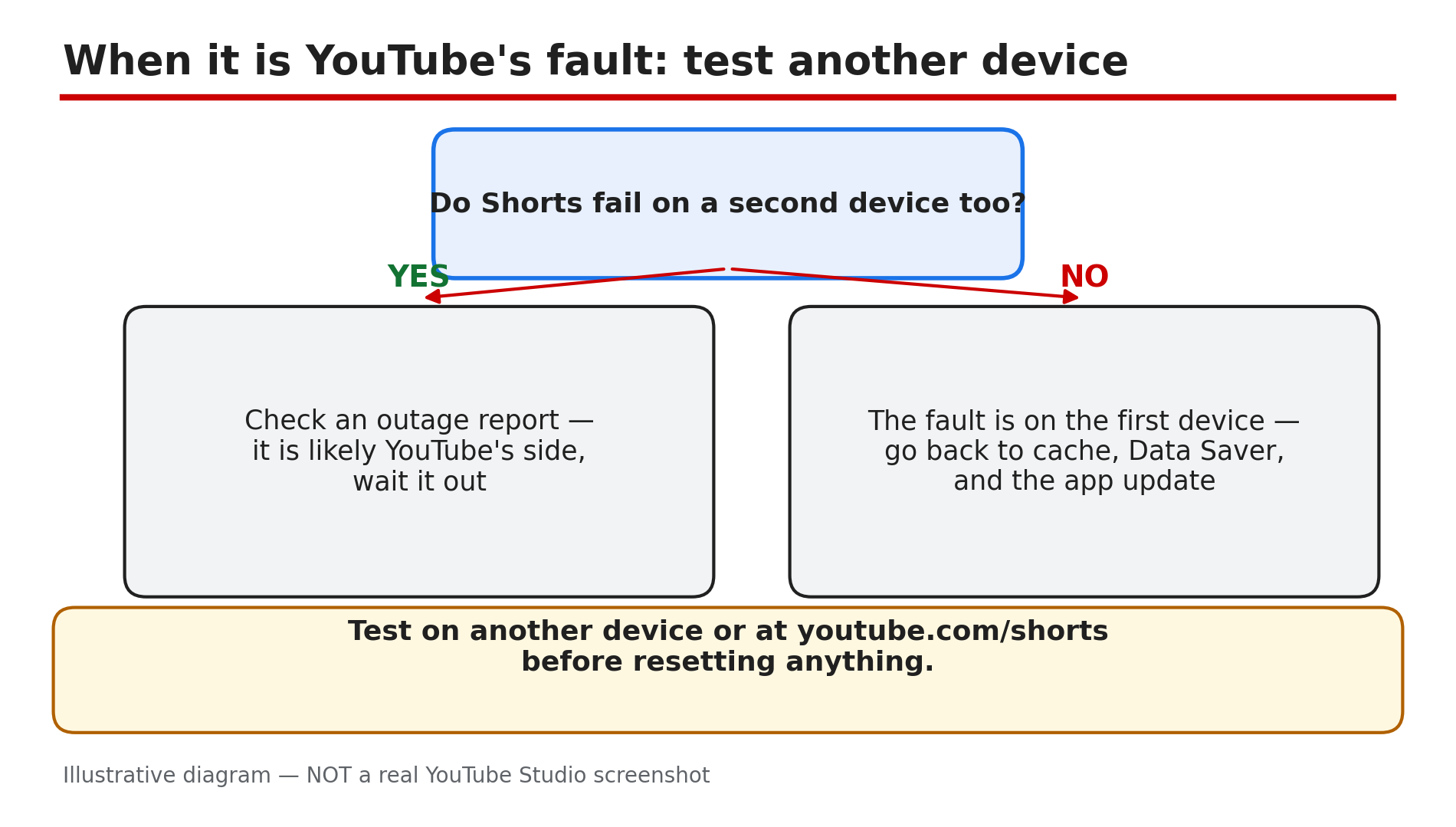
Illustrative diagram: a decision tree for telling a YouTube-side Shorts outage from a fault on one device.
Checklist — Fix YouTube Shorts not loading or stuck buffering
- ☐ Confirmed long-form videos play while Shorts do not
- ☐ Tested the Shorts feed on a second network (Wi-Fi and mobile data)
- ☐ Toggled airplane mode to force a fresh connection
- ☐ Cleared the YouTube cache on Android, or offloaded the app on iPhone
- ☐ Turned off Data Saver inside YouTube
- ☐ Checked battery restrictions are not throttling the YouTube app
- ☐ Updated the YouTube app and restarted the phone
- ☐ Signed out and back in if the personalised feed stays empty
- ☐ Checked a second device and an outage report before resetting anything
FAQs
1. Why do Shorts buffer while normal YouTube videos play fine?
Because Shorts preload aggressively as you swipe, so a slow, restricted, or throttled connection stalls the feed while a single long-form video still buffers, as reported. A stale Shorts cache entry can also wedge the tab while everything else works.
2. Will clearing the YouTube cache delete my downloads?
No — Clear cache on Android removes temporary files only and keeps your login and downloads. Clear data is the option that signs you out and deletes downloads, so tap the right one.
3. Does Data Saver really affect Shorts more than long videos?
Yes, as reported — Shorts depend on preloading the next clip before you swipe, and Data Saver limits preloading.
4. Shorts stopped loading right after an app update. Is my phone broken?
Almost certainly not — a bad app build can break Shorts first while long-form keeps working, as reported. Wait for the next update.
5. Should I reinstall YouTube if Shorts will not load?
Only after the steps above. Reinstalling is a last resort: clear the cache, switch networks, turn off Data Saver, and update the app first — see our guide on the YouTube app crashing or showing a black screen for the full app-repair order.
Sources
- YouTube Help — “Troubleshoot YouTube video errors” (official page, opened live 10 Nov 2026): https://support.google.com/youtube/answer/3037019?hl=en
- CreatorPlaybook — “YouTube Video Stuck at Low Quality? Why 1080p or 4K Is Missing” (internal link, live-verified published post): </blog/youtube-video-stuck-at-low-quality-why>
- CreatorPlaybook — “YouTube App Not Opening, Crashing, or Black Screen? How to Fix It” (internal link, live-verified published post): </blog/youtube-app-not-opening-crashing-or>