Views vs Unique Viewers vs Impressions on YouTube: What Each Number Really Means
 CreatorPlaybook Team
- 12 Nov, 2026
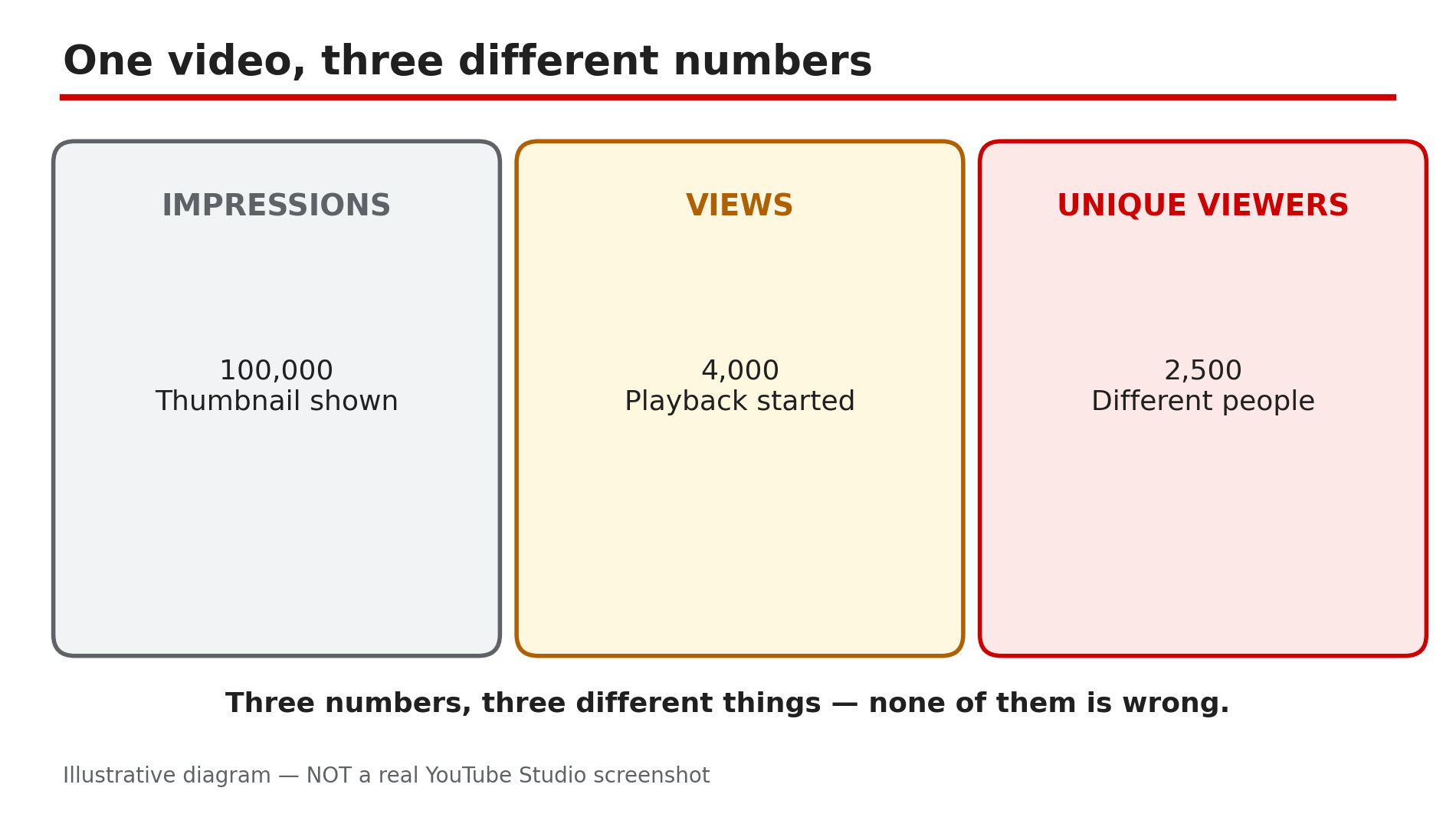
Open YouTube Analytics and you will see three numbers that look like they should agree — and do not. A video can have 100,000 impressions, 4,000 views and only 2,500 unique viewers — and none of those numbers is wrong. They measure three different things: how many times the thumbnail was shown, how many times playback started, and how many different people watched. Confusing them leads to wrong fixes. This guide defines each number the way YouTube does, then shows how to read them together.
What You Will Learn
- What an impression is
- What impressions click-through rate measures
- How YouTube counts a view since the 24 August 2026 change
- What unique viewers counts, and why it is always lower than views
- What unique reach adds, including co-viewing on one TV
- How to diagnose a video from the three numbers
Step 1 — Impressions: how many times your thumbnail was shown
What to do: Read impressions as “chances to be clicked”, not as viewers.
How: YouTube’s Help page defines impressions as the number of times your thumbnail was shown to viewers on YouTube. Every appearance on Home, in search, in Suggested videos or in the Shorts feed is one impression — whether the viewer noticed it or not. One person can generate many impressions by scrolling past the same thumbnail again and again. A video that is never surfaced anywhere gets almost no impressions — a video with zero impressions has a distribution problem, not a thumbnail problem.
Example: A new video shows 40,000 impressions in its first week. That does not mean 40,000 people saw it — the thumbnail appeared 40,000 times, many of them the same people scrolling past it on Home.
Common mistake: Calling 100,000 impressions “100,000 people reached”. Reach is a different number — Step 5 — and impressions alone say nothing about how many people noticed it.
Illustrative diagram: one video’s impressions, views and unique viewers side by side.
Step 2 — Impressions click-through rate: of the people who saw it, how many clicked
What to do: Use impressions CTR to judge the thumbnail and title together.
How: Impressions click-through rate is how often viewers watched a video after seeing its thumbnail. It is a ratio, not a count: 4,000 views from 100,000 impressions is a 4% CTR. YouTube’s Help page says half of all channels and videos sit between 2% and 10% impressions CTR, so a 2–3% CTR is not automatically broken — traffic source moves the number more than niche does. Compare against your own recent videos of similar length, which Analytics shows as typical CTR, not against a stranger’s screenshot.
Example: Two videos each get 50,000 impressions. One gets 1,500 views (3% CTR), the other 5,000 views (10% CTR) — the second thumbnail earned three times as many clicks from the same chances.
Common mistake: Judging a video by CTR alone. A 10% CTR on 1,000 impressions is 100 views; a 3% CTR on 1,000,000 impressions is 30,000 views.
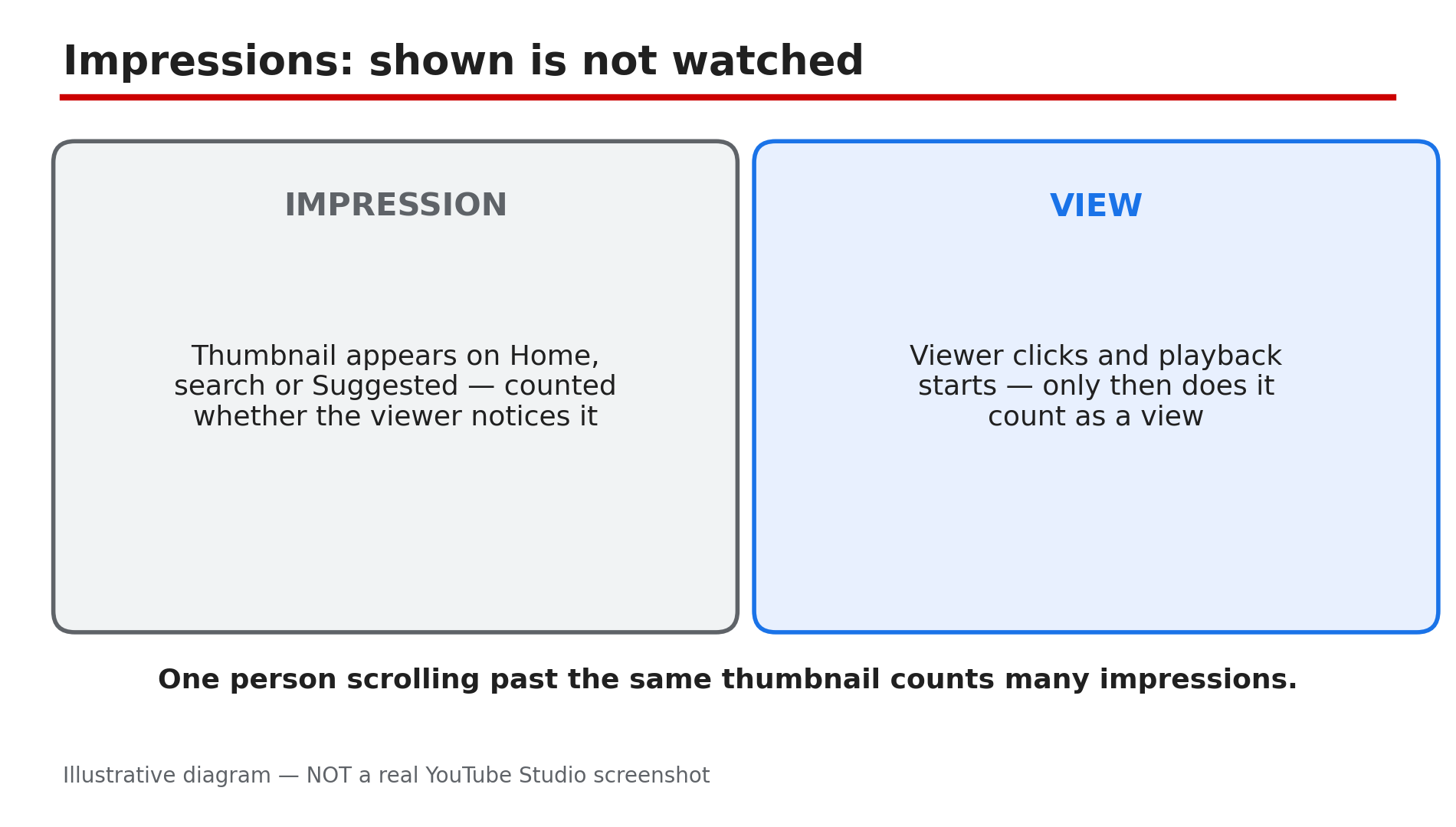
Illustrative diagram: an impression is a thumbnail shown, a view is playback started.
Step 3 — Views: playback started, counted from the first moment since 24 August 2026
What to do: Read views as “playbacks started” — the rule changed on 24 August 2026.
How: YouTube’s Help page states that since 24 August 2026, views are counted the moment a video starts to play, across all formats. Before that, a Short counted as a view only after a few seconds of watching; now the count starts at playback. That is why Shorts view counts jumped after the change while watch time did not. YouTube also validates playbacks while counting, so the public counter can slow down, freeze or fall while low-quality playbacks are discarded — replaying your own video on two phones is YouTube’s own example.
Example: A Short published in July 2026 showed 800 views after a day; the same Short republished after the change shows 1,400 views in a day with the same watch time. The audience did not change — the rule did.
Common mistake: Comparing a video’s views across the 24 August 2026 change as if the rule stayed the same. Views before and after that date were counted differently — a jump or drop across that line is a measurement change, not a performance change.
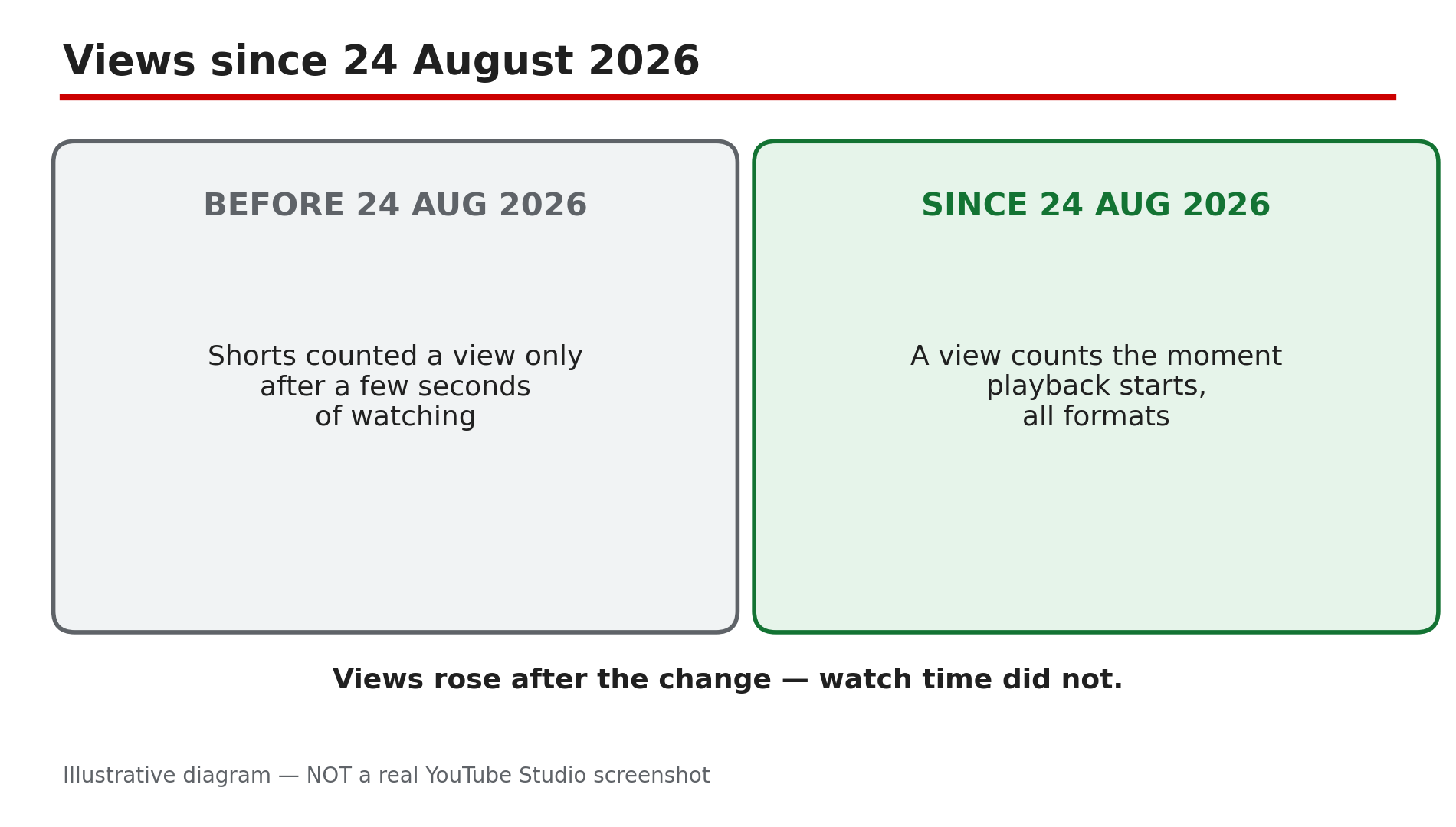
Illustrative diagram: how YouTube’s view-counting rule changed on 24 August 2026.
Step 4 — Unique viewers: how many different people watched
What to do: Read unique viewers as your audience size — one person watching five times is five views but one unique viewer.
How: YouTube defines unique viewers as the estimated number of viewers who watched your content within the selected date range. The key word is estimated: YouTube deduplicates by signed-in accounts and device signals, and it cannot perfectly identify every person. The gap tells you about repeat watching — a tutorial with 10,000 views and 9,000 unique viewers was mostly watched once each, while a music video with 10,000 views and 3,000 unique viewers was rewatched heavily.
Example: A 10-minute how-to has 5,000 views and 4,800 unique viewers — almost everyone watched once. A 30-second Short has 50,000 views and 12,000 unique viewers — the same people looped it several times each.
Common mistake: Treating unique viewers as a smaller, worse version of views. It is the audience size; views are the audience size multiplied by how often they came back.
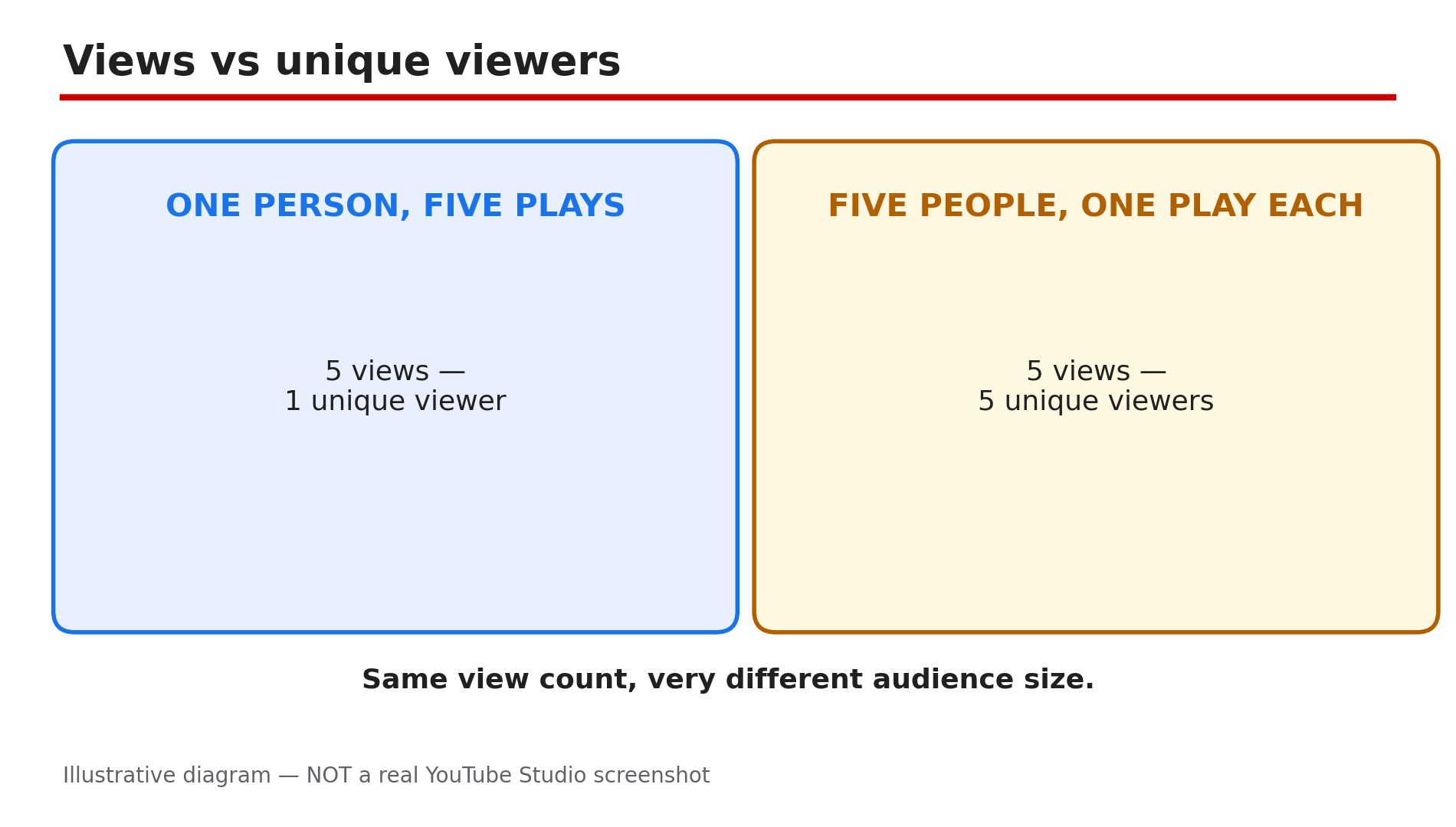
Illustrative diagram: the same view count can mean one repeat viewer or five different people.
Step 5 — Unique reach: the people who saw it, including co-viewing on one TV
What to do: Use unique reach for how many people the video actually reached, including people watching together.
How: Unique reach is the estimated total number of individual people who saw your video or channel, accounting for shared viewing on devices like YouTube TV and the main YouTube app on TV. The Help page gives the example directly: if three people watch your video together on one TV, it counts as one view but the video’s unique reach increases by three. The related metric, Views (Co-viewed), does the same — a family of three watching twice counts as six co-viewed views. On a channel whose audience watches on TV, views understate the real audience, and unique reach corrects for it.
Example: A family channel’s video shows 20,000 views and 32,000 unique reach. The gap is not an error — households watching together on the living-room TV, where one playback reaches three or four people.
Common mistake: Comparing unique reach with unique viewers as if they were the same thing. Unique viewers counts people who watched; unique reach counts people who saw the video or channel, including co-viewers who never pressed play.
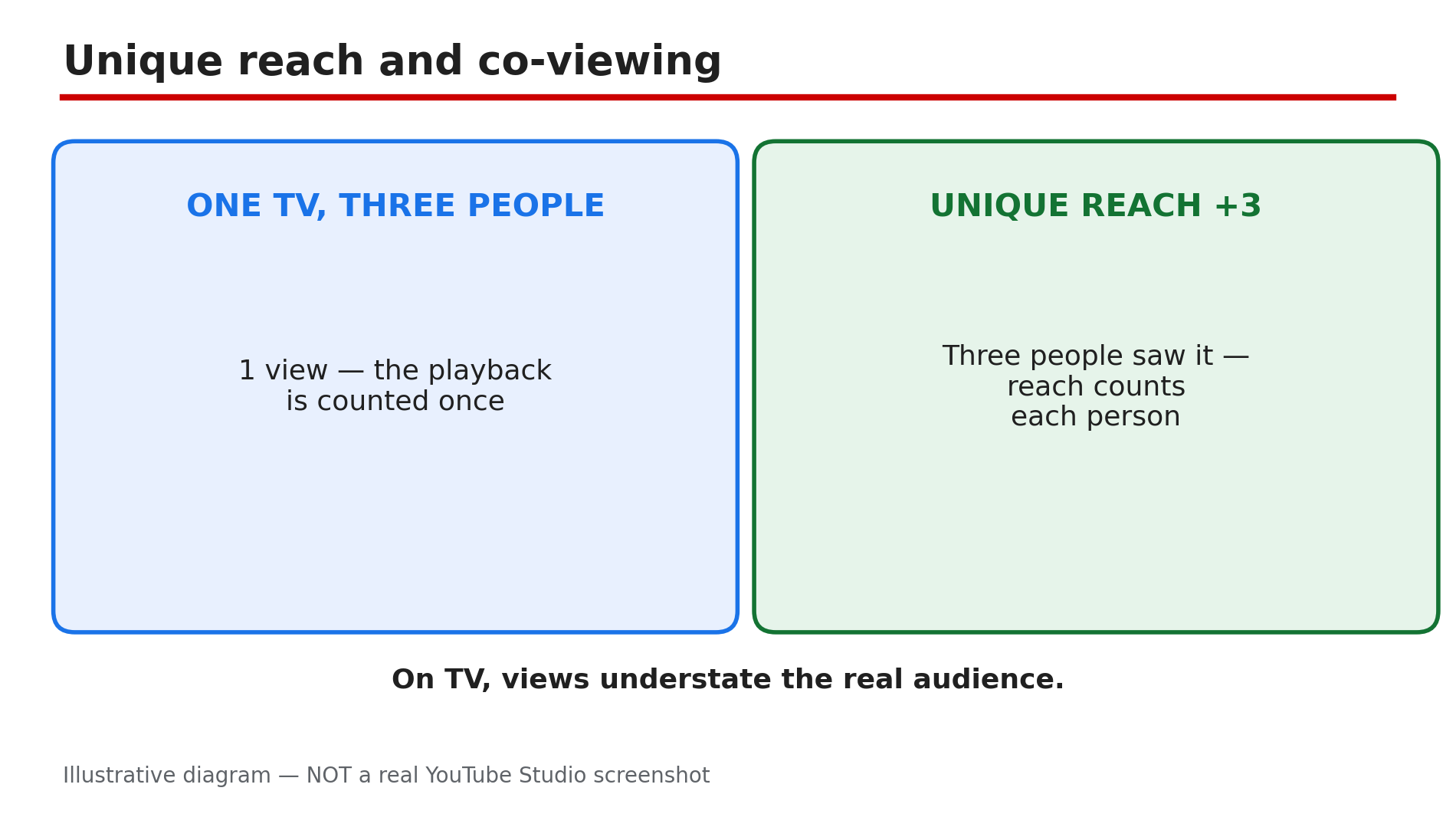
Illustrative diagram: three people watching on one TV count as one view but three in unique reach.
Step 6 — Read the three numbers together: the diagnosis is in the combination
What to do: Put the three numbers side by side before deciding what to fix — each pattern points at a different problem.
How: High impressions with low views means the thumbnail and title are not earning clicks — a packaging problem, and our guide on thumbnail CTR stuck at 2–3% shows how to test your way up. High impressions with low unique viewers means the same small pool keeps seeing the thumbnail — a distribution problem. High views with low unique viewers means heavy rewatching: the video holds its audience but is not reaching new people, so the fix is distribution and topic choice. Low impressions with high CTR means the packaging works but YouTube is not surfacing the video — check the topic and title keywords.
Example: One video has 200,000 impressions, 3,000 views and 2,800 unique viewers — CTR is 1.5%, so the thumbnail is the problem. Another has 200,000 impressions, 12,000 views and 3,000 unique viewers — CTR is fine, but the same 3,000 people watched four times each, so the problem is reach.
Common mistake: Fixing the thumbnail when the problem is distribution, or re-editing the video when the problem is the thumbnail. The three numbers together tell you which to fix — changing the wrong thing wastes a week.
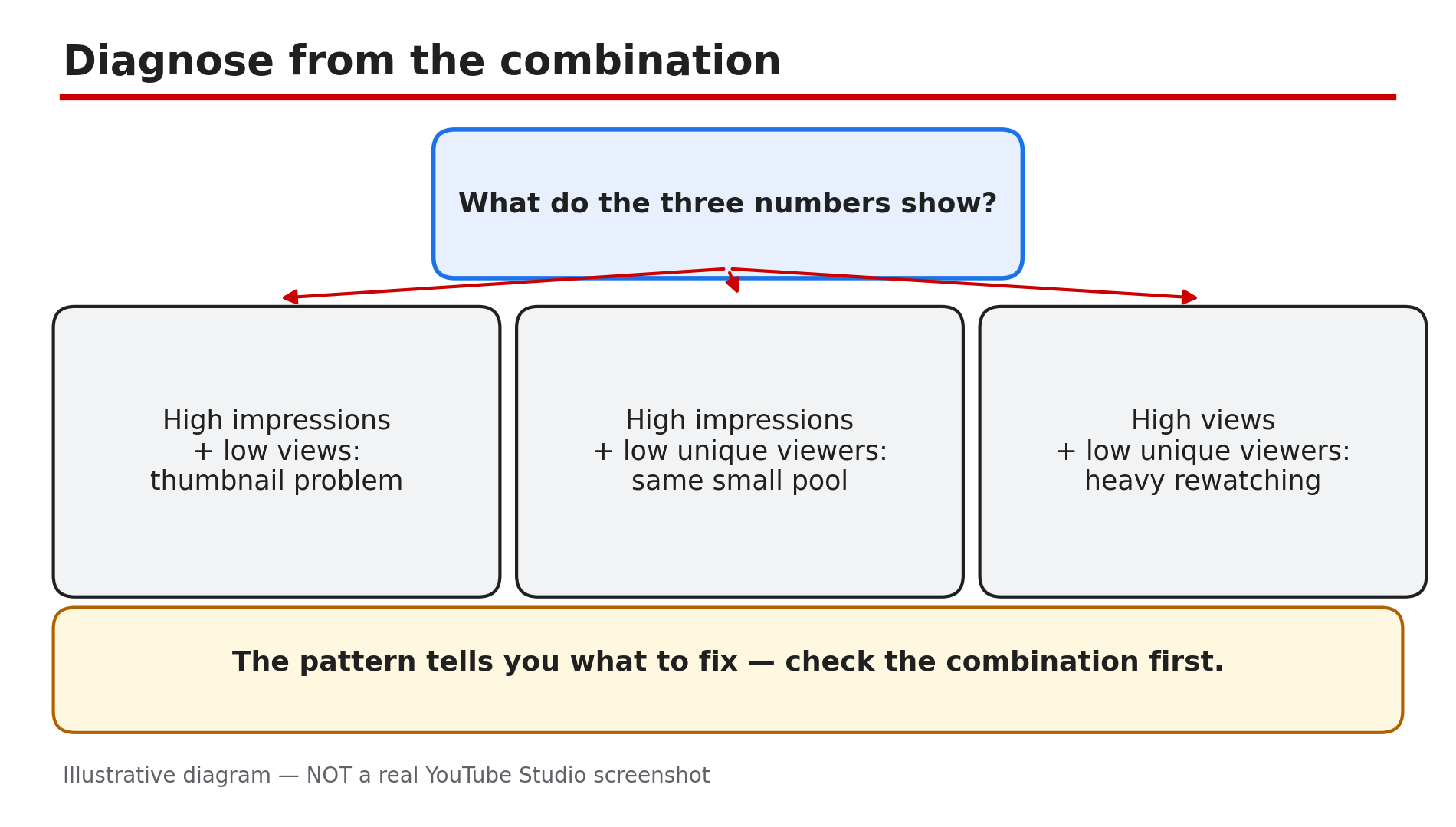
Illustrative diagram: three number patterns and the problem each one points to.
Checklist — Read your Analytics numbers correctly
- ☐ Checked impressions in the Reach tab, not just the headline count
- ☐ Compared impressions CTR with my own recent videos, not a stranger’s
- ☐ Remembered views count from playback start since 24 Aug 2026
- ☐ Read unique viewers as audience size, not a smaller view count
- ☐ Checked unique reach for co-viewing on TV
- ☐ Compared views with unique viewers to spot rewatching
- ☐ Diagnosed from the combination, not from one number alone
- ☐ Did not compare views across the 24 August 2026 counting change
FAQs
1. Why are my views higher than my unique viewers?
Views count playbacks; unique viewers count people. One person watching five times is five views and one unique viewer — a big gap usually means heavy rewatching.
2. Why do my impressions keep rising but my views stay flat?
Your thumbnail is being shown but not clicked — a thumbnail and title problem. Check the packaging before touching the video itself.
3. Are impressions the same as reach?
No. Impressions count how many times the thumbnail was shown, including repeats to the same person. Unique reach counts individual people who saw the video or channel, including people watching together on one TV.
4. Did the 24 August 2026 change make my Shorts views go up?
Very likely. Since that date a view counts the moment playback starts, so Shorts views rose while watch time stayed the same. It is a counting change, not an audience change — and it does not change YPP earnings, which still use engaged views.
5. My views froze for a day — is something broken?
Usually not. YouTube validates playbacks while counting, so the public counter can slow down, freeze or fall while low-quality playbacks are discarded. A count stuck at zero with no impressions at all is a distribution problem instead.
Sources
- YouTube Help — “Understand your YouTube content performance” (official page, opened live 12 Nov 2026): https://support.google.com/youtube/answer/12220281?hl=en
- CreatorPlaybook — “YouTube CTR Suddenly Dropped After the 24 August 2026 View-Counting Change? What Really Happened” (internal link, URL copied from the plan file): </blog/youtube-ctr-suddenly-dropped-after-24>
- CreatorPlaybook — “How to Read Your YouTube Retention Graph: Dips, Spikes and What to Fix” (internal link, URL copied from the plan file): </blog/how-to-read-your-youtube-retention>