YouTube Channel Not Growing? Diagnose the 4-Stage Analytics Bottleneck in Order
 CreatorPlaybook Team
- 31 Oct, 2026
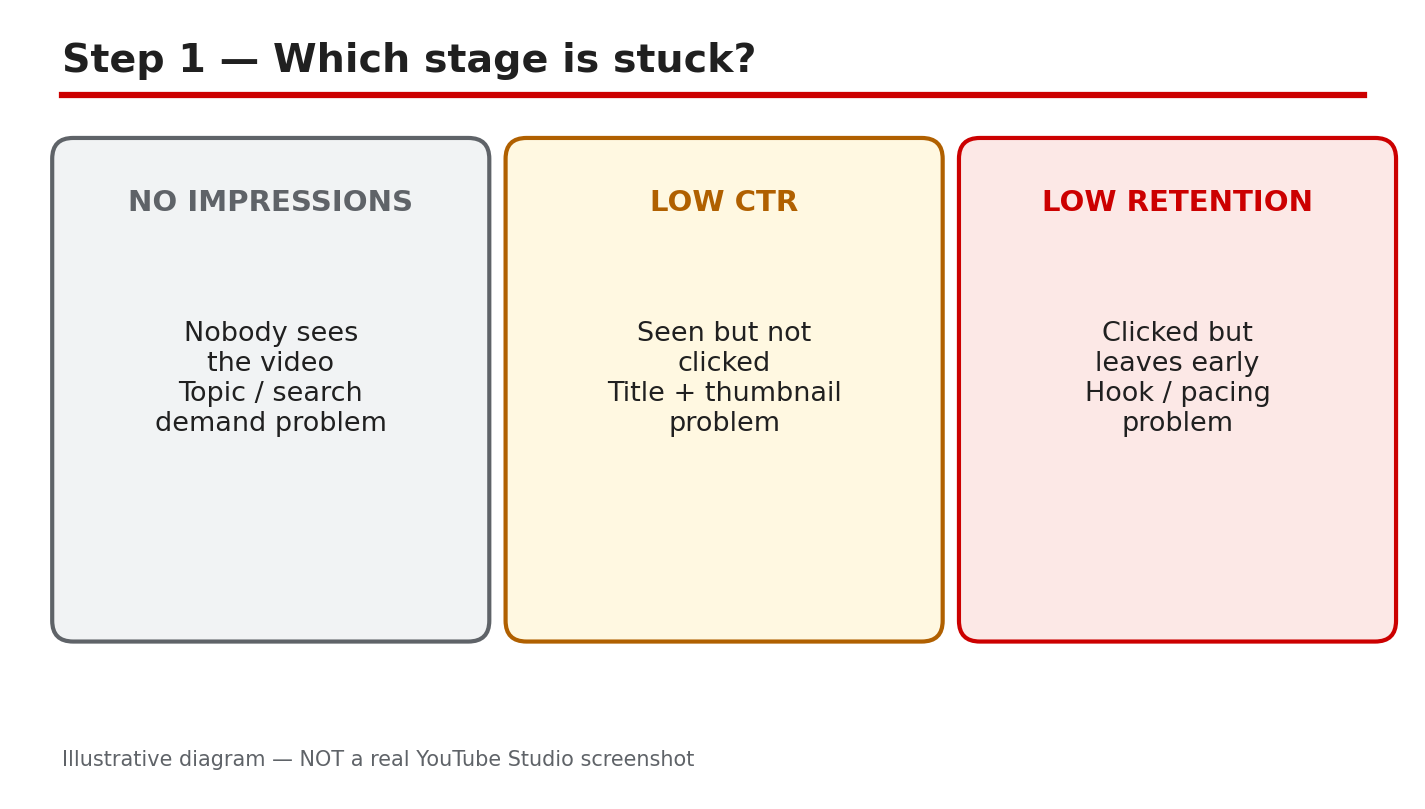
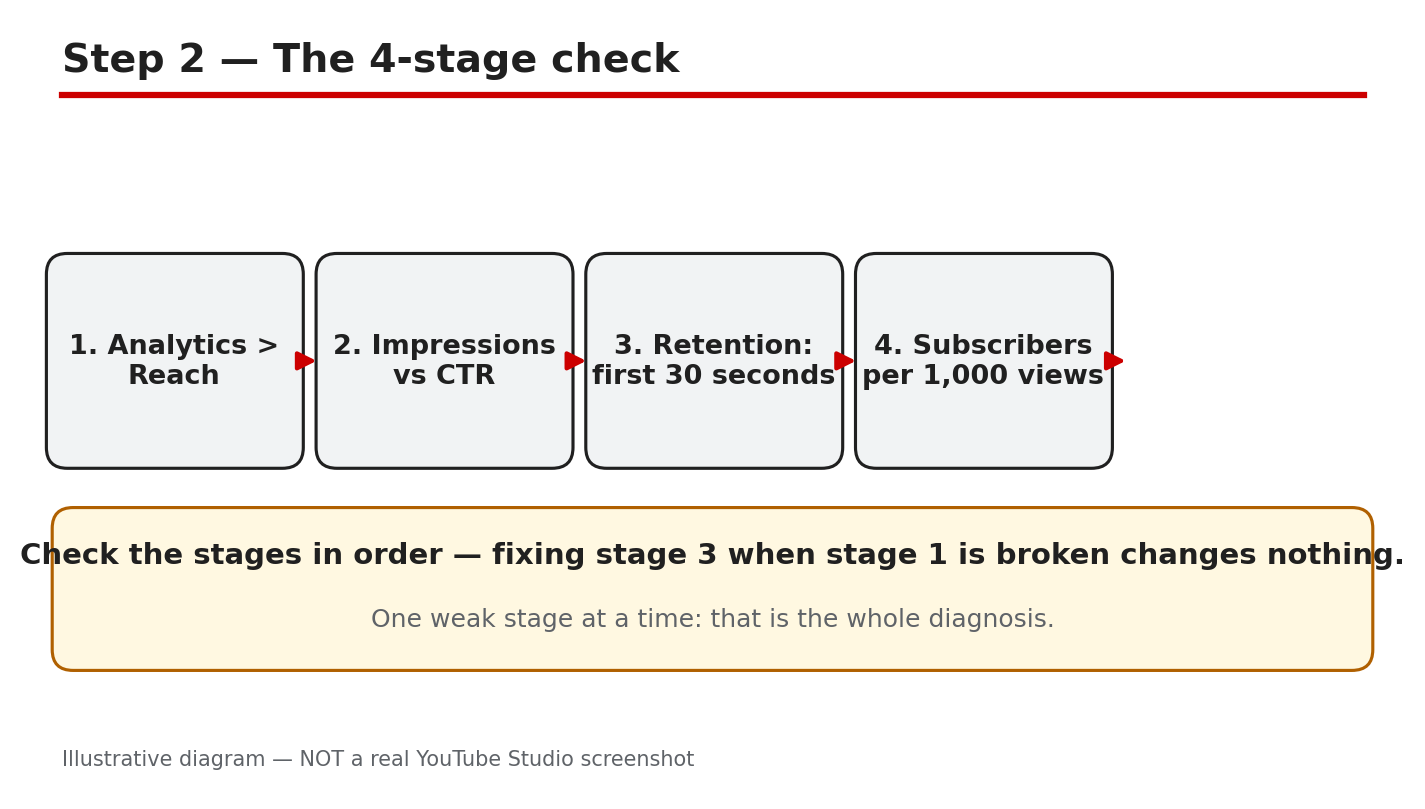
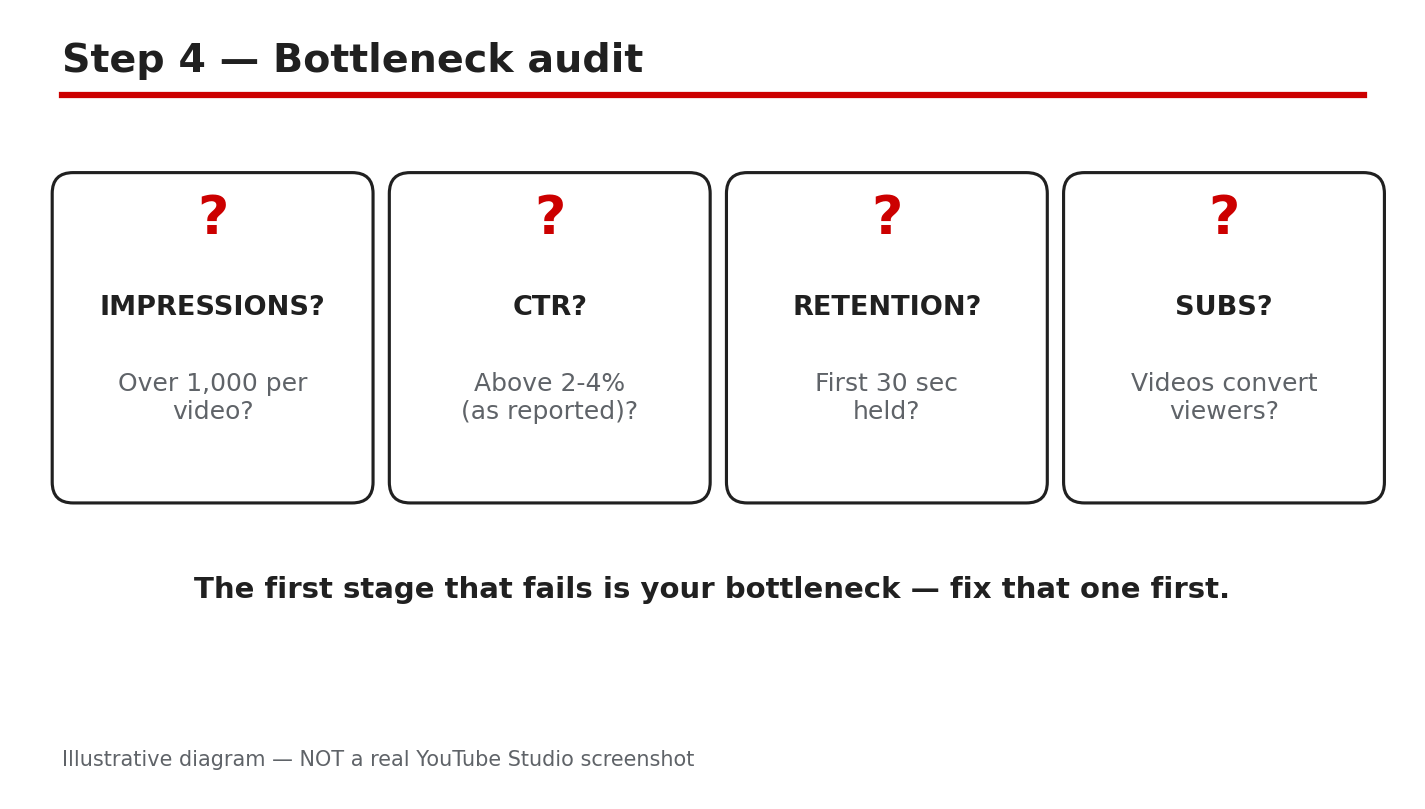
Your channel is not growing, but the views graph does not tell you why. A channel can stall at four different stages, and each stage needs a different fix. YouTube Analytics shows the chain in order: impressions, click-through rate, retention, then subscribers. If nobody sees your video, the thumbnail is not the problem. If people see it but do not click, the title and thumbnail are. If they click but leave in ten seconds, the opening is. If they watch but never subscribe, the channel is giving them no reason to return. This guide walks the chain in order, so you fix the stage that is actually broken.
What You Will Learn
In this guide you will learn how to find the stage where your channel stalls, how to read impressions, click-through rate, retention, and subscriber data in Analytics, and how to fix one stage at a time and measure the result over seven days.
Step 1 - Check Impressions First
What to do: Open YouTube Studio, go to Analytics, open the Reach tab, and look at impressions for your last five videos. Compare them with your best recent video, not with a large channel.
How: Impressions count how often YouTube shows your thumbnail to viewers. As reported, YouTube Help describes impressions as the number of times a thumbnail is shown, so a low number means YouTube is showing the video to few people. Compare impressions per video, not the channel total. For more, see how to read YouTube Analytics.
Example: A creator’s new video had only 300 impressions in a week while her older videos had 4,000 each. She checked the topic and found almost nobody was searching for it, so she remade the idea around a question people ask.
Common mistake: Blaming the thumbnail when impressions are near zero. A thumbnail cannot earn clicks YouTube never shows. Fix the topic and the search demand first.
Illustrative diagram (mock-up, not a real YouTube Studio screenshot): the four-stage bottleneck chain in order.
Step 2 - Fix the Click-Through Rate
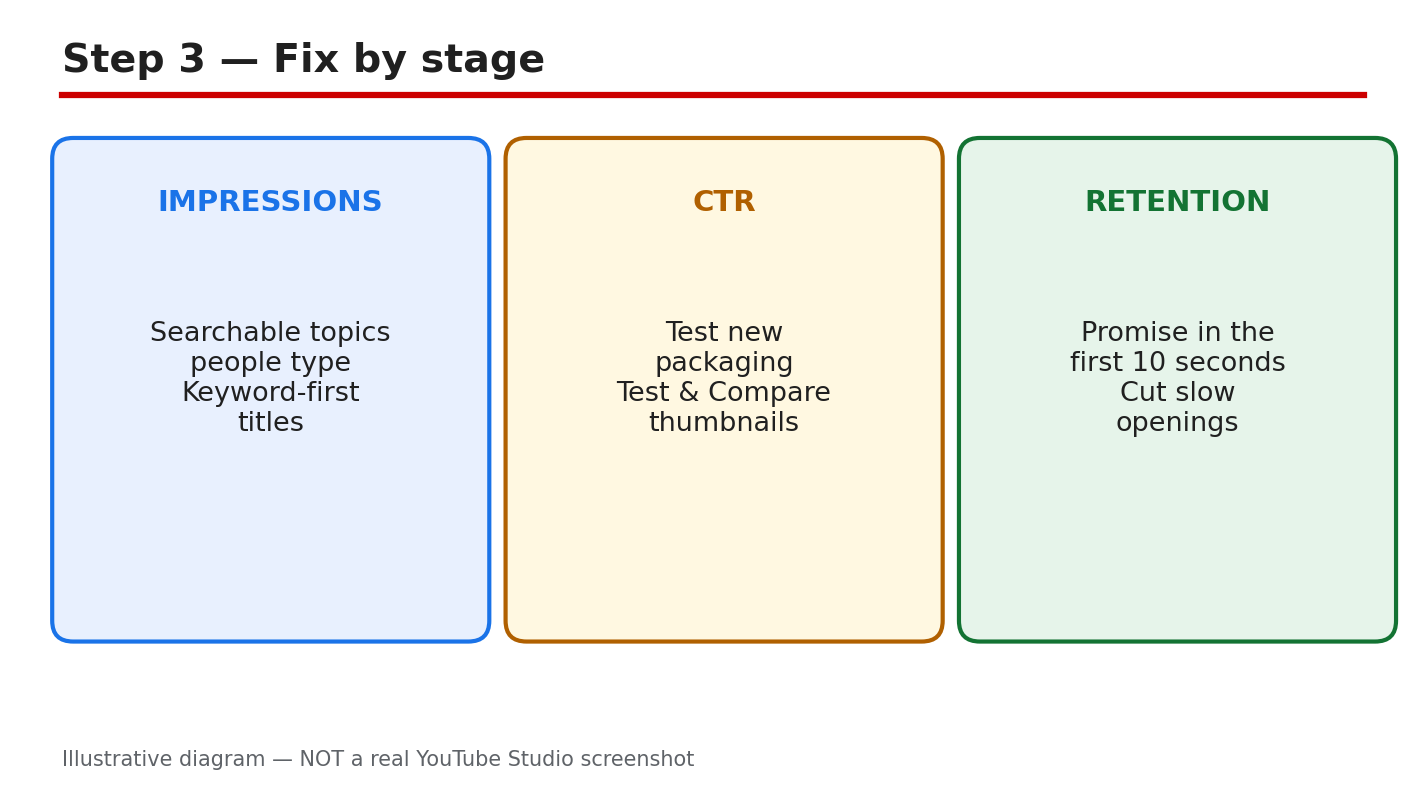
What to do: Pick the video with high impressions and low clicks, then test a new thumbnail and title on a fresh upload. Change one thing at a time so you know what worked.
How: Click-through rate is the share of impressions that turn into clicks. As reported, YouTube Help explains that it shows how often viewers watched a video after seeing its thumbnail. A rate below your channel average means the thumbnail is not promising the video well. Make the thumbnail readable at small size, with a title that promises the benefit. For more, see this guide to how to improve your click-through rate.
Example: A creator had 20,000 impressions and a 2% click-through rate. She rewrote the title to promise the benefit, and the rate rose to 4% on the next video about the same topic.
Common mistake: Changing the thumbnail and the title and the topic all at once. You will never know which change fixed the clicks.
Illustrative diagram (mock-up, not a real YouTube Studio screenshot): a clear title and thumbnail earn the click.
Step 3 - Hold Viewers Past the First 30 Seconds
What to do: Open the retention graph for your last three videos and find where most viewers leave. Rewrite the opening so the promise of the video lands in the first ten seconds.
How: Retention is the share of a video your viewers actually watch, shown moment by moment in Analytics. As reported, YouTube counts a view the moment a video starts to play, so the early seconds decide everything. Start with the outcome, cut the long intro, and promise the result in one sentence.
Example: A creator lost 60% of viewers in the first thirty seconds. She cut a 40-second channel intro, started with the result, and her average view duration doubled on the next video.
Common mistake: Asking for likes and subscriptions before the video has delivered anything. Earn the first minute, then ask.
Illustrative diagram (mock-up, not a real YouTube Studio screenshot): most viewers decide in the first thirty seconds.
Step 4 - Turn Watchers into Subscribers
What to do: Check which videos bring subscribers in Analytics, then compare them with videos that get views but no subscribers. Make more of the first kind and give viewers a clear next video to watch.
How: Subscribers come from viewers who expect more of the same value, not from one viral video. Viewers subscribe when the channel has a clear topic, a regular pattern, and a next video they already want. Add an end screen that points to a related video, and say at the end of the video what the next one covers.
Example: A creator got 50,000 views on a viral video but only 40 subscribers, because the video had nothing to do with the rest of the channel. Her next series on one topic brought 400 subscribers from 8,000 views.
Common mistake: Chasing viral topics that do not match the channel. Random viewers leave, and the subscribers you gain do not watch the next video.
Illustrative diagram (mock-up, not a real YouTube Studio screenshot): subscribers come from viewers who want the next video.
Step 5 - Fix One Stage at a Time
What to do: Write down which stage is broken, change only the part that controls it, and publish the next video with that one change. Do not redesign the channel while you are testing.
How: The chain runs in order, so a fix at the wrong stage wastes the effort. If impressions are low, a better thumbnail changes nothing. If retention is low, more impressions only bring more people who leave early. Work the bottleneck first, and keep a note of what you changed so you can trace any change in the numbers back to it.
Example: A creator changed her thumbnail, title, opening, and upload time in the same week. Views rose, but she had no idea which change did it, so she could not repeat it.
Common mistake: Fixing the stage you enjoy fixing, not the stage the numbers show is broken. Check the chain before you choose.
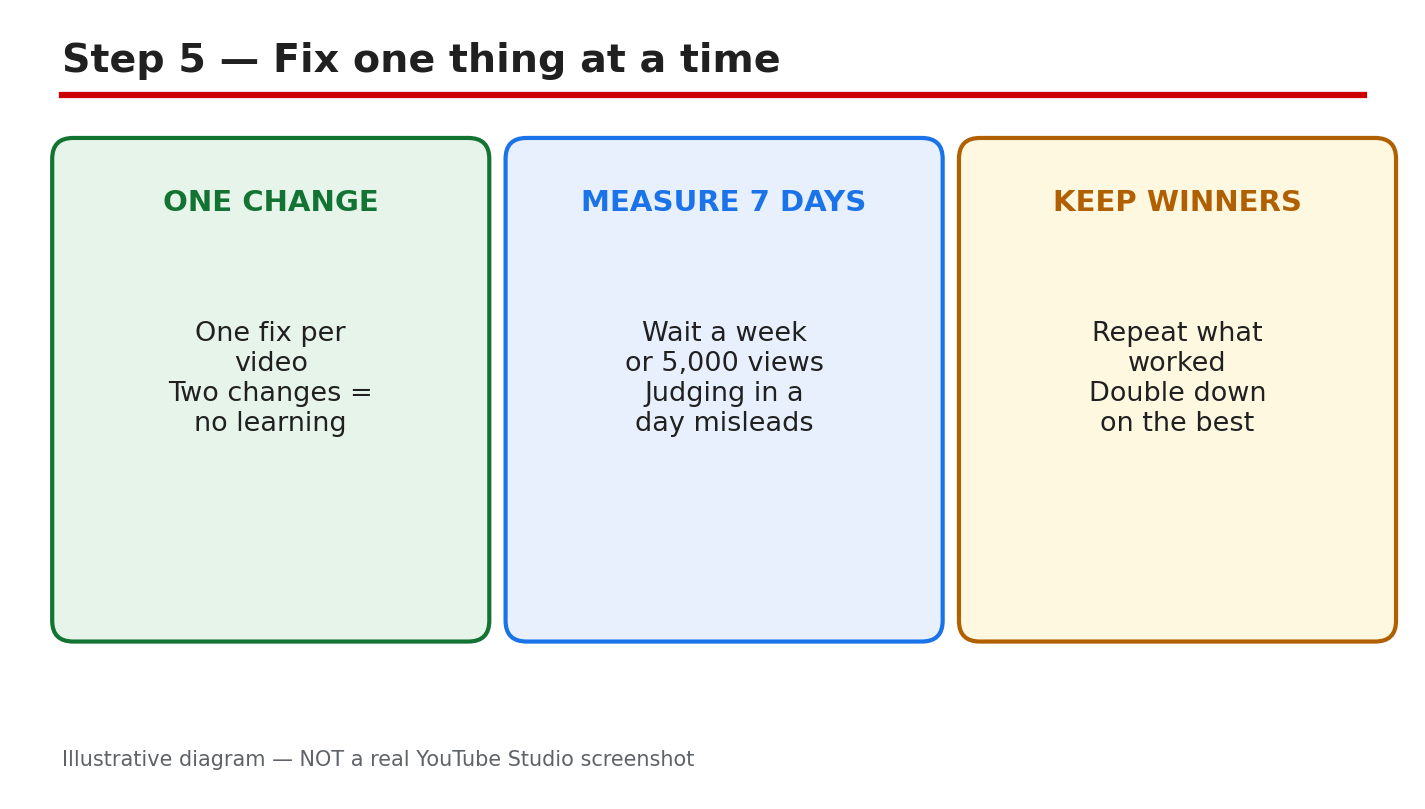
Illustrative diagram (mock-up, not a real YouTube Studio screenshot): fix one stage at a time, then check the next stage.
Step 6 - Measure for Seven Days, Then Repeat
What to do: Wait seven days after the change, then compare the stage number with the same number from before the change. Use the same video length and topic type for a fair comparison.
How: Seven days is enough for YouTube to show the video to its usual audience. Compare the same stage on the same kind of video, not a new video against a viral one. If the stage number moved the right way, keep the change and move to the next stage. If it did not move, change one thing again.
Example: A creator rewrote only her titles and waited a week. Click-through rate rose from 3% to 5%, so she kept the new title style and moved on to fixing retention.
Common mistake: Judging a change after one day, when YouTube has barely shown the video. Wait the full seven days before you decide.
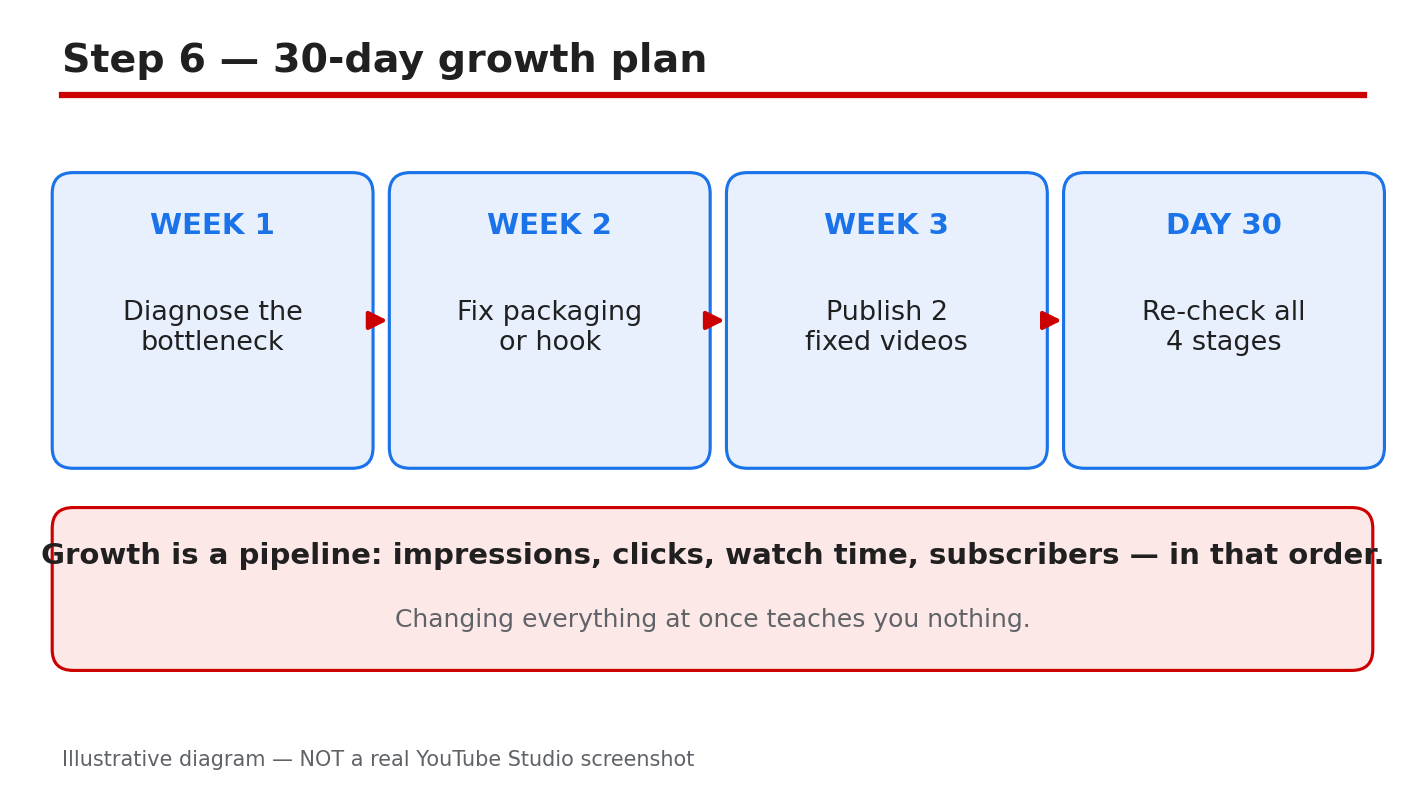
Illustrative diagram (mock-up, not a real YouTube Studio screenshot): measure seven days, then repeat the check.
Your Channel Growth Checklist
- Bottleneck stage found in Analytics, in order: impressions, CTR, retention, subscribers.
- Only the broken stage was changed, one thing at a time.
- Click-through rate checked against the channel average.
- Opening rewritten so the promise lands in ten seconds.
- Seven days waited before judging the fix.
Frequently Asked Questions
Why is my channel not growing even though I upload every week? Uploading more does not fix a broken stage. Check the chain in order — impressions, click-through rate, retention, subscribers — and fix the first stage that is weak.
What is a good click-through rate on YouTube? It depends on the channel and the topic, so compare a video with your own average, not with another channel. If the rate is below your average, the thumbnail or title is the stage to fix.
How long should I wait before judging a change? Seven days, as this guide recommends. YouTube needs time to show the video to its usual audience, and one day of data is too noisy to trust.
Should I fix impressions or retention first? Fix whichever comes first in the chain. Impressions come before clicks, and clicks come before retention, so work the earliest weak stage first.
Sources
- YouTube Help, How to understand your video reach: support.google.com/youtube/answer/9314355 (verified live 31 October 2026).
- CreatorPlaybook, Understanding YouTube Analytics: creatorplaybook.blogspot.com/2026/10/understanding-youtube-analytics.html
- CreatorPlaybook, How to Improve Click-Through Rate: creatorplaybook.blogspot.com/2026/10/how-to-improve-click-through-rate.html