YouTube Shorts Bonus Program Explained: Invitation Only, No Application
 CreatorPlaybook Team
- 29 Oct, 2026
A bonus for Shorts sounds like free money, and that is exactly why it attracts rumours. Screenshots of large payments, paid courses, and forms that promise entry all circulate online. Most of them have nothing to do with YouTube. This guide separates what was reported about the Shorts bonus program from what is not known, and shows you the one safe way to check whether you have an invite.
The short version is this: as reported, the program is invitation only, there is no application, and the details are not public. If you cannot find an invite inside your own YouTube Studio account, you are not in the test. The rest of this guide follows from that.
What You Will Learn
- What the bonus program is, as reported, and what is not public.
- Where an invite would appear in your own Studio account.
- What to check before you accept any invite.
- What to do if no invite appears, without paying anyone.
- A monthly check you can run in a few minutes.
Related reading: YouTube Shorts Not Monetized? 7 Reasons and How to Fix Each One
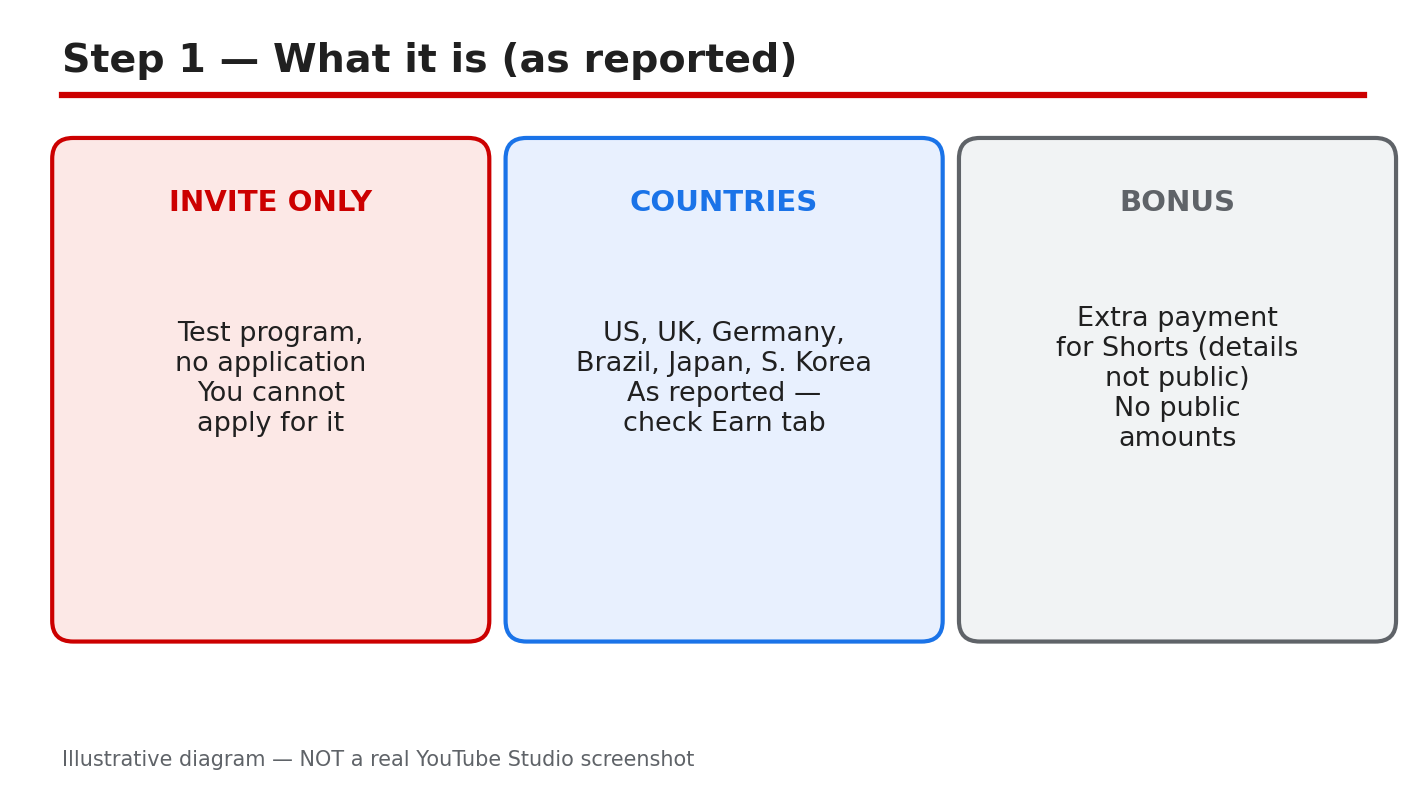
Diagram: the invite-only test as reported, with no application and no public details. This is an illustrative diagram and mock-up, not a real YouTube Studio screenshot.
Step 1: Understand What the Program Is, as Reported
As reported, the Shorts bonus program is a limited, invitation-only test. Creators in the United States, the United Kingdom, Germany, Brazil, Japan, and South Korea were reported to be included, and there is no application form and no way to ask to join. The amounts, the entry criteria, and the end date were not made public. Treat all of that as reported, not as a promise.
Example: a creator sees a post claiming a fixed bonus for every 1,000 Shorts views. No such amount was verified, so the claim should be treated as a rumour, not as a rate to plan around.
Common mistake: repeating a bonus amount seen in a video or a comment as if YouTube had stated it. A repeated rumour does not become an official figure.
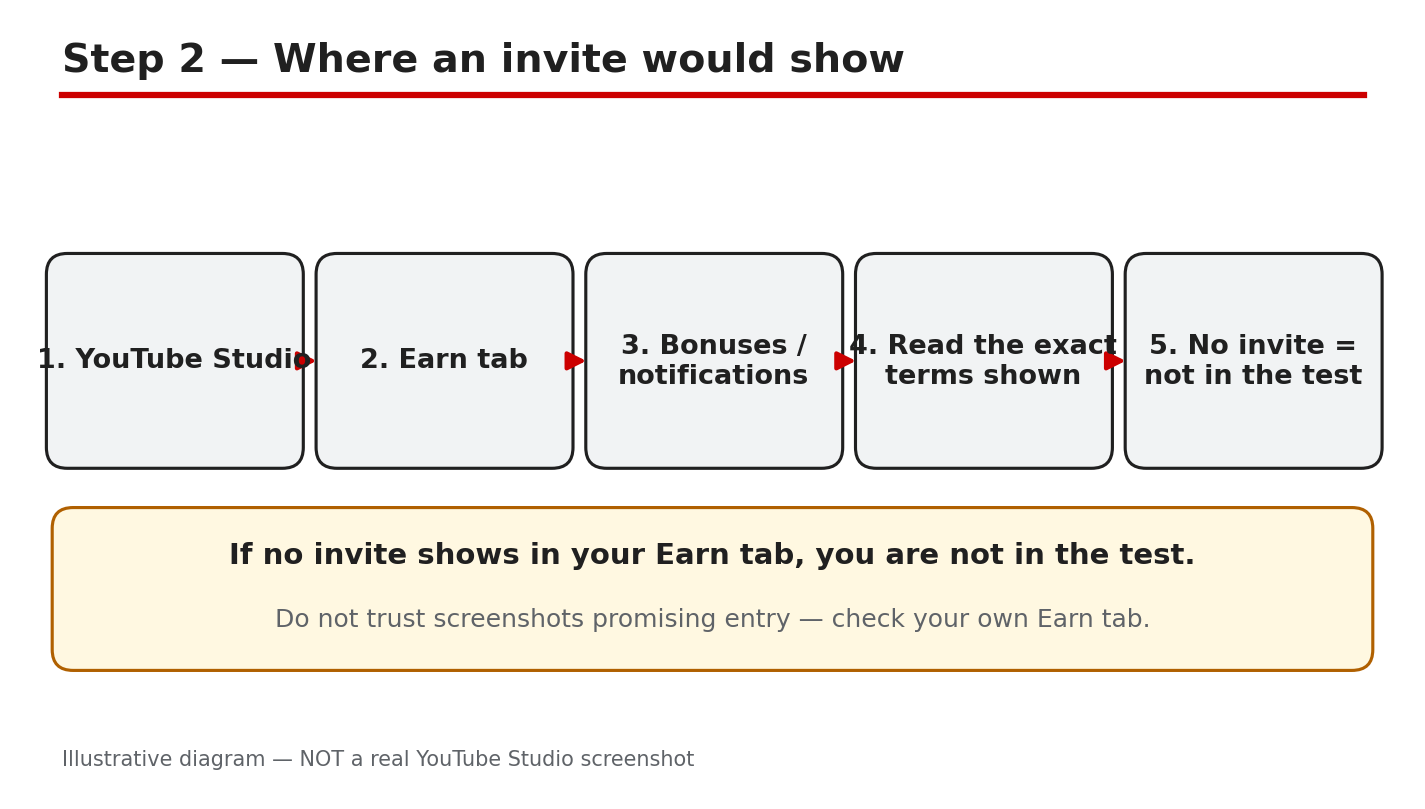
Diagram: where an invite would show, in the Earn tab, bonuses, and notifications. This is an illustrative diagram and mock-up, not a real YouTube Studio screenshot.
Step 2: Check Where an Invite Would Show
An invite would appear inside the creator’s own account, so that is the only place to look. Open YouTube Studio, check the Earn tab, look for a bonuses section, and read your notifications, including the Studio inbox. The official Help page states that creators are told by email and by a notification in the YouTube Studio dashboard and inbox, and that acceptance takes place in YouTube Studio. If nothing appears in any of those places, you have no invite. Do not trust someone else’s screenshot, and never pay for entry.
Exact path: YouTube Studio > Earn tab > bonuses / notifications > Studio inbox.
Example: the Earn tab shows only the usual revenue sections, and no bonus offer appears in notifications or the inbox. That means no invite, and no further action is needed.
Common mistake: clicking a link in an email or a message that claims to be the invite. Open Studio directly instead, and look for the offer inside your own account.
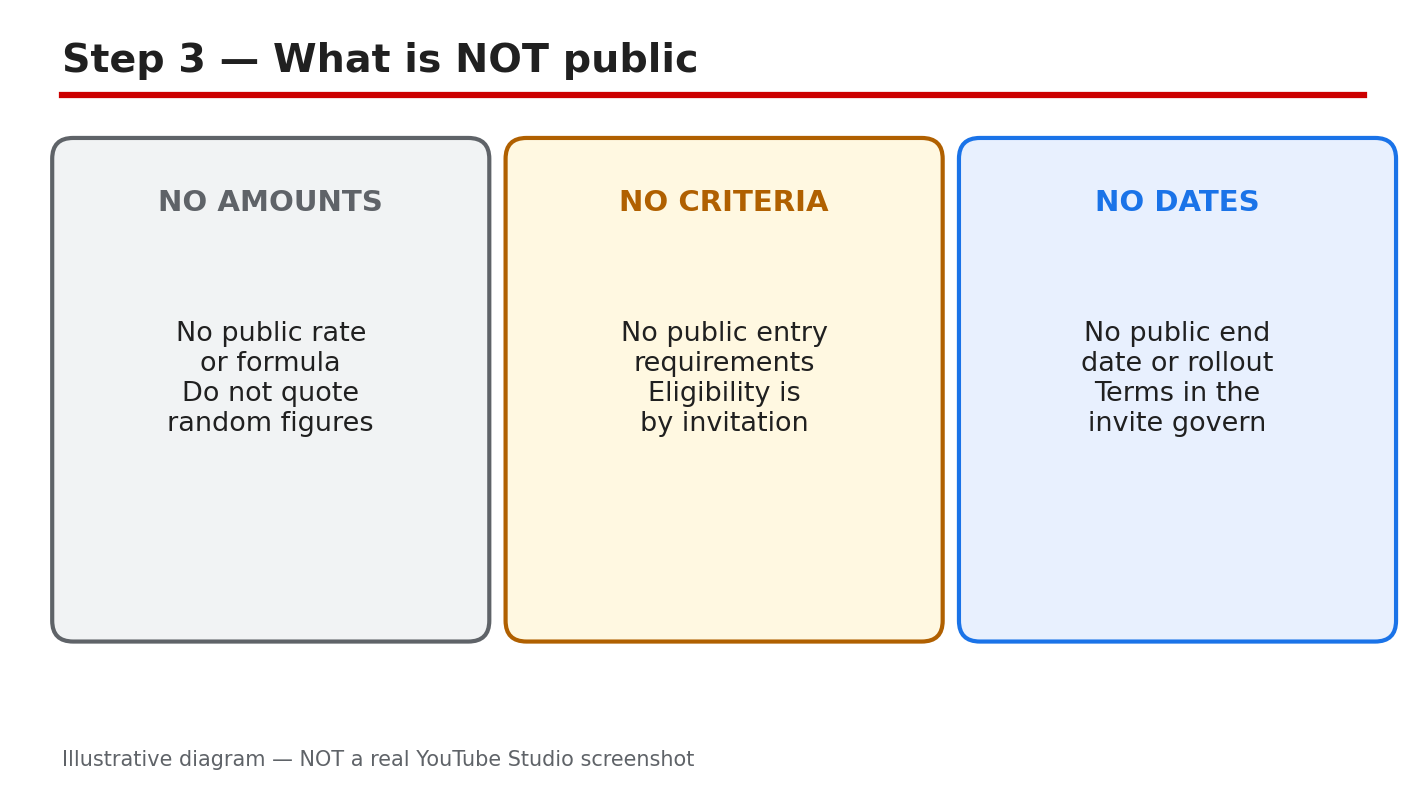
Diagram: what is not public, including amounts, entry criteria, and the end date. This is an illustrative diagram and mock-up, not a real YouTube Studio screenshot.
Step 3: Know What Is Not Public
Three things about the program are not public, as far as could be verified here: how much a bonus pays, how creators are chosen, and when the test ends or expands. Invented figures circulate freely, and a post, a video, or a comment that states a payment per view, an entry threshold, or a country list beyond the reported one is guessing, unless it shows the same terms inside a Studio account.
Example: two videos quote different bonus rates for the same country. Neither rate was verified, so neither one can be used to plan earnings. The only figure that matters is the one inside your own account.
Common mistake: treating a blog’s bonus-rate table as a price list. A table built from rumours is still a rumour, even when it looks tidy.
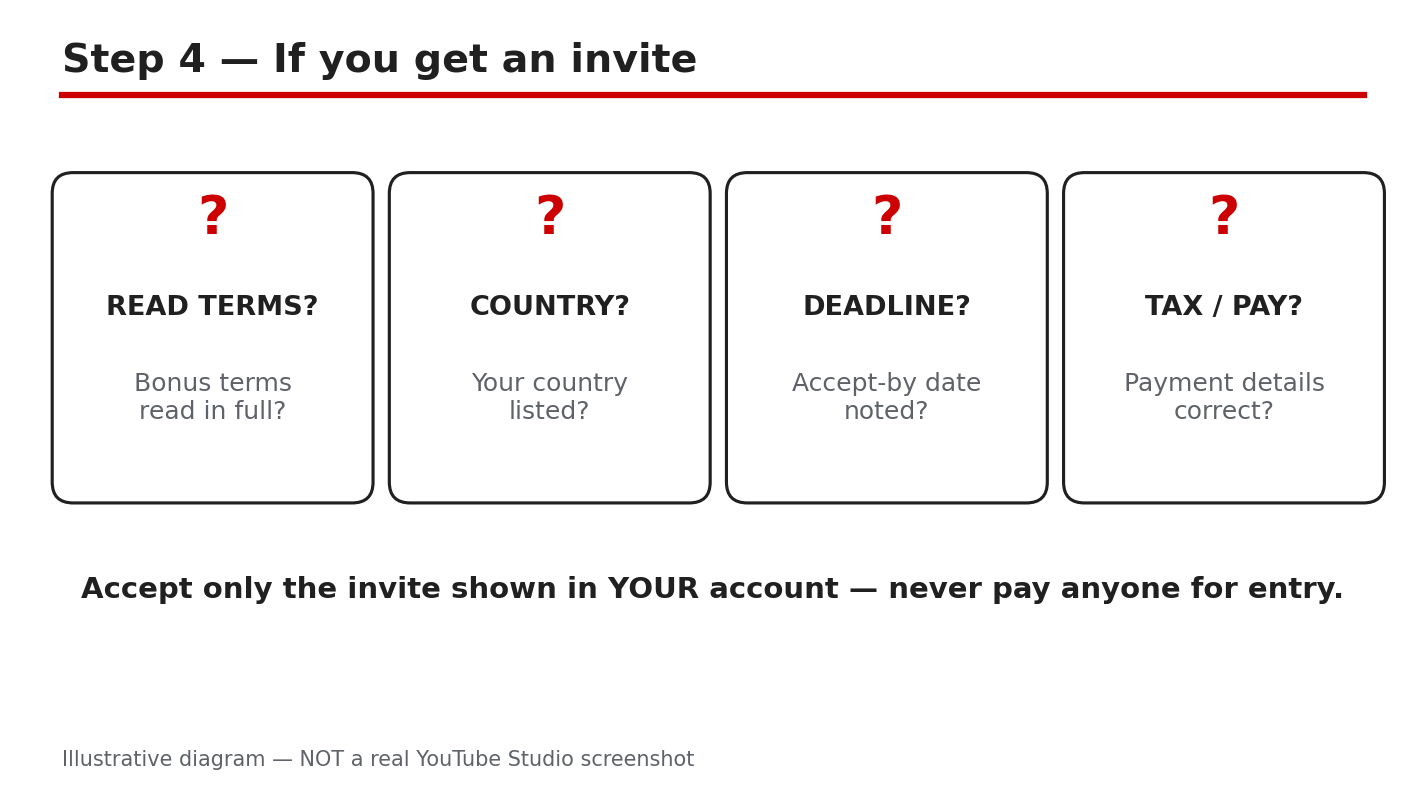
Diagram: if you get an invite, read the terms shown in your own account first. This is an illustrative diagram and mock-up, not a real YouTube Studio screenshot.
Step 4: If You Get an Invite, Read It First
Before you accept anything, read every line of the invite shown inside Studio. Note the country it applies to, the exact terms, the date by which you must accept, and the payment details. The official Help page states that acceptance by the 15th of the month is needed for that month’s activity to count, and that the deadline shown in Studio applies. Accept only the invite shown inside your own account and Studio. Never accept through a link or a shared login.
Example: an invite shows an accept-by date of the 15th and a country that matches your channel. You accept inside Studio before that date, and you keep a note of the terms you agreed to.
Common mistake: accepting first and reading later. Once you accept, the terms you skipped are the terms that apply to you.
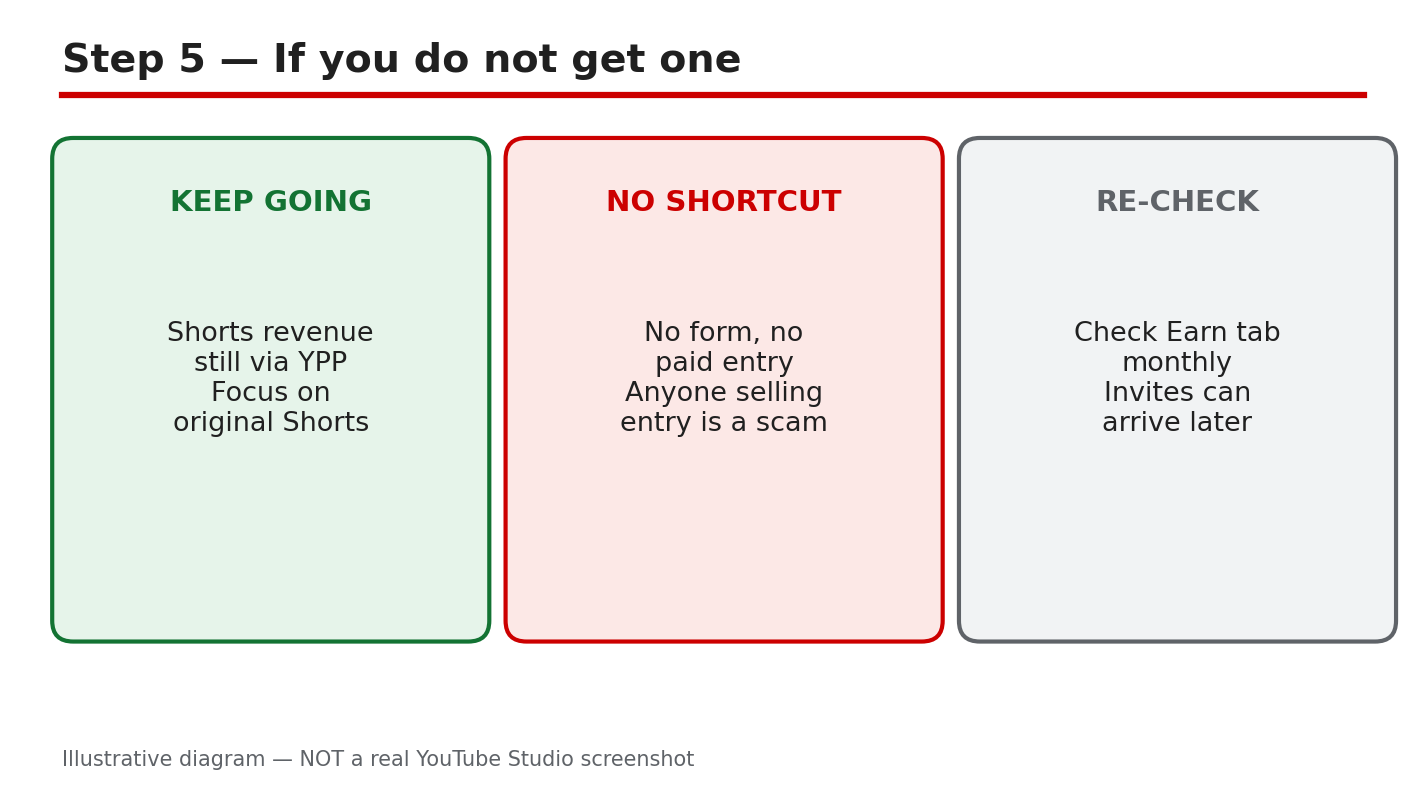
Diagram: if you do not get an invite, Shorts revenue through the Partner Program continues. This is an illustrative diagram and mock-up, not a real YouTube Studio screenshot.
Step 5: If You Do Not Get an Invite
If no invite appears, nothing is broken, and no form will fix it. Shorts revenue through the YouTube Partner Program continues as before, because the bonus is separate from Partner Program earnings. There is no application, no waiting list, and no paid route into the test. Anyone who offers to add you for a fee, sells an account that claims to be included, or asks for your login is offering a way to lose money, or the channel itself.
Example: a channel with no invite keeps earning through the Partner Program, while its owner keeps waiting for a bonus that never arrives. The Partner Program income was the real income all along, and the waiting changed nothing.
Common mistake: paying for a course, a form, or an account that promises bonus entry. None of those can add you to an invitation-only test, and the payment is gone either way.
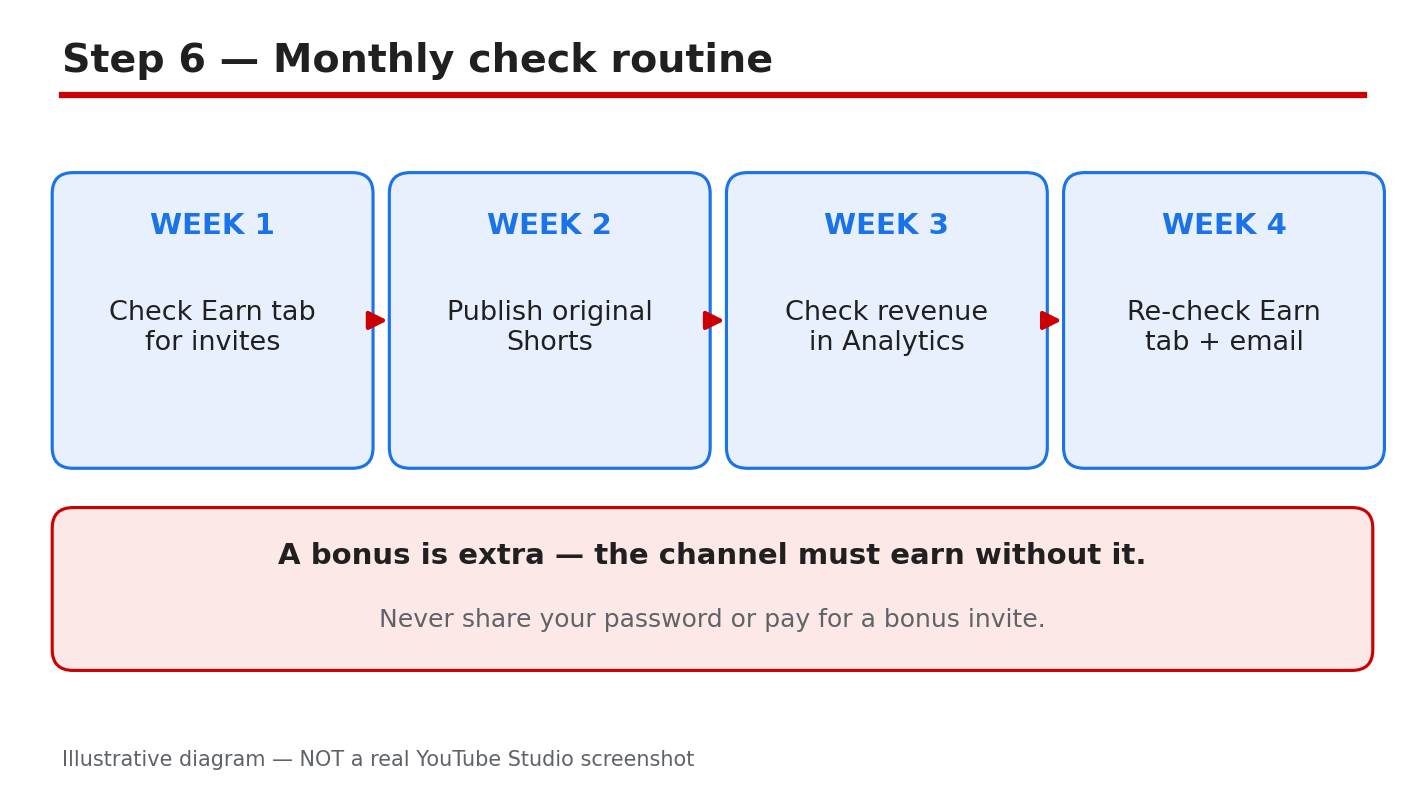
Diagram: the monthly check routine, run on the same day each month. This is an illustrative diagram and mock-up, not a real YouTube Studio screenshot.
Step 6: Run a Monthly Check
Once a month, on the same day, open Studio and run the same short check. Look at the Earn tab, the bonuses section, and your notifications, and note whether anything new appeared. Read any new item in full before you act on it, and ignore offers that arrive outside your account. If nothing new appears, close Studio and carry on; the check took a few minutes, and no further action is needed until next month.
Example: on the first of each month, you check the Earn tab and the Studio inbox. In March nothing appears, so you close Studio and keep posting. In April an invite appears, and you read it before accepting.
Common mistake: checking every day and treating every rumour as news. A monthly check is enough, because an invite would wait for you inside your account, not in a stranger’s post.
Quick Checklist
- Invite checked inside your own Studio account only.
- Earn tab, bonuses, and notifications all checked.
- No amount, criterion, or date quoted without Studio terms.
- No payment made for entry, an account, or a screenshot.
- Accept-by date and country read before any acceptance.
- Partner Program Shorts revenue kept separate from any bonus.
- Monthly check noted, same day each month.
- Rumours ignored unless the same terms appear in Studio.
Frequently Asked Questions
Can I apply for the YouTube Shorts bonus program?
No. As reported, there is no application and no way to ask to join. The program is invitation only, and an invite would appear inside your own Studio account.
Which countries are included in the test?
As reported, the United States, the United Kingdom, Germany, Brazil, Japan, and South Korea were included. Treat that list as reported, and check the terms shown in your own account for the country that applies to you.
How much does the bonus pay?
That was not made public, as far as could be verified here. Do not use a figure from a blog, a video, or a comment. Use only the terms in your own Studio account.
I saw a form that promises bonus entry. Should I fill it in?
No. There is no application form, and no form can add you to the test. Do not enter your login, payment details, or personal information into a page that promises entry, and check only inside your own Studio account.
Sources — Check It Yourself
Check the official pages below for the current monetization rules. The bonus program page was verified live in this run, and its text states the program is invite-only with no application process. No official YouTube video was embedded in this post: no exact official video was verified live in this run, so none is shown here.