YouTube Subscribers Dropping or Stuck? Why Your Count Falls and How to Stop It
 CreatorPlaybook Team
- 30 Oct, 2026
Your subscriber count falls by ten overnight, then stalls for a week. No video was deleted, no settings changed, and the comments look normal.
Before you panic, know this: small drops are normal on YouTube, and a flat count often means slow growth, not lost fans.
This guide helps you tell a drop, a stall, and a display lag apart. Then you will find where the number lives, learn why counts fall, audit the videos that lost subscribers, and follow a 30-day plan to stop the leak. Work in order, and do not buy subscribers. This post uses YouTube’s own help pages as its source.
What You Will Learn
- Tell a real drop, a stall, and a display lag apart.
- Find subscribers gained and lost in YouTube Analytics.
- Learn why closed and spam accounts are removed from counts.
- Audit which videos lost subscribers and why.
- Stop the leak with on-topic videos, early hooks, and one subscribe ask.
Step 1: Drop, Stall, or Display Lag?
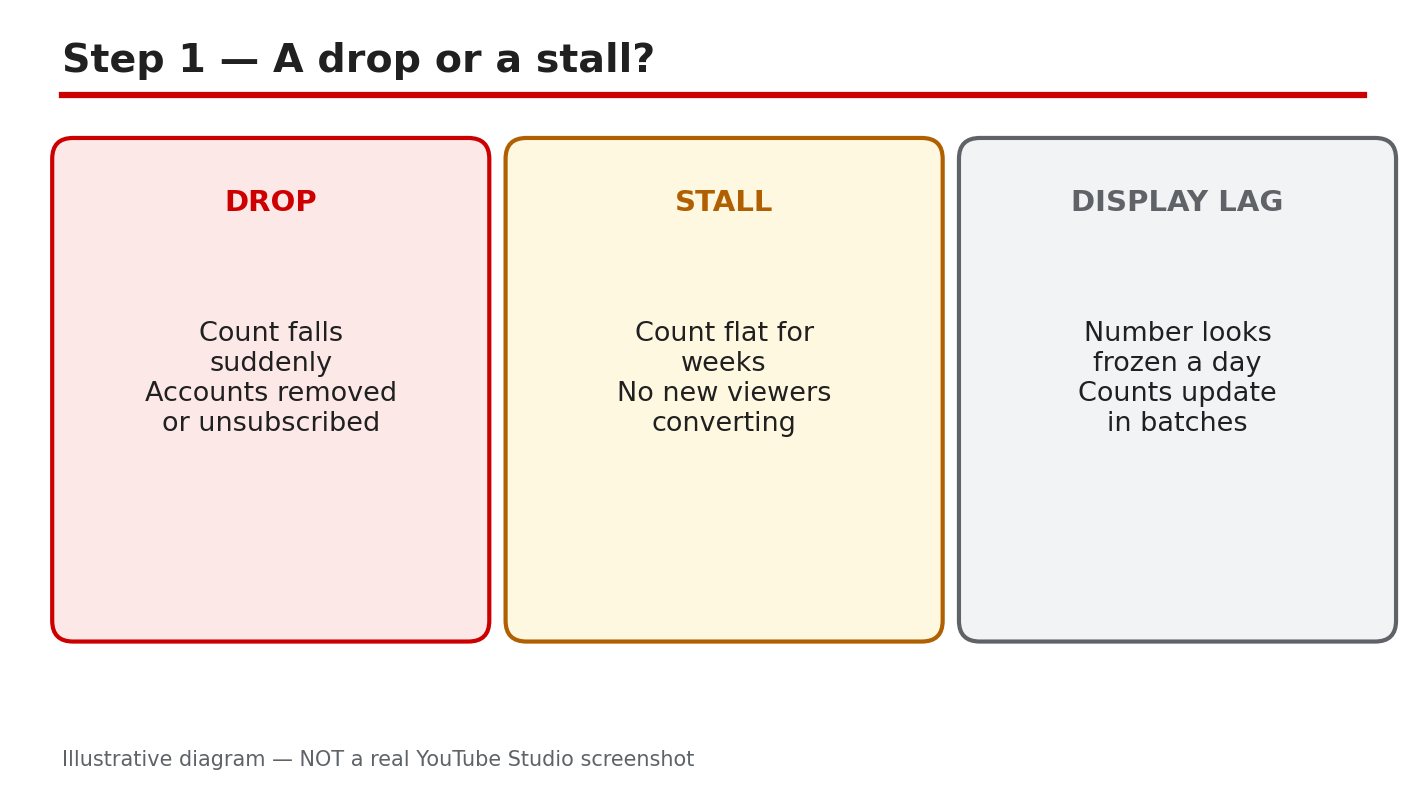
Three patterns look alike but need different fixes. A drop means the number fell after YouTube removed closed or spam accounts, or after viewers unsubscribed. A stall means the count is flat because new subscribers roughly match the people leaving. A display lag means the public count is rounded and updates in steps, so it can look frozen while the real count moves. Check Studio before you react, because each pattern points to a different fix.
Path: YouTube Studio > Dashboard, then check the real-time subscriber card.
Example: a channel showed 1,240 subscribers for three days, then jumped to 1,260. The public count updates in steps, so the stall was only a display lag.
Common mistake: announcing a ‘subscriber crisis’ to your audience after one bad day, which only pushes more people to unsubscribe.
Diagram: drop vs stall vs display lag — three patterns, three different fixes. Illustrative diagram, not a real Studio screenshot.
Step 2: Find Where the Number Lives
Open YouTube Studio, go to Analytics, then the Audience tab. There you will see subscribers gained and lost, and which videos gained or lost them. Compare that line with your views trend. If views are steady but subscribers fall, the problem is who the videos reach, not how many watch. If views also fall, reach is the first problem to fix. Check the last 28 days, not a single day, so one viral video does not hide the trend.
Path: YouTube Studio > Analytics > Audience > Subscribers gained and lost, by video.
Example: one tutorial gained 90 subscribers while a reaction video lost 40. The channel kept the tutorials and dropped the reactions.
Common mistake: reading only the public count on your channel page, which is rounded and hides small daily changes.
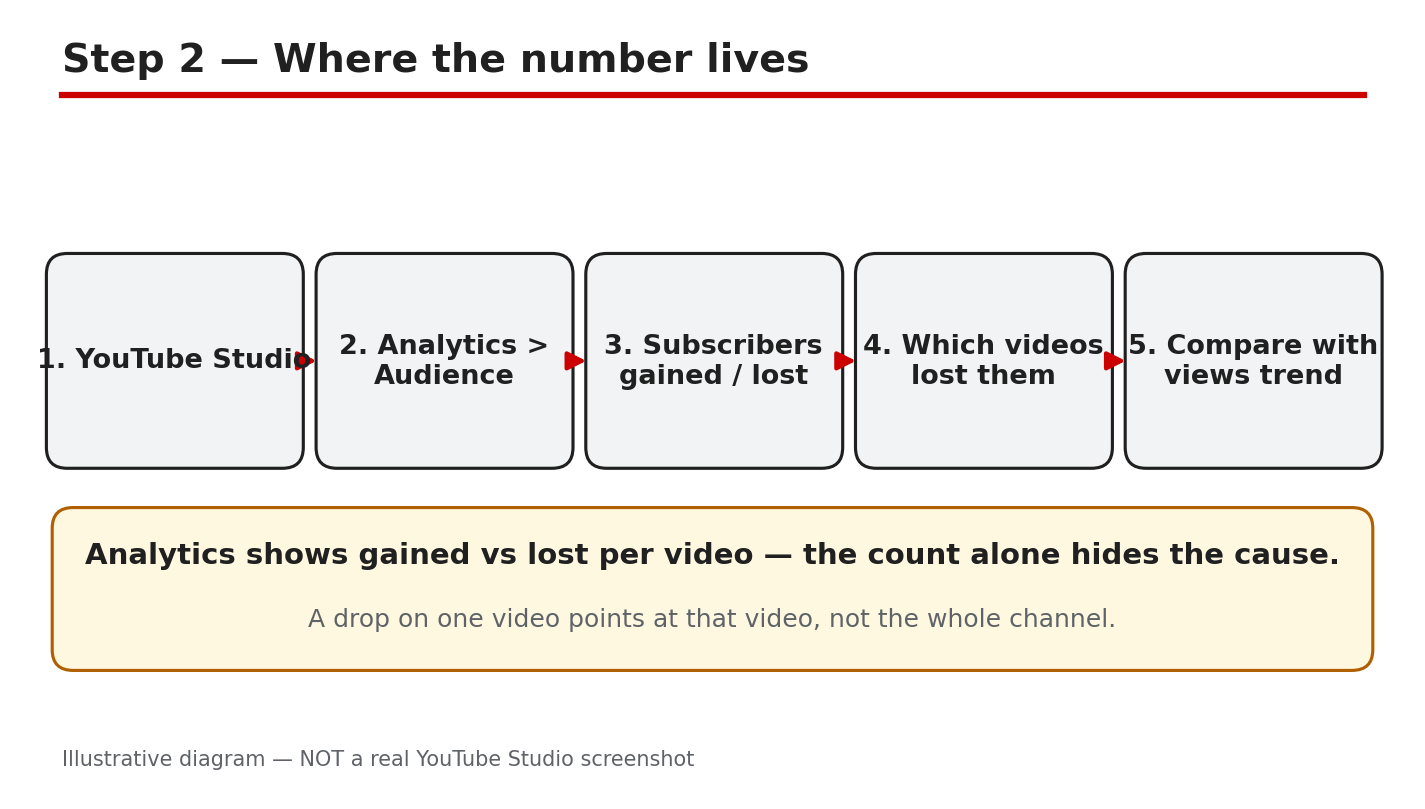
Diagram: Studio, Analytics, Audience — where subscribers gained and lost live. Illustrative diagram, not a real Studio screenshot.
Step 3: Why Counts Fall
Counts fall for three usual reasons. First, YouTube removes closed accounts and spam subscribers in regular checks. YouTube reports that it verifies the legitimacy of accounts and actions on your channel, and removes subscribers gained through artificial means, such as buying them. Second, viewers unsubscribe after a video that breaks your promise. A sudden topic change, a misleading title, or a long break can all push loyal viewers away. Third, bought subscribers vanish in the same clean-ups. Buying subscribers breaks YouTube’s rules and the numbers never stay, so never buy subscribers or views. The public count also hides small moves because YouTube shortens it: a channel with 1,234 subscribers shows 1.23K, and the display only moves after ten new subscribers.
Path: YouTube Studio > Analytics > Audience, then sort videos by subscribers lost.
Example: a channel changed from cooking to gaming overnight and lost subscribers for a month. Returning to cooking stopped the loss within two weeks.
Common mistake: blaming every drop on YouTube while ignoring the video that caused the unsubscribes.
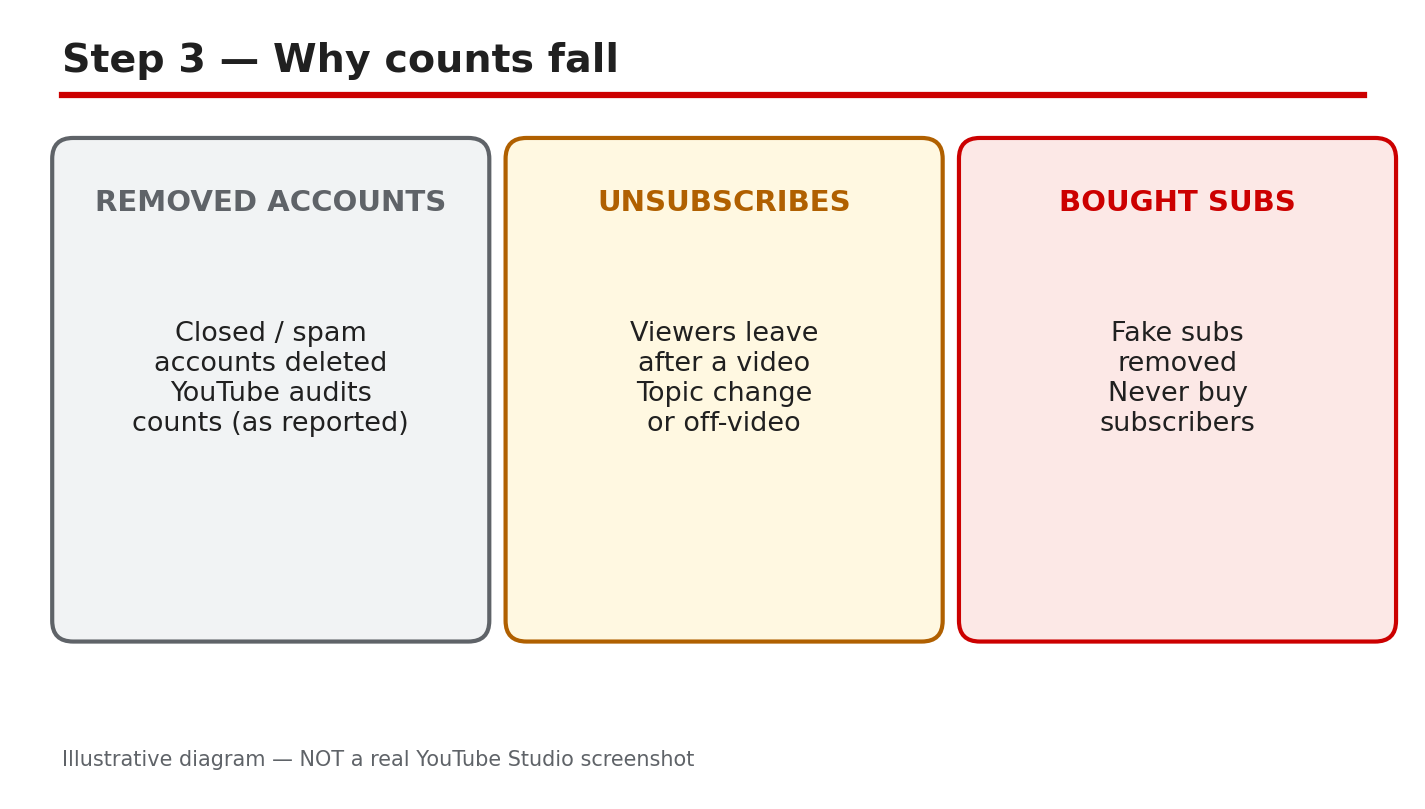
Diagram: three reasons counts fall — removed accounts, viewers leaving, bought subscribers removed. Illustrative diagram, not a real Studio screenshot.
Step 4: Run a Subscriber Audit
List your last ten videos and write down subscribers gained and lost for each one. Mark the worst three and watch their first minute. Ask four questions. Which video lost the most subscribers? Are bell subscribers still getting notified? Were recent videos off-topic for your audience? Did anyone buy subscribers or views for the channel? Answer honestly, because a fix aimed at the wrong cause wastes weeks. Keep the audit to one page so you can repeat it every month.
Path: YouTube Studio > Analytics > Audience > See more, then sort by subscribers lost.
Example: an audit showed one rant video lost 60 subscribers while every tutorial gained some. The channel stopped making rants.
Common mistake: auditing totals instead of videos, which hides the one video doing the damage.
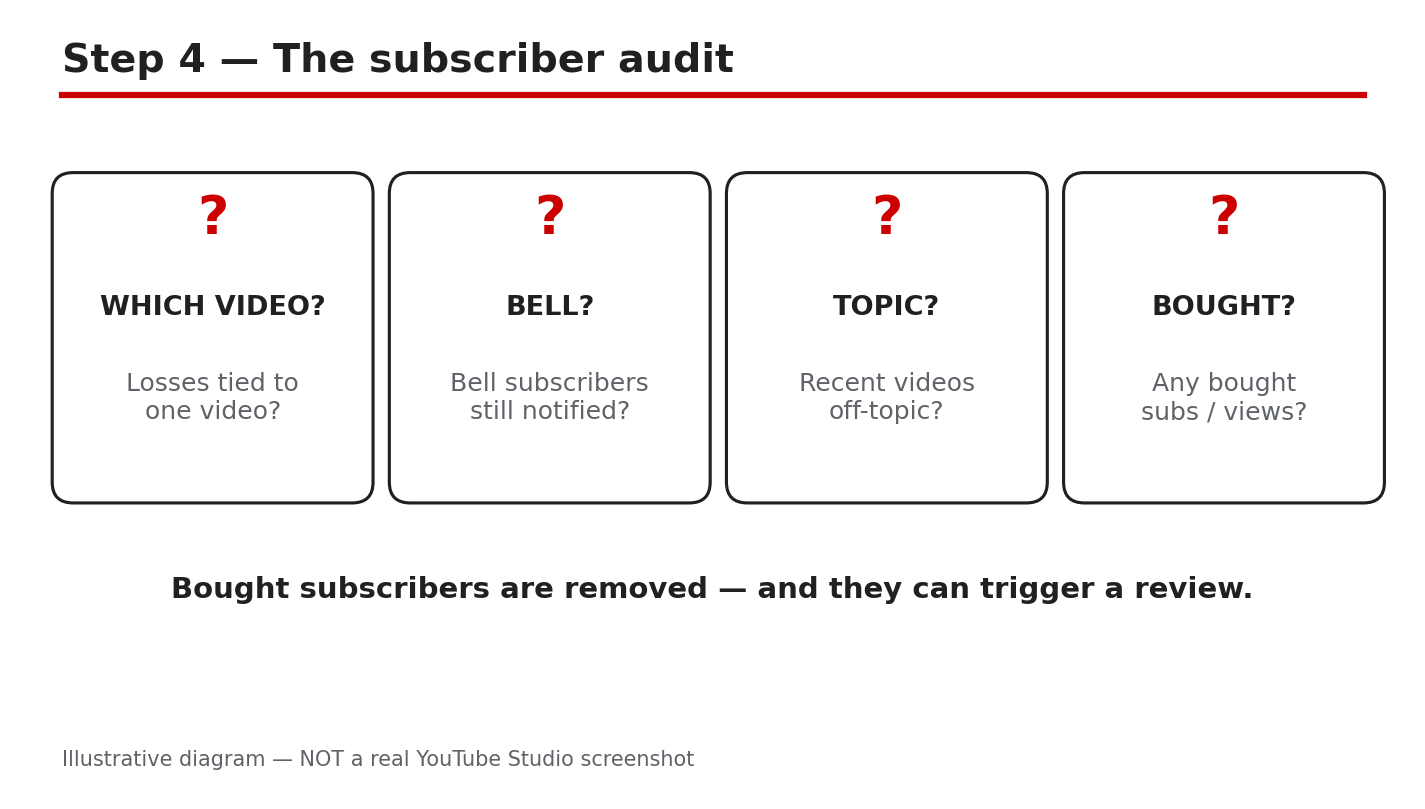
Diagram: the subscriber audit — worst videos, bell notices, topic fit, bought subs. Illustrative diagram, not a real Studio screenshot.
Step 5: Stop the Leak
Three habits keep subscribers. First, stay on-topic. Keep one niche per video cluster, so a new subscriber knows what the next video will be. Second, hook early. Say the value of the video in the first 30 seconds, before the viewer decides to leave. Third, make one clear subscribe ask per video, near the moment you deliver value. Never beg for subscribers in every minute, and never buy them. A clean channel that keeps its promise grows slower at first, then holds its audience.
Path: YouTube Studio > Content > video > Details, then check the title and first line match the video’s topic.
Example: a channel added one subscribe ask right after its best tip. Subscribers gained per video rose without changing anything else.
Common mistake: asking viewers to subscribe in the first five seconds, before you have given them a reason.
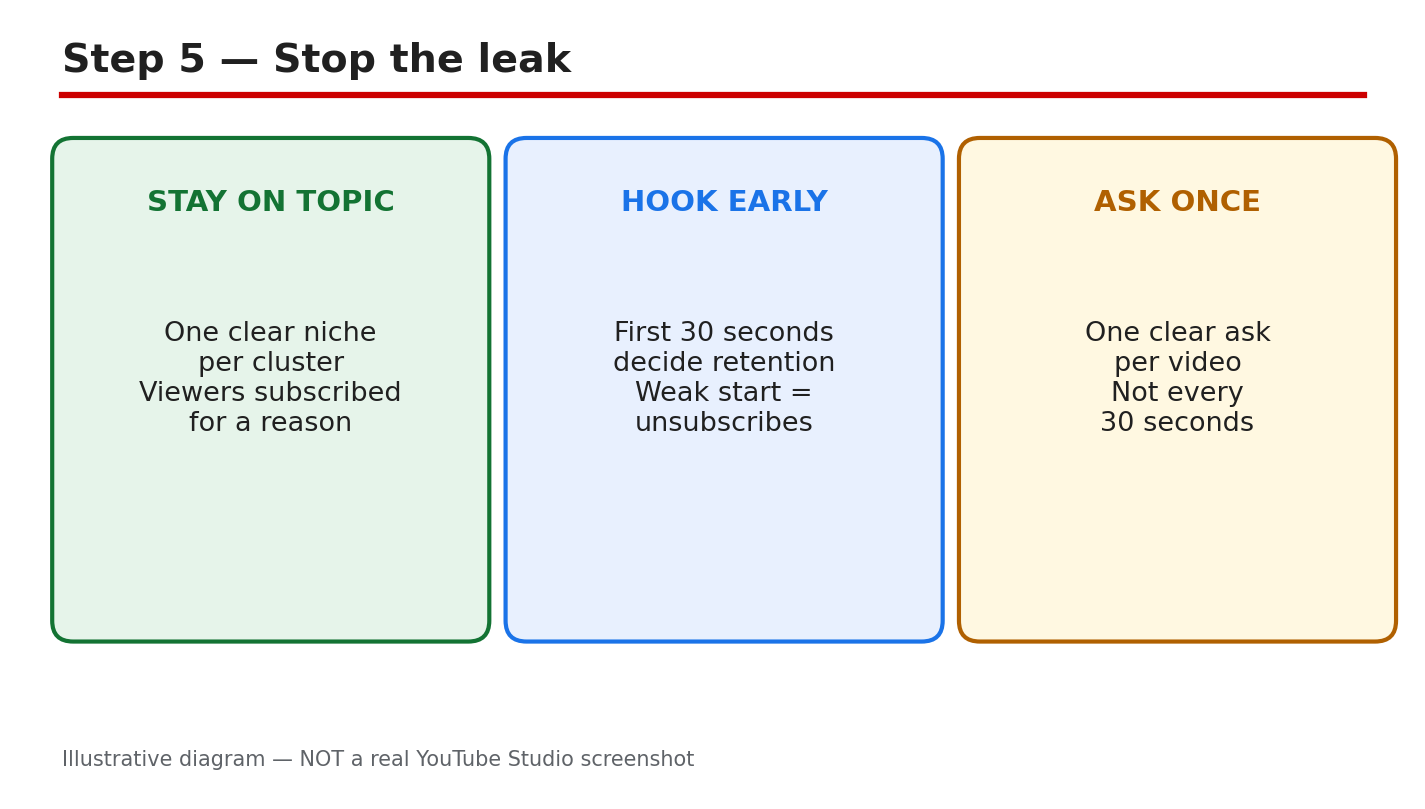
Diagram: stop the leak — one niche, an early hook, one subscribe ask. Illustrative diagram, not a real Studio screenshot.
Step 6: Follow the 30-Day Subscriber Plan
Week 1: run the audit and list your three worst videos. Week 2: publish two on-topic videos with a hook in the first 30 seconds. Week 3: reply to comments daily and pin a question that invites viewers back. Week 4: compare subscribers gained and lost with Week 1, and keep the format that gained the most. Repeat the cycle with one change at a time, so you learn what works. Expect slow, steady growth, not a sudden jump, and check the count weekly instead of hourly. Write down one lesson each week so the next cycle starts smarter.
Path: YouTube Studio > Analytics > Audience > Subscribers, reviewed on Day 30.
Example: a small channel followed this plan for a month. Losses fell by half, and two tutorial formats gained subscribers every week.
Common mistake: copying a big channel’s upload schedule instead of fixing the leak in your own videos.

Diagram: the 30-day subscriber plan — audit, publish, engage, compare, repeat. Illustrative diagram, not a real Studio screenshot.
Quick Checklist
- Drop, stall, or lag named before any fix is tried.
- Audience tab checked over the last 28 days.
- Worst three videos listed with subscribers lost.
- No bought subscribers or views on the channel.
- Videos on-topic, hook in the first 30 seconds.
- One subscribe ask per video, after value is delivered.
Frequently Asked Questions
Is a small subscriber drop normal?
Yes. YouTube regularly removes closed and spam accounts, so small drops happen on healthy channels too.
Why does my public count look frozen for days?
The public count is shortened and updates in steps, so it can look flat while your real-time count in Studio keeps moving.
A video made people unsubscribe. Should I delete it?
Usually not. Learn from it, keep it unlisted only if it truly misleads viewers, and make the next video on-topic.
Can buying subscribers fix a falling count?
No. Bought subscribers are removed in YouTube’s checks, and buying them breaks the rules. Earn subscribers with on-topic videos instead.
How often should I check my subscriber count?
Weekly. Daily checks show noise, while a weekly audit shows whether the 30-day plan is working.
Sources — Check It Yourself
Check the facts in this guide against YouTube’s own help pages.