AI Mass-Produced YouTube Videos: The 2026 Demonetization Risk and How to Use AI Safely
 CreatorPlaybook Team
- 31 Oct, 2026
AI tools can now write a script and generate a voice in minutes. It is tempting to publish twenty videos a week. But creators who did exactly that have been reporting lost monetization in 2026, and YouTube’s own rules explain why. In a 15 July 2025 update, YouTube’s monetization policies clarified that ‘repetitious content’ means ‘inauthentic content’, including mass-produced content. Monetized content must be original and authentic, not mass-produced, generic, repetitive, or manipulative. AI itself is not banned. The problem is volume without value. This guide shows you where the line is, how to check your own uploads, and how to keep using AI without risking your earnings.
What You Will Learn
In this guide you will learn what YouTube counts as mass-produced content, how to audit your own channel, how to add genuine human value to AI-assisted videos, when to disclose AI use, how to fix risky uploads, and how to set a pace you can sustain.
Step 1 - Learn What Counts as Mass-Produced Content
What to do: Read YouTube’s monetization policies definition of inauthentic content before you change anything, so you judge your videos against YouTube’s words rather than rumors.
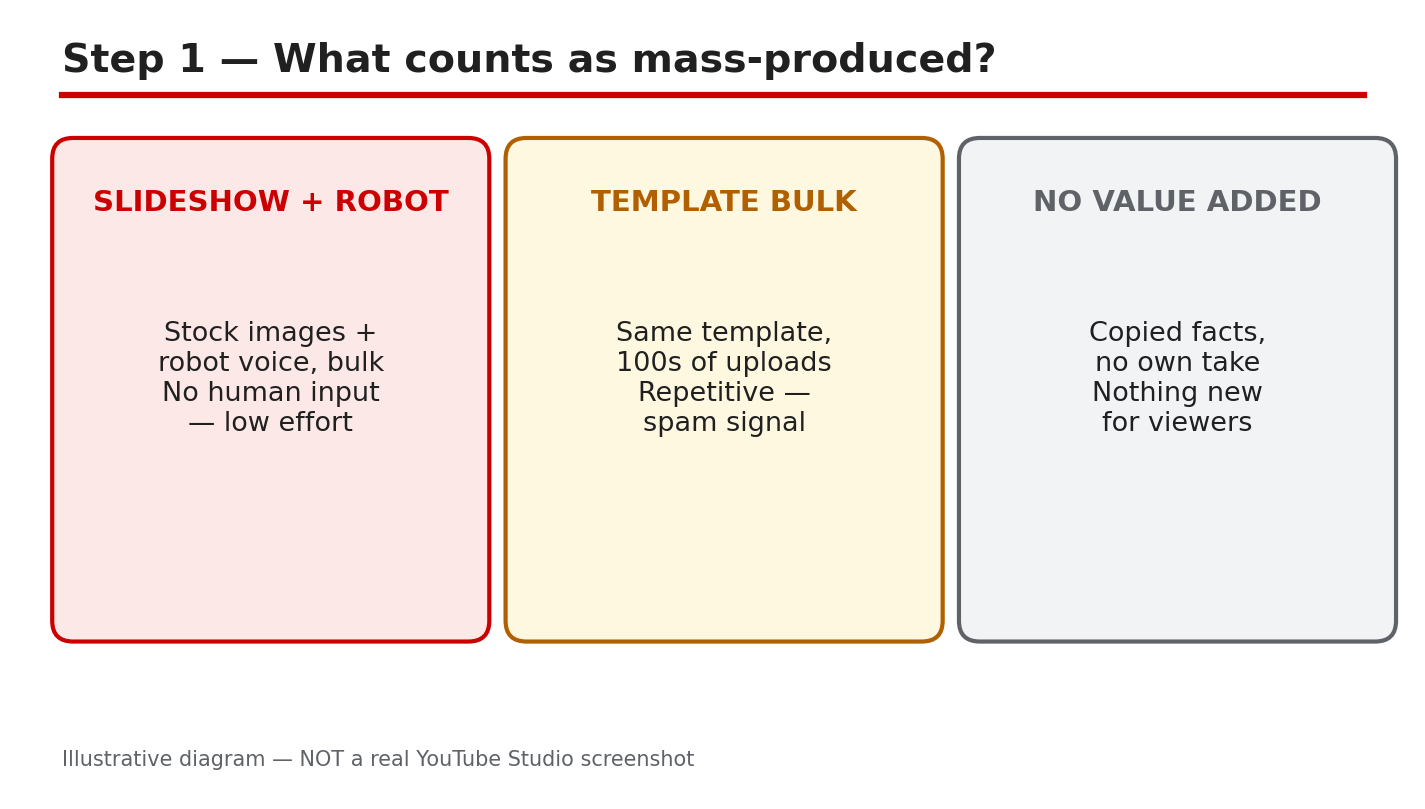
How: YouTube Help says monetized content must be original and authentic, not mass-produced, generic, repetitive, or manipulative. The July 2025 update replaced the older label ‘repetitious content’ with ‘inauthentic content’. A video counts as mass-produced when it is made at volume from a template: the same script structure, the same AI voice, the same stock clips, only the topic swapped. The tool is not the test. A single AI-assisted video with a real script and real information can be fine. A hundred near-identical videos are not.
Example: A channel publishes 30 videos in a week, all with the same formula, the same AI voice, and the same slideshow. A reviewer can watch any two and guess the third.
Common mistake: Assuming the rule only applies to videos made entirely by AI. A channel that uses AI for everything but adds one human sentence at the end is still mass-producing.
Illustrative diagram (mock-up, not a real YouTube Studio screenshot): mass-produced videos follow one repeated template, while authentic videos each add something new.
Step 2 - Audit Your Channel for the Warning Signs
What to do: Review your last 20 uploads and score each one honestly. If you cannot tell two videos apart without reading the title, your channel has a problem.
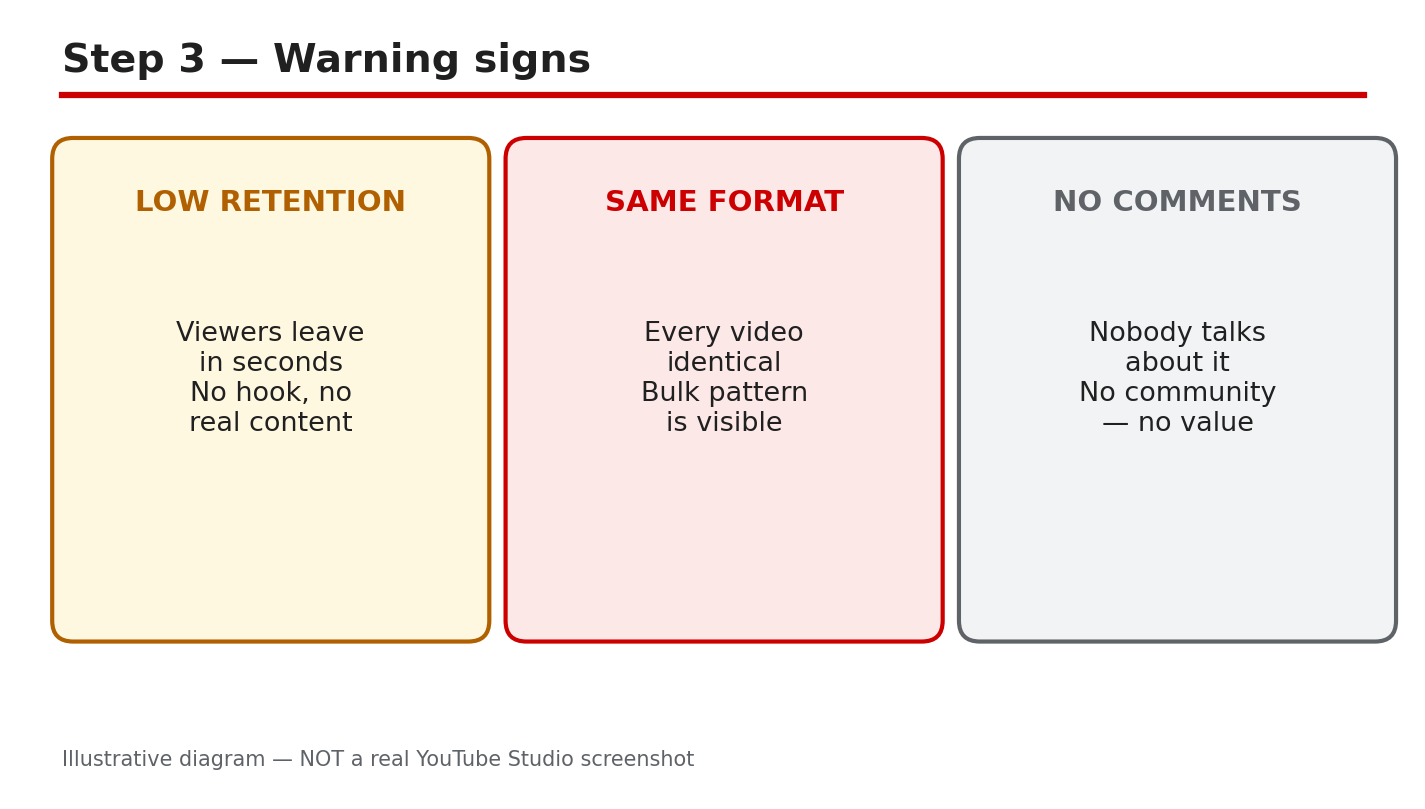
How: Open your channel’s Videos page and list what repeats: the same intro, the same voice, the same background clips, and the same upload schedule of several videos a day. Then check the results. As reported, mass-produced channels often see low average view duration, few comments, and few returning viewers, because viewers have no reason to come back for another copy of the same video. Compare those numbers with a video you made with real effort.
Example: A creator checked 20 uploads and found 18 used the same AI voice, the same three background clips, and the same structure. The two with a scripted personal story had three times the watch time.
Common mistake: Judging a video only by its view count. A mass-produced video can spike from search traffic and still damage the channel, because low retention tells YouTube it is not worth recommending.
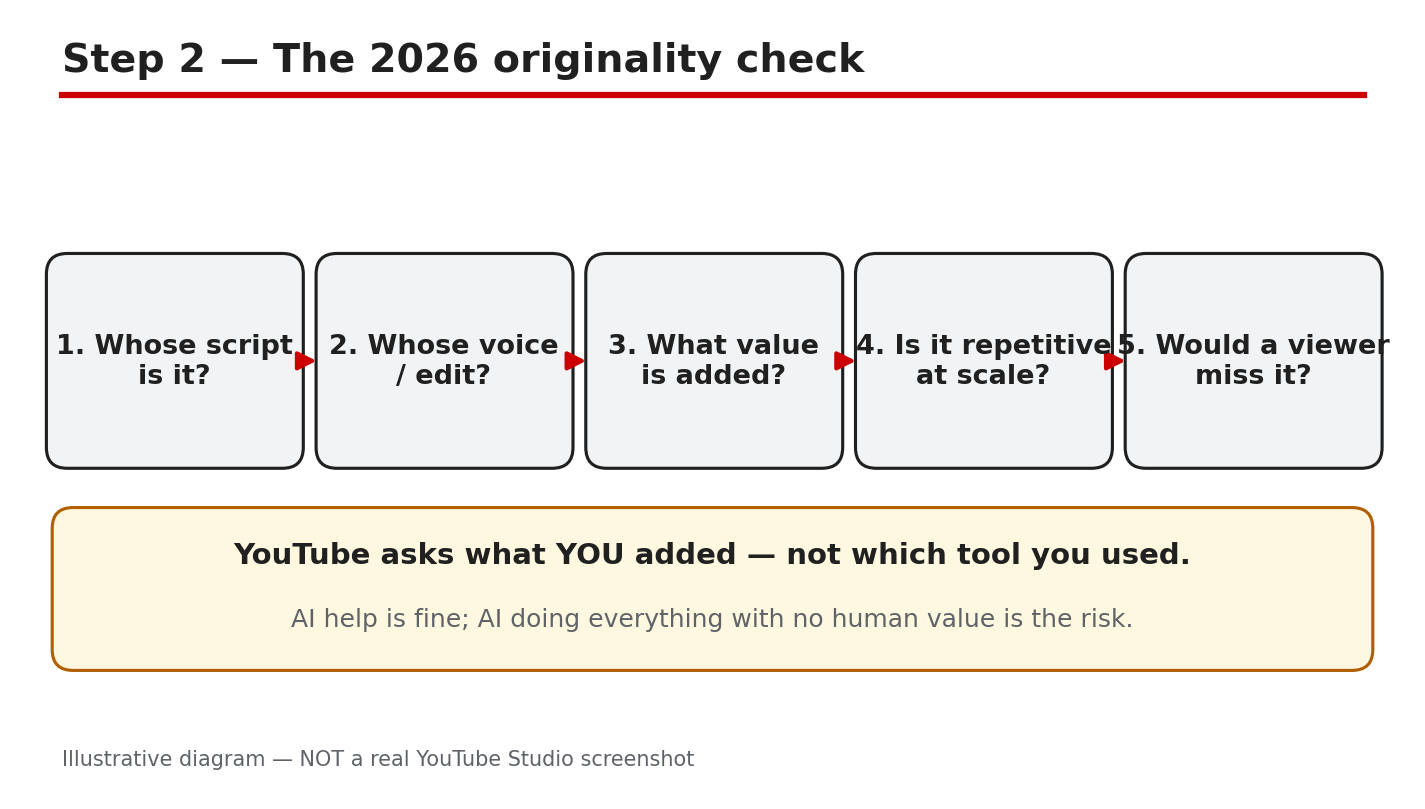
Illustrative diagram (mock-up, not a real YouTube Studio screenshot): an audit checklist for spotting repeated templates and low retention.
Step 3 - Add Real Human Value to Every AI-Assisted Video
What to do: Make AI the assistant, not the author. For every video, add something only you can add: your own script, your own experience, or your own opinion.
How: Write the script yourself, or rewrite the AI draft in your own words and add a real example from your own channel or work. Record your own voice, or edit the AI voiceover so the pacing matches how you actually speak. Add footage or screenshots you captured yourself. If the video could have been made by anyone with the same prompt, it is not ready. If a viewer can learn something only from your experience, it is. See our guide on how to use AI for YouTube videos.
Example: A creator who reviewed budgeting apps stopped using AI scripts word for word. She recorded her own voice and showed her own spreadsheet.
Common mistake: Believing a better AI voice or a better thumbnail fixes the policy issue. The policy is about the content, not the polish.
Illustrative diagram (mock-up, not a real YouTube Studio screenshot): human script, voice, and editing turn an AI draft into original content.
Step 4 - Disclose AI Use Where YouTube Asks You To
What to do: Turn on the AI disclosure setting for videos where YouTube asks for it, and do it before you publish.
How: YouTube Help says creators must disclose AI-generated or altered content that seems realistic. That includes a real person appearing to say or do something they did not, altered footage of a real event or place, a realistic scene that did not occur, and music where the audio is the main focus. You disclose it in YouTube Studio through the ‘AI use’ setting under Details, then Attributes. Disclosing alone will not limit your audience or affect your eligibility to earn money, according to YouTube Help. Check the labelling rules in your region too, because, as reported, EU rules add their own requirements, and our guide to AI content and EU labelling explains what to check.
Example: A creator used an AI voice to narrate a realistic scene that never happened. Turning on the AI disclosure before publishing took ten seconds, and the video kept its audience and monetization.
Common mistake: Disclosing everything, including obvious animation, or disclosing nothing at all. Disclosure is for content that seems realistic.
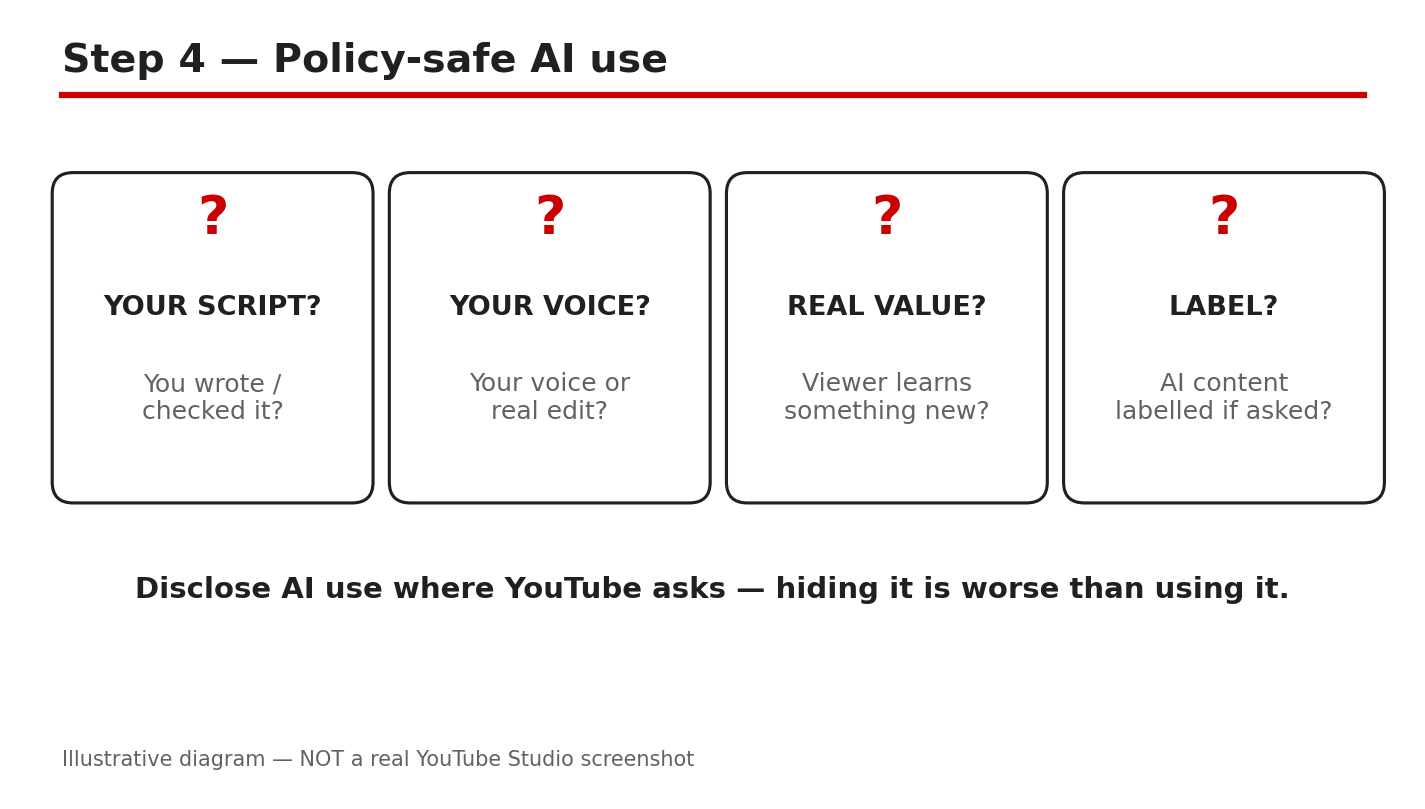
Illustrative diagram (mock-up, not a real YouTube Studio screenshot): turning on the AI use disclosure before publishing.
Step 5 - Fix or Remove the Riskiest Uploads
What to do: Work through your riskiest uploads and decide, for each one, whether to rework it, unlist it, or leave it alone.
How: Start with the videos that look most like a template: same voice, same structure, no original material. Rework the ones worth saving with a new script, your own voice, and real examples; then update the title and description to match. Unlist the ones you cannot rework yet, so they stop shaping how YouTube judges your channel. Leave alone only videos that already carry real human value. Do not delete your whole library in a panic: as reported, deleting videos removes their watch time and links. Fix the worst first.
Example: A creator had 40 template videos. She reworked the 10 with the most views, unlisted the rest, and added two new human-scripted videos a week.
Common mistake: Re-uploading the same video with a new title and hoping the problem disappears. As reported, a re-upload carries the same content, so the same questions apply.
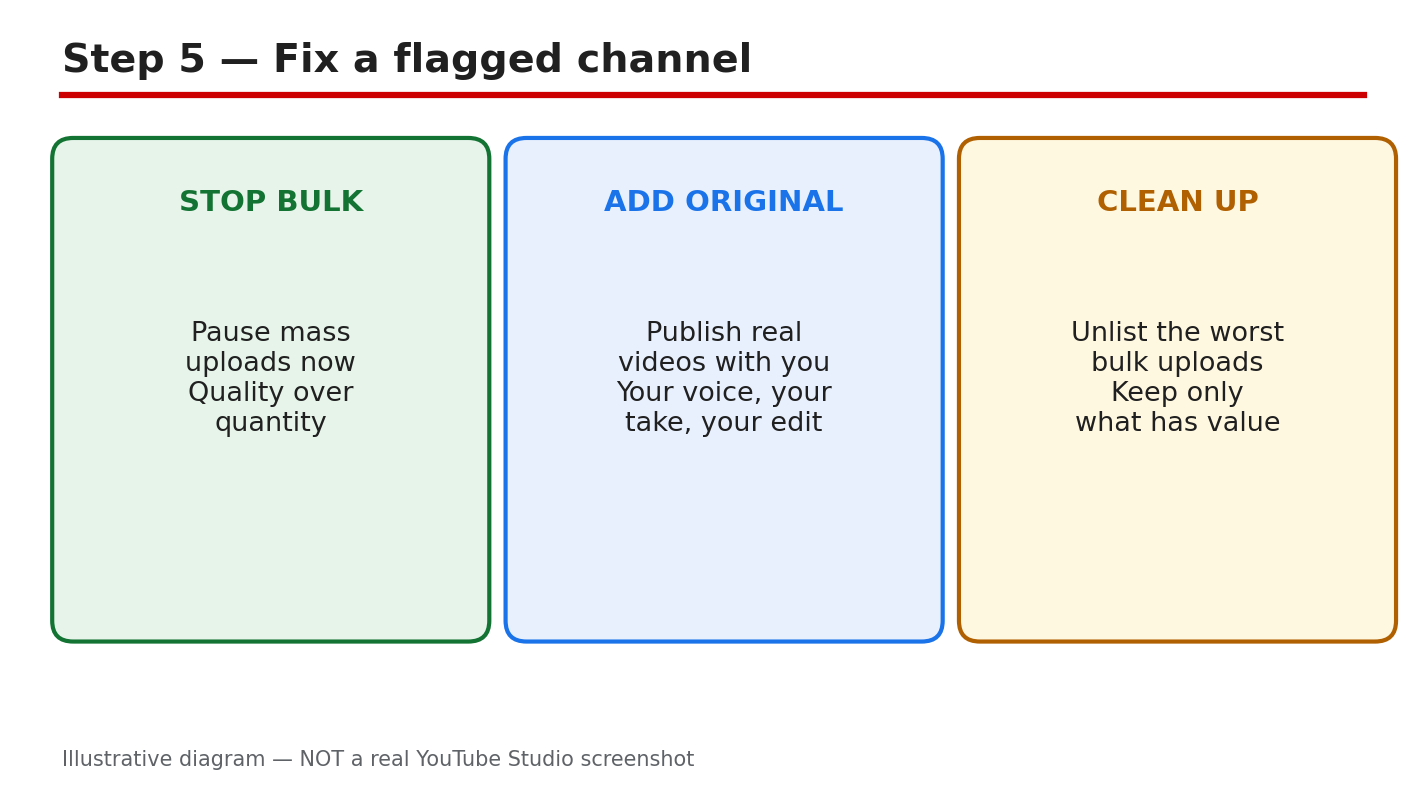
Illustrative diagram (mock-up, not a real YouTube Studio screenshot): rework, unlist, or keep each risky upload.
Step 6 - Set a Production Standard You Can Keep
What to do: Decide a weekly upload limit and a quality checklist, and do not publish anything that fails it.
How: Pick a number you can sustain with real effort. For most beginners that is one or two videos a week. Write the standard down: original script, your own voice or edit, at least one real example, disclosure checked, and a title that matches the video. Review it before every upload. If a video takes less than an hour from idea to publish, ask yourself what value you added.
Example: A channel set a limit of two videos a week and a five-point checklist. Within six weeks, subscriber growth returned, and the creator spent less time publishing.
Common mistake: Treating the checklist as a one-time cleanup. Mass production creeps back when you are busy, so review your last ten uploads every month.
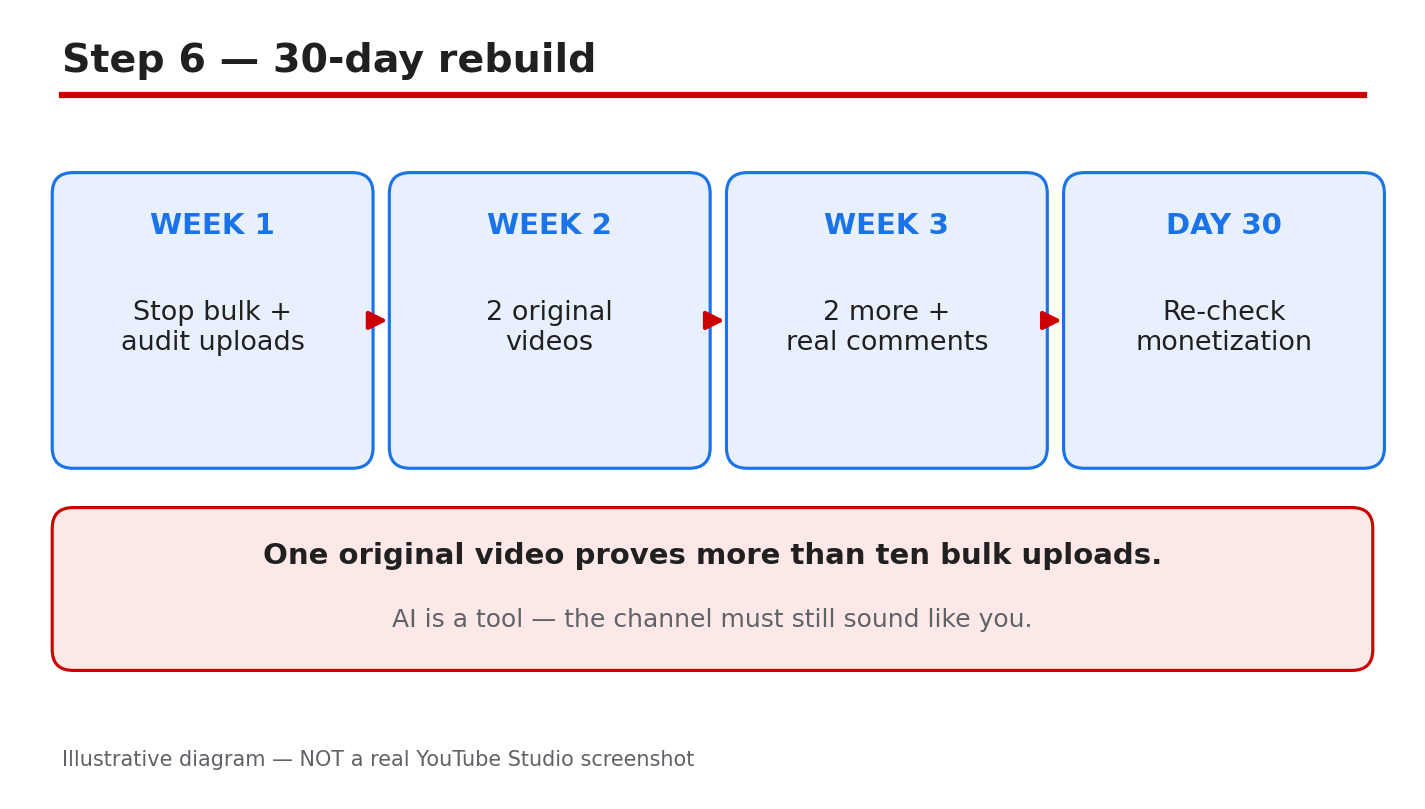
Illustrative diagram (mock-up, not a real YouTube Studio screenshot): a weekly checklist keeps AI-assisted production sustainable.
Your AI Mass-Production Safety Checklist
- Every video has an original script or a rewritten AI draft.
- Your own voice, edit, or footage appears in each video.
- No two uploads share the same template and structure.
- Realistic AI content has the AI use disclosure turned on.
- Riskiest uploads have been reworked or unlisted.
- A weekly upload limit and quality checklist are written down.
- Your last ten uploads are reviewed every month.
Frequently Asked Questions
Is using AI for YouTube videos against the rules? No. YouTube does not ban AI tools. Its monetization policies object to content that is mass-produced, generic, repetitive, or manipulative, not to AI use itself.
How many AI videos are too many? There is no published number. The test is whether each video adds original value. As reported, a flood of near-identical uploads is the pattern that draws attention.
Do I need to disclose AI voiceovers? Disclose AI-generated or altered content that seems realistic, using the AI use setting in YouTube Studio. Disclosing alone does not limit your audience or affect earnings.
Can I fix a channel that already publishes mass-produced videos? Yes. Rework or unlist the riskiest uploads, add real human value to new videos, and set a sustainable pace. Earnings recover only after the content changes.
Sources
- YouTube Help, Monetization policies: support.google.com/youtube/answer/1311392 (verified live 31 October 2026).
- CreatorPlaybook, How to Use AI for YouTube Videos: creatorplaybook.blogspot.com/2026/10/how-to-use-ai-for-youtube-videos.html
- CreatorPlaybook, AI Content on YouTube: EU Labelling: creatorplaybook.blogspot.com/2026/10/ai-content-on-youtube-eu-labelling.html