How to Use Playlists to Increase Watch Time
 CreatorPlaybook Team
- 25 Oct, 2026

Related guides: End Screens and Cards: Complete Guide, How to Make a Channel Trailer, and Audience Retention: How to Keep Viewers Watching.
A playlist is a simple tool with a powerful effect: it turns one view into a viewing session. When a viewer finishes a video, YouTube can automatically play the next video in a playlist, instead of sending the viewer elsewhere. That extra video, and the one after it, adds watch time, helps viewers learn a topic in order, and gives new subscribers a clear path through your channel.
This guide shows you how to use playlists deliberately, not just as a folder for old videos. You will learn how to group videos by topic and journey, how to order them for beginners, how to name and describe them for search, and how to promote them in videos, end screens, and on your channel page.
What You Will Learn
- Why playlists increase watch time and session length
- How to group videos into series that viewers can follow in order
- How to write playlist titles and descriptions that help search and browsing
- How to order videos so beginners are not lost and advanced viewers are not bored
- How to feature playlists on your channel page and in videos
- How to review playlist performance and improve weak playlists
Step 1: Group Videos by One Topic and One Journey
What to do: A good playlist has one clear topic and one clear journey, such as beginner to advanced, or a complete project from start to finish. Viewers should know, from the title alone, what they will learn by watching the whole playlist.
How to do it in simple steps:
- List your videos and group them by the problem they solve.
- Choose groups that contain at least four or five related videos.
- Give each group one topic, such as “Phone Photography Basics” or “Beginner Guitar Chords.”
- Remove videos that do not fit, even if they are popular, because they break the journey.
Practical example: A cooking channel might create “Healthy Dinners in 20 Minutes” with ten related recipes, instead of one giant playlist called “All Videos.” A viewer who enjoys one dinner recipe can watch the next one without searching, and the channel earns extra watch time from the same visit.
Common mistake to avoid: Creating one playlist for everything, or dozens of playlists with only one video each. A giant playlist has no focus, and a one-video playlist has no next step. Aim for focused playlists with enough videos to make a session worthwhile.
Illustrative image: One topic and one journey make a playlist easy to follow. This is an illustrative image, not a screenshot of your channel or another creator’s work.
Step 2: Order Videos So Beginners Can Follow Along
What to do: Order playlist videos from easiest to hardest, or in the order a viewer needs them to complete a project. The first video should be welcoming and useful on its own, so new viewers are not confused by advanced terms.
How to do it in simple steps:
- Put the most beginner-friendly, broadly useful video first.
- Arrange the rest in learning order, not in upload order.
- Check that each video refers to the next one, or at least does not assume knowledge from a later video.
- Update the order when you publish a new video that belongs in the middle of a series.
Practical example: A photography playlist might run: light, composition, focus, editing, portraits, and landscapes. A viewer who starts at light can follow the whole journey. If the playlist started with advanced editing, beginners would leave after one video.
Common mistake to avoid: Leaving playlists in default upload order, with newest first. Newest first often puts advanced follow-ups before the beginner videos they depend on, which confuses new viewers and shortens sessions.
 Illustrative image: Learning order beats upload order for a helpful playlist. This is an illustrative image, not a screenshot of your channel or another creator’s work.
Step 3: Write Clear Playlist Titles and Descriptions
What to do: Write playlist titles that include the topic and the benefit, and descriptions that explain who the playlist is for and what viewers will learn. Playlists can appear in search, so clear wording helps new viewers find them.
How to do it in simple steps:
- Write a title with the topic plus a benefit, such as “Beginner Phone Photography: Light, Composition, and Editing.”
- Write a two- or three-sentence description: who it is for, what it covers, and in what order.
- Use natural keywords from the topic, without stuffing the description with repeated phrases.
- Add a note at the end of the description pointing to a related playlist, if you have one.
Practical example: A vague title, “My Videos 1,” tells viewers nothing. A clear title, “How to Start a Garden in Small Spaces,” tells a new viewer exactly what to expect, and a description that lists the steps — soil, seeds, watering, and harvesting — helps them decide to watch the whole series.
Common mistake to avoid: Using playlist titles that only make sense to you, such as “Stuff” or “2025.” Searchers and new viewers cannot guess what those playlists contain, so they will not click, even if the videos inside are excellent.
 Illustrative image: A clear playlist title tells viewers what they will learn. This is an illustrative image, not a screenshot of your channel or another creator’s work.
Step 4: Link Playlists Inside Videos and End Screens
What to do: A playlist only increases watch time if viewers know it exists. Mention it at the end of related videos, add it to end screens where possible, and link it in descriptions and pinned comments.
How to do it in simple steps:
- At the end of a video, name the playlist and the next video in it, in one sentence.
- Use an end screen element that points to the playlist or to the next video in the series.
- Add the playlist link to the video description, near the top, with a short label.
- When a viewer asks a question covered by a playlist, reply with that playlist link.
Practical example: A creator ends a video with, “This was part one of Phone Photography Basics. Part two is about composition, and the full playlist is linked below.” A viewer who enjoyed part one now has one clear click to continue, instead of having to search for part two.
Common mistake to avoid: Creating playlists and never mentioning them. Playlists hidden only on your channel page will help some viewers, but most viewers will never find them unless you point to them inside videos and descriptions.
 Illustrative image: Mentioning a playlist at the end turns one view into a session. This is an illustrative image, not a screenshot of your channel or another creator’s work.
Step 5: Feature Playlists on Your Channel Page
What to do: Arrange your channel page so new visitors see your best playlists first. A well-organised channel page acts like a shop window: it shows visitors what you offer and where to start.
How to do it in simple steps:
- Choose two or three playlists that best represent your channel.
- Feature them as sections on your channel home page, in order of importance.
- Put a beginner playlist first, so new visitors are not overwhelmed.
- Update the featured playlists when you publish a stronger series.
Practical example: A fitness channel might feature “Beginner Workouts at Home” first, then “Healthy Meals in 20 Minutes,” then “Beginner Strength Training.” A new visitor can immediately see the channel’s main topics and start with the easiest series.
Common mistake to avoid: Leaving your channel page on default settings, with random uploads in no order. New visitors who cannot quickly understand what you offer are less likely to subscribe, even if individual videos are good.
 Illustrative image: Featured playlists help new visitors know where to start. This is an illustrative image, not a screenshot of your channel or another creator’s work.
Step 6: Review Playlist Performance and Improve Weak Ones
What to do: In YouTube Analytics, check which playlists earn views and watch time, and which ones viewers abandon quickly. A playlist with low completion may need better ordering, a clearer title, or a stronger first video.
How to do it in simple steps:
- Open Analytics and look at playlist views, watch time, and average view duration.
- Note which playlists keep viewers for several videos, and which lose them after one.
- For weak playlists, check the first video: is it clear, welcoming, and representative?
- Improve one thing at a time: reorder, retitle, or replace the first video, then re-check after a month.
Practical example: A playlist loses most viewers after video one, because video one is a long, advanced tutorial. Moving a shorter, beginner-friendly video to the front, and retitling the playlist to match it, can improve completion without filming anything new.
Common mistake to avoid: Judging a playlist only by total views. A playlist with many views but short sessions may be less valuable than a smaller playlist that keeps viewers watching for several videos. Watch time and session length matter more than clicks alone.
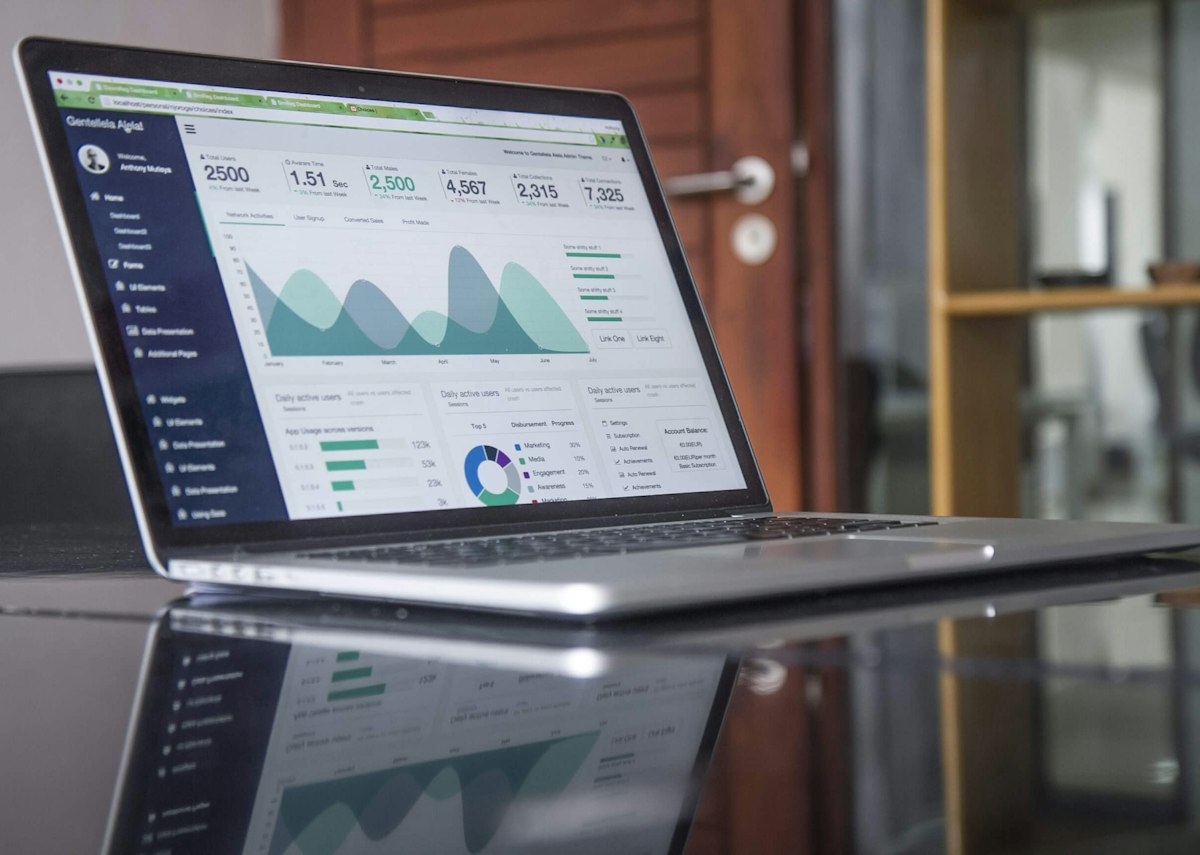 Illustrative image: Playlist data shows which series keep viewers watching. This is an illustrative image, not a screenshot of your channel or another creator’s work.
Checklist for Playlists That Increase Watch Time
- One clear topic and journey per playlist, with at least four videos
- Videos ordered from easiest to hardest, not newest first
- Clear title and description, with topic and benefit stated
- Playlist mentioned at the end of related videos and in descriptions
- Best playlists featured on the channel page, beginner series first
- Playlist performance reviewed, with one improvement per month
Frequently Asked Questions
How many playlists should a small channel have? Start with three to five focused playlists, covering your main topics. That is enough to organise your library without overwhelming viewers. Add new playlists only when you have a genuine series to put in them.
Can a video belong to more than one playlist? Yes. A video can appear in several playlists if it genuinely fits each one. For example, a video on natural light could belong to both “Phone Photography Basics” and “Video Lighting on a Budget,” if it helps viewers in both journeys.
Do playlists help with search? Playlists can appear in search results, especially when their titles and descriptions are clear and match what viewers search for. They are not a replacement for good video titles, but they give your content another way to be found.
Should I use autoplay? Playlists can play automatically to the next video, which helps watch time, but viewers can also turn autoplay off. Focus on making the next video genuinely relevant, so viewers choose to continue even without autoplay.
What if I only have a few videos? Start with one playlist for your main topic, even with three or four videos, and add to it as you publish. A small, focused playlist is still useful, and it grows into a stronger series over time.
Playlists work because they remove friction. When the next video is obvious, relevant, and easy to play, viewers stay longer, learn more, and are more likely to subscribe. Group your videos by journey, order them for beginners, name them clearly, and point viewers to them in every related video.